
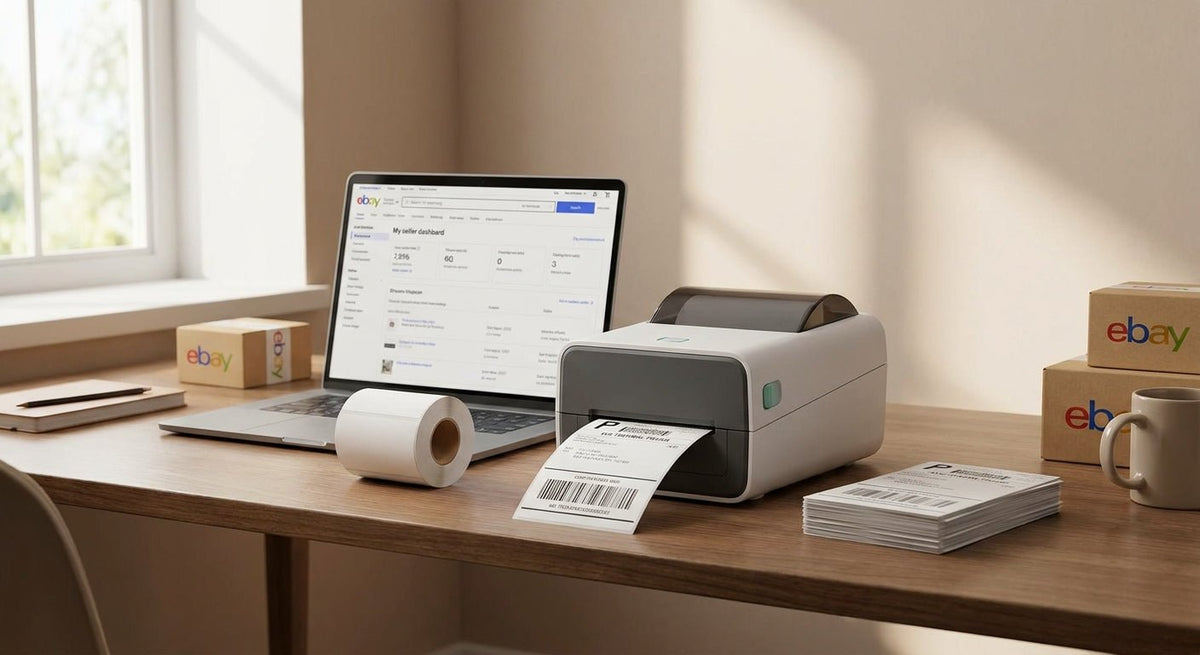
eBay sellers printing 50+ orders a day need a 4x6 thermal label printer that handles USPS, UPS, and FedEx formats without fuss, feeds reliably at volume, and stays out of the way when you're racing to beat the 3 PM pickup. This guide covers what actually matters for eBay-specific shipping workflows in 2026 and cuts through the noise on specs that sound important but aren't.
TL;DR: For eBay sellers in 2026, a direct thermal 4x6 label printer is the right call — no ink, no toner, no cartridges mid-rush. The McAuley Labels 4x6 thermal label printer prints standard eBay shipping labels at 203 DPI or higher, connects via USB, and handles rolls up to 4 inches wide. Print speed, label gap detection, and driver compatibility with eBay's label flow are the three specs that separate a daily driver from a shelf decoration.
Why This Matters for eBay Sellers in 2026
eBay's shipping label system generates 4x6 PDFs sized for thermal output. A standard inkjet wastes ink, smears in humidity, and costs you time cutting. A thermal printer skips all of that — the heat head activates the label coating directly, producing a scan-ready barcode in under 2 seconds per label. At 100 labels a day, that time difference across a 250-day selling year adds up fast. Direct thermal also means zero consumable cost beyond the label roll itself, which matters when margins on resale are thin.
Who This Is For
This guide is for eBay sellers — from part-time flippers doing 20 orders a week to high-volume PowerSellers moving 200+ daily — who print their own shipping labels at home or in a small fulfillment space. If you're printing eBay labels plus occasional FBA or Etsy overflow, these same criteria apply. If you're running a full 3PL with industrial throughput needs, you want an industrial-class machine instead.
What to Look for in a 4x6 Thermal Label Printer for eBay
Print Speed (Labels Per Minute)
eBay label batches don't print themselves one at a time. You queue 30 labels and walk away — or you should. A printer rated at 4 inches per second (ips) prints a standard 4x6 label in roughly 1.5 seconds. Anything under 3 ips creates a visible bottleneck once you're past 50 orders daily. In 2026, 4–6 ips is the standard range for desktop direct thermal units; paying more for 8 ips only makes sense at 300+ labels per shift.
Label Roll Capacity and Media Handling
A printer that holds a 1-inch core roll runs out mid-batch and forces a reload every 200 labels. Look for support for 3-inch cores and roll diameters of at least 5 inches — that's roughly 500 labels per roll on standard 4x6 stock. Auto-calibration for label gap detection matters here: the printer needs to find the next label edge reliably on fanfold and roll stock without manual tweaking every time you load a new roll.
Resolution and Barcode Readability
eBay's shipping barcodes (GS1-128, USPS IMpb) scan reliably at 203 DPI. You do not need 600 DPI for standard shipping labels — that resolution pays off on asset tags and fine-text product labels, not on carrier barcodes. If you are printing both shipping labels and detailed product stickers from the same machine, step up to 300 DPI. Going to 600 DPI for pure eBay label use is spending money on a spec you won't notice.
Driver and Software Compatibility
eBay's label download is a PDF or ZPL stream depending on your browser and settings. Your printer needs a Windows (and ideally Mac) driver that accepts both. Printers relying on proprietary cloud apps add a dependency that breaks when the app updates. In 2026, ZPL-compatible or generic Zebra-mode printers work with virtually every eBay label workflow, ShipStation, Pirateship, and Shippo out of the box. Check this before buying — not after.
Connectivity
USB is mandatory for a reliable home setup. Ethernet matters if the printer sits on a shared fulfillment bench with two picking stations. Bluetooth-only printers are for mobile use; they introduce pairing lag that you'll hate on batch days. Wi-Fi is convenient but adds a failure point — if the router reboots, printing stops. For a solo eBay seller, USB is the right call every time.
Build Quality and Duty Cycle
Consumer-grade printers are rated for roughly 3,000–5,000 labels per month. If you're at 100 labels a day, that's up to 2,200 labels per month — squarely within consumer range, but near the top. Check the manufacturer's stated monthly duty cycle. A unit rated at 8,000–10,000 labels per month gives you headroom for Q4 volume spikes without stressing the print head. McAuley Labels builds its thermal printers for business-grade duty cycles, not casual home use.
Top Picks for eBay Sellers in 2026
The Daily Driver — McAuley Labels 4x6 Thermal Label Printer
Hook: The safe pick for sellers who print every day.
McAuley Labels manufactures this unit specifically for business shipping and fulfillment use. It prints standard 4x6 labels at the resolution and speed eBay workflows require, supports roll and fanfold stock, and comes with straightforward driver installation. The 4x6 thermal label printer from McAuley Labels is built to a higher duty cycle than most consumer options, which means it handles Q4 holiday spikes without the print head degrading after 30,000 impressions.
Spec that matters: Business-grade duty cycle rated above the consumer 3,000–5,000 label/month ceiling.
Verdict: Buy — the right machine for any eBay seller printing more than 30 labels daily in 2026.
The Upgrade Option — McAuley Labels Godex RT863i (600 DPI)
Hook: The wildcard for sellers who also need high-res product labels.
The Godex RT863i prints at 600 DPI — overkill for USPS barcodes alone, but genuinely useful if you're labeling products with fine-text ingredient lists, small QR codes, or detailed SKU information alongside your shipping output. At 600 DPI, 2-point text is legible and barcodes are dense enough for handheld scanner reads at awkward angles. This is a thermal transfer unit, which means it uses a ribbon — add that consumable cost to your math before buying.
Spec that matters: 600 DPI print resolution, thermal transfer mechanism, 4-inch print width.
Verdict: Consider — only if your eBay store also ships branded product labels or you need one printer for both shipping and inventory tagging.
The Budget Backup — Generic Zebra-Compatible 203 DPI Desktop
Hook: The backup unit for a second picking station.
Generic ZPL-compatible 203 DPI printers from commodity manufacturers work with eBay labels, cost under $120 in 2026, and are disposable enough that replacing a failed unit doesn't hurt. They typically top out at 5,000 labels per month duty cycle, and the print heads degrade noticeably after 50,000 labels. Use one as a second station during peak season, not as your primary.
Spec that matters: ZPL compatibility, USB connectivity.
Verdict: Consider — as a redundant backup, not a primary printer.
What to Avoid
- Bluetooth-only printers marketed as "wireless thermal" options. They look convenient. In practice, pairing interruptions during a batch job lose labels and waste stock. For a fixed desk setup, the wireless spec costs you reliability.
- 200 DPI models labeled as "203 DPI equivalent." Some budget units print at 200 DPI and round up in marketing copy. eBay's USPS IMpb barcodes require true 203 DPI minimum per USPS postal standards. A misread barcode at the post office means a delayed package and a negative feedback.
- Inkjet or laser "label printers" sold in the same category. Any printer requiring ink or toner cartridges adds per-print cost, slow warm-up time, and humidity sensitivity. In 2026, every serious eBay shipper uses direct thermal. If the product description mentions ink, skip it.
Comparison Table
| Printer | Resolution | Mechanism | Duty Cycle | Best For | Verdict |
|---|---|---|---|---|---|
| McAuley Labels 4x6 Thermal | 203+ DPI | Direct thermal | Business-grade | Daily eBay shipping | Buy |
| Godex RT863i (McAuley) | 600 DPI | Thermal transfer | Industrial | Shipping + product labels | Consider |
| Generic ZPL-compatible | 203 DPI | Direct thermal | ~5,000/mo | Backup/second station | Consider |
| Bluetooth-only thermal | 203 DPI | Direct thermal | Low | Mobile only | Skip |
| Inkjet "label" printer | 600–1200 DPI | Inkjet | N/A | Shipping labels | Skip |
FAQ
What's the best 4x6 thermal label printer for eBay in 2026? For most eBay sellers in 2026, a direct thermal 4x6 printer with a business-grade duty cycle and ZPL or generic driver support is the right choice. McAuley Labels' 4x6 thermal label printer is built specifically for business shipping volume and handles eBay's label formats without additional configuration.
Do I need 300 DPI or 600 DPI for eBay shipping labels? 203 DPI prints every carrier barcode eBay generates — USPS, UPS, FedEx — with full scanner readability. 300 DPI is useful if you also print product labels with small text. 600 DPI is for asset tags and fine-detail labels, not shipping barcodes.
Can I use a thermal label printer for both eBay and Amazon FBA labels? Yes. FBA requires 2D barcodes (Code 128 and QR) at a minimum of 203 DPI, the same floor as eBay. One 4x6 thermal printer handles both workflows. Load the label size in your shipping software and the printer follows.
Is direct thermal or thermal transfer better for eBay shipping labels? Direct thermal wins for eBay shipping. Labels are handled for a few days at most before the package is delivered — they don't need the long-term durability thermal transfer provides. Direct thermal means zero ribbon cost, zero ribbon changes, and faster setup.
How long does a 4x6 thermal label last before fading? Direct thermal labels fade when exposed to sustained heat (above 150°F) or prolonged direct sunlight. For a shipping label that spends 2–5 days in transit, fading is not a real risk. Thermal transfer labels last years; direct thermal labels last months to a couple of years under normal storage.
What software do I need to print eBay labels on a thermal printer? No special software is required. eBay's label download generates a PDF sized for 4x6 output. Install the printer driver, set your default paper size to 4x6, and print directly from the browser. ShipStation, Pirateship, and Shippo all detect and configure compatible thermal printers automatically in 2026.
Does a shipping label have to be 4x6? Carriers accept labels down to 4x4 inches for some formats, but 4x6 is the standard that fits all carrier label templates without truncation. Printing smaller risks cutting off the delivery address or barcode. Stick to 4x6 for every carrier eBay supports.
How many labels per day can a desktop thermal printer handle? Consumer-grade desktop thermal printers are rated for 3,000–5,000 labels per month, which is roughly 100–160 per day across a 30-day month. Business-grade units handle 8,000–10,000 per month. If your Q4 volume hits 200+ daily for six straight weeks, a consumer unit will show print head wear.
One Last Thing
eBay's shipping label system has supported ZPL direct printing since 2022 — meaning you can bypass the PDF entirely and send label data straight to a ZPL-compatible printer for sub-second output. If you're printing 100+ labels a day in 2026 and still opening PDFs in a browser tab, switching to ZPL direct print mode will cut your per-label time by roughly 40%. Check your shipping software's advanced print settings before you assume PDF is your only option.