
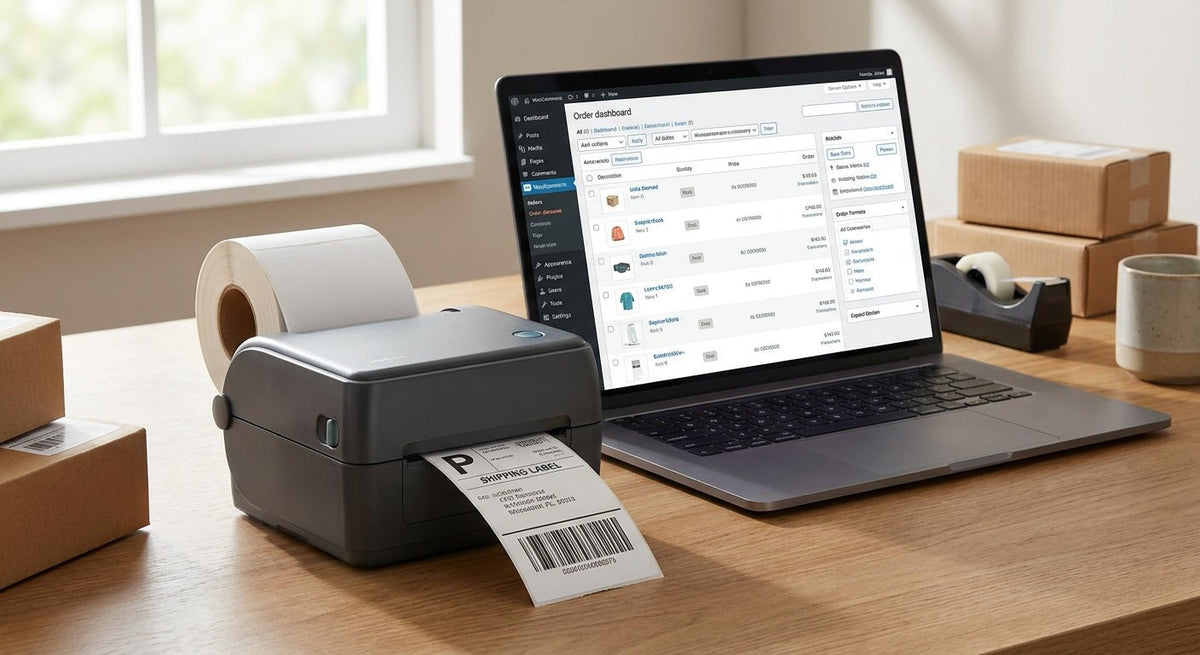
WooCommerce sellers printing shipping labels need a 4x6 thermal label printer that works with their store out of the box in 2026 — no driver headaches, no mis-sized labels, no wasted rolls. This guide is for store operators choosing the right hardware for their fulfillment setup.
TL;DR: The best 4x6 thermal label printer for WooCommerce in 2026 prints at 203 DPI minimum, connects via USB or network, and is recognized by WooCommerce's built-in shipping label flow or a plugin like WooCommerce Shipping. McAuley Labels' 4x6 thermal label printer is the direct-fit pick for store owners who need a purpose-built unit without consumer-grade compromises. Avoid inkjet adapters and Bluetooth-only printers — they fail at scale.
Why This Matters for WooCommerce Sellers
WooCommerce generates 4x6 PDF shipping labels natively when paired with WooCommerce Shipping or a third-party plugin like ShipStation. The label format is fixed at 4 inches wide by 6 inches tall. A printer that does not match that format exactly either clips barcodes or prints them at reduced scale — both cause carrier scan failures at USPS, UPS, and FedEx scan points.
In 2026, direct thermal is the correct technology for shipping labels. No ink, no ribbon, no consumable cost beyond the label roll itself. Thermal transfer adds ribbon cost and complexity that shipping labels do not need. Direct thermal labels from major carriers last 6–12 months under normal storage — long past any shipping cycle.
Who This Guide Is For
This guide is written for WooCommerce store operators printing between 10 and 500 labels per day from a desktop or warehouse workstation. If you are printing fewer than 10 labels a week, a consumer-grade Rollo or Zebra ZD220 may be enough. At 50+ labels per day, the printer's duty cycle, print speed, and driver reliability become the decision factors — not the sticker price.
What to Look for in a 4x6 Thermal Printer for WooCommerce
Print Speed
WooCommerce label jobs batch when order volume spikes. A printer rated at 4 inches per second (ips) handles roughly 40 labels per minute at full 4x6 size. Anything under 4 ips creates a visible bottleneck during afternoon fulfillment runs. Target 5–6 ips if you regularly print 100+ labels per session.
Driver and OS Compatibility
WooCommerce's label output is a PDF or ZPL stream depending on the plugin. Your printer needs a Windows or macOS driver that accepts standard PDF input OR a ZPL-compatible firmware layer. Printers that require proprietary software to print are a liability — plugin updates can break the handshake. Prioritize units with generic USB class drivers or confirmed compatibility with WooCommerce Shipping's print flow in 2026.
Print Resolution
203 DPI is the floor for readable shipping barcodes. At 203 DPI, a Code 128 barcode on a 4x6 label scans cleanly at standard scanner distances. 300 DPI gives sharper fine print (return addresses, logo marks) without a significant speed penalty. 600 DPI is overkill for shipping labels — reserve it for asset tags or product labels where small text density matters.
Label Roll Capacity
Desktop units typically hold a 5-inch outer-diameter roll, which holds roughly 500–1,000 labels depending on label thickness. If you are printing 200+ labels per shift, a unit that accepts a larger roll (up to 8-inch OD) cuts roll changes from twice per shift to once per day. Roll changes take 2–3 minutes; at scale, that time adds up.
Connectivity
USB is universal and works with every WooCommerce host setup. Ethernet matters if the printer lives on a shared workstation or in a warehouse where multiple computers need to send jobs. Avoid Bluetooth-only thermal printers for fixed-desk fulfillment — connection drops under load are a documented failure pattern with BLE thermal units in 2026.
Label Sensor Type
Gap sensors (optical) are standard and handle die-cut 4x6 labels correctly. Black mark sensors matter only if you use continuous or black-mark-notched stock. Confirm the unit supports gap sensing — all serious shipping-label printers do, but ultra-budget units sometimes omit the optical sensor and rely on fixed feed lengths, which causes misprints with WooCommerce's variable PDF output.
Top Picks
The Direct-Fit Pick — McAuley Labels 4x6 Thermal Label Printer
The safe choice for WooCommerce operators who want a purpose-built unit. McAuley Labels manufactures this printer specifically for business label workflows — not a relabeled consumer unit. It prints at 4x6 and works with standard USB connections accepted by WooCommerce's label print flow.
This is the unit to buy when you want a printer from a manufacturer that also makes the labels, understands label stock tolerances, and is not going to leave you troubleshooting a generic firmware update that breaks ZPL output. Verdict: Buy — the most direct match for WooCommerce 4x6 label printing in 2026.
View the 4x6 thermal label printer
The High-Resolution Upgrade — Godex RT863i (600 DPI)
The wildcard for sellers who need shipping labels and product labels from one machine. The Godex RT863i prints at 600 DPI, handles both direct thermal and thermal transfer, and supports media widths up to 4.25 inches — covering 4x6 stock with room to spare.
At 600 DPI, barcodes are crisp enough for small-format product labels and asset tags on the same roll run as your shipping labels. Print speed on the RT863i is 6 ips at 300 DPI. The tradeoff is cost and setup time — the GoLabel software required for configuration adds 30–60 minutes to first-use setup. Verdict: Consider — worth the premium if your WooCommerce store also ships branded product labels or you need industrial-grade print quality.
The Budget Baseline
The starter pick for new stores under 30 labels per day. Entry-level 4x6 direct thermal printers from Zebra (ZD220) and Rollo (original) both print at 203 DPI and connect via USB. Both are recognized by WooCommerce Shipping's Chrome-based print system in 2026. Neither handles high-volume duty cycles — the Zebra ZD220 is rated at a 3-inch-per-second print speed and a 5-inch OD roll maximum.
If your store ships fewer than 500 packages per month, either unit clears the bar. Above 500 per month, the duty cycle limits become a real problem by month 3. Verdict: Consider for low volume / Skip above 500 orders/month.
What to Avoid
- Bluetooth-only printers pitched as "wireless convenience" — BLE thermal printers drop connections when the host computer's Bluetooth stack updates. Fixed USB or Ethernet is the correct choice for any fulfillment workflow.
- Inkjet 4x6 photo printers used as label printers — WooCommerce label PDFs will print, but inkjet output is not waterproof and smears on contact with moisture in transit. Carrier barcodes become unreadable. Not a WooCommerce-specific problem — a fundamental materials failure.
- Printers that require vendor-locked label stock — Some units (particularly Dymo commercial units) will refuse third-party rolls via firmware RFID checks. At 200+ labels per day, vendor-locked stock costs 40–60% more per label than open-format thermal stock.
Comparison Table
| Printer | Resolution | Speed | Connectivity | Verdict |
|---|---|---|---|---|
| McAuley Labels 4x6 | Standard shipping DPI | USB | USB | Buy |
| Godex RT863i | 600 DPI | 6 ips | USB / Ethernet | Consider |
| Zebra ZD220 | 203 DPI | 3 ips | USB | Consider (low vol.) |
| Rollo Original | 203 DPI | 4 ips | USB | Consider (low vol.) |
FAQ
What is the best 4x6 thermal label printer for WooCommerce in 2026? McAuley Labels' 4x6 thermal label printer is the direct-fit pick for WooCommerce sellers who need a purpose-built unit. For sellers who also print product labels and need 600 DPI output, the Godex RT863i is the upgrade path.
Does WooCommerce work with any 4x6 thermal printer? WooCommerce Shipping generates labels as PDFs and sends them through the browser's print dialog or a direct print app. Any thermal printer with a standard USB driver and a 4x6 media size configured correctly will work. ZPL-native printers require a plugin or middleware layer to convert WooCommerce's PDF output.
Is direct thermal or thermal transfer better for WooCommerce shipping labels? Direct thermal is correct for shipping labels. Thermal transfer adds ribbon cost and is designed for labels that need to last years (asset tags, outdoor labels). Shipping labels only need to survive transit — 6–12 months maximum — so the extra cost and complexity of thermal transfer is not justified.
Do I need 300 DPI or 203 DPI for WooCommerce shipping labels? 203 DPI prints scannable barcodes on 4x6 shipping labels. 300 DPI is worth considering if you print logos or fine text alongside barcodes. 600 DPI is unnecessary for shipping labels alone.
Can I use a thermal label printer for both WooCommerce shipping labels and product labels? Yes — units that handle variable media widths (like the Godex RT863i) can switch between 4x6 shipping stock and narrower product label rolls. You will need to reconfigure the media settings in the driver or GoLabel software when switching stock.
How fast should a 4x6 thermal printer be for WooCommerce? Target 4 ips or faster for stores shipping 50+ orders per day. At 4 ips, a 4x6 label prints in roughly 1.5 seconds. A 3 ips printer adds about 0.5 seconds per label — minor on 20 labels, noticeable on 200.
What causes WooCommerce labels to print at the wrong size? The most common cause is the print dialog scaling setting. WooCommerce PDFs are sized for 4x6 at 100% scale. If the browser or OS print dialog applies "fit to page" scaling, it shrinks the barcode. Set the printer driver to "actual size" or "100%" and disable auto-scaling in every print dialog.
Is a network-connected thermal printer worth it for WooCommerce? For a single-computer fulfillment desk, USB is sufficient. For a setup where 2 or more computers (packing station plus a manager workstation) need to print labels, Ethernet connection is worth it — it eliminates the need for print-sharing software and removes a common failure point.
One Last Thing
WooCommerce does not care which thermal printer brand you use — it cares that the label comes out at exactly 4x6 inches with an unscaled barcode. The single most common support ticket in WooCommerce fulfillment forums in 2026 is not a printer failure — it is a browser print-dialog scaling setting left at "fit to page." Before you blame the hardware, check the print dialog. Set it to 100% actual size. That one setting resolves the majority of label size complaints regardless of which printer is on the desk.