
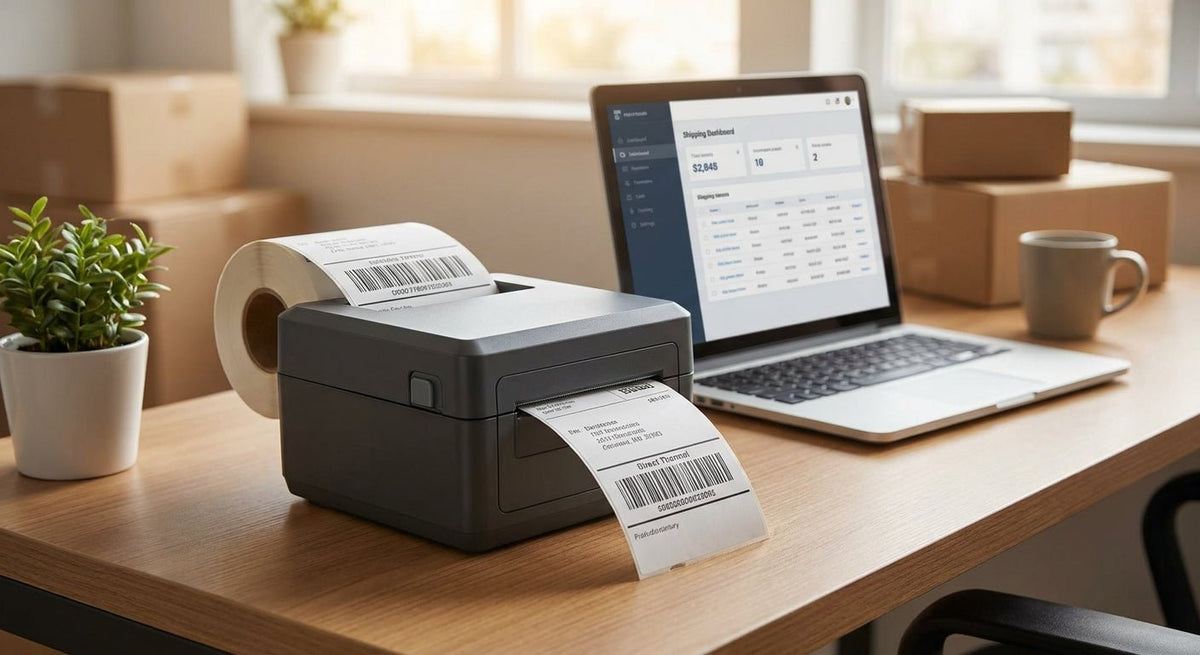
Choosing the right direct thermal printer for small business comes down to three variables: print width, resolution, and whether your labels need to survive beyond a few months. This guide ranks the top options available in 2026, with specs that matter and verdicts you can act on today.
TL;DR: The best direct thermal printer for small business in 2026 is the Godex DT4X for most 4-inch label workflows — it handles shipping, inventory, and food labels without a ribbon at 203 DPI. Businesses printing fine barcodes or small text should step up to the Godex DT230 at 300 DPI. If you need no-ribbon simplicity for a tight budget, the Godex DT200 covers basic shipping and retail tags reliably.
Why This Matters
Direct thermal printing eliminates the ribbon entirely — the heat head activates the label coating directly. That cuts supply costs and removes a common failure point. The trade-off: direct thermal labels fade faster than thermal transfer under UV, heat, or chemical exposure. For shipping labels, food-prep tags, receipts, and short-cycle inventory labels, direct thermal is the correct choice in 2026. For outdoor asset tags or labels that sit on equipment for years, direct thermal vs. thermal transfer is a decision worth reading before you buy.
How We Ranked
Rankings are based on published specifications from McAuley Labels' Godex product line, cross-referenced against use-case requirements common to small businesses in 2026: shipping volume, label size range, DPI needs, connectivity, and total cost of ownership without ribbons. Each printer is evaluated on print width, resolution, interface options, and suitability for the three most common small business workflows — shipping, inventory/asset labeling, and food/kitchen labeling. No printer is ranked on marketing claims.
The Ranked List
1. Godex DT4X — The Workhorse Pick
203 DPI | 4-inch print width | USB, Serial, Ethernet
The DT4X handles the widest range of small business label jobs without a ribbon. It prints standard 4x6 shipping labels for UPS, USPS, and FedEx at 203 DPI — sharp enough for carrier barcodes and human-readable text. Print speed reaches 6 inches per second, which handles moderate daily volume without a queue building up. The 4-inch width covers virtually every common label size from 2x1 inventory tags up to full shipping labels.
For small businesses shipping 20–200 orders per day in 2026, this is the printer that does not require you to think about it after setup. Connectivity includes USB and optional Ethernet for shared-network printing.
Buy. The DT4X is the default answer for shipping, retail price tags, and general inventory labeling.
2. Godex DT230 — The Precision Pick
300 DPI | 4-inch print width | USB, Serial
At 300 DPI, the Godex DT230 produces noticeably sharper small barcodes and fine-pitch QR codes than any 203 DPI model. If your labels carry dense data — serialized asset IDs, GS1 barcodes, or QR codes that need to scan reliably at small print sizes — the jump from 203 to 300 DPI eliminates scan failures. The DT230 runs direct thermal, so no ribbon to manage, and the 300 DPI head does not add meaningful cost to per-label production.
This is the right call for businesses labeling IT equipment, lab samples, or retail products where barcode scan rate matters more than print speed.
Buy if your labels carry QR codes smaller than 1 inch square or barcodes with more than 12 digits.
3. Godex DT200 — The Entry Pick
203 DPI | 2-inch print width | USB
The DT200 covers the sub-4-inch label world: jewelry tags, pharmacy labels, small inventory stickers, and receipt-sized outputs. Print width tops out at 2 inches, which rules it out for shipping labels but makes it ideal for tight spaces on a retail counter or pharmacy bench. It is a compact, no-ribbon printer that runs direct thermal at 203 DPI — adequate for standard Code 128 barcodes and readable text at this width.
Price entry is lower than the DT4X. If your label sizes are consistently under 2 inches wide, this printer costs less to buy and occupies less counter space.
Buy for jewelry, pharmacy, or small-format retail tags. Skip if you ever need a 4x6 shipping label.
4. Godex DT4L — The Wide-Format Pick
203 DPI | large-format print width | USB, Serial
The Godex DT4L steps outside the standard 4-inch envelope. If your operation labels cartons, pallets, or uses oversized compliance labels, this is the only direct thermal option in the lineup that goes there without switching to thermal transfer. Print quality at 203 DPI on larger media is consistent — the wider head does not degrade edge-to-edge density.
Small businesses with warehouse or distribution workflows that occasionally need large format labels find this fills a gap that a DT4X cannot.
Consider if large-format labels appear in your workflow more than once a week. Wait if your label sizes are standard — the DT4X costs less and handles the same work.
5. Godex DT200i — The Connected Pick
203 DPI | 2-inch print width | USB, Serial, Ethernet
The DT200i is the network-ready version of the DT200. The critical difference is Ethernet, which lets multiple workstations share one printer without USB switching or a print server workaround. For small offices, clinics, or labs where two or three staff need to print labels from separate computers, this connectivity removes a daily friction point.
203 DPI at 2-inch width applies the same limitations as the base DT200. The "i" designation across the Godex lineup consistently signals Ethernet inclusion — worth paying for when shared printing matters.
Buy over the base DT200 any time more than one person needs to print.
Comparison Table
| Model | DPI | Max Width | Connectivity | Best For | Verdict |
|---|---|---|---|---|---|
| Godex DT4X | 203 | 4 inch | USB, Serial, Ethernet | Shipping, inventory, food labels | Buy |
| Godex DT230 | 300 | 4 inch | USB, Serial | Dense barcodes, QR codes, asset IDs | Buy |
| Godex DT200 | 203 | 2 inch | USB | Jewelry, pharmacy, small retail | Buy |
| Godex DT4L | 203 | Large format | USB, Serial | Carton, pallet, compliance labels | Consider |
| Godex DT200i | 203 | 2 inch | USB, Ethernet | Shared office or clinic printing | Buy |
What to Avoid
Buying 203 DPI for fine barcode work. A 203 DPI print head produces dots 0.125 mm wide. At that resolution, a Code 128 barcode narrower than 0.5 inches starts failing scanner reads. If your labels are small and data-dense, 203 DPI will cost you time in re-prints and scan failures.
Choosing direct thermal for long-life labels. Direct thermal labels fade under UV light, heat above 150°F, and prolonged chemical contact. If your labels stay on equipment for 2+ years outdoors or in a hot environment, direct thermal is the wrong technology regardless of printer quality. Thermal transfer on metalized polyester is the correct material for that job.
Ignoring print width before purchase. A 2-inch printer cannot print a 4x6 shipping label. A 4-inch printer prints 2-inch labels with no problem. Buying narrow to save money and then needing wide-format labels means buying a second printer. Start with the widest format your workflow currently needs.
Where to Buy
- McAuley Labels stocks the full Godex direct thermal lineup with US shipping. Models are sold as complete units — no ribbon required for any DT-series printer.
- Pair any DT-series printer with direct thermal labels — no ribbon needed to confirm label compatibility before your first run.
- For shipping-specific workflows, 4x6 labels compatible with UPS, USPS, and FedEx are available separately and sized for any 4-inch DT printer.
FAQ
What is the best direct thermal printer for small business in 2026? The Godex DT4X is the best all-around direct thermal printer for small business in 2026. It prints 4-inch labels at 203 DPI, supports USB and Ethernet, and handles shipping, inventory, and food labeling without a ribbon.
Is direct thermal better than thermal transfer for shipping labels? Yes, for shipping labels. Shipping labels have a short life cycle — scanned once and discarded — so the fade resistance of thermal transfer adds cost without benefit. Direct thermal is faster to set up and cheaper to run for this use case.
What DPI do I need for a direct thermal printer? 203 DPI covers shipping labels, price tags, and most inventory labels. Step up to 300 DPI if you print small QR codes, dense barcodes, or labels under 1.5 inches wide where fine detail matters for scanner reliability.
How long do direct thermal labels last? Indoors and away from direct heat or UV, direct thermal labels typically remain legible for 1–2 years. Labels exposed to sunlight, heat, or chemicals fade faster — sometimes within weeks.
Can a direct thermal printer print 4x6 shipping labels? Yes, any 4-inch direct thermal printer (DT4X, DT4L, DT230) prints standard 4x6 shipping labels compatible with UPS, USPS, and FedEx. A 2-inch printer (DT200, DT200i) cannot.
Do direct thermal printers need ink or toner? No. Direct thermal printers use no ink, toner, or ribbon. The heat head activates a chemical coating on the label surface. The only consumable is the label roll itself.
How fast do small business direct thermal printers print? Most desktop direct thermal models print at 4–6 inches per second. At 6 IPS with 4x6 labels, that is roughly 90 labels per minute at maximum speed — more than enough for small-to-mid volume operations.
What software works with Godex direct thermal printers? Godex printers are compatible with GoLabel software, which runs on Windows and supports label design, variable data, barcode generation, and database connectivity. Most models also work with ZPL-compatible label design software.
One Last Thing
Direct thermal labels turn dark when exposed to heat — which means a label left on a car dashboard in summer or near an oven in a kitchen can self-develop and become unreadable before it was ever meant to fade. If any of your label locations see regular heat above 150°F, thermal transfer on a polyester substrate is the correct material even if direct thermal is right everywhere else in your operation.