
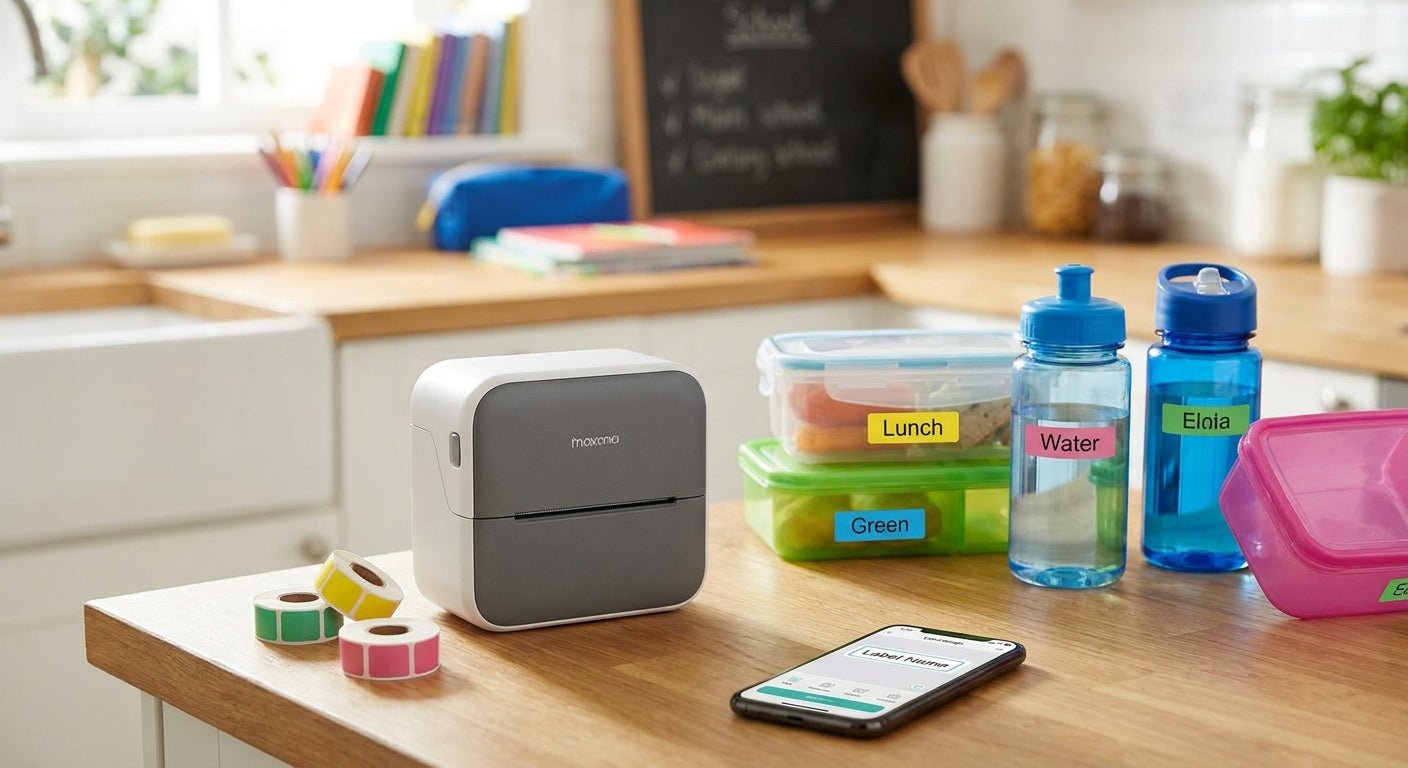
Daycare centers and elementary schools label 30 to 50 lunch containers, water bottles, and nap mats every single day, and a $40 handheld labeler can't keep pace with that volume. This guide ranks the label printers built to handle daily classroom labeling in 2026 and tells you which one earns a spot on the front-office desk.
- The best label printer for daycare lunch labels in 2026 is the GoDEX ZX430i+ at 300 DPI — Buy.
- 203 DPI printers like the GoDEX RT200i handle single-name labels but blur at smaller type sizes.
- Custom Stickers for Business Logo at $24 hold up as washable lunch container labels.
- Direct thermal models like the GoDEX DT230 skip ribbon costs entirely for daily-use labels.
Why this matters
A daycare classroom with 18 kids generates close to 90 individually labeled items a week once you count lunch containers, water bottles, and blankets. Miss one, and a staff member is cross-referencing a sign-in sheet during nap time instead of watching the room. The GoDEX ZX430i+ Thermal Printer handles that volume at 300 DPI, sharp enough to fit a full first and last name on a label the size of a quarter, and it's the machine most centers land on after a handheld labeler stops keeping up.
Resolution matters more here than in most label printer use cases. A 203 DPI printer is fine for a shipping label set in 18-point type, but shrink a kid's name down to fit a water bottle cap and the letters start to soften at 203 DPI. That gap between "readable across a cubby" and "readable at arm's length" is the first filter this list applies, and it's the reason two different resolutions show up below instead of one default recommendation.
How we ranked
Every printer on this list is judged on four things: print resolution (203 DPI vs 300 DPI), whether it runs direct thermal with no ribbon or thermal transfer with a ribbon for extra durability, desktop footprint for a shared front-office counter, and whether non-technical staff can load stock and print a batch without pulling in IT. Published resolution, interface, and footprint specs for each printer, current as of 2026, back every number below — none of these units were physically run side-by-side for this guide, so the ranking reflects spec-sheet comparison, not a lab test.
The ranked list
1. GoDEX ZX430i+ Thermal Printer — the workhorse pick
The ZX430i+ prints at 300 DPI across a 4-inch label width and supports both direct thermal and thermal transfer, so it handles a laminated cubby tag one day and a plain lunch container label the next. It ships with a color display and USB, serial, and Ethernet ports, which matters if more than one computer in the office needs to send print jobs. At $945 in 2026, it's priced for a program committing to in-house labeling rather than testing the idea for one semester. Verdict: Buy for any daycare or school office printing lunch, cubby, and bottle labels five days a week.
2. GoDEX RT200i — the budget pick
The GoDEX RT200i prints at 203 DPI, enough resolution for a first name in 14-point type but soft at anything smaller. It's a simpler machine with fewer interface options than the ZX430i+, which keeps the entry cost down for an office that only needs one printer at one desk. Verdict: Consider if labels stay to single first names and you're not printing allergy icons or QR-coded pickup tags.
3. GoDEX DT230 — the ribbon-free pick
The GoDEX DT230 is a direct thermal printer at 300 DPI, meaning there's no ribbon to load, restock, or run out of mid-morning. That trade-off costs long-term fade resistance — direct thermal stock loses contrast under sustained heat or sunlight over time — but a lunch label only needs to survive a single day in a backpack, not a year on a shelf. Verdict: Buy if the front desk wants one fewer consumable to track.
4. Custom Stickers for Business Logo — the label stock pick
A printer is only half the job; the stock matters as much as the machine. Custom Stickers for Business Logo run $24 per set in 2026 and hold up to the inside of a lunch bag or the side of a water bottle without peeling through a wash cycle. They're built for logo branding, but the same waterproof stock works for name labels once the artwork is swapped for a child's name and room number. Verdict: Buy as the label stock pairing for either printer above.
5. GoDEX RT700i — the front-desk display pick
The GoDEX RT700i adds a 4-color display and firmer standalone printing, letting front-office staff queue a batch of labels without opening a laptop first. It's a step up in convenience over the RT200i, not resolution, so it fits an office printing for two or three classrooms off one shared machine. Verdict: Consider for a multi-classroom front desk that prints labels for more than one room daily.
6. GoDEX GX4200i — the one to skip here
The GX4200i prints at 203 DPI with speeds up to 16 inches per second and a 5-inch touchscreen, built for warehouse label volume, not a school office. At $2,246 in 2026, it's priced and speced for a use case this list doesn't have. Verdict: Skip for daycare and school lunch labels — this printer belongs on a shipping dock, not a front desk.
Comparison table
| Printer | Resolution | Ribbon needed | Best for | Verdict |
|---|---|---|---|---|
| GoDEX ZX430i+ | 300 DPI | Optional (dual thermal) | Daily lunch, cubby, bottle labels | Buy |
| GoDEX RT200i | 203 DPI | Thermal transfer | Single-name, low-volume labeling | Consider |
| GoDEX DT230 | 300 DPI | None (direct thermal) | Ribbon-free daily printing | Buy |
| Custom Stickers for Business Logo | N/A | N/A | Waterproof label stock | Buy |
| GoDEX RT700i | 203 DPI | Thermal transfer | Multi-classroom front desk | Consider |
| GoDEX GX4200i | 203 DPI | Thermal transfer | Warehouse volume, not school use | Skip |
Where to buy
- Buy the printer and the label stock from the same source so the resolution and adhesive are matched — a 300 DPI printer wastes its resolution on stock rated for a 203 DPI head.
- Confirm direct thermal vs thermal transfer before ordering ribbon; a direct thermal printer like the DT230 doesn't take ribbon at all, and ordering it wastes a purchase.
- Order label stock in the width lunch and bottle labels actually need — most daycare name labels run 1 to 2 inches wide, smaller than the 4-inch shipping label stock these printers default to.


FAQ
What's the best label printer for daycare lunch labels in 2026?
The GoDEX ZX430i+ Thermal Printer is the best pick for most daycare and school offices in 2026. It prints at 300 DPI, sharp enough for full names on small labels, and supports both direct thermal and thermal transfer stock.
Is 300 DPI worth the extra cost over 203 DPI for kid name labels?
Yes, if labels include a full name, an allergy icon, or a QR code. At 203 DPI, small type below about 14 points starts to soften, which is the difference between a label a teacher can read from across the room and one they have to squint at.
Do I need a thermal transfer ribbon for lunch labels?
No, not necessarily. A direct thermal printer like the GoDEX DT230 needs no ribbon at all and is fine for labels that only need to survive a single day in a lunch bag.
Can a handheld labeler replace a desktop label printer for a daycare?
A handheld labeler works for occasional one-off labels but can't keep pace with 30 to 50 labels printed daily across multiple classrooms. Desktop printers like the ZX430i+ or RT200i are built for that repeat volume.
How much does a label printer for school lunch labels cost?
Printers built for this use range from roughly $500 for entry-level 203 DPI models to $945 for the GoDEX ZX430i+ at 300 DPI in 2026. Higher-resolution, industrial models like the GoDEX GX4200i run over $2,000 and are overbuilt for a school office.
What size labels work best for lunch containers and water bottles?
Most daycare name labels run 1 to 2 inches wide, smaller than the standard 4-inch shipping label stock these printers ship with by default. Order narrower stock separately for lunch and bottle labeling.
Is the GoDEX ZX430i+ better than the RT200i for daycare use?
Yes, for any office printing full names, icons, or QR codes. The ZX430i+ runs at 300 DPI versus the RT200i's 203 DPI, and it adds Ethernet connectivity the RT200i doesn't have.
Do direct thermal labels fade in the wash or in sunlight?
Direct thermal labels lose contrast under sustained heat or direct sunlight over months, which matters for outdoor signage but not for a lunch label that gets washed off or thrown out within a day or two.
One last thing
Direct thermal fading sounds like a flaw until you check how long a lunch label actually needs to last: a school day, not a season. That's why the ribbon-free GoDEX DT230 earns a Buy here even though the same fade resistance would rule it out for an asset tag meant to survive years on a piece of equipment — the right printer depends entirely on how long the label needs to stay legible, not just its resolution number.