
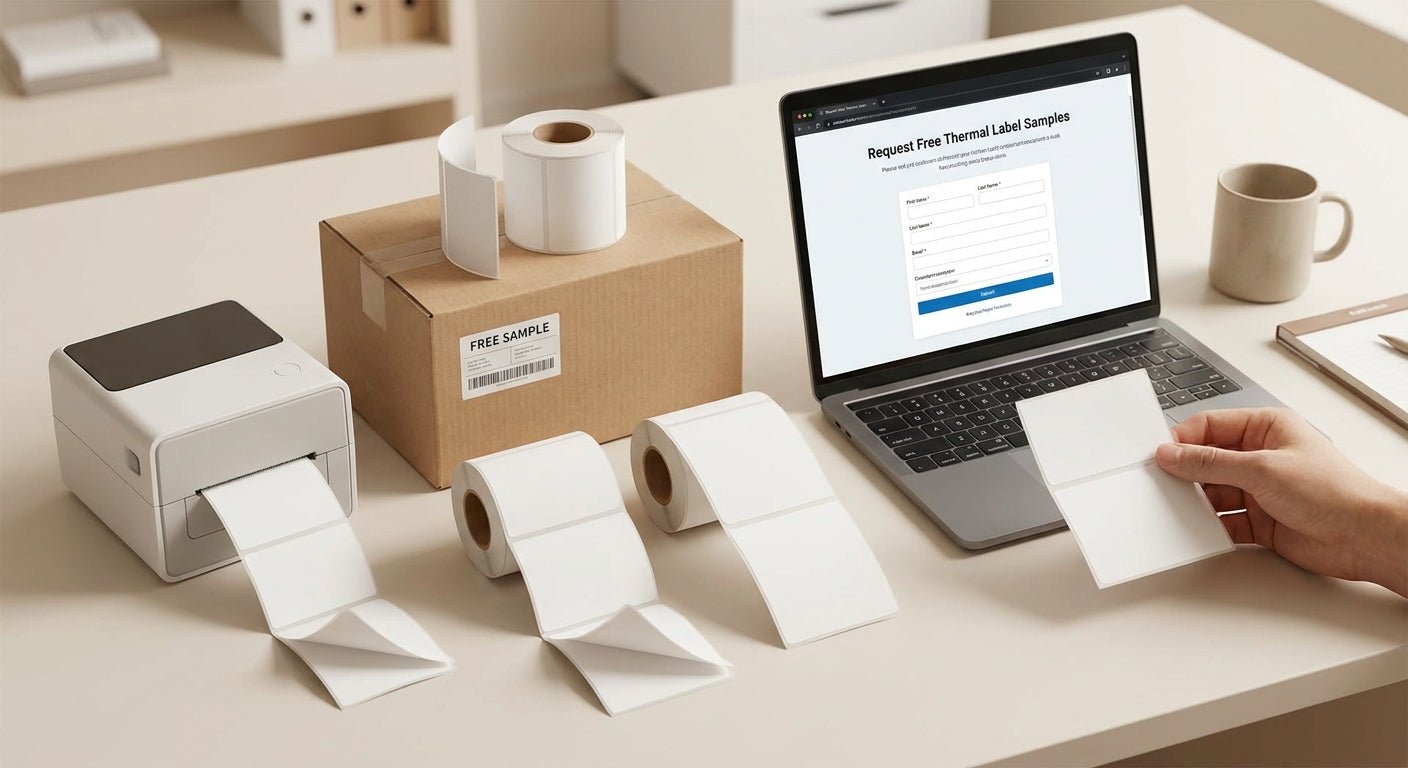
You don't need to guess whether a label stock, ribbon, or DPI setting will work in your operation — you request free thermal labels samples, run them on your own printer, and let the results decide before a purchase order goes out. Skipping this step is how businesses end up with 5,000 labels that smear, peel, or won't scan.
- Free thermal labels samples let you test print quality before a bulk order — request at least 3 material types.
- A GoDEX DT230 300 DPI printer is a common baseline unit for evaluating samples before scaling to a full print run.
- 3M heavy-duty polyester and semi-gloss white stock need separate durability tests — one survives an oil-change bay, the other doesn't.
- Skip any supplier who won't ask about your DPI or ribbon type on a sample request — that mismatch will still be a problem in 2026.
Why this matters
A thermal label that looks fine on a screen or in a swatch photo can fail in the field. Direct thermal stock fades under heat within months. The wrong ribbon smears on polyester. A 203 DPI printer can't render a small barcode that a 300 DPI unit reads clean on the first scan.
Running free thermal labels samples through your own printer, in your own conditions, catches these problems before you've paid for a case of 5,000. The cost of a sample request is close to zero. The cost of a failed bulk order — reprints, downtime, a stack of unusable stock — is not.
What you'll need before requesting samples
- Your actual use case: asset tags, oil change stickers, shipping labels, or barcode inventory labels
- The printer you already own, or access to a demo unit for testing
- Knowledge of your printer's resolution (203, 300, or 600 DPI)
- A decision on direct thermal versus thermal transfer for your application
- A short list of 2-3 suppliers to compare
- Real-world test conditions: heat, cold, oil exposure, UV, or repeated handling depending on your industry
How to get free thermal labels samples: the process
1. Nail down your use case first
Don't request samples blind. An automotive shop needs static-cling or adhesive oil change stickers rated for windshield glass. A warehouse needs 3M heavy-duty barcode labels that survive forklift traffic. A lab needs cryo-rated stock for freezer storage. Naming the use case up front tells the supplier which materials to actually send, instead of a generic swatch pack that doesn't map to your job.
2. Request samples through a quote, not a contact form
A generic contact form gets you a generic reply. Submitting a custom quote with your label size, material, and quantity target gives the supplier what they need to send samples that match your real order — not a random assortment. Include your printer model in the request if you have one.
3. Specify DPI and printer type before anything ships
This is the step most buyers skip, and it's why free samples sometimes arrive useless. A 600 DPI sample won't tell you anything about how your 203 DPI printer will render the same label. If you're unsure whether you need direct thermal or thermal transfer, decide that before samples ship — the two require different printer hardware and ribbon setups entirely.
4. Print the sample on your own hardware
A pre-printed sample tells you almost nothing about print quality on your equipment. Load the blank stock into your own printer and print a test batch — barcode, text, and logo if that's part of your use case. The GoDEX DT230 300 DPI direct thermal printer is a common baseline unit for this kind of evaluation because it covers the mid-range DPI most small operations run in 2026.
5. Stress-test adhesion under real conditions
Print quality is only half the test. Stick a sample to the actual surface it'll live on — metal, glass, plastic, curved housing — and leave it there for 48-72 hours. Metalized silver and heavy-duty polyester stock hold up on outdoor equipment; semi-gloss white does not. If it peels, curls, or lifts at the edges before you've even ordered, it will fail faster once it's in daily use.
6. Check ribbon compatibility if you're running thermal transfer
A sample can print clean on the supplier's demo unit and still smear on yours if the ribbon doesn't match the label material. Wax ribbons work on paper stock; wax/resin or full resin is needed for polyester and metalized labels. Test your samples with the thermal transfer ribbon type you'd actually run in production, not whatever ribbon happens to be loaded in a demo printer.
7. Ask for a second round on your finalists
Once you've narrowed to 1-2 materials that passed the first test, request a second, larger sample batch of just those. This catches batch-to-batch inconsistency that a single swatch won't reveal, and it confirms the supplier can actually reproduce the result at scale.
8. Place a trial order before the bulk PO
Order a small run — a few hundred units, not a few thousand — before committing to the full order. This step catches lead time issues, packaging problems, and any drift between the sample and the production batch. It's the cheapest insurance in the whole process.


Troubleshooting: what goes wrong with free samples
- Sample looks great, then fades within days. Direct thermal stock reacts to heat and light over time — if your labels sit near a window or heat source, ask specifically for a heat-stable material instead of standard direct thermal.
- Barcode won't scan on the sample. Usually a DPI mismatch. A barcode designed for 300 DPI printed at 203 DPI loses resolution and drops bars a scanner can't read.
- Label won't stick to a curved or metal surface. Standard adhesive labels lift on curves within a week. Heavy-duty silver or metalized polyester stock is built for exactly this problem.
- Ribbon smears across the print. The ribbon core, width, or chemistry doesn't match the label stock. Wax ribbon on polyester will smear every time — resin or wax/resin is the fix.
- Samples take three weeks to show up. Some suppliers batch sample requests with regular production runs. If turnaround matters, ask for the expected ship date before you submit the request, not after.
Tools and resources
- A printer that matches your target DPI (203, 300, or 600) so sample results actually transfer to production
- The thermal transfer ribbon type that matches your label material, not whatever ships with a demo unit
- A custom quote request that specifies material, size, and printer model
- A read on direct thermal versus thermal transfer before you decide what samples to even ask for
- A test surface that matches your real-world application — metal, glass, curved plastic, or cold storage
What to do next
Once your samples pass print quality and adhesion testing, move straight to a small trial order rather than a full bulk PO. If you're still unsure which printer resolution or label material fits your setup, work backward from your printer's DPI rating and your surface material before requesting a second round of free thermal labels samples in 2026 — that sequence saves the most time.
FAQ
How do I get free thermal labels samples before buying?
Submit a quote request specifying your label size, material, and printer's DPI so the supplier sends samples that actually match your production setup. A generic sample pack without those details rarely predicts real-world results.
Do free thermal label samples work on any printer?
No. A sample printed at 600 DPI on a demo unit won't tell you how it performs on your 203 DPI printer. Always print the blank sample stock on your own hardware before judging quality.
What's the difference between direct thermal and thermal transfer samples?
Direct thermal labels darken from heat with no ribbon and fade over time; thermal transfer uses a ribbon and lasts longer under heat, chemicals, and UV. Test both if you're not sure which your application needs in 2026.
How long should I test a free label sample before ordering in bulk?
Run adhesion tests for 48-72 hours minimum on the actual surface the label will live on. A label that lifts within three days will fail faster once it's in daily production use.
Is 300 DPI or 600 DPI better for a free sample test?
Match the DPI to your printer, not the highest number available. A 600 DPI sample tests nothing if your production printer only runs 203 or 300 DPI.
Can I test ribbon compatibility with a free label sample?
Yes, and you should. Print the sample with the exact ribbon type you'd use in production — wax, wax/resin, or full resin — since ribbon and stock mismatches are one of the most common causes of smeared or faded labels.
What surfaces should I test oil change sticker samples on?
Test on actual windshield glass, not paper or cardboard. Static-cling stock behaves differently on curved glass than adhesive stock, and that difference only shows up in a real test.
Why did my free sample look fine but the bulk order failed?
Batch inconsistency is common with adhesive and material formulations. Request a second sample round on your finalist material before committing to a full bulk order to catch this before it costs you.
One last thing
The detail buyers skip most often isn't the material — it's the printer resolution. A label that prints clean at 300 DPI on a supplier's demo unit can render a barcode that fails scans on a 203 DPI printer, and that mismatch never shows up until the bulk order is already in your hands. Confirm your printer's actual DPI before you request the first sample, not after the second batch fails.