
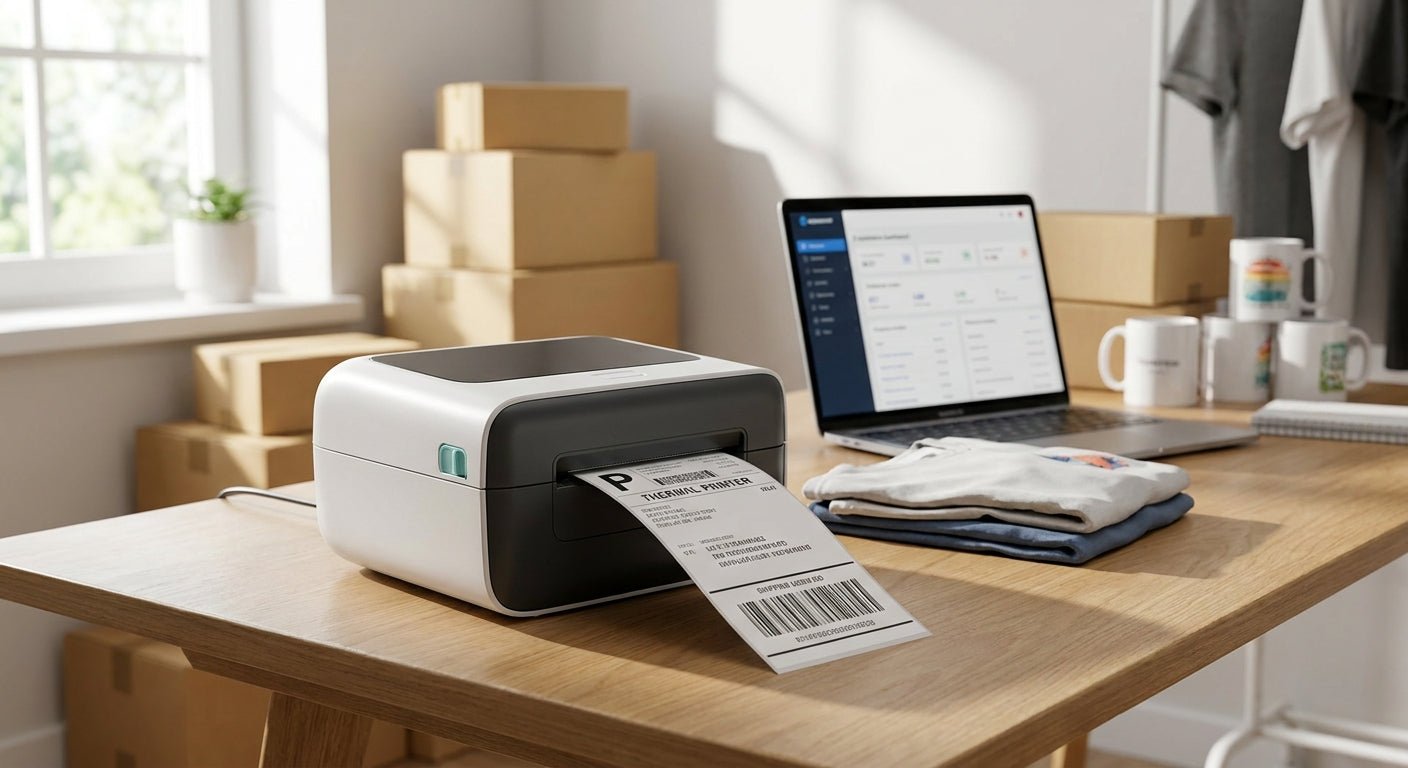
Print-on-demand sellers ship a different label every day — sometimes every hour during a launch — and the printer under the desk either keeps pace or becomes the bottleneck. This guide breaks down which thermal label printer for print-on-demand sellers holds up under daily 4x6 shipping volume, barcode scans, and the occasional branded sticker run in 2026.
- The best thermal label printer for print-on-demand sellers depends on order volume: GoDEX RT200i covers standard 4x6 shipping labels. Buy.
- GoDEX RT700i+ adds a color display and Ethernet for shared packing stations at $581 in 2026. Buy.
- Thermal transfer, not direct thermal, wins for product tags that need to survive months on a shelf.
- Skip laser or inkjet printers for shipping labels — per-label ink cost erodes thin per-order POD margins.
Why this matters
Every major carrier — USPS, UPS, FedEx — scans a 4x6 barcode before a package moves past the first sorting belt in 2026, and a smudged or low-contrast label gets a package pulled for manual handling. POD sellers running Printful, Printify, or in-house fulfillment print dozens to hundreds of these labels a week, and an inkjet cartridge working through that volume costs more per label than a direct thermal printer built for the job.
The best thermal printer for shipping labels breaks even against ink and toner costs within the first few hundred labels for most home-based sellers. Skip that math and you're subsidizing your carrier's scanner with retail ink prices.
Who this is for
This guide is for print-on-demand sellers running a Shopify, Etsy, or TikTok Shop storefront who ship anywhere from 20 to 500+ orders a week and need a printer that survives daily use without a service contract. It's for sellers who've outgrown a home inkjet and started tracking cost-per-label, and for shops that also need product tags or branded stickers alongside the shipping label. It's not for someone shipping five orders a month — a basic desktop printer covers that volume fine.
McAuley Labels builds its lineup around exactly this middle tier: direct thermal printers rated for daily shop use, not home-office spec sheets padded for occasional printing.
What to look for in a thermal label printer for print-on-demand sellers
Direct thermal vs. thermal transfer
Direct thermal printers burn the image directly into heat-sensitive label stock — no ribbon, lower running cost, but the print fades under heat or sunlight over months. Thermal transfer printers push ink from a ribbon onto plain stock, adding a consumable but producing a print that survives handling for years. Shipping labels only need to survive the transit window, so direct thermal covers most POD shipping; product tags going on physical inventory for months need thermal transfer instead.
Print resolution (DPI)
203 DPI reads fine for standard 4x6 shipping labels and the large barcodes printed at typical sizes. Small QR codes, tight barcodes on jewelry or cosmetics packaging, or fine text on a 1x1 product tag need 300 DPI to stay scannable. Buying 300 DPI when you only ship 4x6 labels adds cost without adding scan reliability — match resolution to your smallest label, not your biggest.
Print speed
POD volume spikes around launches, holidays, and viral TikTok Shop moments, and a printer rated at 4 inches per second turns into a bottleneck when 80 orders land in an hour. Look for a rated speed of at least 6-8 IPS if one printer runs the whole operation. Speed matters less if you batch-print overnight, but most POD sellers print on demand as orders come in.
Connectivity and multi-platform support
Selling across Shopify, Etsy, and a marketplace like TikTok Shop or Facebook Marketplace means pulling label data from different sources, sometimes different computers. USB covers a single-station setup; Ethernet or a network-ready printer lets a shared unit serve multiple packing stations without moving a cable. If more than one person prints labels, network connectivity stops being optional.
Consumable cost and availability
A direct thermal printer locked to a proprietary label size ties you to one supplier, and running out mid-order-spike stalls fulfillment. Standard 4x6 direct thermal stock and open ribbon widths keep you able to source from more than one place. Check ribbon width and core size before ordering — a mismatched ribbon jams more than it prints.
Top picks for print-on-demand sellers
McAuley Labels carries the GoDEX lineup that covers this range, from entry direct thermal units to networked color-display models.
The safe pick: GoDEX RT200i (203 DPI)
GoDEX RT200i thermal printer is a straightforward 203 DPI direct thermal unit built for exactly the shipping-label volume most POD sellers run. It handles standard 4x6 labels without a ribbon, which keeps per-label cost down for sellers shipping 20-200 orders a week. Verdict: Buy if shipping labels are your only print job.
The upgrade pick: GoDEX RT700i+ ($581, color display)
GoDEX RT700i+ thermal printer runs at 203 DPI with a 4-inch color touchscreen and USB, serial, and Ethernet connectivity built in, priced at $581 in 2026. The color display and network port matter once more than one packing station needs access to the printer. Verdict: Buy for shops running multiple sales channels from a shared fulfillment desk.
The wildcard: GoDEX RT730i
GoDEX RT730i covers sellers who need one printer to handle both shipping labels and thermal-transfer product tags — think a POD apparel shop that also prints branded care labels sewn into garments. It's the pick for a hybrid operation, not a pure dropship shipping desk. Verdict: Consider only if you're printing both label types regularly; otherwise it's overbuilt for shipping alone.
The branding add-on: custom logo stickers
POD sellers who want a branded touch on packaging without adding printer output can order custom stickers with a business logo as a finished product rather than printing them in-house. It's a separate line from your shipping label printer — a packaging add-on, not equipment. Verdict: Consider once order volume justifies a dedicated branding pass.


What to avoid
Inkjet or laser printers for shipping labels. Ink and toner cost per label runs higher than direct thermal consumables once you clear a few hundred labels a month, and glossy inkjet stock smudges under a mail carrier's hand in the rain.
Buying 300 DPI when your labels are 4x6 shipping only. The resolution bump adds cost without adding scan reliability on a barcode that's already large enough to read at 203 DPI.
Sizing your printer to today's order count instead of your growth curve. A POD seller planning a bigger product launch benefits from the same discipline a publisher uses to plan a print run before committing to inventory — estimate peak weekly volume first, then buy the printer rated above that number, not at it.
Verdict comparison
| Model | Print method | Resolution | Connectivity | Best for | Verdict |
|---|---|---|---|---|---|
| GoDEX RT200i | Direct thermal | 203 DPI | USB | Shipping-only POD sellers | Buy |
| GoDEX RT700i+ | Direct thermal | 203 DPI | USB/Serial/Ethernet | Multi-station shops | Buy |
| GoDEX ZX430i+ | Direct/transfer | 300 DPI | USB/Serial/Ethernet | Fine barcodes, product tags | Buy |
| GoDEX RT730i | Direct/transfer | Dual-mode | USB/Serial | Hybrid shipping + product labeling | Consider |
McAuley Labels' thermal label printer lineup covers every row on this table without pushing a seller into a higher spec than their order volume needs.
FAQ
What's the best thermal label printer for print-on-demand sellers in 2026?
GoDEX RT200i is the best fit for most POD sellers shipping standard 4x6 labels, running direct thermal at 203 DPI without a ribbon cost. Sellers running multiple sales channels from a shared desk should size up to the GoDEX RT700i+ at $581 for the networked color-display version.
Is direct thermal or thermal transfer better for shipping labels?
Direct thermal is better for shipping labels because the print only needs to survive the transit window, not months of handling. Thermal transfer makes more sense for product tags or inventory labels that stay on an item for a long time.
How much does a thermal label printer cost for a small POD shop?
Entry direct thermal models start well under $600, and a networked color-display unit like the GoDEX RT700i+ runs $581 in 2026. Higher-resolution 300 DPI models like the GoDEX ZX430i+ run closer to $945.
Do I need 300 DPI for shipping labels?
No, standard 4x6 shipping labels print clean at 203 DPI. Reserve 300 DPI for small QR codes or fine barcodes on product tags rather than large shipping labels.
Can one printer handle both shipping labels and product tags?
Yes, a dual-mode printer like the GoDEX RT730i handles both direct thermal shipping labels and thermal transfer product tags. A single-mode direct thermal unit is cheaper but only covers shipping labels well.
Does a direct thermal printer need ribbon?
No, direct thermal printers burn the image into heat-sensitive label stock and don't use ribbon at all. That's what keeps their per-label running cost lower than thermal transfer or inkjet printing.
What label size do carriers require for POD shipping?
USPS, UPS, and FedEx all scan standard 4x6 shipping labels in 2026, and most direct thermal printers ship configured for that size out of the box. Confirm your printer driver is set to 4x6 before your first print run.
How fast should a POD label printer print?
A rated speed of 6-8 inches per second keeps up with most POD order spikes without becoming a bottleneck. Sellers who batch-print overnight can get away with a slower-rated unit.
One last thing
Most POD sellers who replace a printer within the first year aren't replacing a broken unit — they're replacing the wrong spec for their busiest week, not their average one. Buy for the volume you hit during a launch or a viral order spike, and the same thermal label printer covers your slow weeks without effort.