
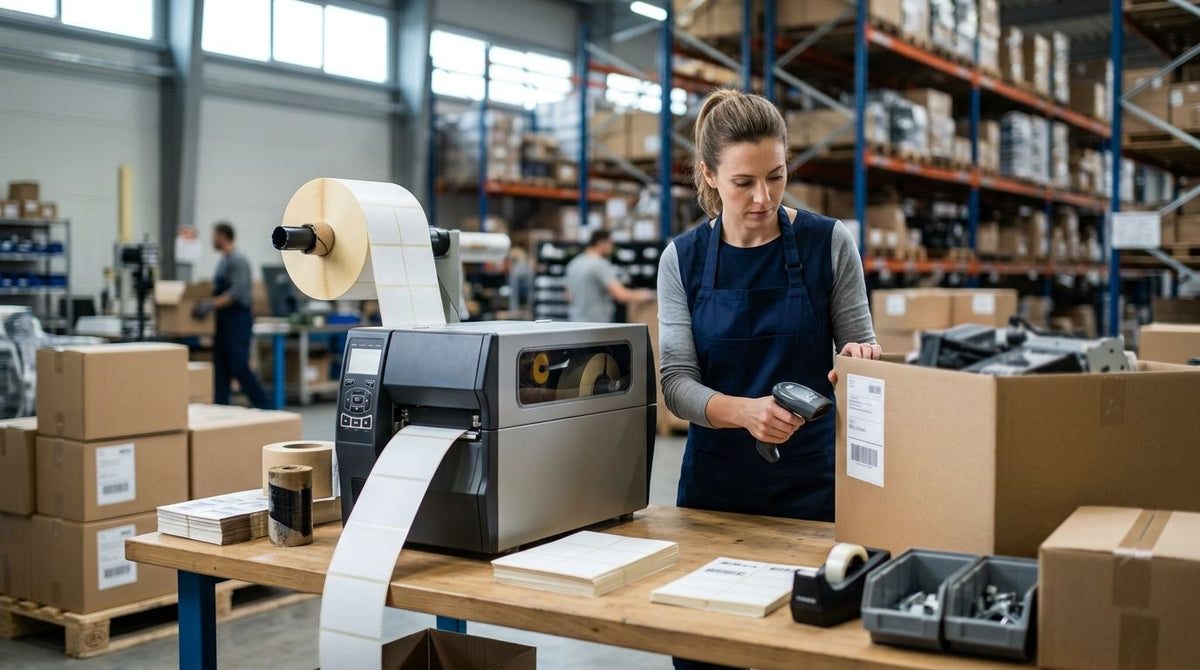
Six GoDEX thermal printers can carry a 500-tag warehouse job, but only two of them clear 14 inches per second without dropping resolution low enough to blur a barcode scanner's read. The GoDEX GX4200i wins asset tag printer application speed in 2026 at 16 IPS, with the GoDEX ZX1300Xi as the runner-up for shops that need sharper 300 DPI barcodes at nearly the same throughput.
- GoDEX GX4200i leads asset tag printer application speed in 2026 at 16 IPS and 203 DPI.
- GoDEX ZX1300Xi trades 2 IPS of speed for 300 DPI resolution — better for handheld scanners at range.
- GoDEX GX4600i hits 600 DPI but caps out at 8 IPS, built for dense QR codes on small tags.
- GoDEX ZX420i+ tops out at 6 IPS — fine under a couple hundred tags weekly, a bottleneck above that.
- GoDEX RT700i+ has no published IPS rating and fits low-volume desktop tagging, not bulk runs.
Why this matters
Asset tag printer application speed decides how fast a facilities management team can move through an equipment count. A printer rated at 6 IPS versus one rated at 16 IPS is the difference between finishing a 1,000-tag inventory job in one shift or stretching it into two.
DPI matters just as much as IPS. A 203 DPI printer running at 16 IPS moves fast, but a 600 DPI printer at 8 IPS packs a serial number and QR code into a tag half the size — the right call depends on what's getting tagged, not just how many.
2026 asset tagging jobs increasingly mix barcodes and QR codes on the same tag run, which raises the resolution bar even for high-volume printers. That tradeoff is the backbone of this ranking.
What makes the best asset tag printer for high-volume tagging
- Print speed (IPS) — inches per second determines throughput on large batches.
- Resolution (DPI) — 203 DPI covers standard barcodes; 300-600 DPI is needed for dense QR codes or small serials.
- Connectivity — USB, Serial, and Ethernet support multi-station or networked print queues.
- Duty cycle — desktop units versus industrial dual-thermal engines built for continuous runs.
- Warranty coverage — GoDEX printers ship with a 3-year warranty across the line reviewed here.
- Display and controls — touchscreen or color display speeds up job switching on a busy floor.
Asset tag printers ranked by application speed: at a glance
| Printer | Best for | Standout spec | Key limitation |
|---|---|---|---|
| GoDEX GX4200i | High-volume tagging overall | 16 IPS at 203 DPI, 5" touchscreen | 203 DPI limits tiny QR density |
| GoDEX ZX1300Xi | Sharper barcodes at near-top speed | 14 IPS at 300 DPI | Slower top speed than GX4200i |
| GoDEX GX4600i | Dense QR codes on small tags | 600 DPI at up to 8 IPS | Top resolution costs print speed |
| GoDEX ZX420i+ | Small teams, light batches | 6 IPS at 203 DPI, color display | Slowest throughput in this group |
| GoDEX RT700i+ | Budget desktop tagging | 203 DPI, compact desktop build | No published IPS for bulk runs |
1. GoDEX GX4200i: best asset tag printer for high-volume tagging
The GX4200i is a 4" industrial dual thermal printer built for high-speed labeling, printing up to 16 IPS at 203 DPI with a 5" touchscreen and USB/Serial/Ethernet connectivity.
GoDEX GX4200i pros:
- Fastest throughput in this comparison — roughly 2.5x the speed of the 6 IPS ZX420i+
- 5" touchscreen simplifies job queuing without a separate PC
- Ethernet-ready for multi-station print server setups
- 3-year warranty standard
GoDEX GX4200i cons:
- 203 DPI resolution isn't the sharpest choice for micro-text serials
- Larger industrial footprint than desktop units
Best for: facilities and IT teams tagging equipment at scale. Verdict: Buy.
2. GoDEX ZX1300Xi: best asset tag printer for balancing speed with barcode sharpness
The ZX1300Xi is a 4" industrial 2-in-1 thermal printer rated up to 14 IPS at 300 DPI, built for precision and performance on mixed label runs.
GoDEX ZX1300Xi pros:
- 300 DPI resolution reads reliably at longer scanner distances than 203 DPI
- Near-top speed at 14 IPS — only 2 IPS behind the GX4200i
- 2-in-1 thermal transfer and direct thermal capability
GoDEX ZX1300Xi cons:
- Slightly slower than the GX4200i on raw throughput
- Higher resolution trades some speed versus 203 DPI-only models
Best for: mixed fleets scanned with handheld barcode readers at range. Verdict: Buy.
3. GoDEX GX4600i: best asset tag printer for dense QR codes on small tags
The GX4600i is a 4" dual thermal printer built for micro-detail labeling, printing at 600 DPI up to 8 IPS with a 5" touchscreen.
GoDEX GX4600i pros:
- Sharpest print quality reviewed here, ideal for tight QR payloads
- Handles small asset tags where a serial number and QR code share limited space
- 5" touchscreen and industrial connectivity
GoDEX GX4600i cons:
- 8 IPS is half the GX4200i's speed
- 600 DPI is overkill for basic barcode-only tags, adding cost without benefit
Best for: IT and lab equipment tags packing dense serials. Verdict: Buy for dense-QR jobs, Hold for basic barcodes.
4. GoDEX ZX420i+: best asset tag printer for small teams running light batches
The ZX420i+ is a 4" industrial 2-in-1 printer with a color display, rated up to 6 IPS at 203 DPI.
GoDEX ZX420i+ pros:
- Smallest industrial footprint of the four dual-thermal units on this list
- Color display speeds up status checks between jobs
- Handles thermal transfer for durable asset tags
GoDEX ZX420i+ cons:
- Slowest throughput reviewed at 6 IPS
- Becomes a bottleneck once weekly volume climbs past a couple hundred tags
Best for: small facilities or IT teams tagging under a few hundred assets a week. Verdict: Buy for light volume, Skip for high-volume tagging.
5. GoDEX RT700i+: best asset tag printer for budget desktop tagging
The RT700i+ thermal printer is a 4" dual thermal desktop unit with a color display, printing at 203 DPI.
GoDEX RT700i+ pros:
- Compact desktop footprint fits a reception desk or small office
- Color display for quick job selection
- Lowest entry point among the 4" GoDEX printers in this review
GoDEX RT700i+ cons:
- No published IPS rating, so throughput on large batches isn't directly comparable to the others
- Desktop-class duty cycle isn't built for continuous industrial runs
Best for: startups or small offices tagging occasional batches, not daily bulk runs. Verdict: Hold for high-volume tagging, Buy for low-volume needs.
“If your batch runs past a few hundred tags a week, 6 IPS becomes the bottleneck, not the label stock.”
How we ranked these
Each printer above is scored against the same six criteria: print speed in IPS, resolution in DPI, connectivity, duty cycle, warranty, and display controls. The GX4200i and ZX1300Xi separated from the pack because both clear 14+ IPS while still offering industrial connectivity and a 3-year warranty — the GX4600i and ZX420i+ fall to specific use cases because their speed or resolution ceiling narrows the job they're right for.
Which asset tag printer should you choose?
For most facilities or IT teams running regular bulk tagging jobs in 2026, the GoDEX GX4200i is the default pick — 16 IPS at 203 DPI covers standard barcodes without a resolution penalty. Choose the GoDEX ZX1300Xi when tags get scanned at a distance and 300 DPI barcodes hold up better. Reach for the GoDEX GX4600i only when tags are small and serials are dense. Everyone else running under a few hundred tags a week can stick with the ZX420i+ or RT700i+.
Whatever printer runs the job, the tag stock matters just as much. Metallized silver and semi-gloss white heavy-duty silver barcode asset tags are built to survive equipment handling and outdoor exposure — a fast printer on flimsy stock still fails in the field.


FAQ
What is the fastest asset tag printer for high-volume tagging in 2026?
The GoDEX GX4200i is the fastest option reviewed in 2026, printing up to 16 IPS at 203 DPI. It's built for industrial tagging jobs that need to move through hundreds of tags in a single shift.
Is 203 DPI or 300 DPI better for asset tag barcodes?
203 DPI is enough for standard 1D barcodes scanned up close. 300 DPI reads more reliably from a distance and holds up better on smaller tags with denser text.
How many IPS do I need for bulk asset tagging?
For batches over a few hundred tags a week, look for at least 14 IPS. Printers rated at 6-8 IPS work fine for smaller, occasional runs but slow down high-volume jobs.
Is the GoDEX GX4600i too slow for high-volume tagging?
At 8 IPS, the GX4600i is slower than the GX4200i or ZX1300Xi, but its 600 DPI resolution is built for tags with dense QR codes or small serial numbers, not raw speed.
What material should asset tags be printed on for outdoor equipment?
Metallized silver and heavy-duty polyester stock hold up better outdoors than standard paper labels. Semi-gloss white works for indoor equipment where appearance matters more than weather exposure.
Does higher DPI always mean slower print speed?
Generally yes among the GoDEX lineup reviewed here — the 600 DPI GX4600i tops out at 8 IPS while the 203 DPI GX4200i reaches 16 IPS. More resolution per inch takes more time to render.
Can one printer handle both asset tags and other label types?
Yes. The GoDEX printers in this comparison are dual thermal or 2-in-1 models that run both thermal transfer ribbon and direct thermal stock, so the same unit can print asset tags, inventory labels, and shipping labels.
How long is the warranty on GoDEX printers?
Every GoDEX printer reviewed here, from the RT700i+ to the GX4600i, ships with a 3-year warranty as standard in 2026.
One last thing
The speed gap between the fastest and slowest printer on this list is 10 IPS — 16 versus 6 — which sounds small until it's applied to a 2,000-tag inventory job across a multi-site facility running the same count in 2026. Match the printer's IPS rating to your actual weekly tag volume before matching it to your budget; buying more resolution than the tag size needs is the most common overspend in this category.