
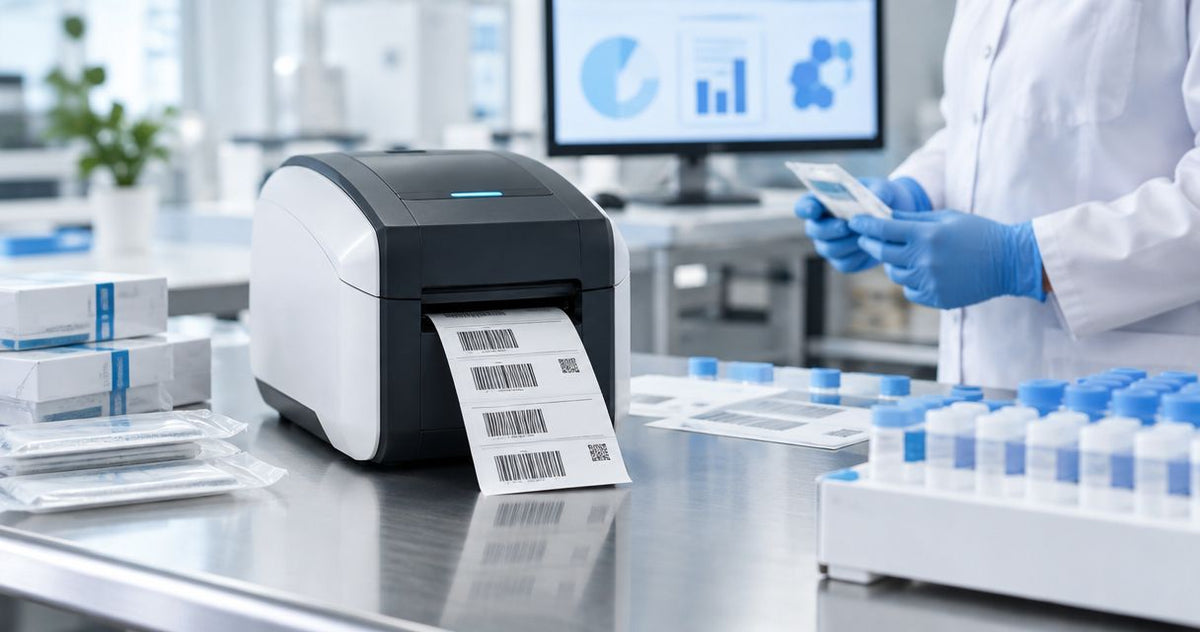
The GoDEX ZX430i+ Thermal Printer is the best label printer for UDI compliance in 2026 thanks to its 300 DPI resolution. Best for carton-level and larger device labels: the GoDEX RT700i+ Thermal Printer (203 DPI). Best for high-volume production lines: the GoDEX GE330 Thermal Transfer Printer. Best for lab bench and QA station labeling: the GoDEX G500 Thermal Printer. Best budget option for short-term internal tracking only: the GoDEX DT2X Direct Thermal Printer.
- GoDEX ZX430i+ wins as the best label printer for UDI compliance in 2026 at 300 DPI.
- 203 DPI printers like the RT700i+ and GE330 still work for carton and case-level UDI labels.
- Direct thermal printers such as the GoDEX DT2X fade over time and don't belong on permanent device records.
- Thermal transfer ribbon on synthetic stock is what keeps a UDI Data Matrix code readable for years, not months.
Why this matters
The FDA's Unique Device Identification rule requires most medical device labels to carry a machine-readable UDI, usually a GS1, HIBCC, or ICCBBA-issued Data Matrix code plus human-readable text, and that code has to stay scannable for the device's entire distribution and service life. A print engine that can't hold small barcode cells at speed turns a compliance requirement into a recall risk. McAuley Labels walks through the full workflow in UDI-compliant labels for medical devices, but the printer you choose upstream decides whether that workflow holds up under an FDA audit.
Resolution is the first fork in the road. A 203 DPI print head handles cartons and shipping labels fine, but device-level UDI marks often run under an inch square, and a Data Matrix that small needs finer dot placement to pass a barcode verifier. Label stock matters just as much: direct thermal print fades under heat, light, and chemical exposure over months, which is a real problem when device history records need to stay legible for years, not weeks.
The printer doesn't care which issuing agency assigned the number, but it has to render whatever Application Identifiers and check digits that agency's format requires without dropping a pixel. Picking a label printer for UDI compliance in 2026 means matching resolution, ribbon compatibility, and connectivity to your actual production volume, not just buying the most expensive machine on the shelf.
What makes the best label printer for UDI compliance
- 300 DPI resolution or higher for Data Matrix codes small enough to fit device-level labels
- Thermal transfer capability with wax/resin ribbon so labels resist the cleaning and handling cycle a device goes through
- GS1-ready design software that places Application Identifiers and Data Matrix symbology correctly on the label template
- Print speed matched to volume — a 300 DPI engine that crawls on a production line defeats the point
- Connectivity that fits the line — USB, serial, or Ethernet for integration with device history record systems
- Clean, verifier-passable output free of banding or drop-outs at small cell sizes
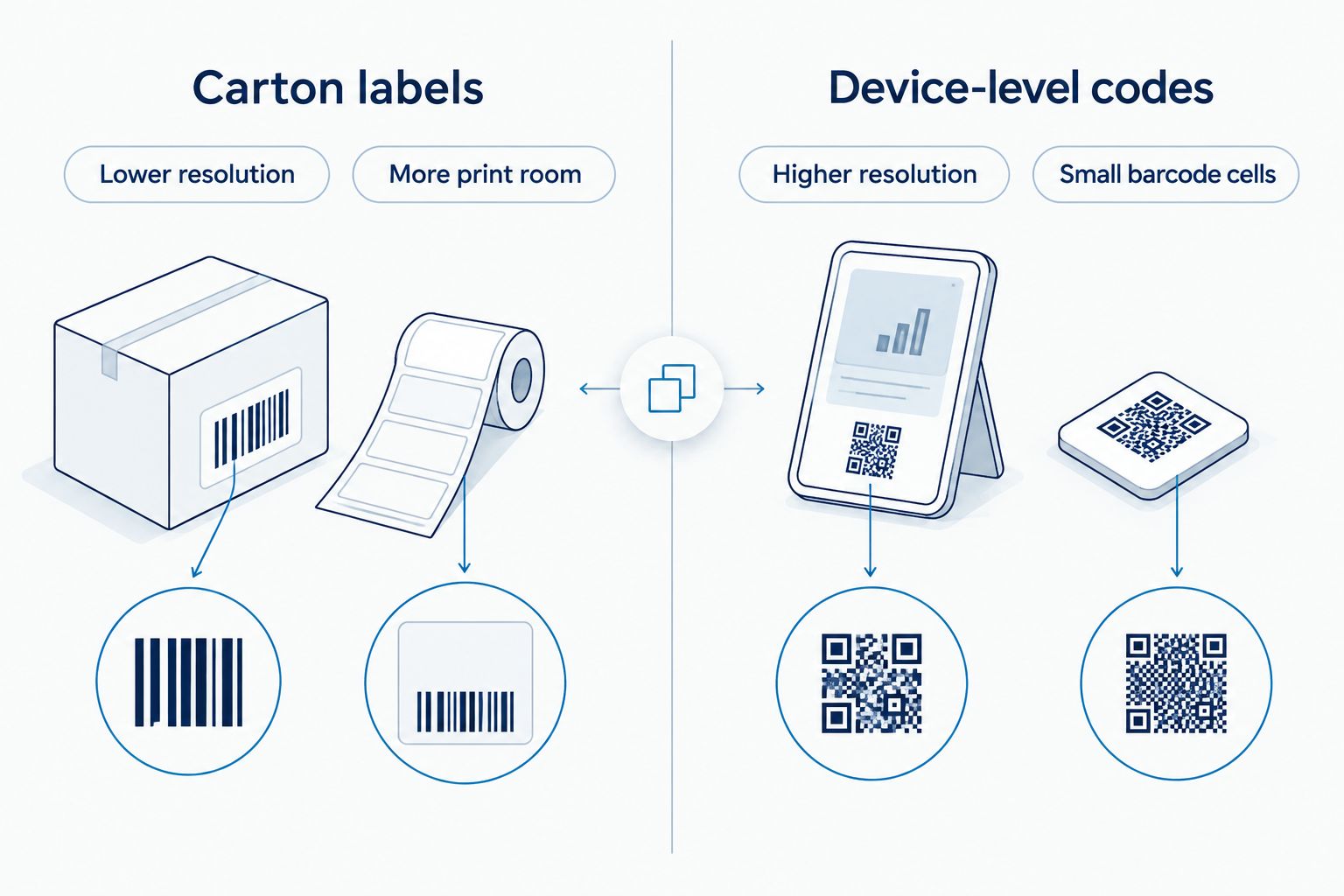
Once you know your target resolution, ribbon type, and connectivity needs, the comparison below lines up five GoDEX printers against those criteria.
“Once a Data Matrix code shrinks under an inch, 203 DPI stops being enough and 300 DPI stops being optional.”
Label printer for UDI compliance: at a glance
| Printer | Best for | Standout feature | Key limitation |
|---|---|---|---|
| GoDEX ZX430i+ (300 DPI) | UDI compliance overall | High-density Data Matrix printing at 300 DPI | Ribbon is an added consumable on every run |
| GoDEX RT700i+ (203 DPI) | Carton and outer-pack labels | Dual thermal engine with color display | 203 DPI struggles to hold the smallest device-level codes crisp |
| GoDEX GE330 (203 DPI, thermal transfer) | High-volume production lines | Built around continuous thermal transfer ribbon feed | Same 203 DPI ceiling as the RT700i+ |
| GoDEX G500 | Lab bench and QA station labeling | Compact desktop footprint | Lower daily duty cycle than production-line printers |
| GoDEX DT2X (direct thermal) | Short-term internal tracking only | No ribbon required | Direct thermal print fades, unsuited to permanent UDI records |
1. GoDEX ZX430i+ Thermal Printer: best label printer for UDI compliance overall
The GoDEX ZX430i+ Thermal Printer prints at 300 DPI in dual thermal mode, meaning it runs direct thermal or thermal transfer ribbon depending on the job. That resolution is what separates a device-level Data Matrix code that scans clean from one that a verifier rejects. It ships with a color display and USB/serial/Ethernet connectivity for line integration, and like every GoDEX printer sold by McAuley Labels, it carries a 3-year warranty.
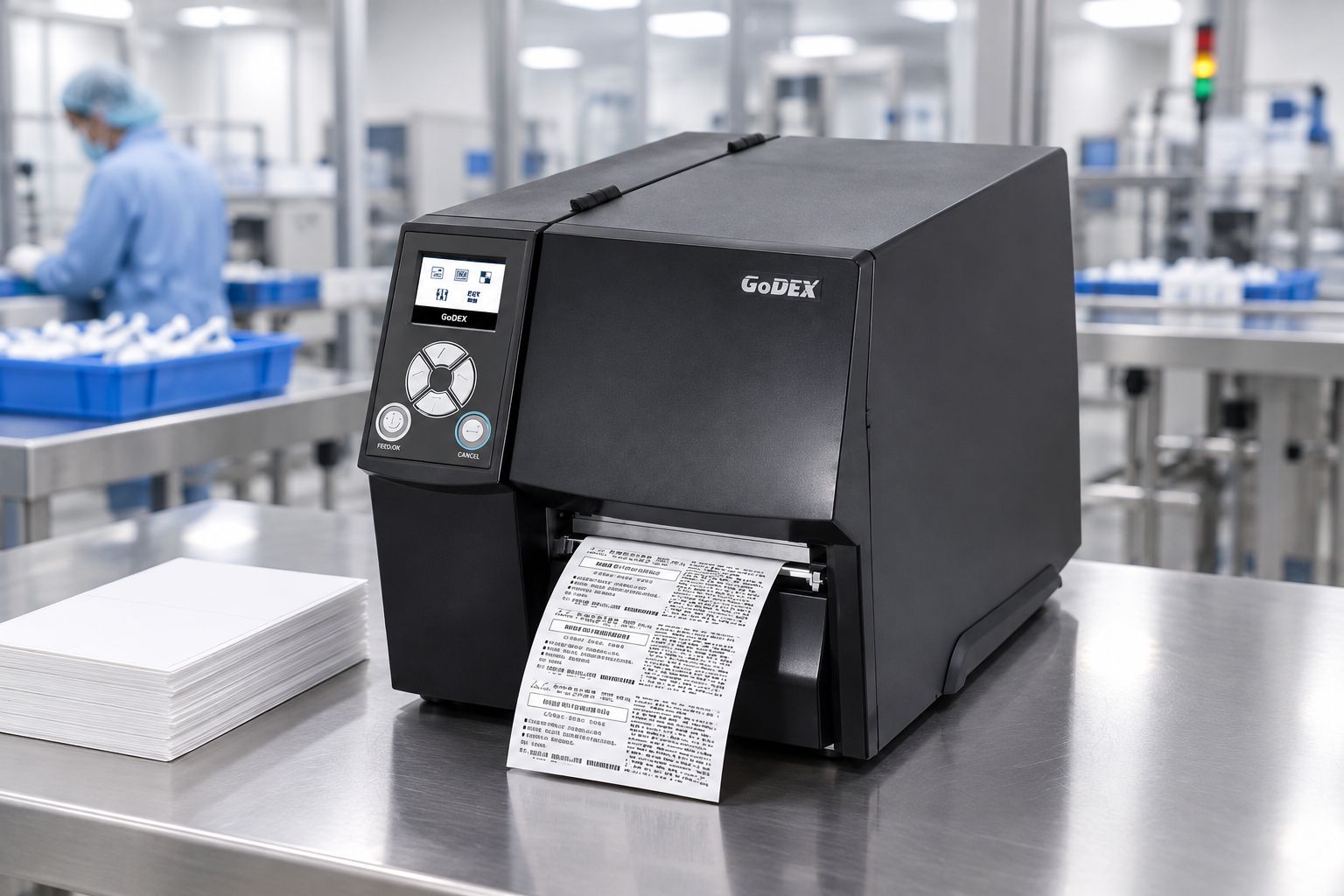
GoDEX ZX430i+ pros:
- 300 DPI resolution handles the smallest UDI Data Matrix codes
- Dual thermal engine supports both direct thermal and thermal transfer ribbon
- Color display simplifies operator setup on the floor
- 3-year warranty backs long-term production use
GoDEX ZX430i+ cons:
- Thermal transfer ribbon is an ongoing consumable cost on permanent labels
- 300 DPI print engines generally run slower than 203 DPI equivalents at the same label size
Best for: manufacturers printing device-level UDI Data Matrix codes that need to survive the device's full service life.
Verdict: Buy.
2. GoDEX RT700i+ Thermal Printer: best for carton and outer-pack UDI labels
The GoDEX RT700i+ Thermal Printer is a 4-inch dual thermal printer running at 203 DPI with a color display, built for high-volume, professional label printing. It's the right call when the UDI barcode you're printing sits on a carton, shipping case, or larger device where code density is lower.
GoDEX RT700i+ pros:
- Dual thermal engine covers both direct thermal and ribbon-based printing
- Color display and straightforward setup
- Suited to higher daily print volume than a desktop printer
GoDEX RT700i+ cons:
- 203 DPI resolution is below what small device-level Data Matrix codes need
- Not the right choice if your smallest label carries the primary UDI mark
Best for: outer-pack, carton, and case-level UDI labels where the barcode has more room to print.
Verdict: Buy for carton-level labels; hold for device-level marking.
3. GoDEX GE330 Thermal Transfer Printer: best for high-volume production lines
The GoDEX GE330 Thermal Transfer Printer is a 4-inch, 203 DPI thermal transfer printer built to run wax/resin ribbon continuously across a shift. It's a narrower-purpose machine than the ZX430i+ — it trades the 300 DPI ceiling for a print engine tuned to keep printing labels at volume without interruption.
GoDEX GE330 pros:
- Thermal transfer ribbon by default, so every label is built for permanence, not just short-term legibility
- 4-inch print width covers standard UDI plus lot and expiration data on one label
- Fits into a line that's already printing high volumes of compliance labels daily
GoDEX GE330 cons:
- 203 DPI resolution is the same limitation the RT700i+ carries on small device-level codes
- Built for volume, not for setups that also need a color display for operator feedback
Best for: manufacturers printing thousands of UDI-compliant carton and case labels per shift.
Verdict: Buy for volume production; skip if device-level Data Matrix density is your main requirement.
4. GoDEX G500 Thermal Printer: best for lab bench and QA station labeling
The GoDEX G500 is a compact desktop thermal printer suited to lab benches, QA stations, and other lower-volume settings where a full production-line printer is overkill. It's the printer to put next to a workstation that's labeling batches, not running a full shift of device output.
GoDEX G500 pros:
- Compact footprint fits a lab bench or QA desk
- Lower cost of entry than a production-line printer
- Straightforward for occasional or batch-based label runs
GoDEX G500 cons:
- Lower daily duty cycle than the ZX430i+ or GE330
- Not built for continuous, high-volume production printing
Best for: QA teams and small labs printing UDI labels in batches rather than continuous runs.
Verdict: Buy for low-volume, bench-level use.
5. GoDEX DT2X Direct Thermal Printer: best budget option for internal tracking only
The GoDEX DT2X is a direct thermal printer, meaning it needs no ribbon at all — heat alone creates the image on the label. That keeps running costs down, but direct thermal print fades with heat, light, and abrasion over time, which is exactly the failure mode a permanent UDI record can't have.
GoDEX DT2X pros:
- No ribbon required, which lowers per-label running cost
- Simple to operate for short-run or internal-use labels
GoDEX DT2X cons:
- Print fades over time, making it unsuited to permanent device history records
- Not a fit for any UDI label that has to remain legible for years
Best for: internal, short-term tracking labels that never leave the building and never need to outlast a few months.
Verdict: Skip for permanent UDI labels; fine for temporary internal use.
The printer and label stock combinations below cover most of what manufacturers pair with a UDI compliance workflow.


How we ranked these label printers
The ranking comes down to four things: print resolution against the smallest Data Matrix code you'll actually print, ribbon compatibility for label permanence, connectivity for line integration, and duty cycle against your real production volume. Many device-marking programs also reference ISO/IEC 15415 barcode grading during verification, and resolution is the single biggest lever a printer has over that grade. The GoDEX ZX430i+ wins overall in 2026 because 300 DPI is the resolution threshold that keeps device-level UDI codes verifier-passable — everything below that is a compromise for a specific, lower-density use case.
Which label printer should you choose?
If you're printing UDI Data Matrix codes directly on a medical device or its smallest unit of use, the GoDEX ZX430i+ is the default choice in 2026 — 300 DPI resolution is not optional at that label size. If your UDI mark lives on a carton or case where there's more room to print, the GoDEX RT700i+ saves you the ribbon-heavy overhead of a 300 DPI engine. High-volume lines printing thousands of compliance labels a shift should look at the GoDEX GE330, and QA benches doing batch work fit the GoDEX G500. Skip the GoDEX DT2X for anything that has to survive past a few months.
FAQ
What's the best label printer for UDI compliance in 2026?
The GoDEX ZX430i+ is the best label printer for UDI compliance in 2026 because its 300 DPI resolution keeps small Data Matrix codes verifier-passable. Lower-resolution 203 DPI printers still work for carton-level labels where the barcode has more room.
Is 300 DPI required for UDI labels?
300 DPI is not a legal requirement under the FDA UDI rule, but it's the resolution most manufacturers need once a Data Matrix code shrinks to device-level size. A 203 DPI engine can still pass verification on larger carton and case labels.
Can I use a direct thermal printer for permanent UDI labels?
Direct thermal printing is a poor fit for permanent UDI labels because the image fades with heat, light, and handling over months. Thermal transfer ribbon on synthetic stock holds up far better for device history records that need to stay legible for years.
What's the difference between direct thermal and thermal transfer for medical device labels?
Direct thermal uses heat alone to darken the label surface and needs no ribbon, while thermal transfer melts wax or resin ribbon onto the label for a more durable, fade-resistant print. Medical device labels that need long-term legibility should use thermal transfer.
Does GoDEX support GS1 Data Matrix barcodes?
GoDEX printers design labels through GoLabel software, which supports Data Matrix symbology and GS1 Application Identifiers on the label template. The printer's resolution still determines how small that Data Matrix can print and still pass a barcode verifier.
How much does a UDI-compliant label printer cost?
Cost varies by resolution, print width, and features like a color display or ribbon rewinder, so check current listings for exact pricing. Higher-resolution printers built for device-level Data Matrix codes generally cost more than carton-label printers.
Should I choose 203 DPI or 300 DPI for medical device labels?
Choose 300 DPI if you're printing a Data Matrix code directly on the device or its smallest unit of use, since the extra resolution keeps small barcode cells sharp. Choose 203 DPI for carton, case, or shipping labels where the barcode has more room to print.
One last thing
Direct thermal and thermal transfer aren't interchangeable just because both come out of the same printer chassis. A label that gets wiped down with isopropyl alcohol during device cleaning needs thermal transfer ribbon on synthetic stock, not direct thermal on paper — a paper direct thermal label can smear or fade the first time it gets cleaned, which turns a compliant UDI mark into an unreadable one during an inspection.