
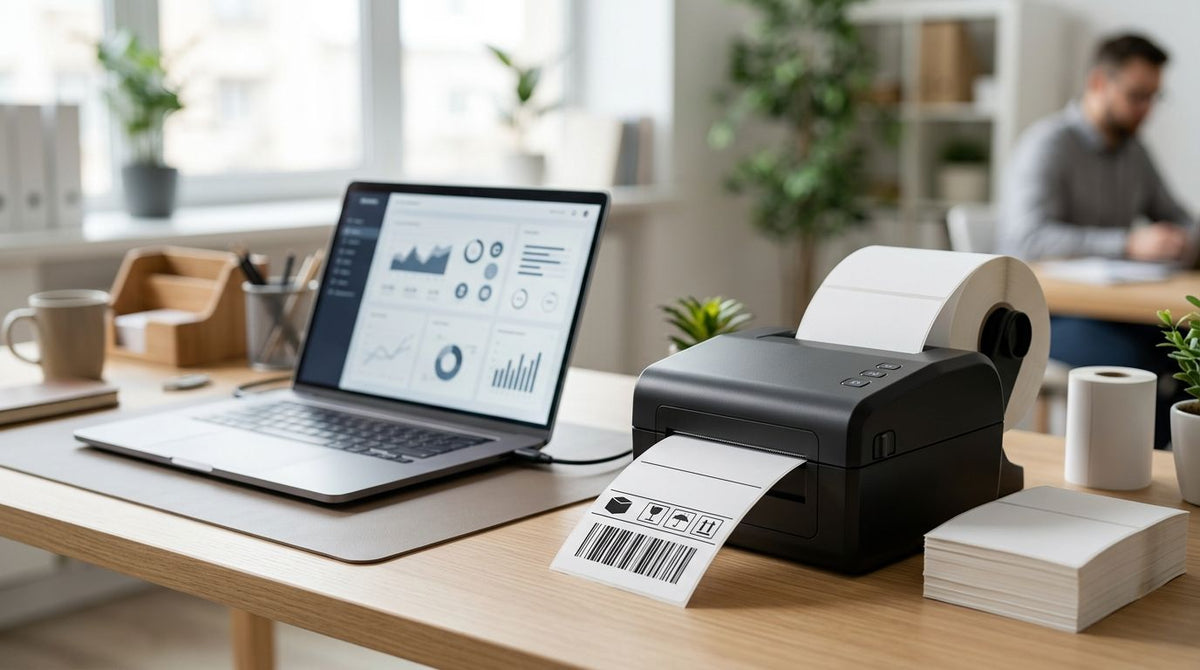
Direct thermal label printers skip the ribbon entirely, using heat-sensitive stock to print shipping labels, barcodes, and service stickers straight out of the box. McAuley Labels ranks five direct thermal label printers for 2026 by resolution, duty cycle, and speed, so you buy the right GoDEX model the first time.
- GoDEX RT730i+ is the best overall direct thermal label printer for small business barcode work in 2026.
- GoDEX RT700i+ wins on budget with 203 DPI dual thermal printing and a color display.
- GoDEX ZX430i+ and GX4300i handle industrial 300 DPI runs at continuous duty cycles.
- GoDEX GX4200i tops this lineup at 16 inches per second for high-speed shipping.
- All five models print direct thermal without ribbon, then switch to thermal transfer when labels need to last longer.
Why this matters
A direct thermal label printer burns an image into heat-sensitive stock with no ribbon and no ink cartridge — one less consumable for shops printing hundreds of labels a day. The tradeoff is fading: direct thermal labels lose sharpness under heat and sunlight, which is why it helps to understand direct thermal vs. thermal transfer printing before committing to one engine.
Every GoDEX model in this guide runs both modes, so a shop isn't locked into one label type. Resolution, duty cycle, and print speed determine the use case more than brand name does in 2026 — a 203 DPI desktop unit and a 300 DPI industrial printer both handle direct thermal labels, they just serve different volumes.
What makes the best direct thermal label printer
- Print resolution — 203 DPI handles standard shipping labels and text; 300 DPI is needed for small barcodes, tight text, or asset tag serial numbers.
- Duty cycle — desktop printers suit under a few hundred labels a day; industrial engines hold up through continuous shifts.
- Print speed — measured in inches per second (IPS); high shipping volume needs higher IPS to avoid a print queue backup.
- Interface options — USB covers a single desktop, while Serial and Ethernet let a printer sit on a shop network and take jobs from multiple stations.
- Dual thermal capability — a printer that runs both direct thermal and thermal transfer ribbon protects the purchase if label requirements change later.
- Warranty coverage — every GoDEX printer at McAuley Labels carries a 3-year warranty, which matters more on industrial units running daily.
Direct thermal label printers at a glance
| Printer | Best for | Standout feature | Key limitation |
|---|---|---|---|
| GoDEX RT730i+ | Small business barcode labels | 300 DPI dual thermal engine in a compact desktop body | Desktop duty cycle, not built for round-the-clock runs |
| GoDEX RT700i+ | Basic shipping and inventory labels on a budget | 203 DPI dual thermal printing with a color display | Lower resolution limits fine barcode and small-text detail |
| GoDEX ZX430i+ | Industrial high-volume label runs | 300 DPI industrial-grade engine with Ethernet | Steps into a higher duty class than most desktop setups need |
| GoDEX GX4200i | High-speed warehouse and shipping labeling | Up to 16 inches per second print speed on a 5" touchscreen | 203 DPI resolution caps out fine barcode density |
| GoDEX GX4300i | Fine-print compliance and asset tag labels | 300 DPI industrial engine for high-precision output | More printer than a low-volume shop needs |


1. GoDEX RT730i+: best direct thermal label printer for small business barcode printing
The GoDEX RT730i+ is a 4-inch dual thermal printer running at 300 DPI with a color display for status and settings. It handles direct thermal shipping labels, barcode labels, and asset tags in one compact desktop unit, and switches to thermal transfer ribbon when a job calls for it.
GoDEX RT730i+ pros:
- 300 DPI resolution reads small barcodes and dense text cleanly
- Color display makes status and error messages easy to read at a glance
- Dual thermal engine covers direct thermal and ribbon jobs without a second printer
GoDEX RT730i+ cons:
- Desktop-class build isn't rated for continuous industrial shifts
- 4-inch print width limits it on wider label stock
Best for: small businesses and shops printing under a few hundred barcode or shipping labels a day.
Verdict: Buy.
2. GoDEX RT700i+: best budget direct thermal label printer for basic shipping labels
The GoDEX RT700i+ drops resolution to 203 DPI but keeps the same 4-inch dual thermal engine and color display as the RT730i+. It's built for shops printing shipping labels, basic barcodes, and text-heavy labels where 300 DPI sharpness isn't a requirement.
GoDEX RT700i+ pros:
- Lower entry cost than the 300 DPI models in this lineup while keeping dual thermal flexibility
- Color display and standard interfaces make setup straightforward
- Suited to high-text, low-barcode-density labeling
GoDEX RT700i+ cons:
- 203 DPI blurs on small barcodes or dense QR codes
- Same desktop duty limits as the RT730i+
Best for: budget-conscious shops that need reliable shipping and inventory labels without fine barcode detail.
Verdict: Buy if 203 DPI covers your label content — Hold if you print small barcodes daily.
3. GoDEX ZX430i+: best direct thermal label printer for industrial high-volume runs
The GoDEX ZX430i+ moves up to an industrial-grade 300 DPI dual thermal engine with a color display and Ethernet connectivity. It's built for facilities running label jobs across a shift rather than a handful of orders a day.
GoDEX ZX430i+ pros:
- Industrial duty cycle holds up under continuous daily printing
- Ethernet support puts the printer on a shop or warehouse network
- 300 DPI resolution matches the RT730i+ for barcode sharpness
GoDEX ZX430i+ cons:
- Bigger footprint and duty class than a single-desk operation needs
- Overkill for shops printing under a couple hundred labels a day
Best for: warehouses and production floors running direct thermal and thermal transfer labels across multiple shifts.
Verdict: Buy for industrial volume — Skip if you're a single-desk operation.
4. GoDEX GX4200i: best direct thermal label printer for high-speed warehouse shipping
The GoDEX GX4200i is built around speed: up to 16 inches per second at 203 DPI, with a 5-inch touchscreen and USB, Serial, and Ethernet interfaces. It's the printer for operations where the label queue is the bottleneck, not the label quality.
GoDEX GX4200i pros:
- 16 IPS print speed clears high shipping volume fast
- 5-inch touchscreen simplifies operator control on a busy floor
- Multiple interface options fit existing warehouse network setups
GoDEX GX4200i cons:
- 203 DPI resolution isn't the sharpest option in this lineup for dense barcodes
- Industrial footprint and speed are wasted on low-volume printing
Best for: shipping and fulfillment operations moving hundreds of packages a day.
Verdict: Buy for volume — Skip if barcode density matters more than speed.
5. GoDEX GX4300i: best direct thermal label printer for fine-print compliance and asset labels
The GoDEX GX4300i pairs the GX4200i's industrial build with 300 DPI resolution, giving it the sharpest output in this lineup at industrial duty cycles. It's suited to compliance labels, serial numbers, and asset tags where small text has to stay legible.
GoDEX GX4300i pros:
- 300 DPI at industrial speed covers high-volume, high-precision label jobs
- USB, Serial, and Ethernet interfaces match warehouse and production networks
- Same duty class as the GX4200i without sacrificing resolution
GoDEX GX4300i cons:
- The most printer — and the highest cost — in this lineup
- Unnecessary for shops that only need basic shipping labels
Best for: manufacturers and facilities printing compliance, serial number, or fine-barcode labels at volume.
Verdict: Buy for precision at scale — Skip for simple shipping labels.
How we ranked
Every printer above got sorted by three factors: DPI resolution, duty cycle rating (desktop vs. industrial), and print speed in inches per second — the three specs that change which labels a printer can actually handle in 2026. Interface options and dual thermal capability broke ties between otherwise similar models. Price wasn't a ranking factor since resolution and duty class matter more to whether a printer fits the job.
Which direct thermal label printer should you choose?
Pick the GoDEX RT730i+ if you're a small business printing barcode-heavy labels and want 300 DPI in a desktop footprint — it's the safest default for 2026. Step down to the GoDEX RT700i+ if your labels are mostly text and shipping addresses and 203 DPI covers it. Move up to the GoDEX ZX430i+ or GX4300i once volume or precision outgrows a desktop printer, and reach for the GoDEX GX4200i specifically when speed, not resolution, is the bottleneck. McAuley Labels carries every direct thermal label printer in this guide, all backed by the same 3-year warranty.
FAQ
What's the best direct thermal label printer for small business in 2026?
The GoDEX RT730i+ is the best direct thermal label printer for small business in 2026 because it runs 300 DPI dual thermal printing in a compact desktop unit. It handles barcode-heavy labels without the industrial footprint of the ZX430i+ or GX-series.
Is direct thermal better than thermal transfer?
Direct thermal is better for short-term labels like shipping stickers and receipts since it needs no ribbon. Thermal transfer wins for labels exposed to heat, sunlight, or chemicals since ribbon-printed images don't fade the way direct thermal does.
How much does a direct thermal label printer cost?
Cost depends on resolution and duty class — desktop 203 DPI printers cost less than industrial 300 DPI units built for continuous shifts. Check current pricing directly on McAuley Labels for exact numbers on each GoDEX model.
What DPI do I need for barcode labels?
203 DPI covers standard barcodes and shipping labels, but 300 DPI is worth it for small barcodes, dense QR codes, or asset tag serial numbers. The GoDEX RT730i+, ZX430i+, and GX4300i all run 300 DPI.
Can a direct thermal printer print without ribbon?
Yes — direct thermal printing uses heat-sensitive label stock and burns the image directly onto the label, so no ribbon or ink cartridge is required. All five GoDEX printers in this guide also support thermal transfer ribbon when needed.
What's the difference between the GoDEX RT700i+ and RT730i+?
The RT700i+ prints at 203 DPI and the RT730i+ prints at 300 DPI; both are 4-inch dual thermal desktop printers with a color display. The higher resolution on the RT730i+ matters most for small barcodes and dense text.
Is the GoDEX ZX430i+ good for industrial use?
Yes — the GoDEX ZX430i+ runs an industrial-grade 300 DPI dual thermal engine with Ethernet connectivity, built for continuous daily label runs rather than occasional desktop printing.
How fast does the GoDEX GX4200i print?
The GoDEX GX4200i prints up to 16 inches per second at 203 DPI, making it the fastest printer in this lineup for high-volume shipping and warehouse labeling.
One last thing
Direct thermal labels fade with heat and sunlight exposure over time — a real limitation that thermal transfer ribbon avoids entirely. Since every printer in this lineup is dual thermal, the fix isn't buying a second printer: McAuley Labels sells thermal transfer ribbon for exactly this scenario, so a shop can run direct thermal stock for daily labels and switch to ribbon only when a label needs to survive a hot truck cab or an outdoor yard.