
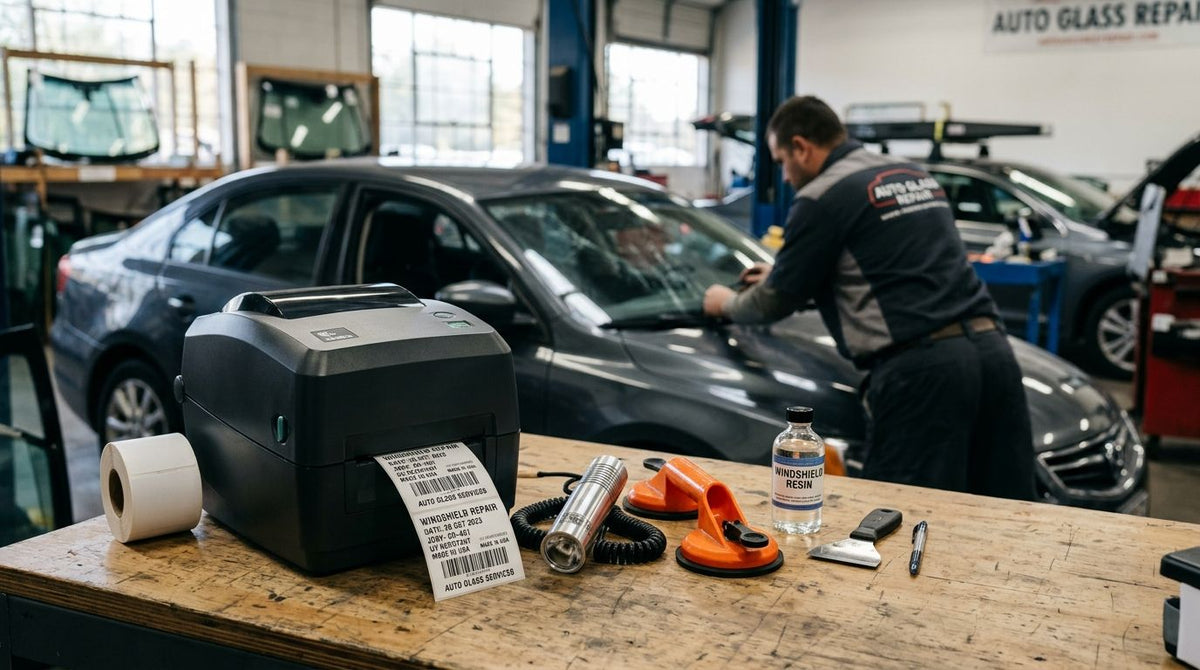
Auto glass and windshield repair shops print three things a general label printer wasn't built for: work order tags, warranty stickers that ride on a windshield through sun and car washes, and barcode tags on glass racks and tools that get handled all day. The best label printer for auto glass repair shop use in 2026 depends on which of those three jobs matters most in your bay.
- GoDEX RT700i+ is the best overall label printer for auto glass repair shops in 2026.
- GoDEX ZX430i+ prints at 300 DPI, sharp enough for QR codes on windshield service stickers.
- GoDEX RT200i at 203 DPI is the budget entry point for basic work order labels.
- The Oil Change Sticker Printer System prints windshield reminder stickers with 1000 labels and ribbon included.
- GoDEX GE330 thermal transfer output suits asset tags on glass racks and tools exposed to heat and sun.
Why this matters
A windshield chip repair or full glass replacement generates paperwork that has to survive the same conditions the glass does — sun through the windshield, a squeegee pass during detail, a car wash within the week. A basic office label printer prints fine on day one and fades by week three, which means the customer's warranty sticker is unreadable before the warranty period even matters.
Auto glass shops also run inventory a typical retail label printer never sees: glass moldings, urethane cartridges, clips and suction-cup lifting tools that need barcode asset tags, not sticky notes. Add calibration documentation into the mix and a shop has a real case for a QR-code sticker that scans clean months later, not just a printed date. The same pattern shows up in shops printing service reminder stickers for auto shops daily — the printer that survives the shop floor and the printer that looks good on a spec sheet are rarely the same machine.
That's the gap this guide closes for 2026: which label printer holds up in an auto glass bay, and which job each model is built for.
What makes the best label printer for an auto glass repair shop
- Resolution matched to your smallest text — 203 DPI covers barcodes and job tickets; 300 DPI is needed for QR codes and fine warranty print.
- Thermal transfer vs. direct thermal — ribbon-based thermal transfer resists heat, UV and shop chemicals better on equipment that lives outdoors.
- Standalone printing at the counter vs. a PC-tethered printer that only works when a workstation is free.
- Daily label volume the printer and its supply can keep up with across a full bay schedule.
- Warranty coverage — GoDEX printers sold by McAuley Labels carry a 3-year warranty.
- Setup software — GoDEX printers run on GoLabel, so standardizing on one brand keeps training time down.
Auto glass shop label printers at a glance
| Printer | Best for | Standout feature | Key limitation |
|---|---|---|---|
| GoDEX RT700i+ | Daily work orders and barcode tags | 203 DPI, color display, 3-year warranty | 203 DPI ceiling on very fine print |
| GoDEX ZX430i+ | QR-code windshield stickers | 300 DPI resolution, color display | Overkill for barcode-only labels |
| GoDEX RT200i, 203 DPI | Budget entry point | Simplest printer in the RT series | No high-resolution QR printing |
| GoDEX GE330, 4 inch, 203 DPI | Asset tags for glass racks and tools | Thermal transfer output for durability | Ribbon is an ongoing consumable |
| Oil Change Sticker Printer System | Windshield service and warranty stickers | 1000 labels, ribbon and standalone keyboard included | Fixed sticker format, not oversized tags |
1. GoDEX RT700i+: best label printer for auto glass repair shop work orders
The GoDEX RT700i+ is a 4-inch dual thermal printer with a color display and 203 DPI resolution. It runs work order tags, barcode labels and standard service stickers all day without swapping equipment between tasks. This is the best overall label printer for an auto glass repair shop in 2026 — it handles the bulk of daily printing without forcing a shop into a specialty machine before it needs one.
GoDEX RT700i+ pros:
- Color display makes job selection and status checks faster on a busy counter
- 203 DPI is sharp enough for barcodes and standard job-ticket text
- Backed by a 3-year warranty
- Runs on GoLabel, the same software as the rest of the GoDEX lineup
GoDEX RT700i+ cons:
- 203 DPI is not sharp enough for small QR codes on windshield stickers
- Setup runs through GoLabel software, which takes a short learning curve the first time
- Needs a connected workstation — no standalone keyboard
Best for: shops that need one printer covering work orders, parts labels and general barcode tags. Verdict: Buy.
2. GoDEX ZX430i+: best label printer for QR-code windshield stickers
The GoDEX ZX430i+ is a 4-inch dual thermal printer running at 300 DPI with a color display. That resolution jump matters the moment a shop starts printing QR codes on windshield service or warranty stickers. A QR code linking to an install or calibration record has to scan months later from a curved windshield — 203 DPI renders those small modules too coarse to scan reliably.
GoDEX ZX430i+ pros:
- 300 DPI renders small QR codes and fine warranty print cleanly
- Color display speeds up daily operation at the counter
- Backed by a 3-year warranty
- Same GoLabel workflow as the RT series, so cross-training carries over
GoDEX ZX430i+ cons:
- Higher resolution than most work-order labels actually need
- More printer than a single-bay shop running plain barcodes will use
Best for: shops printing QR-linked windshield stickers that must scan cleanly months later. Verdict: Buy.
3. GoDEX RT200i: best budget label printer for basic barcode labels
The GoDEX RT200i is the entry point in the RT series, printing at 203 DPI for shops that mainly need barcode and text labels without a color display or 300 DPI resolution. A shop running one straightforward label — a work order or a parts tag — rarely needs resolution it won't use.
GoDEX RT200i pros:
- Simplest option in the GoDEX RT lineup
- 203 DPI handles standard barcodes and job tickets without issue
- Straightforward for a shop printing one label type most of the day
GoDEX RT200i cons:
- No high-resolution QR printing — shops adding windshield stickers should size up to the ZX430i+
- No color display
Best for: a single-bay shop or a back-office printer running basic barcode labels only. Verdict: Buy if your labels are basic; skip if QR stickers are on the 2026 roadmap.
4. GoDEX GE330: best label printer for asset tags on glass racks and tools
The GoDEX GE330 is a 4-inch thermal transfer printer at 203 DPI. It runs on ribbon rather than direct thermal, which matters for asset tags on glass racks, suction-cup lifters and cutting tools that sit in sun and shop heat all day. Direct thermal print on those same tags fades to unreadable within a season outdoors. Thermal transfer holds through the equipment's working life instead.
GoDEX GE330 pros:
- Thermal transfer output resists fading far longer than direct thermal outdoors
- Pairs with metalized silver barcode asset tags for racks and tools
- 203 DPI is sufficient for equipment ID barcodes
GoDEX GE330 cons:
- Ribbon is an ongoing consumable that direct thermal printers avoid
- Not the printer for windshield QR stickers — that is a resolution job for the ZX430i+
Best for: shops tagging glass racks, lifting tools and equipment that stay outdoors for years. Verdict: Buy.
5. Oil Change Sticker Printer System: best printer for windshield service stickers
The Oil Change Sticker Printer System ships preloaded with 1000 custom labels, ribbon and a standalone keyboard, so counter staff print a sticker without a connected computer. Auto glass shops use the same hardware for windshield service and warranty reminder stickers — the printing job is functionally identical to an oil change reminder. The standalone setup matters most at a service counter with no dedicated workstation nearby.
Oil Change Sticker Printer System pros:
- Standalone keyboard means no PC required at the service counter
- Ships with 1000 labels and ribbon, ready to print on day one
- Backed by a 3-year warranty on the GoDEX hardware inside it
Oil Change Sticker Printer System cons:
- Built around a fixed sticker format, not oversized asset tags or wide barcode runs
- Once the preloaded 1000 labels run out, ribbon and label stock reorder separately
Best for: a service counter that wants a dedicated standalone printer just for windshield stickers. Verdict: Buy.


How we ranked these label printers
Each printer is scored against the criteria above: resolution against the smallest text on the label, thermal transfer versus direct thermal for lifespan, standalone versus PC-tethered operation, daily volume, warranty coverage and setup software. No printer wins every category — the RT200i loses on resolution but wins on simplicity, and the GE330 adds a ribbon cost the direct thermal models avoid. The GoDEX RT700i+ wins overall because it covers work orders, barcodes and standard service labels in one machine without forcing a shop to pick a specialty tool first.
“If the sticker cannot survive a car wash within a week, the label stock is wrong, not the printer.”
Which label printer should you choose?
Default to the GoDEX RT700i+ if you are not sure which job matters most — it covers work orders and barcode tags without over-buying resolution you do not need yet. Add the GoDEX ZX430i+ the moment QR-code windshield stickers go on the 2026 schedule. Add the GoDEX GE330 once asset tags on glass racks and tools become a tracking problem rather than a nice-to-have.
Shops that want one dedicated machine purely for windshield stickers should start with the Oil Change Sticker Printer System instead of retrofitting a general-purpose printer for that job. Multi-bay operations printing all three label types usually end up running two machines side by side, not one.
FAQ
What is the best label printer for an auto glass repair shop?
The GoDEX RT700i+ is the best label printer for an auto glass repair shop in 2026. Its 203 DPI resolution and color display handle work orders, barcode tags and standard service stickers in one machine.
Do I need 300 DPI for windshield stickers?
You need 300 DPI only if the sticker carries a QR code or very fine print. At 203 DPI small QR modules render too coarse to scan reliably, which is why the GoDEX ZX430i+ is the pick for QR windshield stickers.
Is direct thermal or thermal transfer better for auto glass shop labels?
Thermal transfer is better for anything exposed to sun, heat or chemicals, including asset tags on glass racks and outdoor tools. Direct thermal is fine for short-life indoor labels like daily work orders.
Can I use an oil change sticker printer for windshield warranty stickers?
Yes. The Oil Change Sticker Printer System prints windshield service and warranty reminder stickers the same way it prints oil change reminders, and it ships with 1000 labels, ribbon and a standalone keyboard.
How long do GoDEX printers come with a warranty?
GoDEX printers sold by McAuley Labels include a 3-year warranty. That covers the RT700i+, ZX430i+ and the printer inside the Oil Change Sticker Printer System.
What software do these label printers use?
GoDEX printers run on GoLabel design software. Standardizing on one brand keeps training consistent when staff move between the counter printer and the asset tag printer.
What labels should I use for asset tags on glass racks?
Use metalized silver or 3M heavy-duty polyester asset tags printed with thermal transfer. Paper labels and direct thermal print will not survive sun exposure and daily handling on rack frames.
Do I need two label printers in an auto glass shop?
Most single-bay shops run one. Multi-bay shops printing work orders, QR windshield stickers and durable asset tags typically run two machines by 2026 because the resolution and label stock requirements differ.
One last thing
The printer is rarely what fails first in an auto glass bay — the label stock is. A 300 DPI printer running paper direct thermal stock will still produce a windshield sticker that ghosts out after a summer on the dash. Match the stock to the environment before you spend up on resolution: polyester and metalized silver for anything permanent, ribbon-printed thermal transfer for anything outdoors. Getting that order wrong is the single most common reason shops replace a printer that was never the problem.