
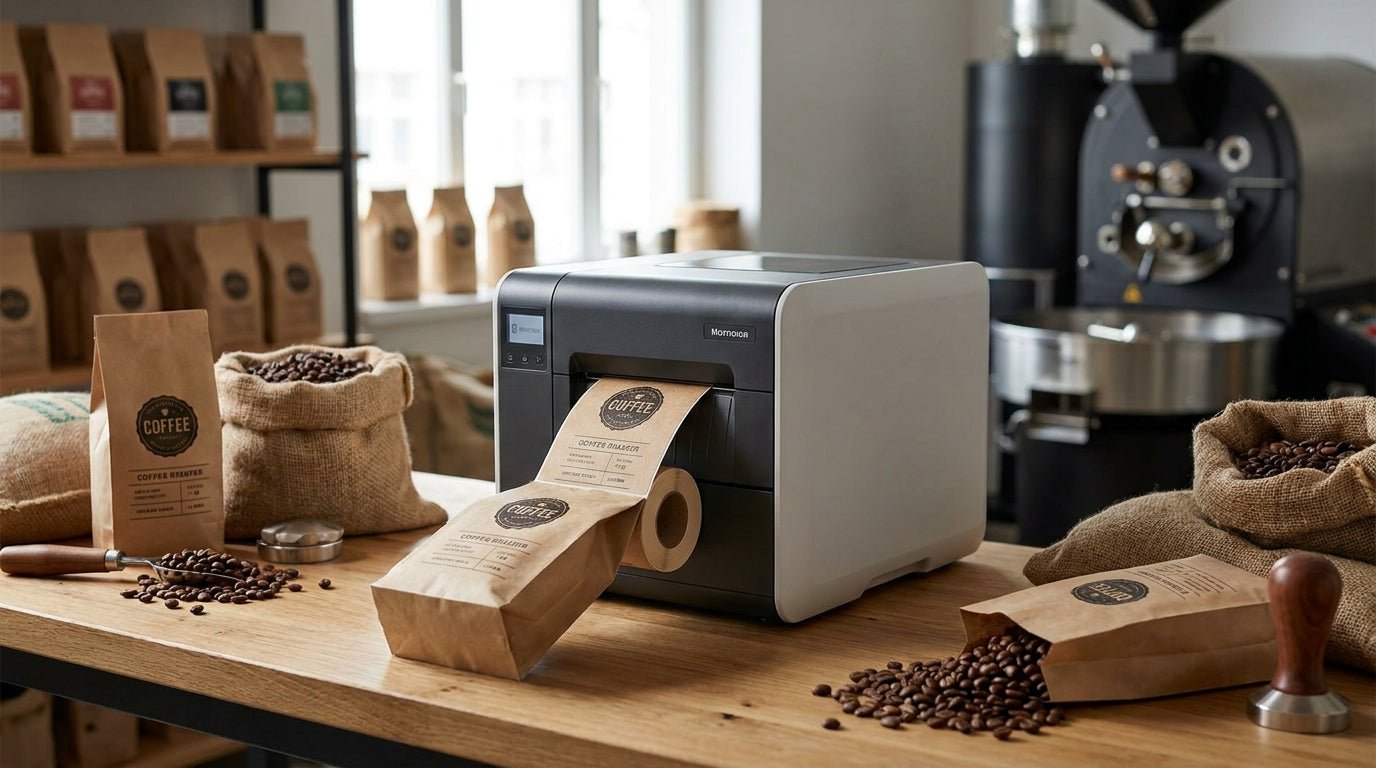
Coffee roasters print more labels per week than almost any other small food producer — roast date, batch code, origin, weight, and a barcode for wholesale accounts, all on a bag that's covered in coffee oil within days of filling. A printer built for shipping labels or office paperwork won't hold up. This guide ranks the label printer for coffee roasters options worth buying in 2026, based on resolution, ribbon requirements, and real pricing from the McAuley Labels catalog.
- GoDEX RT700i+ at $581 is the best label printer for coffee roasters running under 300 bags a week — buy it.
- White polyester label stock resists coffee oils and humidity better than paper stock — buy it for retail bags.
- GoDEX DT230 direct thermal skips ribbon costs but labels fade within months — consider only for short runs.
- GoDEX GX4300i handles 300 DPI barcodes for roasters printing 500+ bags weekly — buy it for volume.
Why this matters
A coffee bag label has three jobs a laser-printed sticker can't do well: survive skin oils from handling, stay legible through a degassing valve's pressure cycles, and scan cleanly at a wholesale account's register. Thermal printing solves the durability problem. The resolution and ribbon choice solve the legibility and cost problem.
Most roasters underestimate ribbon spend until year two. A wax/resin ribbon runs $9 per roll and pairs with synthetic label stock for print that won't smear when a bag gets wiped down. Skip the ribbon question and you'll either overpay on direct thermal reprints or underpay on labels that fade at the shelf.
A label printer for coffee roasters in 2026 needs at minimum 203 DPI for barcode compliance and ideally 300 DPI if the label carries a QR code linking to origin or brew data. That resolution requirement is the single biggest factor separating the picks below.
How we ranked
Each printer here is scored on four factors pulled from current McAuley Labels catalog specs: print resolution (203 vs 300 DPI), thermal method (direct thermal vs thermal transfer), color display for standalone operation without a connected PC, and 2026 list price. Roasters filling 50-2,000 bags a week have different needs than a wholesale account printing case labels, so the verdicts below split by volume.
The list favors printers with color touchscreens for roasters running a packing line without a dedicated workstation, and flags where direct thermal saves ribbon cost at the expense of shelf life. No printer here was excluded for price — only for a resolution or durability mismatch with coffee bag printing.
The ranked list
1. GoDEX RT700i+ Thermal Printer — the daily workhorse
The GoDEX RT700i+ color display printer runs $581 and prints at 203 DPI with a 4-inch color touchscreen for standalone operation at the packing table. That resolution handles roast date, weight, and barcode cleanly on a standard 3x2 or 4x6 coffee bag label.
The color display matters more than it sounds: a roaster switching between three origin labels a day doesn't want to tether a laptop to the printer every time. Dual thermal capability means it runs direct thermal for short runs or thermal transfer with ribbon for labels that need to survive months on a shelf. Verdict: Buy for roasters under 300 bags a week.
2. GoDEX G500 Thermal Printer — the budget entry point
The GoDEX G500 sits below the RT700i+ in the catalog as a straightforward 203 DPI unit without the color touchscreen. It covers black-and-white text labels — origin, roast date, weight — without barcode-heavy retail requirements.
For a roaster selling only direct-to-consumer with no wholesale barcode scanning, this is enough printer. Add a barcode-scanning wholesale account and the lack of a standalone display becomes a workflow bottleneck. Verdict: Hold unless your labels stay text-only.
3. GoDEX ZX430i+ — the color upgrade
At $945, the GoDEX ZX430i+ steps up to 300 DPI with a color display, aimed at roasters who need sharper QR codes linking bags to origin stories or brew guides. The extra 97 DPI over the RT700i+ shows up clearly on small QR modules under 1 inch square.
Roasters running subscription boxes with a scannable QR on every bag get real value from the jump. Roasters printing plain barcodes don't need the extra resolution and won't see the price difference pay off. Verdict: Buy if QR codes are part of every label.
4. GoDEX DT230 Direct Thermal Printer — the no-ribbon shortcut
The GoDEX DT230 direct thermal printer prints at 300 DPI without ribbon, cutting a recurring cost from the labeling budget. Direct thermal labels darken from heat and light exposure over time, typically losing legibility within 6-12 months depending on storage conditions.
That trade-off works fine for a small-batch roaster moving bags within weeks, but it's the wrong call for wholesale bags sitting on a distributor's shelf for months. Verdict: Consider for fast-turnover retail, Skip for long-shelf-life wholesale.
5. GoDEX GX4300i — the high-volume upgrade
The GoDEX GX4300i runs $2,425.50 and is built for continuous 300 DPI output rather than desktop batch printing. Roasters doing 500 or more bags a week hit the physical limits of a desktop printer's duty cycle long before they hit the GX4300i's.
This is industrial equipment priced for a production line, not a single roaster's Saturday batch. Verdict: Buy only above roughly 500 bags weekly, otherwise it's overbought.
6. White polyester label stock — the material that actually matters
No printer solves the coffee-oil problem alone. White polyester label stock at $45 a roll resists moisture and oil transfer far better than paper stock, which is why it shows up on nearly every serious coffee bag label spec.
Paper labels curl and smear within days of handling on an oily kraft bag. Polyester holds print integrity through the full shelf life of a wholesale order. Verdict: Buy — this is the accessory decision that matters as much as the printer itself.
7. Thermal transfer ribbon — the recurring cost to budget for
A wax/resin ribbon at $9 per roll is what makes polyester labels legible on a thermal transfer printer like the RT700i+ or ZX430i+. Skipping it means running direct thermal only, which caps shelf life as noted above.
Budget ribbon cost per label run, not just the printer sticker price — it's the ongoing expense that determines true cost per bag. Verdict: Buy alongside any thermal transfer printer on this list.
Comparison table
| Pick | Resolution | Color display | Price | Best for | Verdict |
|---|---|---|---|---|---|
| GoDEX RT700i+ | 203 DPI | Yes | $581 | Under 300 bags/week | Buy |
| GoDEX G500 | 203 DPI | No | — | Text-only labels | Hold |
| GoDEX ZX430i+ | 300 DPI | Yes | $945 | QR-heavy labels | Buy |
| GoDEX DT230 | 300 DPI | No | — | Fast-turnover retail | Consider |
| GoDEX GX4300i | 300 DPI | Touchscreen | $2,425.50 | 500+ bags/week | Buy (high volume) |
Where to buy
- Match ribbon to label material before ordering. A thermal transfer printer needs a wax/resin ribbon on hand from day one — running out mid-batch stops the packing line, not just the printer.
- Buy polyester label stock for anything leaving the roastery for more than a week. Paper stock is fine for same-day tasting room bags, not for wholesale routes.
- Size the printer to your weekly bag count, not your best week. A GX4300i bought for a 200-bag average week sits idle most days; an RT700i+ pushed past 500 bags a week runs its duty cycle too hard.


Compliance labeling adds another layer worth planning for — batch codes and lot numbers on food packaging follow specific formatting expectations, covered in how to print batch codes on food packaging labels.
FAQ
What's the best label printer for coffee roasters in 2026?
The GoDEX RT700i+ at $581 is the best all-around pick for roasters printing under 300 bags a week, with 203 DPI resolution and a color touchscreen for standalone use. Higher-volume roasters over 500 bags weekly should look at the GoDEX GX4300i instead.
Is direct thermal or thermal transfer better for coffee bag labels?
Thermal transfer is better for coffee bags that sit on a shelf for more than a few weeks, since direct thermal print fades from heat and light exposure. Direct thermal works fine for same-day or same-week retail turnover where fading isn't a factor.
How much does a label printer for a small roastery cost?
Desktop thermal printers for a small roastery run from $581 for a 203 DPI model to around $945 for a 300 DPI color-display unit in 2026. Industrial high-volume printers run over $2,400.
What DPI do I need for coffee bag labels with barcodes?
203 DPI is the minimum for a scannable retail barcode, and 300 DPI is worth the upgrade if the label includes a QR code under 1 inch square. Small QR modules lose scan reliability at lower resolution.
Can I print roast dates and batch codes with a thermal printer?
Yes, both direct thermal and thermal transfer printers handle roast date and batch code printing as standard text fields. Formatting for food compliance follows the same batch coding rules used across packaged food labeling.
Do coffee bag labels need to be waterproof?
Coffee bags need oil and moisture resistance more than full waterproofing, which is why white polyester label stock at $45 a roll outperforms paper stock. Paper labels curl and smear within days of contact with coffee oils.
What label material lasts longest on a coffee bag?
White polyester stock run through a thermal transfer printer with wax/resin ribbon holds print integrity through a full wholesale shelf cycle. Paper stock degrades faster under handling and oil exposure.
How often do I need to replace the ribbon on a thermal transfer printer?
A standard wax/resin ribbon roll at $9 typically covers several thousand small coffee bag labels before replacement, depending on label size and print density. Budget ribbon as a recurring per-batch cost, not a one-time purchase.
One last thing
The printer is rarely the point of failure — the label stock is. A $581 GoDEX RT700i+ running paper labels will smear faster than a $200 printer running white polyester stock. If the budget forces a choice between upgrading the printer or upgrading the label material, upgrade the material first.