
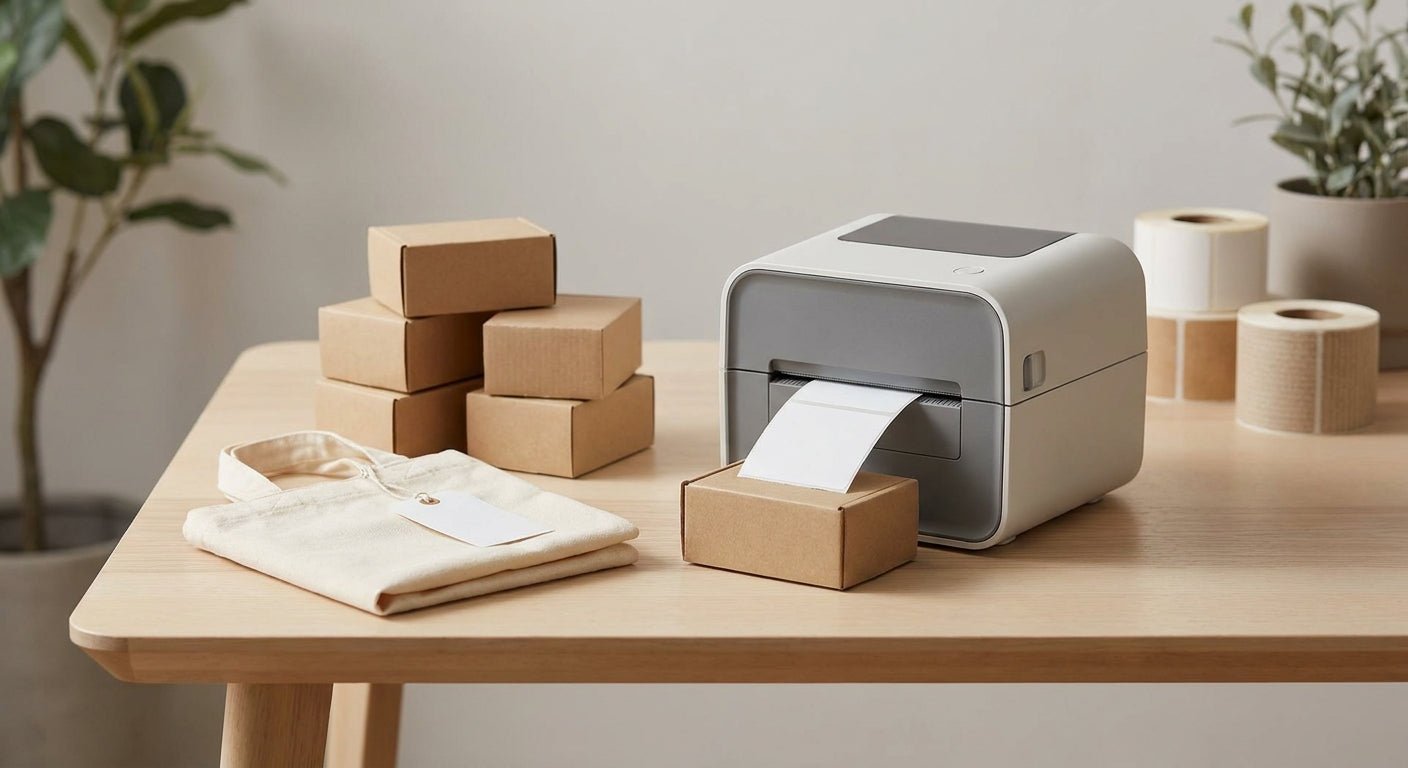
Retail packaging and tote bags take a beating between the print run and the register — labels have to scan clean, survive friction from stacking, and print fast enough to keep up with daily order volume. This guide ranks the best label printer for retail packaging picks for 2026, from a color-display workhorse to a no-ribbon budget option, so you buy the right machine once instead of twice.
- GoDEX RT700i+ is the best label printer for retail packaging in 2026 at $581 — Buy.
- GoDEX DT230 skips ribbon costs entirely at 300 DPI — Buy for high-volume tote tag runs.
- GoDEX RT200 sits at 200 DPI and is superseded by the RT200i — Skip.
- Custom business logo stickers cover small branding runs without a printer purchase — Consider.
Why this matters
A label printer for retail packaging isn't the same tool as a shipping label printer. Retail packaging labels sit on tote bags, boxes, and folded apparel where they get handled, folded, and re-scanned at checkout dozens of times before the product leaves the store. Low-resolution printers blur small barcodes at 203 DPI when the label gets smaller than 2 inches, and ribbon-dependent printers add a recurring supply cost that adds up fast at daily print volumes.
The GoDEX RT700i+ label printer from McAuley Labels solves both problems at once — a 4-color display for on-the-fly settings changes and 203 DPI resolution built for daily retail runs. That's the baseline this list measures every other pick against.
How this list was ranked
Every printer here gets judged on three things: print resolution relevant to small retail barcodes and tote bag tags, ribbon dependency (a real cost driver for high-volume shops), and whether the model is current or has been replaced by a newer version in the same product line. Pricing comes from published 2026 listings where available. Models without public spec data get flagged honestly instead of padded with numbers nobody can verify.
McAuley Labels sells the full GoDEX lineup used in this ranking, along with the label stock and ribbon these printers need to run daily. That's the same catalog referenced throughout this guide.
The ranked list
1. GoDEX RT700i+ Thermal Printer — the workhorse pick
The RT700i+ prints at 203 DPI with a 4-color display for changing label templates without a laptop tether. At $581, it's priced for a retail backroom that prints packaging labels and price tags on the same machine.
This is the printer to buy if you run one label station covering tote bags, price tags, and inventory stickers. Verdict: Buy.
2. GoDEX DT230 Direct Thermal Printer — the no-ribbon pick
The DT230 runs at 300 DPI direct thermal, meaning no ribbon, no ribbon reorders, and no ribbon jams mid-shift. That resolution is sharp enough for small barcodes on tote bag hang tags where a 203 DPI printer starts to blur.
Direct thermal labels fade under heat and direct sun over time, so this is the pick for indoor retail packaging, not warehouse dock doors. Verdict: Buy for high-volume tote tag and price tag runs printed and used within a normal retail cycle.
3. GoDEX RT200i Thermal Printer — the budget entry point
The RT200i prints at 203 DPI and covers the basics: barcodes, tote bag tags, and simple text labels for a single-register shop. It's the current model in its line, not a discontinued holdover.
For a small retail operation printing under a few hundred labels a day, this is enough printer without paying for capacity you won't use. Verdict: Consider.
4. GoDEX RT200 Thermal Printer — the outdated pick
The RT200 prints at 200 DPI — a single DPI point behind its own successor, the RT200i, at what is functionally the same price tier. There's no resolution or feature reason to choose the older model over the newer one.
If a retailer is comparing these two side by side, the RT200i wins every time. Verdict: Skip in favor of the RT200i.
5. GoDEX G530 Thermal Printer — the one to confirm before buying
The G530 is part of McAuley Labels' GoDEX catalog, but published spec sheets don't list its resolution the way they do for the RT-series and DT230. That's not a red flag — it just means a buyer should confirm DPI and ribbon requirements with McAuley Labels directly before committing budget to it over a documented model.
Verdict: Hold until resolution and ribbon specs are confirmed for your use case.
6. Custom Business Logo Stickers — the no-printer pick
Not every retail packaging job needs a printer purchase. Custom business logo stickers work for a shop doing occasional branded runs on tote bags or product boxes without daily in-house print volume to justify a machine.
This is the right call for seasonal packaging or a single product line, not for a shop printing labels every day. Verdict: Consider for low-volume, infrequent branding needs.
Comparison table
| Model | Resolution | Ribbon Needed | Best For | Verdict |
|---|---|---|---|---|
| GoDEX RT700i+ | 203 DPI | Yes | Daily retail packaging, all-purpose | Buy |
| GoDEX DT230 | 300 DPI | No | High-volume tote tags, small barcodes | Buy |
| GoDEX RT200i | 203 DPI | Yes | Single-register small shops | Consider |
| GoDEX RT200 | 200 DPI | Yes | Superseded by RT200i | Skip |
| GoDEX G530 | Unconfirmed | Unconfirmed | Confirm specs first | Hold |
| Custom Logo Stickers | N/A | N/A | Low-volume branded runs | Consider |
Label stock matters as much as the printer. Polyester thermal transfer labels hold up on tote bags that get handled in humid backrooms or near loading docks, where paper stock tears or smears within a day.
Where to buy
- Buy the printer and its ribbon or direct thermal stock from the same source — mismatched ribbon-to-printhead specs are the most common cause of faded retail packaging labels.
- Confirm resolution (DPI) before ordering if the listing doesn't state it, especially for barcode-heavy retail packaging where a blurry scan slows down checkout.
- Order label stock in the material that matches your environment: direct thermal for short-life tags printed and used same-day, thermal transfer with polyester or paper stock for anything that needs to survive weeks on a shelf.


FAQ
What's the best label printer for retail packaging in 2026?
The GoDEX RT700i+ is the best label printer for retail packaging in 2026 at $581, with 203 DPI resolution and a color display for daily use. It handles tote bag tags, price tags, and inventory labels on one machine.
Is direct thermal or thermal transfer better for tote bag tags?
Direct thermal, like the GoDEX DT230 at 300 DPI, skips ribbon costs and works for tags printed and used within days. Thermal transfer with a ribbon lasts longer under heat, sun, or months of shelf handling.
How much does a label printer for retail packaging cost?
Entry printers in this lineup start near $581 for the GoDEX RT700i+. Higher-resolution industrial models run into the low thousands, depending on print speed and connectivity needs.
Can I print QR codes on retail packaging labels?
Yes, GoDEX thermal printers at 203 DPI and above print QR codes cleanly at typical retail packaging label sizes. Resolution below 203 DPI risks blur on codes under an inch wide.
What DPI do I need for retail packaging labels with small text?
300 DPI, like the GoDEX DT230, handles small text and dense barcodes better than 203 DPI models. 203 DPI is fine for larger tote bag tags and standard price labels.
Do I need a ribbon for a direct thermal printer?
No. Direct thermal printers like the GoDEX DT230 print without a ribbon, which cuts a recurring supply cost but shortens label lifespan under heat exposure.
What label material holds up best on tote bags?
Polyester thermal transfer labels resist tearing and moisture better than paper stock on tote bags handled in busy backrooms. Paper stock works fine for short-life, indoor-only tags.
Is a 203 DPI printer good enough for barcodes on retail packaging?
Yes, for standard-size retail barcodes, 203 DPI models like the GoDEX RT700i+ and RT200i scan reliably. Drop to sub-inch codes or dense text and 300 DPI becomes the safer choice.
One last thing
The RT200 versus RT200i comparison is the clearest signal in this whole lineup: same price tier, one DPI point apart, and the newer model wins with nothing to lose by choosing it. If a listing doesn't show DPI, treat that as a reason to ask before buying, not a reason to assume it's fine — McAuley Labels lists resolution on every current model precisely because retail packaging buyers get burned by that gap.