
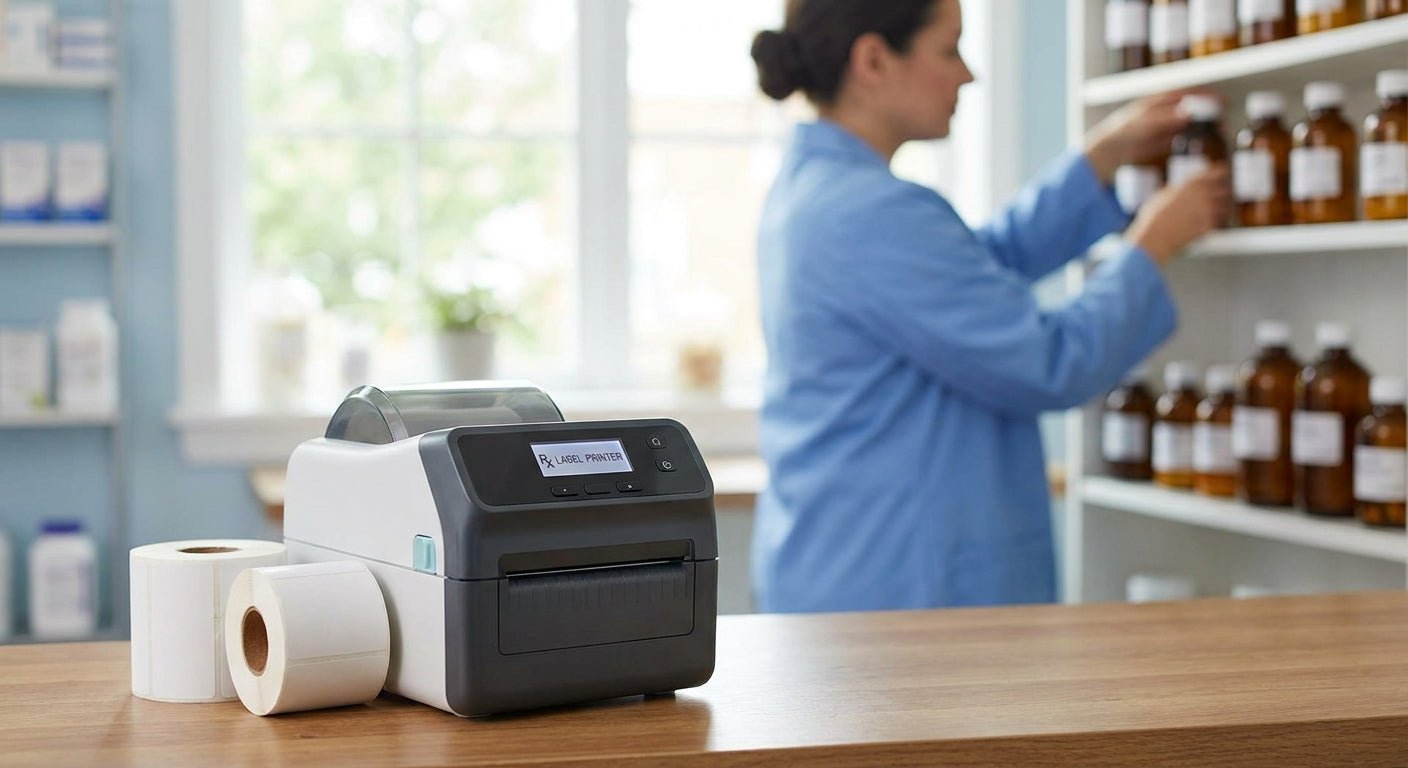
Independent pharmacies print prescription labels, auxiliary warnings, and compounding tags on the same desktop printer, day after day — pick the wrong resolution or ribbon type and six-point dosage text turns to mush within a year. Here's how to narrow a prescription label printer for independent pharmacies down to four models worth stocking in 2026.
- GoDEX ZX430i+ is the safe buy for daily prescription printing in 2026 — 300 DPI keeps 6-point dosage text sharp.
- GoDEX DT230 skips ribbon costs with 300 DPI direct thermal printing — Consider it for counters under 200 scripts a day.
- GoDEX RT200i's 203 DPI engine fits shelf tags, not prescription vials — Consider as a backup unit only.
- GoDEX GE330's older 203 DPI thermal-transfer output is a Skip for any label a pharmacist has to read twice.
Why this matters
Prescription labels carry dosage, interaction warnings, and pharmacist initials in fonts as small as 5 to 6 point. At 203 DPI, those characters print at roughly 40 dots across a line — legible enough for a shelf tag, rough for a warning label a patient squints at under bathroom lighting. Compounding pharmacies face an even tighter bar because beyond-use dates and mixing instructions have to hold up over weeks of handling. A thermal label printer for pharmacy use built for that font density looks nothing like a general-purpose shipping label printer, even though both sit on a countertop and both say "thermal" on the box.
Getting resolution wrong isn't a cosmetic problem in 2026 — it's a compliance one. Blurred milligram figures or smeared drug names are the kind of thing state boards flag during inspection, and reprinting a full day's labels because a printhead degraded mid-shift costs more in staff time than the printer itself.
Who this is for
This guide is for an independent pharmacy owner or pharmacist-in-charge running under 500 prescriptions a day, without an in-house IT department, working off a counter with limited space for hardware. You need a label printer that survives alcohol wipes, doesn't require a service contract to keep running, and prints a legible label the first time — not after two reprints.
What to look for in a prescription label printer for independent pharmacies
Print resolution for small-font dosage text
Anything under 300 DPI struggles with 6-point warning text and small barcodes on standard vial labels. Pharmacies that also print compounding labels with longer instructions need the extra dot density even more, since there's more text competing for the same label real estate.
Direct thermal vs. thermal transfer for label longevity
Direct thermal labels darken with heat and light over months, which matters less for a label a patient reads once but more for records a pharmacy retains. Thermal transfer, using a wax/resin ribbon, holds print quality longer and resists smudging from hand sanitizer and alcohol wipes at the counter.
Desktop footprint and counter space
Most independent pharmacy counters don't have room for an industrial-format printer. A compact 4-inch unit that sits next to a register or fill station beats a wide-format printer built for warehouse labeling.
Connectivity for daily workflow
USB, serial, and Ethernet ports cover the range of pharmacy management setups without forcing a network overhaul. A printer that only does USB locks you into a single workstation; Ethernet lets a second fill station print to the same unit.
Warranty and printhead durability
A pharmacy printer runs continuously through a shift, so printhead life and warranty coverage matter more than they do for an occasional-use office printer. A 3-year warranty, standard across the GoDEX lineup, covers the printhead wear that daily label runs produce.


Top picks for 2026
GoDEX ZX430i+ — the safe pick. Runs 300 DPI dual thermal printing with a color display for at-a-glance status checks, priced at $945. It's the printer that handles both dense prescription labels and standard shelf tags without switching hardware. Verdict: Buy.
GoDEX DT230 — the no-ribbon pick. This 300 DPI direct thermal printer skips ribbon purchasing and ribbon changes entirely, which cuts a recurring supply cost off the counter. Best fit for pharmacies under roughly 200 labels a day where label archival life matters less than speed. Verdict: Buy for low-to-mid volume counters.
GoDEX RT200i — the budget backup. At 203 DPI, this unit handles shelf tags, bag labels, and non-critical text fine, but it's not the printer for a vial label with a full drug interaction warning. Keep it as a second unit for overflow printing, not the primary prescription printer. Verdict: Consider as backup only.
GoDEX GE330 — the wildcard. A 203 DPI thermal-transfer 4-inch printer that reads as an entry-level industrial unit rather than a pharmacy-grade one. The resolution ceiling is the same problem as the RT200i, without a clear cost advantage to offset it. Verdict: Skip for prescription labeling.
What to avoid
- Consumer inkjet or laser printers marketed for "labels." Ink and toner aren't alcohol-resistant, and a wipe-down at the counter smears text that's supposed to hold up for months.
- Generic desktop label makers without barcode support. Fine for file folders, useless for a prescription workflow that needs a scannable code alongside dosage text.
- Any 203 DPI printer marketed as "good enough" for vial labels. It's good enough for a shipping label. It's not good enough for a 6-point warning line a patient reads without their glasses.
Verdict comparison
| Printer | Resolution | Print Method | Best Fit | Verdict |
|---|---|---|---|---|
| GoDEX ZX430i+ | 300 DPI | Dual thermal | Daily prescription labels | Buy |
| GoDEX DT230 | 300 DPI | Direct thermal | Low-to-mid volume, no ribbon | Buy |
| GoDEX RT200i | 203 DPI | Thermal transfer | Shelf tags, backup unit | Consider |
| GoDEX GE330 | 203 DPI | Thermal transfer | Non-critical labeling | Skip |
FAQ
What's the best label printer for prescription bottles in 2026?
The GoDEX ZX430i+ is the best fit for most independent pharmacies in 2026 because its 300 DPI dual thermal engine keeps small-font dosage text and barcodes legible. Pharmacies printing under 200 labels a day can use the ribbon-free GoDEX DT230 instead.
Do independent pharmacies need a 300 DPI printer?
Yes, if the printer is producing prescription vial labels with dosage and interaction warnings in 6-point text or smaller. A 203 DPI printer is fine for shelf tags and bag labels but not for text that has to stay sharp on a small vial.
Is direct thermal or thermal transfer better for pharmacy labels?
Thermal transfer, using a wax/resin ribbon, holds print quality longer against heat, light, and alcohol wipes. Direct thermal is cheaper to run since there's no ribbon, but the print fades faster over months of storage.
How much does a pharmacy label printer cost in 2026?
Desktop thermal printers built for daily pharmacy use run from roughly $374 for a compact 2-inch linerless unit to $945 for a 4-inch 300 DPI dual thermal model. Higher-resolution, higher-throughput units cost more but reduce reprints from blurred text.
Can a pharmacy label printer also print barcodes for prescription tracking?
Yes, thermal label printers built for pharmacy and retail use print barcodes alongside text on the same label. Resolution matters here too — 300 DPI renders small barcodes more reliably for scanner reads than 203 DPI.
What size labels do independent pharmacies typically use?
Prescription vial labels commonly run in the 2-inch to 4-inch width range, with auxiliary warning labels often smaller. A printer that handles multiple label widths without a hardware swap covers both without buying two machines.
How long does a printhead last in daily pharmacy use?
Printhead life depends on daily print volume and label material, which is why a 3-year warranty on the printer matters more for pharmacy counters running continuous label runs than for occasional office use. Cleaning the printhead regularly extends its working life.
Is a linerless printer worth it for a small pharmacy?
A linerless direct thermal printer like the GoDEX DT200L removes ribbon costs and liner waste, which suits low-volume counters printing under roughly 200 labels a day. Higher-volume pharmacies get more consistent long-term print quality from a ribbon-based thermal transfer unit.
One last thing
Most independent pharmacies still running a printer bought a decade ago are stuck at 203 DPI without realizing it — the hardware works, so nobody checks the spec sheet until a patient calls about a warning label they couldn't read. Before replacing an entire counter setup in 2026, check the DPI rating on the current printer first; a resolution upgrade alone often fixes the complaint without touching label stock or software.