
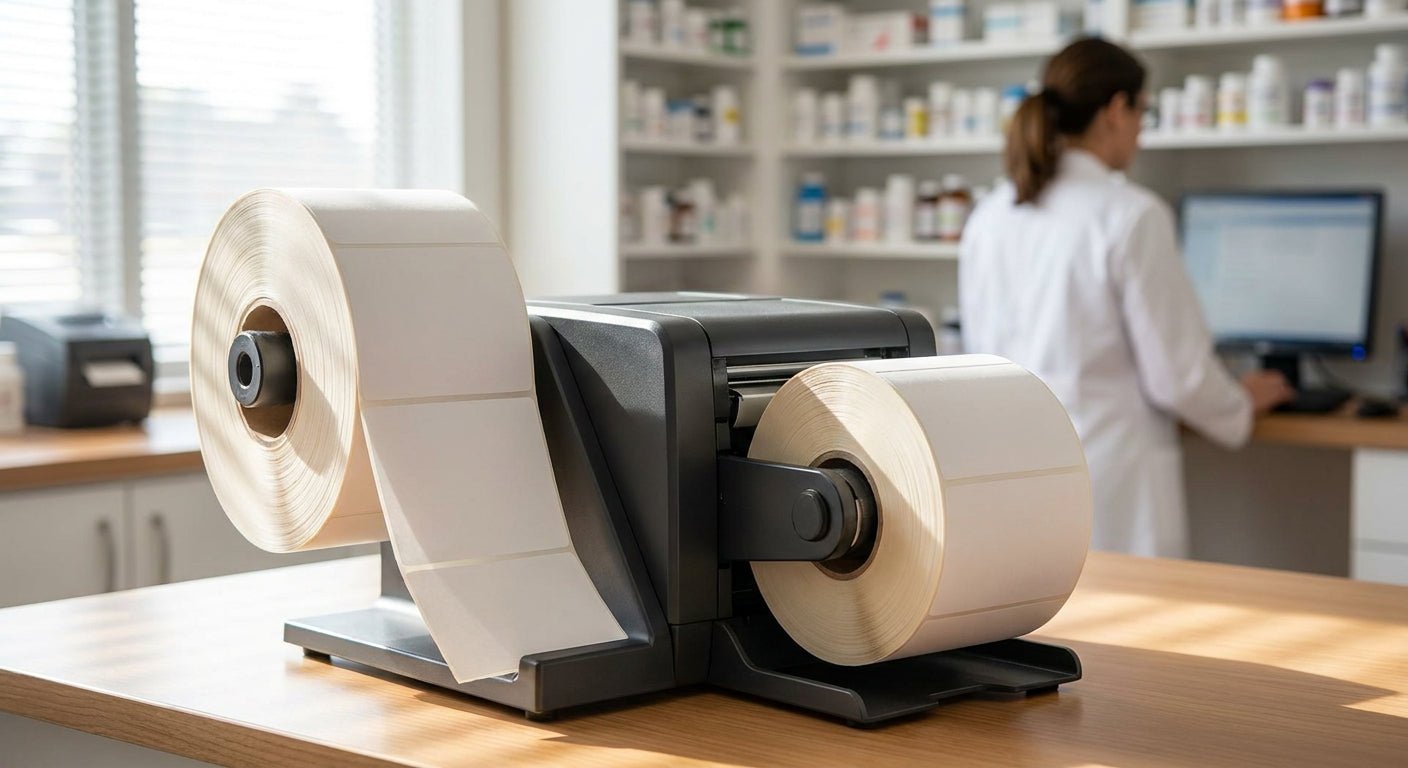
Long-term care pharmacies print prescription labels by the thousand every week — vial labels, unit-dose blister cards, strip packaging, oral syringe tags — and a printer built for a front-office receipt won't survive that pace. This guide breaks down what actually separates a prescription label printer for long-term care pharmacies from a general office model, with specific picks and specs.
- GoDEX ZX430i+ at 300 DPI is the strongest prescription label printer for long-term care pharmacies in 2026 — Buy.
- GoDEX RT200i at 203 DPI handles standard vial labels but blurs small strip-packaging text — Consider.
- GoDEX RT730i is built for multi-shift central fill volume without throttling down — Buy for high volume.
- Skip no-ribbon direct thermal stock for any label stored past 90 days; it fades under pharmacy lighting.
- Every GoDEX model here ships with a 3-year warranty, which matters on a station running daily.
Why this matters
Long-term care pharmacies aren't retail counters. A single facility contract can mean 200+ residents on multi-drug regimens, each needing a labeled strip pack or blister card that a caregiver scans against an eMAR before administration. If the barcode prints soft or the text on a 1-inch label goes fuzzy at small point sizes, the caregiver either re-scans, calls the pharmacy, or — worse — misreads a dose.
That's a different failure mode than a warehouse label peeling off a box. The thermal label printer for pharmacy use has to hold barcode integrity at small label sizes, run for a full shift without a ribbon change mid-fill, and survive daily contact with hand sanitizer and alcohol wipes. Picking on DPI alone or price alone misses half of what an LTC pharmacy actually needs in 2026.
Who this is for
This guide is for pharmacy operations managers and pharmacists-in-charge at long-term care, institutional, or closed-door pharmacies running their own strip-packaging or central-fill labeling — not retail pharmacies buying a single receipt printer, and not consumer buyers looking for home address labels.
What to look for in a prescription label printer for long-term care pharmacies
Print resolution for small-format text
Most strip-packaging and unit-dose labels run 1 inch or smaller, packed with drug name, strength, lot number, and a scannable barcode. At 203 DPI, small serif text and dense barcodes can smear at the edges; 300 DPI resolves that detail cleanly. If your labels carry more than a drug name and a barcode, 300 DPI is the floor, not the upgrade.
Direct thermal vs. thermal transfer
Direct thermal labels darken with heat and fade with time, sunlight, or friction — a real problem for labels handled repeatedly by caregivers over a multi-day medication cycle. Thermal transfer, which uses a ribbon to bond ink onto the label, holds up against alcohol wipes and repeated handling far better. For anything stored or handled beyond a few days, thermal transfer is the safer call.
Standalone and multi-shift operation
Central fill pharmacies run labeling stations across two or three shifts without a break. A printer that needs a PC tether or throttles down after heavy runs creates a bottleneck exactly when volume peaks. Look for standalone keyboard support and a duty cycle rated for continuous runs, not intermittent office printing.
Barcode accuracy for eMAR scanning
Caregivers scan the label, not the drug. If the barcode module or resolution can't hold a clean 1D or 2D code at label size, scan failures cascade into manual overrides — the exact workaround eMAR systems exist to prevent. Test barcode fidelity at your actual label dimensions before committing to a model.
Ribbon and consumables availability
A pharmacy labeling station that runs out of ribbon mid-shift stops filling. Confirm ribbon width and core size match your printer before ordering in volume, and keep a second roll on hand — a $9 roll of wax/resin ribbon is cheap insurance against a stalled station.
Footprint for multi-station deployment
LTC pharmacies packaging for multiple facilities often run several printers side by side. A compact desktop footprint that doesn't crowd a packaging line matters more here than it does for a single-station retail counter.
Top picks
GoDEX RT200i — the safe pick
203 DPI, GoDEX build quality, entry price point. This is the right call if your labels are simple — drug name, strength, and a standard barcode with no dense small print. It won't be the sharpest text on a 1-inch label, but for straightforward vial labeling it holds up fine. Verdict: Consider for low-complexity labels, Skip if your strip packs carry dense text.
GoDEX ZX430i+ — the sharp-text pick
300 DPI resolution with a color display for status at a glance, built for the small-format, high-detail labels LTC pharmacies print daily. This is the model that resolves dense barcode and small drug-strength text cleanly at 1-inch label size, which is exactly the failure point on lower-resolution printers. Verdict: Buy — this is the default recommendation for most long-term care labeling stations in 2026.
GoDEX RT730i — the multi-shift workhorse
Built for central fill volume where a single printer runs across two or three shifts without a cooldown. If you're packaging for multiple facilities from one hub, this is the model that keeps up without becoming the bottleneck. Verdict: Buy for high-volume central fill, Skip for a single low-volume station.


What to avoid
- Consumer inkjet label printers. They look cheap upfront but the ink smears under alcohol wipe contact and won't hold a barcode reliably through a medication cycle.
- No-ribbon direct thermal stock for anything stored past 90 days. Direct thermal fades with heat and time — fine for a same-day receipt, risky for a label that outlives the fill.
- Used industrial printers with no warranty. A refurbished floor-model printer with no support behind it is a bad trade for the few hundred dollars saved when the station is running daily.
“If a label smears under an alcohol wipe, it wasn't built for a pharmacy floor.”
Verdict comparison
| Model | Resolution | Best for | Verdict |
|---|---|---|---|
| GoDEX RT200i | 203 DPI | Simple vial labels, low volume | Consider |
| GoDEX ZX430i+ | 300 DPI | Strip packaging, dense barcodes | Buy |
| GoDEX RT730i | 300 DPI class | Multi-shift central fill | Buy (volume) |
FAQ
What's the best prescription label printer for long-term care pharmacies in 2026?
The GoDEX ZX430i+ at 300 DPI is the strongest fit for most long-term care pharmacies in 2026 because it resolves small drug-strength text and dense barcodes at 1-inch label size. Lower-resolution 203 DPI models work only if your labels carry minimal text.
Is 300 DPI better than 203 DPI for prescription labels?
Yes, for strip packaging and unit-dose labels with dense text or barcodes, 300 DPI is the practical floor. 203 DPI is fine for simple vial labels with a drug name and a standard barcode.
Should a pharmacy use direct thermal or thermal transfer labels?
Thermal transfer holds up better against repeated handling, alcohol wipes, and time, which matters for labels used across a multi-day medication cycle. Direct thermal is acceptable only for short-lived, same-day labels.
How much does a pharmacy label printer cost?
GoDEX models built for pharmacy labeling run from roughly $581 for a 203 DPI unit to $945 for a 300 DPI model with a color display, plus consumables like ribbon at around $9 per roll.
Can these printers run standalone without a PC?
Standalone keyboard support is available on GoDEX models built for continuous shift operation, letting a station keep printing without a tethered computer running the whole shift.
Do these printers hold up for barcode scanning against an eMAR?
At 300 DPI, barcode fidelity holds at small label sizes, which is what eMAR scanning against a caregiver's handheld reader needs. Lower resolution models risk soft edges on dense codes.
What warranty comes with a GoDEX pharmacy label printer?
GoDEX printers carry a 3-year warranty as standard, which matters for a station that runs daily labeling volume rather than occasional office printing.
One last thing
The detail most pharmacies miss until it's a problem: ribbon width has to match the printer exactly, not just the label width. A mismatched ribbon core jams a run mid-shift far more often than the printer itself fails — keep a matched spare ribbon on hand before volume ramps up in 2026, not after the first jam.