
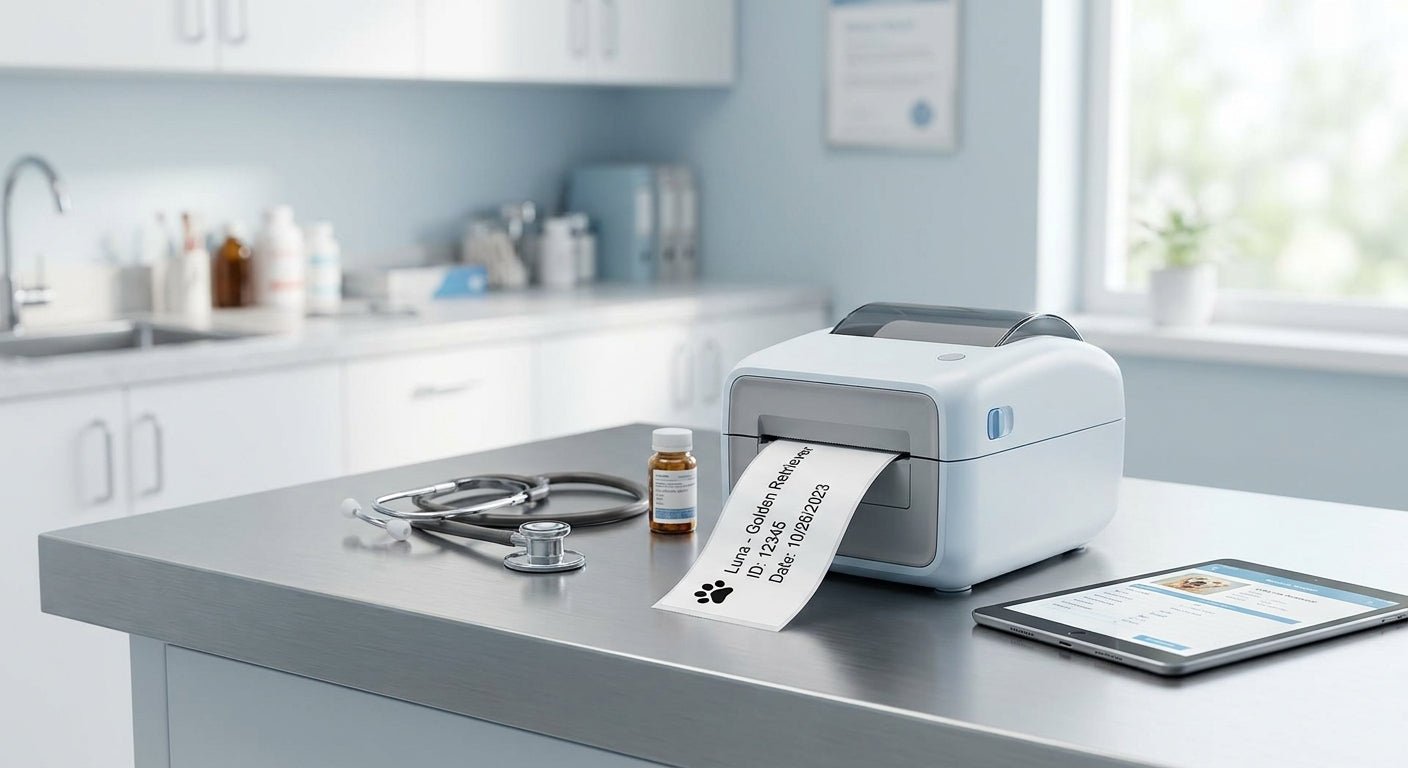
Vet clinics print more labels than most people realize: prescription bottles, specimen vials, cage cards, controlled-substance logs, and client discharge paperwork all need a barcode or clear text that survives handling. A consumer label maker from the office supply aisle can't keep up once patient volume climbs.
TL;DR
The best thermal label printer for a veterinary clinic in 2026 is a 300 DPI GoDEX unit — the GoDEX RT230i for general practice use, or the GoDEX DT230 if you want to skip ribbon costs entirely. Clinics printing prescription labels or tiny vial barcodes should size up to 600 DPI. A $150 desktop label maker looks like a bargain until it can't render a 6-point lot number legibly — that's when clinics end up replacing hardware twice. Verdict: buy 300 DPI thermal transfer as the baseline, go 600 DPI only if you print small serialized text daily.
Why this matters
A veterinary clinic isn't a warehouse and it isn't a retail counter — it's somewhere in between, with prescription accuracy requirements on one side and inventory/asset tracking on the other. Get the resolution wrong and prescription labels blur after a week in a pocket. Get the media type wrong and cage cards fade under fluorescent light within a month.
McAuley Labels builds printers around these exact tradeoffs rather than general-purpose office output. If your clinic already labels prescription vials by hand or reprints faded cage tags weekly, a dedicated GoDEX DT4x prescription printer removes that friction in under a week of setup.
Who this is for: single-doctor practices, multi-vet clinics, mobile vet services, and specialty hospitals that print at least 50 labels a day — prescription labels, specimen tubes, cage cards, or client paperwork. If your clinic prints fewer than 20 labels a week, a basic office printer probably still works. Past that threshold, thermal is the only format that holds up.
What to look for in a thermal label printer for veterinary clinics
Print resolution matched to your smallest label
Most general labels look fine at 203 DPI, but prescription bottle text, tiny vial barcodes, and small QR codes need 300 DPI at minimum — 600 DPI if you're printing dosage instructions under 8-point font. A clinic that prints both cage cards and prescription labels needs a printer rated for the smaller job, not the average one.
Direct thermal vs. thermal transfer
Direct thermal media reacts to heat and needs no ribbon, but it fades under sunlight or alcohol wipes within weeks — a real problem on exam room supply bins. Thermal transfer uses a ribbon and produces labels that survive disinfectant and years of handling, which matters for asset tags and long-term specimen records.
Barcode and QR support for records and specimens
If your practice management software tracks patients by barcode, or if you send samples to an outside lab, the printer needs clean barcode rendering at whatever DPI you're printing — a blurry barcode gets rejected by a scanner just as often as a missing one. QR support matters more every year as labs move toward digital chain-of-custody tracking.
Desktop footprint for exam rooms and front desks
Most vet clinics don't have server-room space. A compact desktop unit that sits next to the reception terminal or in a treatment room beats an industrial floor-standing printer designed for a distribution center.
Software compatibility with your practice management system
GoLabel and similar design software need to talk to whatever system generates your patient and prescription data. Confirm driver support before buying — a printer that can't pull variable data from your PMS just becomes a manual-entry bottleneck.
Print speed for peak hours
A clinic running four exam rooms at once during a Saturday rush needs a printer that keeps pace — look for rated speeds in inches-per-second, not just DPI, since a high-resolution printer that's slow will bottleneck checkout.
Top picks for veterinary clinics in 2026
The safe pick — GoDEX RT230i (300 DPI) Thermal transfer at 300 DPI covers prescription labels, cage cards, and specimen barcodes without forcing a resolution compromise anywhere in the clinic. It handles both direct thermal and transfer media, so front-desk staff can switch stock without buying a second machine. Verdict: Buy — this is the printer most general practices should default to in 2026.
The no-ribbon pick — GoDEX DT230 (300 DPI direct thermal) Drop the ribbon entirely and print straight to heat-sensitive stock — good for cage cards and short-term labels that don't need years of shelf life. Running cost per label drops since there's no consumable ribbon to replace, but don't use it for anything that needs to survive alcohol wipes or long storage. Verdict: Buy for clinics printing high volumes of short-lived labels.
The high-resolution pick — GoDEX RT863i (600 DPI) Specialty hospitals and labs printing dense barcodes on small vials need the extra resolution — 600 DPI renders fine serial text and tight barcode bars that 300 DPI can smear at small sizes. It's overkill for cage cards alone. Verdict: Consider if prescription or specimen labeling is a daily, high-volume task; skip it if cage cards and general signage are most of your print run.
The one to skip for small text — GoDEX GE300 (203 DPI) A solid workhorse for general barcode labels and shipping tags, but 203 DPI struggles on anything under 10-point font — prescription dosage lines and small vial codes come out fuzzy. Verdict: Skip for prescription or specimen work; fine for general inventory tags elsewhere in the clinic.
What to avoid
- Consumer label makers marketed for "home office" use. They look cheap upfront but can't hold barcode integrity at small sizes and usually cap out well below the 300 DPI a prescription label needs.
- Direct-thermal-only printers for anything long-term. Cage cards and asset tags fade under exam-room lighting inside a few weeks if printed direct thermal instead of thermal transfer.
- 203 DPI printers for prescription or specimen labels. They're fine for shelf tags and cage cards, but dosage text and small barcodes blur past legibility at that resolution.
Verdict comparison
| Printer | Resolution | Print Type | Best For | Verdict |
|---|---|---|---|---|
| GoDEX RT230i | 300 DPI | Direct thermal / transfer | General clinic use | Buy |
| GoDEX DT230 | 300 DPI | Direct thermal only | High-volume short-life labels | Buy |
| GoDEX RT863i | 600 DPI | Thermal transfer | Prescription & specimen labeling | Consider |
| GoDEX GE300 | 203 DPI | Thermal transfer | General barcode tags only | Skip for Rx labels |
FAQ
What's the best thermal label printer for a veterinary clinic in 2026? A 300 DPI thermal transfer printer like the GoDEX RT230i covers prescription labels, cage cards, and specimen barcodes without a resolution tradeoff, making it the default choice for most general practices.
Is 300 DPI enough for prescription labels? Yes, for most standard prescription text — 300 DPI renders 8-point font cleanly. Clinics printing dense serial numbers or very small vial barcodes daily should move up to 600 DPI.
Direct thermal or thermal transfer for a vet clinic? Thermal transfer holds up better under alcohol wipes and long-term storage, which matters for asset tags and archived specimen records; direct thermal is cheaper per label but fades within weeks under light or chemical exposure.
Can one printer handle both cage cards and prescription labels? Yes — a 300 DPI thermal transfer unit like the RT230i handles both, though clinics with very small prescription text may still want a 600 DPI machine dedicated to that task.
How much does a clinic-grade thermal printer cost to run versus a consumer label maker? Running costs come down to media and ribbon per label rather than the printer price itself; thermal transfer ribbon adds a small per-label cost that consumer inkjet cartridges usually exceed at clinic volumes.
Does the printer need to integrate with practice management software? If your PMS generates variable patient or prescription data, confirm driver compatibility with GoLabel or your label design software before buying — otherwise staff end up re-typing data manually.
What resolution do specimen barcode labels need? Most lab-bound specimen barcodes read fine at 300 DPI; go to 600 DPI only if the label surface area is small enough that the barcode bars would otherwise sit too close together.
Is a 203 DPI printer ever the right choice for a vet clinic? Only for general inventory and non-critical signage — prescription labels and small specimen barcodes need at least 300 DPI to stay legible.
One last thing
The detail most clinics miss: prescription label fading isn't usually a printer problem, it's a media mismatch. A 300 DPI printer running direct thermal stock on a bottle that sits in a warm car for a week will fade regardless of print quality — switching to thermal transfer ribbon on the same hardware fixes it without buying new equipment.