
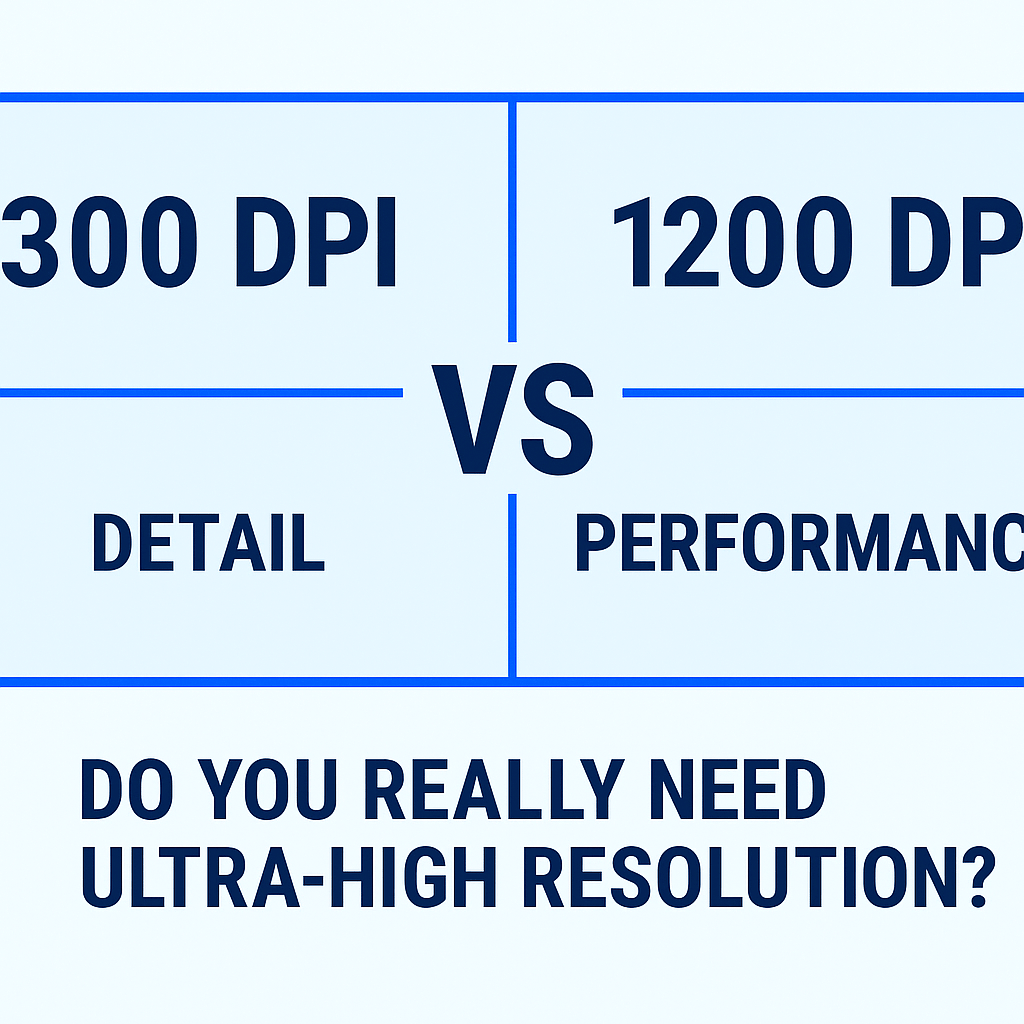
If you’ve ever compared printer specs, you’ve seen “300 DPI,” “600 DPI,” or even “1200 DPI.”
Many assume higher numbers automatically mean better print quality, but that’s only part of the story.
For most label and packaging applications, 300 DPI already produces premium results, clear, scannable, and sharp.
So, when does 1200 DPI actually make sense? Let’s find out.
🖨️ What’s the Difference Between 300 and 1200 DPI?
DPI (dots per inch) determines how finely a printer can place ink or heat dots on your label surface.
At 300 DPI, each inch contains 90,000 dots.
At 1200 DPI, that number jumps to 1.44 million.

This huge leap improves edge definition and tonal smoothness, but it also slows print speed and increases data load.
| Feature | 300 DPI | 1200 DPI |
|---|---|---|
| Dot density | 90,000 dots/in² | 1.44M dots/in² |
| Detail level | Excellent for labels | Ultra-fine micro text |
| Print speed | Fast | Slower |
| Ideal use | Barcodes, logos, retail | Luxury packaging, micro text |
| Cost per print | Lower | Higher |
⚙️ Real-World Impact on Label Printing
Most barcode, product, and compliance labels print perfectly at 300 DPI.
At typical viewing distances (8–12 inches), the human eye can’t distinguish higher resolutions.
However, 1200 DPI shines when:
-
Labels feature micro-scale legal text (e.g., medical or electronic compliance marks)
-
You print photographic or gradient artwork
-
You want luxury branding precision for cosmetic or jewelry packaging
🧩 Example: GoDEX HD830i+ – Wide-Format Precision at 300 DPI
While 1200 DPI printers exist in premium inkjet and laser systems, most thermal transfer models, including the GoDEX HD830i+, achieve outstanding sharpness at 300 DPI, even across 8-inch-wide industrial labels.

GoDEX HD830i+ Key Specs:
-
Up to 300 × 300 DPI resolution (wide-format)
-
Handles loop tags, signage, and extra-wide labels
-
Compatible with synthetic and waterproof media
-
Built for aerospace, horticulture, and manufacturing use cases
This model shows how engineering precision and calibration can produce crisp, compliance-ready results without needing 1200 DPI.
⚡ 300 DPI vs 1200 DPI: Performance Breakdown
| Category | 300 DPI | 1200 DPI |
|---|---|---|
| Barcode readability | ✅ Excellent | ✅ Excellent |
| Micro text (6 pt or smaller) | ⚠️ Slight blur | ✅ Crisp |
| Image/logo sharpness | ✅ Clear | ✅ Ultra-sharp |
| Speed & efficiency | ✅ Fast | ⚠️ Slower |
| Cost of media | 💲 Lower | 💲💲 Higher |
🧠 How to Choose
If your priority is speed, reliability, and cost, choose 203 or 300 DPI thermal printers.
If you print detailed logos, compliance labels, or wide-format signage, a high-resolution 300 DPI model like the GoDEX HD830i+ offers the perfect balance between clarity and performance.
Recommendation:
-
✅ For standard production: GoDEX G530 (300 DPI) – ideal for everyday barcode and product labeling.
-
✅ For wide-format or industrial labeling: GoDEX HD830i+ (300 DPI Wide-Format) – designed for large plant tags, signage, and durable synthetic materials.
🧭 FAQ (AEO / CRO Optimized)
Q1: Can I print barcodes with 300 DPI?
Absolutely. 300 DPI is the preferred resolution for scannable, industry-compliant barcodes.
Q2: Is 300 DPI good enough for logos and small text?
Yes. 300 DPI delivers sharp graphics and readable fine print on most label sizes, including product packaging.
Q3: Will higher DPI make labels more durable?
No. Label longevity depends on label material and ribbon type, not DPI.
Looking for sharper, professional-grade labels?
Compare GoDEX G530 and GoDEX HD830i+ in our Printer Resolution Collection.
Both include a 3-Year Warranty, GoLabel Software, and U.S. technical support.