
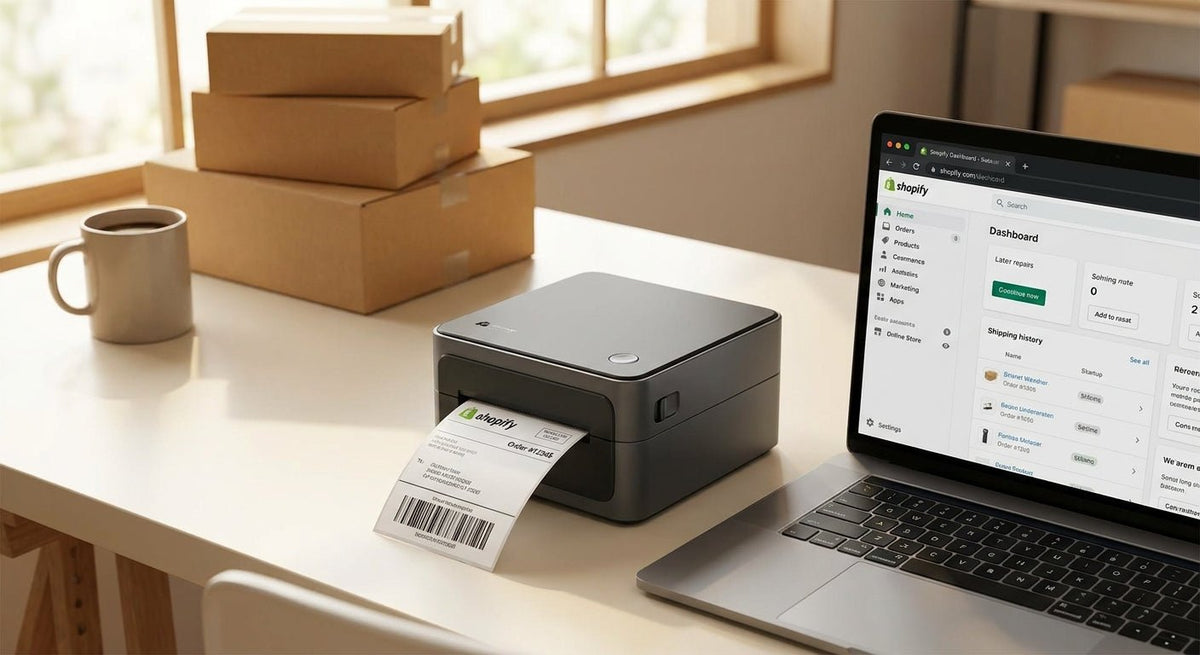
Shopify sellers printing shipping labels on a standard desktop printer waste an average of 8–12 seconds per label fighting with paper settings, cut lines, and scaling errors. A dedicated 4x6 thermal label printer for Shopify eliminates that entirely — no ink, no jams, no fuss — and McAuley Labels manufactures one built specifically for this workflow.
TL;DR: The best 4x6 thermal label printer for Shopify in 2026 is the McAuley Labels 4x6 thermal label printer — a direct thermal unit that prints carrier-ready 4×6 labels at 203 dpi, connects via USB, and requires zero ink or toner. It handles UPS, USPS, FedEx, and DHL label formats out of the box. Shopify store owners shipping 10–500+ orders per day get the fastest return on this hardware.
Why This Matters in 2026
Shopify's built-in shipping integration generates 4×6 label PDFs by default. Every major carrier — UPS, USPS, FedEx, DHL — standardized on the 4×6 format because it fits every box face above 5 inches wide. Printing on anything else means scaling, cropping, or misread barcodes at the carrier facility. A single misread barcode costs you a reshipped order plus a customer service ticket. At 50 orders a day, fixing those errors adds up to real money.
Direct thermal printing (no ribbon, no ink cartridge) is the correct technology for this use case. The label stock is the print medium — heat from the printhead darkens it. Consumable cost drops to the label itself, typically $0.03–0.06 per label in volume.
Who This Is For
This guide is written for Shopify store owners — DTC brands, dropshippers, and marketplace sellers — who fulfill orders in-house. If you ship 10 to 500+ packages per day from a home office, garage, or small warehouse, a dedicated 4x6 thermal printer pays for itself in labor savings within weeks. It also fits anyone upgrading from a laser or inkjet printer and tired of the recurring ink cost.
What to Look for in a 4x6 Thermal Label Printer for Shopify
Direct Thermal vs. Thermal Transfer
For Shopify shipping labels, direct thermal is the right call. Shipping labels sit in transit for days, not years — they don't need the longevity that thermal transfer ribbon provides. Direct thermal keeps your consumable list to one item: label stock. Ribbon-based setups add cost, reorder logistics, and a ribbon-loading step every few hundred labels. For a deeper comparison, see direct thermal vs. thermal transfer.
Print Resolution: 203 dpi Is the Minimum
203 dpi produces a barcode that every carrier scanner reads reliably. 300 dpi sharpens fine text and small QR codes. For pure shipping label output — carrier barcode, address block, return address — 203 dpi is sufficient and prints faster. If you ever plan to print product labels with logos or fine print alongside shipping labels, 300 dpi is worth the small price premium.
Connectivity and Shopify Compatibility
Shopify's label download is a PDF or ZPL stream. Your printer needs a USB or Ethernet connection and a driver the Mac or Windows system can target. Bluetooth-only printers add latency and drop connections mid-batch. Prioritize USB-connected printers with a Zebra ZPL-compatible or EPL driver — Shopify's print dialog targets these natively.
Print Speed
Speed is measured in inches per second (ips). At 4 ips, a 4×6 label prints in about 1.5 seconds. At 6 ips, under 1 second. If you batch-print 100 labels at open of business, the difference between 4 ips and 6 ips is roughly 2 minutes. That gap compounds at volume — 500 labels per day at 4 ips vs. 6 ips saves ~8 minutes daily, or ~48 hours per year.
Label Roll Capacity and Core Size
Larger roll capacity means fewer roll changes. Commercial label rolls on a 3-inch core hold 1,000–2,500 labels depending on label thickness. Printers that accept only 1-inch core rolls force you to buy small rolls (250–500 labels) at a higher per-label cost. Confirm your printer accepts 1-inch and 3-inch cores before ordering label stock in bulk.
Setup Time and Driver Availability
A printer that requires 45 minutes of driver wrestling on day one will cost you again every OS update. Look for plug-and-play USB recognition on Windows 10/11 and macOS 12+. McAuley Labels printers ship with driver files included and a setup guide — you should be printing a test label in under 10 minutes.
Top Picks
The Shopify-Ready Workhorse — McAuley Labels 4x6 Thermal Label Printer
Hook: The safe pick for any Shopify seller who wants zero configuration surprises.
Key spec: Direct thermal, 203 dpi, USB connectivity, accepts rolls up to 3-inch core.
The McAuley Labels 4x6 thermal label printer is built for exactly this use case. It prints carrier-standard 4×6 labels at a speed that handles 300+ orders per day without bottlenecking your pack station. In 2026, it remains one of the few printers in this category manufactured by a label hardware company — not a generic OEM reseller — which means driver support and label stock compatibility are controlled end-to-end.
Setup takes under 10 minutes on Windows or macOS. Shopify's print dialog recognizes it as a standard label printer. No calibration ritual required.
Verdict: Buy — the right hardware for any Shopify store shipping 10–500+ orders daily.
The High-Resolution Step-Up — McAuley Labels Godex RT863i
Hook: The wildcard for stores that also print product labels, barcodes, or asset tags.
Key spec: 600 dpi thermal transfer, 4-inch print width, industrial build.
The Godex RT863i is not a pure shipping label printer. At 600 dpi with thermal transfer capability, it handles detailed product labels, compliance text at 6pt font, and durable barcode asset tags on the same machine. If your Shopify store ships products that also need custom product labels or you manage warehouse inventory, consolidating onto one printer saves desk space and cost. Read more about what it does at scale in the Godex RT863i thermal printer product page.
The tradeoff: ribbon consumables add cost per label (~$0.02 more than direct thermal) and setup is more involved.
Verdict: Consider — ideal if you need multi-purpose label output beyond shipping labels.
What to Avoid
- Inkjet or laser printers with label tray adapters. These work for low-volume hobbyists, not Shopify sellers. Ink smears in humidity, toner flakes off slick label stock, and scaling errors are common when printing PDFs from Shopify's generated label URLs.
- Bluetooth-only thermal printers. Connection drops mid-batch, latency increases with distance, and most require a mobile app rather than a desktop print driver — incompatible with Shopify's standard print flow.
- Printers that only accept 1-inch core rolls. You'll pay a 30–50% premium on label stock per unit because small rolls are priced for convenience, not volume. Every serious fulfillment setup runs 3-inch core rolls.
Comparison Table
| Criterion | McAuley 4x6 Thermal | Godex RT863i |
|---|---|---|
| Print method | Direct thermal | Thermal transfer |
| Resolution | 203 dpi | 600 dpi |
| Consumable | Label stock only | Label stock + ribbon |
| Setup time | Under 10 min | 15–30 min |
| Best for | Shipping labels | Multi-purpose labels |
| Shopify compatibility | Plug-and-play | Driver setup required |
| Verdict | Buy | Consider |
FAQ
What's the best 4x6 thermal label printer for Shopify in 2026? The McAuley Labels 4x6 thermal label printer is the best-fit option for Shopify sellers in 2026. It prints direct thermal at 203 dpi, connects via USB, and requires no ink — making it the lowest-friction hardware for daily shipping label output.
Does Shopify work with thermal label printers? Yes. Shopify generates 4×6 label PDFs for every major carrier. Any USB thermal printer with a compatible Windows or macOS driver can receive the print job directly from Shopify's "Print label" button.
Do I need a special driver to use a thermal printer with Shopify? Most thermal printers use a ZPL or EPL-compatible driver. Shopify does not require a proprietary plugin — you install the printer driver, set it as your default label printer in the OS, and Shopify's print dialog handles the rest.
Is 203 dpi good enough for Shopify shipping labels? 203 dpi is sufficient for carrier barcodes and standard address text. Every major carrier — UPS, USPS, FedEx, DHL — scans 203 dpi labels without issue. Step up to 300 dpi only if your labels include small logos or fine compliance text.
How much does it cost to print a 4x6 thermal label? Direct thermal label stock runs $0.03–0.06 per label when purchased in volume on 3-inch core rolls. There is no ink or toner cost. A thermal printer pays for itself relative to inkjet printing within 500–1,000 labels depending on your current ink spend.
Can I use any 4x6 label stock with a thermal printer? You can use any direct thermal label stock that matches your core size (1-inch or 3-inch) and the printer's max media width. McAuley Labels printers are tested with standard fanfold and roll stock available from major label suppliers.
Do thermal printers work on Mac for Shopify? Yes. The McAuley Labels 4x6 thermal label printer works on macOS 12 and later. Install the included driver, add the printer in System Settings, and select it in Shopify's print dialog.
How fast can a 4x6 thermal printer produce labels? At 4 ips, one 4×6 label takes about 1.5 seconds. A batch of 100 labels completes in roughly 2.5 minutes. At 6 ips, the same batch takes under 1.5 minutes. For high-volume Shopify operations in 2026, print speed is the single most important hardware spec after resolution.
One Last Thing
Most Shopify sellers buy a thermal printer once and forget about the label stock decision. That's the wrong order of operations. Commit to a 3-inch core roll format first — it determines your per-label cost floor for the life of the printer. At 200 orders per day, the difference between a 1-inch core roll and a 3-inch core roll can add up to over $400 per year in label stock cost alone. Get the hardware and the supply chain right at the same time.