
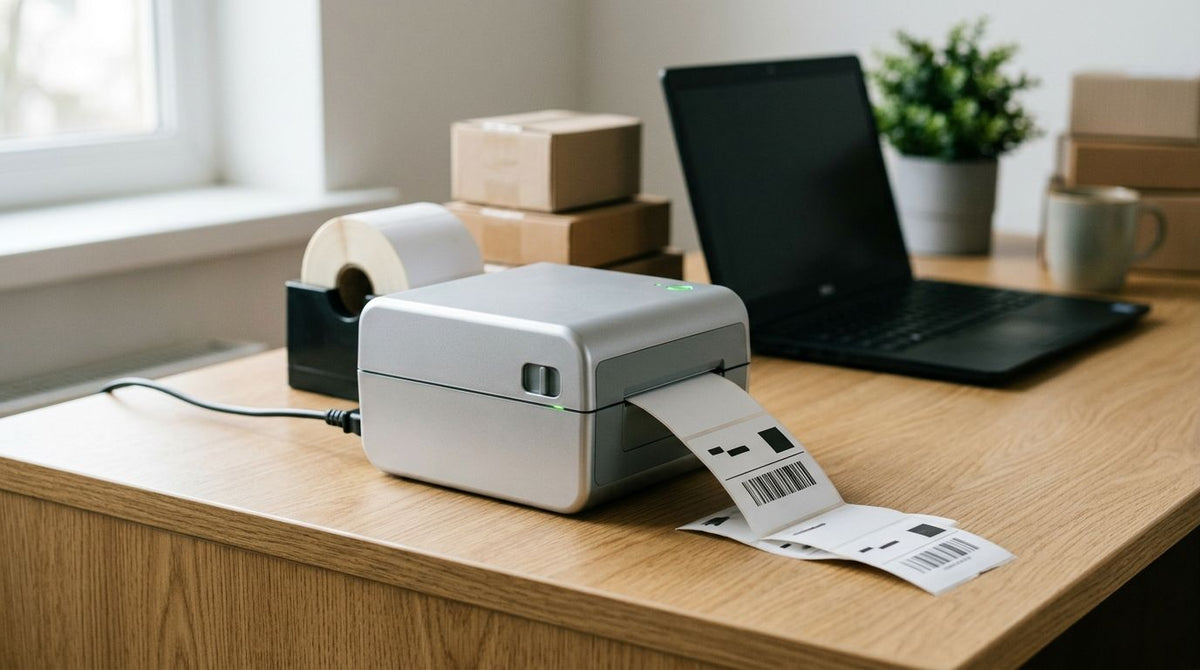
Best overall: the GoDEX ZX430i+. Best for high-volume shipping desks: the GoDEX RT700i. Best budget 4x6 thermal label printer: the GoDEX RT200i. Best for durable, ribbon-based asset labeling: the GoDEX GE330. Best for scaling past one print station: the GoDEX RT730i.
- GoDEX ZX430i+ is the best 4x6 thermal label printer overall for 2026, running dual thermal output at 300 DPI.
- GoDEX RT700i fits high-volume shipping desks with a color display built for fast job switching.
- GoDEX RT200i is the budget 4x6 thermal label printer pick at 203 DPI for basic barcode work.
- GoDEX GE330 uses thermal transfer ribbon for asset tags and labels that need to survive abrasion.
- GoDEX RT730i is the upgrade path once a single print station can't keep pace with order volume.
Why this matters
A 4x6 thermal label printer is only as good as the resolution and feed mechanism behind it — pick wrong and you're stuck reprinting smeared barcodes or waiting on a queue that can't clear a morning's shipping volume. The gap between 203 and 300 DPI shows up fastest on small text and dense barcodes, not on a plain address label.
Most teams shopping for a 4x6 thermal label printer in 2026 fall into one of three buckets: shipping desks moving high volume, small operations printing occasional batches, and shops that need labels tough enough to survive grease, abrasion, or outdoor exposure. GoDEX builds a printer for each of those, and the right one depends less on brand loyalty and more on matching resolution, ribbon type, and connectivity to the job in front of you.
What makes the best 4x6 thermal label printer
- Print resolution — 203 DPI covers standard shipping barcodes; 300 DPI sharpens small text and dense codes.
- Direct thermal vs. thermal transfer — direct thermal skips ribbon entirely; thermal transfer needs ribbon but resists heat, abrasion, and chemical exposure better.
- Connectivity — USB, Serial, and Ethernet cover desktop and networked shipping stations without extra hardware.
- Display type — a color display speeds up job selection on multi-user stations; a basic display keeps cost down on single-user setups.
- Warranty coverage — GoDEX printers carry a standard 3-year warranty across the lineup.
- Print width fit — a true 4-inch print head is what actually produces a clean 4x6 label, not a narrower head stretched to fit.
4x6 thermal label printers at a glance
| Printer | Best for | Standout feature | Key limitation |
|---|---|---|---|
| GoDEX ZX430i+ | General 4x6 shipping and product labels | Dual thermal, 300 DPI, color display | Color display adds a step over bare-bones models |
| GoDEX RT700i | High-volume shipping desks | Color display for fast job switching | No thermal transfer option noted for this model |
| GoDEX RT200i | Budget-conscious 4x6 printing | 203 DPI at a lower entry point | Lower resolution than 300 DPI models on fine barcodes |
| GoDEX GE330 | Durable, ribbon-based asset labeling | 4-inch thermal transfer engine at 203 DPI | Requires ribbon, which direct thermal models skip |
| GoDEX RT730i | Scaling past a single station | Extension of the RT series lineup | Fewer published specs than the ZX430i+ or RT200i |
1. GoDEX ZX430i+: best 4x6 thermal label printer for general shipping and product labels
The GoDEX ZX430i+ is a dual thermal, 4-inch printer running at 300 DPI with a color display for quick label and job selection. It handles both direct thermal shipping labels and ribbon-based thermal transfer jobs on the same unit, which is what pushes it to the top of this list for 2026.
GoDEX ZX430i+ pros:
- 300 DPI resolution keeps small text and dense barcodes readable
- Dual thermal support covers direct thermal and thermal transfer without swapping hardware
- Color display speeds up navigating stored label formats
- USB/Serial/Ethernet connectivity fits both desktop and networked setups
GoDEX ZX430i+ cons:
- The color display adds a step for teams that only need one label format ever printed
- 300 DPI is more resolution than plain shipping labels usually need
Best for: shops printing a mix of shipping labels and product or barcode labels on one machine.
Verdict: Buy. This is the safest default 4x6 thermal label printer on the list for 2026 if you can't predict every job in advance.
2. GoDEX RT700i: best for high-volume shipping desks
The GoDEX RT700i is a 4-inch printer built around a color display, aimed at stations that cycle through multiple label formats all day. On a shipping desk running dozens of jobs in a shift, the display cuts down time spent hunting for the right stored template.
GoDEX RT700i pros:
- Color display makes multi-format job switching faster on busy desks
- 4-inch print width matches standard 4x6 label stock
- Fits into a shipping workflow alongside a rewinder for continuous roll handling
GoDEX RT700i cons:
- No published thermal transfer spec, so ribbon-based durability needs aren't confirmed for this model
- Better suited to volume shipping than mixed asset-tag or lab work
Best for: shipping desks running high daily label counts across several order types.
Verdict: Buy for high-volume shipping. Hold if your volume doesn't justify a display-driven workflow.
3. GoDEX RT200i: best budget 4x6 thermal label printer
The GoDEX RT200i runs at 203 DPI, which is the standard resolution for shipping barcodes and address labels. It's the entry point in this lineup for teams that need reliable 4x6 output without paying for resolution they won't use.
GoDEX RT200i pros:
- 203 DPI is enough for standard shipping barcodes and carrier labels
- Lower entry point than the 300 DPI models in this guide
- Straightforward setup for single-station use
GoDEX RT200i cons:
- 203 DPI shows its limits on dense 2D barcodes or fine product text
- Fewer display and connectivity extras than the RT700i or ZX430i+
Best for: small businesses and occasional shippers who mostly print standard carrier labels.
Verdict: Buy if your labels are mostly plain shipping barcodes. Wait if you're printing detailed product graphics.
4. GoDEX GE330: best for durable, ribbon-based asset labeling
The GoDEX GE330 is a 4-inch thermal transfer printer at 203 DPI. Thermal transfer means it runs ribbon instead of relying on heat-sensitive paper alone, which matters when labels need to survive grease, abrasion, or repeated handling long after they're printed.
GoDEX GE330 pros:
- Thermal transfer ribbon resists fading better than direct thermal on labels exposed to heat or friction
- 4-inch width covers 4x6 asset tags and equipment labels
- Pairs with McAuley's asset tags for barcode-based equipment tracking
GoDEX GE330 cons:
- Requires ribbon, so it's a step slower to run than a direct thermal model for pure shipping labels
- 203 DPI is the ceiling here, not the 300 DPI available on the ZX430i+
Best for: asset tags, equipment labels, and anything that needs to hold up outside a shipping box.
Verdict: Buy for asset tagging and durability-first labeling. Skip if you're only printing shipping labels.
5. GoDEX RT730i: best for scaling past a single print station
The GoDEX RT730i sits in the RT series as the step beyond the RT700i, aimed at operations that have already outgrown one desk running one printer. It's the pick for teams standardizing on a second or third station rather than shopping a different brand entirely.
GoDEX RT730i pros:
- Keeps a growing print operation on one consistent RT-series platform
- Fits the same 4x6 shipping and label workflow as the RT700i
GoDEX RT730i cons:
- Fewer published specs than the ZX430i+ or RT200i make it harder to compare feature-for-feature up front
- Overkill for a single low-volume station
Best for: businesses adding a second or third print station to an existing GoDEX shipping setup.
Verdict: Buy if you're standardizing across multiple stations. Hold if you're still running just one.
McAuley Labels also stocks the GoDEX GX4200i and GX4300i for teams that want the full resolution range in one lineup — the GX4200i tops out at 16 IPS at 203 DPI, the GX4300i runs 300 DPI, and every GoDEX printer in this guide ships with the standard 3-year warranty.


How we ranked
Each 4x6 thermal label printer here is ranked against the criteria above: resolution, thermal type, connectivity, display, and warranty. The GoDEX ZX430i+ wins overall because it's the only model in this guide covering both direct thermal and thermal transfer at 300 DPI. The rest of the list splits by the one job each printer does best — high-volume shipping, budget printing, ribbon-based durability, or multi-station scaling — rather than competing head-to-head for the same slot.
Which 4x6 thermal label printer should you choose?
If you're not sure which way to go in 2026, start with the GoDEX ZX430i+ — it covers the widest range of label types without forcing a ribbon-only or resolution-only tradeoff. Move to the GoDEX RT700i once shipping volume alone justifies a dedicated high-speed station, and reach for the GoDEX GE330 the moment any label needs to survive outside a shipping box. The GoDEX RT200i stays the right call for anyone whose labels are plain barcodes and nothing more.
FAQ
What's the best 4x6 thermal label printer in 2026?
The GoDEX ZX430i+ is the best overall 4x6 thermal label printer in 2026 because it runs dual thermal output at 300 DPI, covering both direct thermal and ribbon-based jobs on one machine.
Is 300 DPI better than 203 DPI for 4x6 labels?
300 DPI produces sharper small text and denser barcodes than 203 DPI. For plain shipping labels and standard carrier barcodes, 203 DPI on a model like the GoDEX RT200i is usually enough.
Do 4x6 thermal printers need ribbon?
Direct thermal printers, like the GoDEX RT200i, don't need ribbon at all. Thermal transfer printers, like the GoDEX GE330, require ribbon to produce labels that resist abrasion and heat.
What's the difference between direct thermal and thermal transfer printing?
Direct thermal uses heat-sensitive label stock and no ribbon, which is simpler but less durable over time. Thermal transfer uses ribbon to bond ink onto the label, which holds up better against grease, sunlight, and handling.
Is a color display worth it on a 4x6 thermal label printer?
A color display, like the one on the GoDEX RT700i or ZX430i+, speeds up switching between stored label formats on stations printing several job types a day. A single-format station doesn't need it.
Which GoDEX printer is best for high-volume shipping?
The GoDEX RT700i is built for high-volume shipping desks, with a color display designed for fast job switching across a busy shift.
Can a 4x6 thermal label printer run asset tags as well as shipping labels?
Yes, but thermal transfer models like the GoDEX GE330 are the better fit for asset tags since ribbon-based printing holds up longer on equipment than direct thermal shipping labels do.
Do all GoDEX 4x6 thermal printers come with a warranty?
GoDEX printers in this lineup carry a standard 3-year warranty, covering the ZX430i+, RT-series, GE330, and the GX4200i and GX4300i models.
One last thing
The ribbon question decides more than durability — it decides your running cost pattern. Direct thermal models like the RT200i and ZX430i+ skip ribbon entirely for standard shipping labels, while the GE330 needs a fresh roll of thermal transfer ribbon for every job. Pick the ribbon-free route unless the label actually needs to survive something rougher than a shipping box.