
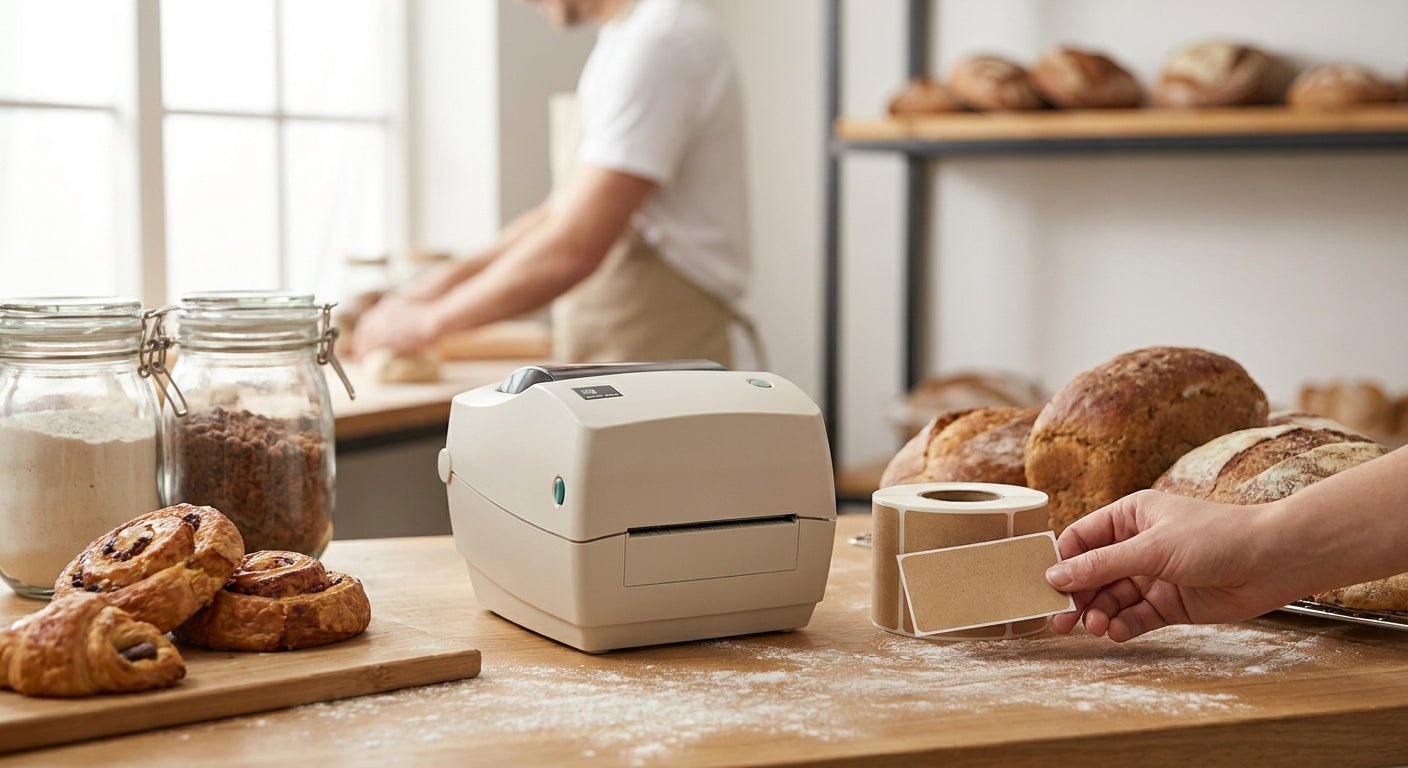
Bakeries and dessert shops print labels every single day — allergen warnings, sell-by dates, price tags, box seals — and a jammed printer during the Saturday morning rush costs more than the machine itself. This guide ranks the GoDEX models sold through McAuley Labels for bakery and dessert shop use in 2026, based on resolution, standalone operation, and daily print volume.
- GoDEX G500 label printer for bakeries handles allergen and ingredient labels at 203/300 dpi in 2026 — Buy.
- GoDEX RT700i runs standalone with a color touchscreen, no POS terminal required at the counter — Buy.
- GoDEX DT230 direct thermal skips ribbon costs on short-shelf-life dessert labels — Consider.
- Base 203 dpi-only units blur small allergen text — Skip for detailed nutrition panels.
- Thermal transfer ribbon runs about $9 per roll for 243 feet of daily label output.
Why This Matters
A bakery label has to do more work than a shipping label. It carries the ingredient list, an allergen call-out, a weight or price, and sometimes a QR code for a loyalty program — all on a sticker the size of a business card. Print resolution below 300 dpi turns 8-point allergen text into a smudge, and that's a health-code problem, not a cosmetic one.
McAuley Labels breaks its bakery-relevant printers into two categories: direct thermal (no ribbon, shorter label life, cheaper to run) and thermal transfer (uses a ribbon, holds up longer, better for retail shelf packaging). The choice depends on how long a label needs to survive — a same-day muffin sticker doesn't need the same durability as a jarred preserve label sitting on a shelf for six months. The label printer for food products breakdown covers this trade-off in more depth if your shop also packages grab-and-go items.
How We Ranked
Each printer below is scored on four factors that matter specifically for bakery counters: print resolution (dpi), standalone operation (can staff run it without a POS terminal), footprint on a crowded counter, and cost of consumables (ribbon vs. no ribbon). Specs come from McAuley Labels' published product listings for 2026. No lab testing claims are made here — this is a spec-and-use-case comparison, not a bench test.
The Best Label Printers for Bakeries and Dessert Shops in 2026
1. GoDEX G500 Thermal Printer — the daily workhorse
The GoDEX G500 thermal printer is built around dpi options that scale with label complexity, which matters when one SKU is a plain price tag and the next is a full allergen disclosure. It's compact enough for a counter next to a register and handles the volume a single-location bakery runs through in a shift.
For a shop printing ingredient lists, sell-by dates, and price tags on the same roll, this is the printer that doesn't force a compromise on any one label type. Verdict: Buy.
2. GoDEX RT700i — the counter-ready upgrade
The GoDEX RT700i adds a color display and standalone operation, meaning a counter employee can select a saved label template and print without touching a connected computer. That matters during a rush when the register terminal is busy ringing up orders and nobody wants to tab out to a labeling program.
It runs the same 203 dpi resolution class as the base line but the touchscreen interface is the real upgrade for a shop with rotating staff. Priced around $581 for the 2026 model, it sits mid-tier for a printer built to run without a PC tether. Verdict: Buy for multi-employee counters.
3. GoDEX DT230 Direct Thermal Printer — the ribbon-free option
Direct thermal means no ribbon to buy, load, or run out of mid-batch. The GoDEX DT230 direct thermal printer prints at 300 dpi, which is sharp enough for allergen text, and it's the lower-maintenance pick for a shop that tosses labels within a few days anyway — a pastry sell-by sticker doesn't need to survive a season on a shelf.
The trade-off: direct thermal labels fade faster under heat and direct sunlight than thermal transfer labels. For a display case near an oven or a front window, that's a real consideration. Verdict: Consider for back-of-house or short-shelf-life labels; skip for anything displayed near heat.
4. GoDEX RT730i Thermal Printer — the wide-format option
The RT730i handles wider label stock, which suits a bakery that does large sheet-cake order tags or combines multiple label formats on one roll to cut down on media changeovers. It's a niche pick — most single-counter dessert shops don't need the extra width.
For a shop running one register and standard 2×3-inch labels, this is more machine than necessary. Verdict: Hold unless you're printing oversized order tags regularly.
5. GoDEX G530 Thermal Printer — the higher-resolution sibling
The G530 is the step-up version of the G500 line, aimed at shops that print detailed nutrition panels or QR-code labels linking to full ingredient disclosures online. If your labels are mostly short text and a price, this is more resolution than the job calls for.
For bakeries selling packaged goods with FDA-style nutrition facts, the extra dpi headroom earns its keep. Verdict: Consider for packaged retail lines; Skip for simple counter labels.
6. GoDEX RT200i / RT200 — the budget entry
These base 203 dpi models cost less but the resolution ceiling shows on dense text. A one-line price tag prints fine; a five-ingredient allergen disclosure in small type starts to blur at the edges. For a shop that only needs "baked fresh today" and a price, this is enough printer.
For anything with detailed allergen or nutrition text, the resolution gap becomes a legibility issue, not a preference. Verdict: Skip if your labels carry more than a price and a date.
Comparison Table
| Printer | Resolution | Standalone Display | Best For | Verdict |
|---|---|---|---|---|
| GoDEX G500 | 203/300 dpi options | No | Daily allergen + price labels | Buy |
| GoDEX RT700i | 203 dpi | Yes, color touchscreen | Counter staff without a PC | Buy |
| GoDEX DT230 | 300 dpi, direct thermal | No | Short-shelf-life labels | Consider |
| GoDEX RT730i | 203 dpi | No | Wide sheet-cake tags | Hold |
| GoDEX G530 | Higher dpi tier | No | Nutrition panels, QR codes | Consider |
| GoDEX RT200i/RT200 | 203 dpi | No | Simple price tags only | Skip |
Where to Buy
- Buy standalone models for shared counters. If more than one employee runs labels during a shift, a touchscreen unit like the RT700i saves time over tabbing between a POS screen and a label program.
- Match ribbon type to label lifespan. Direct thermal is cheaper per label but fades faster; thermal transfer with a wax/resin ribbon holds up longer on packaged retail items sitting on a shelf into 2026 and beyond.
- Buy resolution for your densest label, not your average one. If even one SKU needs a full allergen disclosure in small type, buy the 300 dpi tier across the board rather than mixing printers.


FAQ
What's the best label printer for bakeries in 2026?
The GoDEX G500 is the best label printer for bakeries in 2026 for shops printing daily allergen, ingredient, and price labels. Its 203/300 dpi option range handles both simple tags and dense text without upgrading hardware.
Is direct thermal or thermal transfer better for bakery labels?
Direct thermal works best for labels tossed within days, like fresh-baked sell-by stickers. Thermal transfer with a ribbon holds up longer on packaged goods sitting on a shelf, which matters for jarred or bagged retail items.
How much does a label printer for a bakery cost in 2026?
Standalone touchscreen models like the GoDEX RT700i run around $581 in 2026. Industrial 300 dpi units with higher print speeds, like the GoDEX GX4300i, run over $2,400.
Do I need a color display printer for a dessert shop?
A color touchscreen display isn't required but it lets counter staff select and print label templates without a connected PC. That matters most in multi-employee shops running labels during rush periods.
What DPI do I need for allergen labels?
300 dpi is the safer minimum for allergen and ingredient text in small type. 203 dpi works fine for simple price tags but can blur dense nutrition panel text.
Can a GoDEX printer print QR codes for ingredient disclosures?
Yes, higher-resolution models like the GoDEX G530 print QR codes cleanly enough to link to full online ingredient or allergen pages. Lower 203 dpi-only units can struggle with QR code density at small sizes.
What label stock should a bakery use for shelf-life labels?
Paper thermal transfer labels work for short-shelf-life items like daily pastries, while polyester labels hold up better on refrigerated or packaged retail goods. Match the stock to how long the label needs to stay legible.
Does a bakery label printer need to run standalone from a POS system?
It doesn't have to, but standalone operation via a touchscreen keyboard speeds up printing when the POS terminal is busy ringing sales. Shops with a single register and low label volume can run printers directly from a connected computer instead.
One Last Thing
The detail most bakery owners miss: thermal transfer ribbon for daily label runs costs about $9 per 243-foot roll in 2026, which is cheap enough that ribbon cost is rarely the deciding factor between direct thermal and thermal transfer. The real decision driver is how long the label needs to stay legible — pick based on shelf life, not per-label cost.