
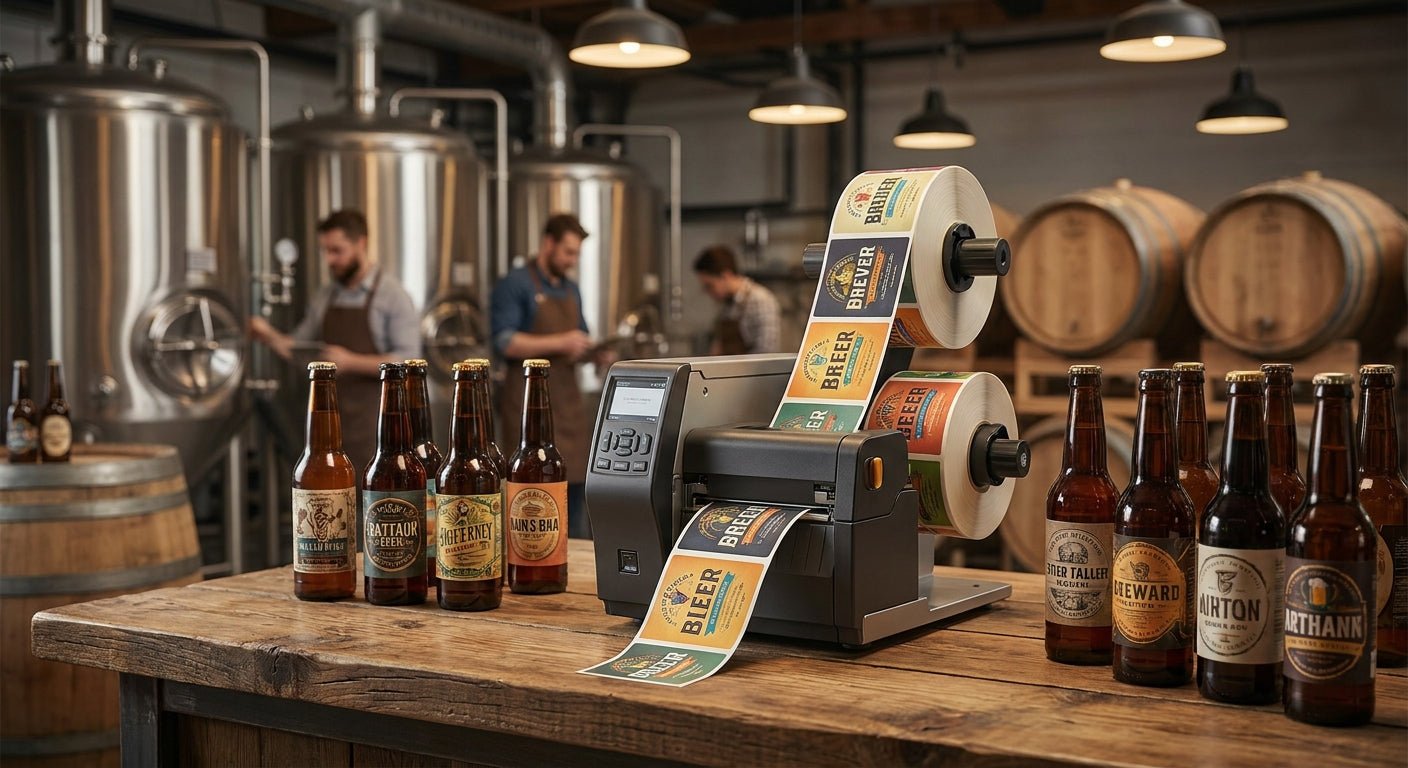
Craft breweries need labels that survive cold rooms, condensation, and repeated handling without smearing—here's which label printer for craft brewery use actually holds up in 2026, and which ones to skip.
TL;DR
The GoDEX GE330 thermal transfer printer is the pick for most craft breweries in 2026: 4-inch print width, 203 dpi, and thermal transfer output that won't fade on a growler in a walk-in cooler. If your taproom does high-detail can labels or QR-coded pint glasses, step up to the GoDEX RT863i at 600 dpi. Skip basic desktop direct thermal units for anything that touches moisture or sits in cold storage—direct thermal print fades within weeks near refrigeration. Pair whichever printer you choose with polyester thermal transfer stock, not paper, if labels go on kegs or growlers.
Why this matters
A brewery's labeling problem isn't design—it's durability. Batch date labels, keg tags, and growler fill stickers get handled wet, stacked cold, and scanned by distributors checking lot codes. A GoDEX GE330 thermal transfer printer with the right ribbon and stock solves that; a laser printer or a cheap direct thermal unit doesn't.
Most small breweries start with whatever printer came with their POS system, then discover the labels smear the first time a case gets wet in the cooler. By 2026, thermal transfer has become the standard for anything that isn't printed and applied same-day.
How this list was ranked
Ranking below is built from printer specs (resolution, print width, media compatibility), reported failure points in wet/cold environments, and how each model matches actual brewery workflows: keg tagging, growler labeling, case coding, and taproom retail labels. Price-to-durability tradeoffs matter more here than raw speed, since most breweries print in small batches rather than thousands of labels an hour. Thermal transfer beats direct thermal on every pick that touches moisture or cold storage, because direct thermal print fades from heat and UV exposure over weeks, not months.
The ranked list
1. GoDEX GE330 — the workhorse pick
4-inch print width, 203 dpi, thermal transfer. This is the printer most craft breweries land on because it handles batch labels, keg tags, and case codes without choking on ribbon changes mid-run. It's built for repeat daily use, not occasional retail printing.
Why now: if you're still hand-writing batch dates or using a home inkjet for growler labels in 2026, this is the upgrade that stops labels from smearing in the cooler. Verdict: Buy.
2. GoDEX RT863i — the premium pick
4-inch print width, 600 dpi. Four times the resolution of the standard 203 dpi models, which matters if your can or bottle labels carry fine barcode detail, small QR codes, or dense brand artwork for retail shelf placement.
This is overkill for a taproom-only operation printing keg tags, but the right call if you're distributing packaged product through retail and need labels that hold up to shelf scanning. Verdict: Buy if you distribute; Skip if you're taproom-only.
3. GoDEX RT230i — the middle-ground pick
300 dpi sits between standard and high-resolution output. It's a reasonable step up from 203 dpi if your barcodes are getting misreads at the distributor level but you don't need full 600 dpi detail.
Most breweries never need this tier—either 203 dpi handles your labels fine, or you need the jump straight to 600 dpi for packaging artwork. Verdict: Consider only if you've had scan failures with a 203 dpi unit.
4. GoDEX RT730i — for high-volume bottling lines
Built for breweries running continuous bottling or canning lines that need a printer keeping pace with conveyor speed rather than one-off batch runs. If you're printing under a few hundred labels a week, this is more printer than you need.
Verdict: Consider for high-throughput packaging operations; Skip for taprooms and small-batch producers.
5. GoDEX G500 — the budget desktop pick
An entry-level desktop unit that works fine for office labels, shipping labels, or dry retail tags. It is not built for the moisture and cold-storage conditions a brewery throws at labels daily.
Breweries that buy this expecting keg-tag durability end up replacing labels within a season. Verdict: Skip for anything that touches a cooler, keg, or growler.
6. Polyester white thermal transfer labels — the material that actually matters
The printer gets the attention, but the stock decides whether a label survives. Thermal transfer polyester labels resist water, condensation, and cooler temperatures in a way paper stock never does—paper labels on a growler will start peeling at the corners within days of cold storage.
Run polyester stock through any of the thermal transfer printers above with a compatible ribbon, and batch date labels stay legible through the full shelf life of the product. Verdict: Buy for any label that touches moisture or cold.
Comparison table
| Printer | Resolution | Print width | Best for | Verdict |
|---|---|---|---|---|
| GoDEX GE330 | 203 dpi | 4 inch | Daily batch/keg labeling | Buy |
| GoDEX RT863i | 600 dpi | 4 inch | Distributed packaging, fine barcodes | Buy |
| GoDEX RT230i | 300 dpi | 4 inch | Mid-detail barcode fixes | Consider |
| GoDEX RT730i | Standard | 4 inch | High-volume bottling lines | Consider |
| GoDEX G500 | Standard | Desktop | Dry office/retail labels only | Skip |
Where to buy
- Buy direct from the manufacturer, not a reseller marketplace listing. Support, calibration guidance, and ribbon compatibility are easier to sort out when you're not three layers removed from who built the printer.
- Match ribbon type to stock before ordering in bulk. Wax, wax-resin, and resin ribbons behave differently on polyester versus paper—get a sample run before committing to a case of labels.
- Request a custom quote if you're ordering label stock in volume. Breweries printing thousands of keg tags or case labels a month typically get better per-unit pricing than one-off retail orders.
FAQ
What's the best label printer for craft brewery keg tags? The GoDEX GE330 at 203 dpi with polyester thermal transfer stock is the standard pick for keg tags in 2026—it resists cooler condensation better than direct thermal paper labels.
Is thermal transfer better than direct thermal for breweries? Yes, for anything stored cold or handled wet. Direct thermal print fades from heat and light exposure within weeks; thermal transfer ink is fused into the label and holds up through cold storage and handling.
How much does a brewery-grade label printer cost? Pricing varies by resolution and print width—check current pricing directly on the product page before budgeting, since 600 dpi units cost more than standard 203 dpi models.
Do I need 600 dpi for brewery labels? Only if you're printing fine barcode detail or dense artwork for retail distribution. Taproom-only operations printing keg tags and growler labels do fine at 203 dpi.
What label material holds up in a beer cooler? Polyester thermal transfer stock is the standard choice—it resists moisture and cold in a way paper labels can't, which matters for anything that sits in a walk-in or touches a wet growler.
Can I print QR codes for taproom tracking on these printers? Yes, thermal transfer printers at 203 dpi and above handle QR code detail fine for taproom or distributor scanning use cases.
Is a desktop printer like the GoDEX G500 good enough for a brewery? Not for anything that touches moisture or cold storage. It works for dry retail tags or office labels, but keg and growler labels need thermal transfer output on polyester stock.
How often do brewery label printers need ribbon changes? This depends on print volume and ribbon length, not the printer model—high-volume bottling lines burn through ribbon faster than taproom-only operations printing a few dozen keg tags a week.
One last thing
The detail most breweries miss isn't the printer—it's that paper labels on a growler start lifting at the corners within days of cold storage, while polyester holds for the full shelf life. If you're troubleshooting peeling labels in 2026 and already own a thermal transfer printer, the fix is usually the stock, not the hardware.