
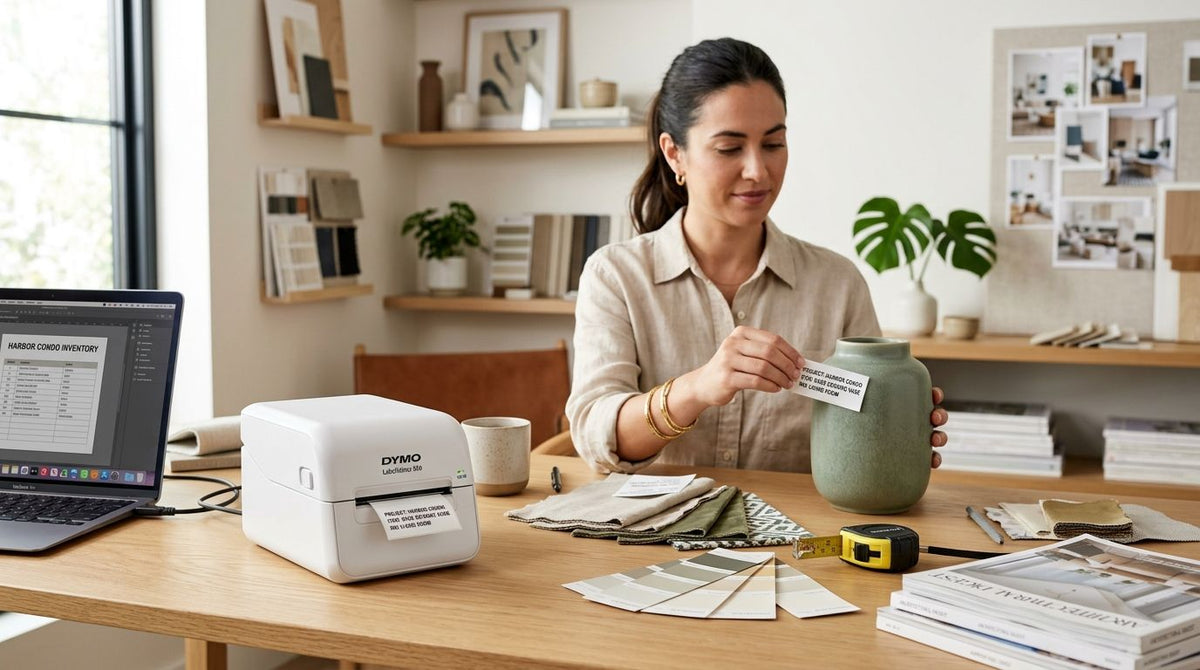
Best overall: GoDEX RT700i+ Thermal Printer — built for daily home staging inventory tags. Best for branded, high-resolution furniture tags: GoDEX ZX430i+ Thermal Printer — sharp enough for small QR codes on lamp bases and drawer pulls. Best budget pick for solo stagers: GoDEX RT200i Thermal Printer — a straightforward 203 DPI machine for studios tagging a few hundred pieces a month.
- GoDEX RT700i+ Thermal Printer is the best label printer for interior design business inventory tags in 2026.
- GoDEX ZX430i+ prints at 300 DPI, sharp enough for small QR codes and logos on furniture tags.
- GoDEX RT200i is the budget entry point at 203 DPI for solo stagers and small studios.
- Thermal transfer tags from the GoDEX GE330 outlast direct thermal tags during storage and moves.
Why this matters
Home staging and interior design companies move inventory faster than almost any other small business: dozens of accent chairs, lamps, throw pillows, and decor pieces rotate between properties every week. A consumer label maker isn't built for that pace — adhesive fails during load-in and load-out, barcodes blur after a few weeks in a moving truck, and nobody on the team can tell which ottoman belongs to which listing.
The GoDEX RT700i+ Thermal Printer is the machine most staging operators reach for first in 2026 because it balances legible barcodes with a color display for quick status checks without pulling up a laptop in a client's living room. Print resolution and ribbon type decide whether a tag survives six months of transport — not the sticker price.
What makes the best label printer for interior design business
- Print resolution high enough for small tags. Drawer pulls, lamp bases, and accessory bins need legible codes at a fraction of the size of a shipping label.
- Adhesive and ribbon durability. Tags get handled, stacked, and moved between properties, so the print has to resist scuffing.
- Barcode and QR support for tracking rented furniture and decor across multiple active listings at once.
- Direct thermal vs. thermal transfer trade-off. Direct thermal is cheaper per label but fades with heat and sunlight; thermal transfer holds up in long-term storage.
- Desktop footprint that fits a design studio or a storage unit, not just a warehouse floor.
- USB, Serial, or Ethernet connectivity so the printer works from a shared studio computer or an inventory spreadsheet.
At a glance
| Printer | Best for | Standout feature | Key limitation |
|---|---|---|---|
| GoDEX RT700i+ Thermal Printer | Daily staging inventory tags | Color display, 203 DPI, 4" print width | 203 DPI is not the sharpest option for tiny QR codes |
| GoDEX ZX430i+ Thermal Printer | Branded, high-resolution furniture tags | 300 DPI resolution with color display | Overkill for a studio only printing basic barcodes |
| GoDEX RT200i Thermal Printer | Budget setups for solo stagers | Simple 203 DPI operation | Fewer built-in display features for status checks |
| GoDEX GE330 Thermal Transfer Printer | Long-term durable asset tags | 4" thermal transfer at 203 DPI | Requires ribbon, adding a recurring consumable |
1. GoDEX RT700i+ Thermal Printer: best label printer for interior design business inventory tags
The GoDEX RT700i+ is a 4-inch dual thermal printer with a color display and 203 DPI resolution, built for high-volume, professional labeling runs. For a staging company tagging thirty to fifty pieces before every install, that combination means fast batch printing without babysitting the machine between jobs.
GoDEX RT700i+ pros:
- Color display shows print status and errors without a connected computer
- 203 DPI handles standard barcodes and asset numbers cleanly
- 4" print width covers most furniture and inventory tag sizes
- Dual thermal support means it runs direct thermal or thermal transfer ribbon
GoDEX RT700i+ cons:
- 203 DPI struggles with very small, dense QR codes compared to a 300 DPI unit
- A dedicated printer adds a piece of equipment to manage in a small studio
Best for: studios and staging companies tagging inventory daily across multiple active properties. Verdict: Buy.
2. GoDEX ZX430i+ Thermal Printer: best label printer for interior design business branded tags
The GoDEX ZX430i+ prints at 300 DPI with a color display and USB, Serial, and Ethernet connectivity. The higher resolution matters when a tag carries both a logo and a scannable QR code on the same small label — a common combination for design firms that want branded inventory tags clients can also see during a walkthrough.
GoDEX ZX430i+ pros:
- 300 DPI resolution keeps fine logo detail and small QR codes crisp
- Multiple connectivity options fit a shared studio network setup
- Color display simplifies daily operation for non-technical staff
GoDEX ZX430i+ cons:
- Higher resolution is unnecessary if labels only carry a barcode and item number
- More capable hardware means more to learn during initial setup
Best for: interior design firms that put a logo or detailed QR code on every furniture and decor tag. Verdict: Buy.
3. GoDEX RT200i Thermal Printer: best label printer for interior design business on a budget
The GoDEX RT200i is a 203 DPI thermal printer aimed at businesses that need reliable barcode printing without the extra features of the RT700i+ or ZX430i+. For a one-person staging operation or a design studio just starting to formalize inventory tracking, it covers the basics: legible barcodes, straightforward setup, no display screen to learn.
GoDEX RT200i pros:
- Simple operation with fewer settings to configure
- 203 DPI is sufficient for standard asset and barcode tags
- Smaller footprint fits a desk or small studio corner
GoDEX RT200i cons:
- No color display for on-the-fly status checks
- Less headroom if the business scales into higher tag volumes
Best for: solo stagers and small design studios tagging under a few hundred pieces a month. Verdict: Buy for low-volume shops; upgrade later if volume grows.
4. GoDEX GE330 Thermal Transfer Printer: best label printer for interior design business long-term asset durability
The GoDEX GE330 is a 4-inch thermal transfer printer running at 203 DPI. Thermal transfer printing uses a resin or wax ribbon instead of heat-sensitive paper, which means the print doesn't fade the way direct thermal labels can after months in a hot storage unit or moving truck.
For interior design businesses that keep furniture in rotation for years rather than weeks, that durability difference shows up the first time a tag has to survive a summer in an uncooled warehouse.
GoDEX GE330 pros:
- Thermal transfer printing resists fading from heat and light exposure
- 4" print width matches standard furniture and asset tag sizes
- Built for the repeat use a long-term rental inventory demands
GoDEX GE330 cons:
- Requires ribbon as a recurring consumable, unlike direct thermal models
- Not the fastest choice if a studio only needs short-term event tags
Best for: staging companies with furniture inventory that stays in circulation for years, not weeks. Verdict: Buy if tag longevity matters more than upfront simplicity.


How we ranked
Each printer above was weighed against the criteria that matter for staging inventory: print resolution for small tags, ribbon and adhesive durability for repeated handling, barcode and QR support, and desktop footprint for a studio setting. The GoDEX RT700i+ Thermal Printer led on the combination of speed and display convenience; the ZX430i+ led on resolution; the RT200i led on simplicity for low-volume shops; the GE330 led on long-term durability.
Which label printer should you choose?
For most interior design and home staging businesses tagging inventory across multiple active listings in 2026, the GoDEX RT700i+ Thermal Printer is the default pick — it prints fast, shows status without a laptop, and handles standard barcodes cleanly. Move up to the GoDEX ZX430i+ if every tag carries a logo or a dense QR code. Stay with the GoDEX RT200i if the business is small enough that a display screen and extra resolution aren't worth the added cost yet.
“If a furniture tag doesn't survive one load-out, it wasn't built for staging inventory.”
FAQ
What's the best label printer for interior design and home staging businesses?
The GoDEX RT700i+ Thermal Printer is the best overall pick for 2026, combining a 203 DPI print head with a color display for fast, on-the-fly inventory tagging.
Is 300 DPI necessary for furniture and decor tags?
Only if the tag carries a logo or a dense QR code alongside a barcode. The GoDEX ZX430i+ prints at 300 DPI for that use case; standard barcodes print fine at 203 DPI.
Should staging companies use direct thermal or thermal transfer labels?
Thermal transfer holds up better for furniture that stays in rotation for years, since the ribbon-based print resists fading from heat and light. Direct thermal is fine for short-term event or rental tags.
How much does a label printer for a small design studio cost?
Pricing varies by model and resolution; check current pricing on the GoDEX RT200i, RT700i+, and ZX430i+ product pages before ordering.
Can one printer handle both barcode tags and branded logo stickers?
Yes. A 300 DPI printer like the GoDEX ZX430i+ handles both on the same label, which is why design firms that brand their tags tend to size up from the entry-level 203 DPI models.
Do staging companies need asset tags or just printed labels?
Metalized silver or heavy-duty asset tags hold up better than standard adhesive labels when furniture is repeatedly handled and moved between properties, especially for pieces that stay in the rental pool long-term.
What DPI is best for QR codes on small furniture tags?
300 DPI prints denser, smaller QR codes more reliably than 203 DPI. For larger QR codes on standard-size tags, 203 DPI still scans fine.
How often do staging inventory tags need replacing?
That depends on ribbon type and handling frequency. Thermal transfer tags from a printer like the GoDEX GE330 are built specifically to reduce replacement frequency compared to direct thermal labels.
One last thing
The detail that trips up most interior design and home staging businesses isn't the printer — it's picking direct thermal labels for furniture that sits in a hot storage unit through summer. The print fades before the next listing, and nobody notices until a barcode won't scan on move-in day. Thermal transfer ribbon costs more per label but solves that problem outright.