
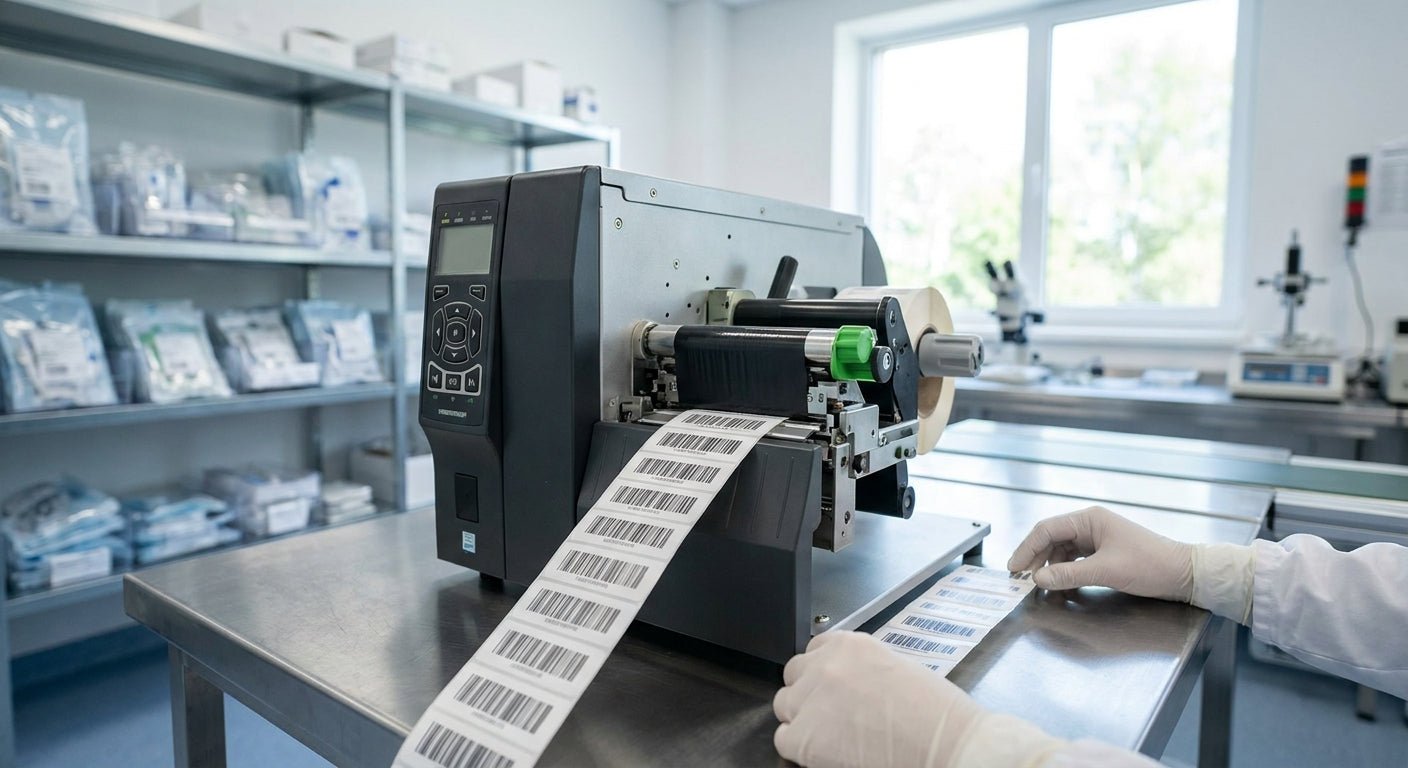
Medical device manufacturers need labels that survive sterilization cycles, print UDI barcodes at legible resolution, and pass FDA lot-tracking audits without a reprint. This guide ranks six GoDEX thermal printers on resolution, durability, and total cost so you can match hardware to your compliance requirements in 2026.
- GoDEX ZX430i+ at 300 DPI is the best label printer for medical device manufacturers running UDI barcodes — buy it at $945.
- Direct thermal units like the DT230 fade over months and fail long-term FDA lot-tracking audits — skip for device labels.
- GoDEX GE330 at 203 DPI handles wide industrial labels for cartons and shipping cases — buy it for packaging lines.
- Entry-level 203 DPI printers like the RT200i work for pilot runs under 500 units a day, not full production.
Why this matters
UDI (Unique Device Identification) barcodes packed with GS1 data structures need dense, small-format printing that a 203 DPI machine can blur past recognition. FDA lot-number and expiration labeling gets audited, and a faded direct thermal label six months into a device's shelf life is a documentation gap, not a cosmetic issue.
The printer decision on a device manufacturing line isn't about brand loyalty — it's about resolution, ribbon compatibility, and whether the label stock survives handling, cold storage, or sterilization prep. McAuley Labels sells the GoDEX line these picks are pulled from, along with the 3M heavy-duty and metalized asset tags used for equipment tracking in the same facilities.
How this list is ranked
Each printer here is scored on three factors that matter specifically for device manufacturing: print resolution (DPI) against the barcode density UDI compliance demands, ribbon/thermal-transfer compatibility for label longevity, and throughput speed for production-line volume. Pricing reflects 2026 listed rates. Printers that rely on direct thermal printing alone get flagged, because heat-sensitive labels degrade under warehouse light and temperature swings over the multi-year shelf life many devices require.
The ranked list
1. GoDEX ZX430i+ — the compliance pick
The GoDEX ZX430i+ 300 DPI printer prints at 300 DPI with a color display and USB/Serial/Ethernet connectivity, priced at $945 in 2026. That resolution is the floor for legible GS1 DataMatrix and UDI barcodes on small device labels — anything below 300 DPI risks scan failures at receiving docks and hospital shelves.
What it does: dual thermal (direct or transfer) printing on a 4-inch print width, built for daily production runs rather than occasional batch jobs. Why now: 2026 UDI enforcement deadlines for smaller device classes make resolution non-negotiable, and this is the entry point into compliant barcode density. Verdict: Buy.
2. GoDEX RT700i+ — the budget line printer
The GoDEX RT700i+ runs 203 DPI with a color display, priced at $581. It's a capable general labeling printer, but 203 DPI struggles with the smallest UDI barcode formats found on implantable device packaging.
Use it for outer carton labels, shipping manifests, or asset tags where barcode density is lower. Don't put your primary device UDI label on it if the barcode falls under half an inch. Verdict: Consider for secondary labeling only, not primary device UDI compliance.
3. GoDEX GE330 — the industrial wide-format
The GoDEX GE330 prints at 4 inches wide, 203 DPI, built as a thermal transfer workhorse for wide-format industrial labeling. It handles carton labels, pallet tags, and packaging runs that don't require the tightest barcode resolution.
This is the machine for the shipping and receiving side of a device manufacturing floor, not the clean-room label station. Ribbon-based printing means the label resists smearing from handling and humidity better than direct thermal. Verdict: Buy for packaging and logistics labels, not primary UDI barcodes.
4. GoDEX DT230 — the no-ribbon option
The GoDEX DT230 is a 300 DPI direct thermal printer — no ribbon required, which cuts consumable cost per label. The trade-off: direct thermal coating fades under heat, light, and time, typically within 6-12 months depending on storage conditions.
For a device with a multi-year shelf life or one that ships to varied climates, a faded lot number is a real audit risk. Verdict: Skip for primary device labeling; fine for short-cycle internal routing tags.
5. GoDEX RT200i — the entry-level printer
At 203 DPI, the GoDEX RT200i is priced for low-volume operations — pilot production lines, R&D labs, or facilities printing under a few hundred labels a day. It won't keep pace with a full production floor and the resolution ceiling limits barcode density.
Good for prototype runs before a device clears full regulatory approval and scales to volume. Verdict: Wait until production volume or barcode requirements justify a 300 DPI upgrade.
6. GoDEX GX4300i — the high-volume line printer
The GoDEX GX4300i runs 300 DPI with a 5-inch touchscreen and USB/Serial/Ethernet connectivity, priced at $2,425.50. It's built for continuous, high-speed production printing rather than a single labeling station.
This is the machine to scale into once a device manufacturer moves from pilot volume into full production runs across multiple shifts. Verdict: Buy for facilities printing thousands of UDI labels daily.


Comparison table
| Printer | Resolution | Best for | Price (2026) | Verdict |
|---|---|---|---|---|
| GoDEX ZX430i+ | 300 DPI | Primary UDI barcode labels | $945 | Buy |
| GoDEX RT700i+ | 203 DPI | Secondary/carton labels | $581 | Consider |
| GoDEX GE330 | 203 DPI | Wide-format packaging labels | Contact for price | Buy (secondary use) |
| GoDEX DT230 | 300 DPI direct thermal | Short-cycle internal tags | Contact for price | Skip for device labels |
| GoDEX RT200i | 203 DPI | Pilot/low-volume runs | Contact for price | Wait |
| GoDEX GX4300i | 300 DPI | High-volume production floor | $2,425.50 | Buy |
Where to buy
- Order printers and thermal transfer ribbon from the same supplier so ribbon-to-printhead compatibility is verified before it hits your production line — a mismatched ribbon width or core size jams feed mechanisms.
- Buy label stock in the material grade your regulatory file specifies (polyester, paper, metalized) rather than substituting a cheaper stock mid-run — a material change on a validated device label can trigger revalidation.
- Keep a spare printhead and ribbon supply on hand for 300 DPI machines; UDI-compliant lines can't afford downtime waiting on a backordered part.
FAQ
What is the best label printer for medical device manufacturers in 2026?
The GoDEX ZX430i+ at 300 DPI is the best label printer for medical device manufacturers needing UDI-compliant barcode density, priced at $945 in 2026. Facilities scaling past pilot volume should size up to a 300 DPI production printer like the GoDEX GX4300i.
Is 203 DPI enough for UDI barcodes?
203 DPI works for larger barcode formats but struggles with the small GS1 DataMatrix codes common on implantable device packaging. 300 DPI is the safer floor for primary UDI labels in 2026.
Should medical device labels use direct thermal or thermal transfer printing?
Thermal transfer is the safer choice for device labels with multi-year shelf lives, because direct thermal coating fades from heat and light within 6-12 months. Direct thermal works fine for short-cycle internal tags that get replaced quickly.
How much does a compliant label printer cost for a small device manufacturer?
A 300 DPI printer suited to UDI compliance runs $581 to $945 for entry and mid-tier GoDEX models in 2026, with high-volume production printers reaching over $2,400.
Can one printer handle both UDI barcodes and shipping labels?
Yes, a 300 DPI printer like the GoDEX ZX430i+ handles both, but many facilities separate the two: a high-resolution unit for UDI barcodes and a 203 DPI unit like the RT700i+ for cartons and shipping labels.
What label material survives sterilization prep?
Polyester and polyimide label stocks generally hold up better under steam or chemical sterilization prep than standard paper labels. Check the material spec against your device's sterilization method before finalizing label stock.
How do I print GS1 barcodes on a thermal label printer?
GS1 barcodes print through standard label design software once the printer supports the resolution the barcode format requires, typically 300 DPI for dense DataMatrix codes. Printer setup and calibration affect scan-read rates as much as the barcode format itself.
Do I need a separate printer for pilot production versus full-scale manufacturing?
Not strictly, but an entry-level 203 DPI printer built for a few hundred labels a day will bottleneck once volume scales into thousands of daily units. Budget for a production-grade 300 DPI printer once volume moves past pilot stage.
One last thing
The printer resolution debate gets most of the attention, but ribbon selection quietly causes more UDI barcode scan failures — a wax ribbon on a glossy polyester label smears under handling long before the printer itself is the problem. Match ribbon chemistry to label stock before troubleshooting a printer that isn't actually broken.