
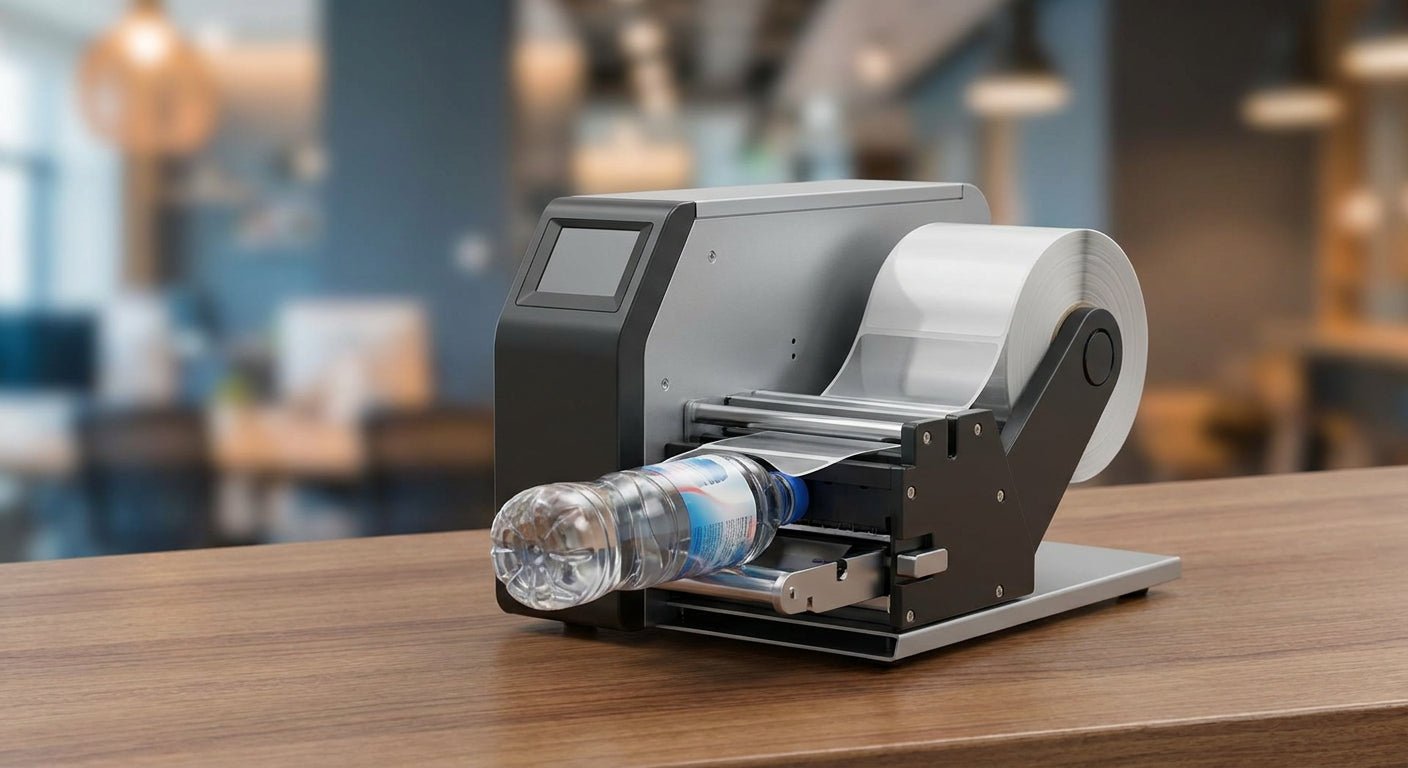
Shrink-sleeved bottles and jars still need lot codes, best-by dates, and QR codes printed onto the sleeve or a companion label before the heat tunnel runs — and the printer you pick for that job decides whether those codes survive the shrink and the shelf life after it.
- GoDEX RT700i+ at $581 handles date-code and QR overprint on shrink sleeve stock — Buy for most small-batch runs in 2026.
- 300 DPI is the resolution floor for sub-6-point lot codes on a curved sleeve; 203 DPI blurs past 4-point type.
- GoDEX DT230 skips ribbon costs but direct thermal print fades near heat and UV — Consider it only for goods that ship same day.
- A GoDEX AG1000F Bottle Applicator applies pressure-sensitive labels, not shrink film — Skip it if you actually need heat-shrink conversion.
Why this matters
A desktop label printer never touches shrink film directly — converters print sleeve stock on flexo or digital presses, and a heat tunnel shrinks it onto the bottle. Where a label printer for shrink sleeves actually earns its place is the variable data layer: date codes, batch numbers, and QR codes overprinted onto pre-cut sleeve stock or a secondary label added after the sleeve goes on.
Get that step wrong and you're recalling product over a smeared lot code, not a printer defect. The GoDEX RT700i+ is the printer most small beverage, cosmetic, and supplement operations reach for first because it's built for exactly this kind of daily variable-data run, not full-page graphics.
How we ranked
Each printer below is scored on four things a shrink-sleeve line actually cares about: print resolution against small type on a curved surface, ribbon and label stock compatibility, realistic throughput for batch sizes under a few thousand units a month, and whether the machine is genuinely built for this job or just happens to print labels. Pricing reflects current 2026 GoDEX listings. Asset-tag-only printers and full-page graphics printers get scored down even when the spec sheet looks close, because that's the mismatch that actually breaks small-batch operations.
The ranked list
1. GoDEX RT700i+ — the overprint workhorse
A 4-inch dual thermal printer running 203 DPI with a color display, priced at $581 in 2026. It handles date codes, lot numbers, and QR codes on wax/resin ribbon without choking on daily runs of a few hundred to a few thousand units. For sleeve overprint jobs that don't need microscopic type, this is the default. Buy.
2. GoDEX GX4300i — the fine-print upgrade
Runs 300 DPI, priced at $2,425.50, and it's the machine to reach for when a compliance officer wants a lot code under 6-point type readable on a curved sleeve. It costs four times what the RT700i+ does, so it only earns its price on runs where legibility failures actually get flagged by a retailer or regulator. Consider.
3. GoDEX ZX430i+ — the mid-tier balance
A 300 DPI printer with a color display at $945, sitting between the RT700i+ and the GX4300i on both price and resolution. It's the right call for shops running under 5,000 sleeves a month that still want headroom for smaller type than 203 DPI can hold. Buy.
4. GoDEX DT230 — the no-ribbon shortcut
Direct thermal at 300 DPI, listed on the GoDEX DT230 page. Skipping ribbon cuts a consumable cost, but direct thermal print darkens and fades near heat sources and UV exposure — a real risk sitting next to a shrink tunnel or on a shelf for months. Fine for goods shipped or sold within days of labeling. Not fine for anything with a multi-month shelf date. Consider.
5. GoDEX AG1000F Bottle Applicator — the round-container specialist
A 203 DPI thermal transfer printer built into a bottle applicator, priced at $6,296, that labels bottles, jars, and tubes automatically. It applies pressure-sensitive labels, not shrink film — there's no heat tunnel in this machine. If your line is actually running heat-shrink sleeves, this solves a different problem. If you're deciding between pressure-sensitive wraps and shrink sleeves for round containers, it's worth knowing this exists. Buy for wraps, Skip for shrink sleeves.
6. GoDEX GE330 — skip this one
GE330 is built and marketed as an asset-tag printer for barcode inventory labels, not consumer packaging overprint. It'll technically print a label, but the label stock and ribbon combinations it's tuned for aren't the ones a shrink-sleeve line needs. Skip.


Comparison table
| Printer | Resolution | Ribbon type | Best for | Verdict |
|---|---|---|---|---|
| GoDEX RT700i+ | 203 DPI | Wax/resin thermal transfer | Daily date-code overprint | Buy |
| GoDEX GX4300i | 300 DPI | Resin thermal transfer | Sub-6-point compliance codes | Consider |
| GoDEX ZX430i+ | 300 DPI | Wax/resin thermal transfer | Mid-volume, finer type | Buy |
| GoDEX DT230 | 300 DPI | Direct thermal, no ribbon | Same-day shipped goods | Consider |
| GoDEX AG1000F | 203 DPI | Thermal transfer, applicator | Round-bottle pressure labels | Buy (not for shrink film) |
| GoDEX GE330 | 203 DPI | Wax thermal transfer | Asset tags, not packaging | Skip |
The resolution gap between 203 DPI and 300 DPI matters more on a curved sleeve than on a flat label — text that reads fine on a shipping label can blur into a gray smear once it's wrapped and shrunk. Choosing between the two is worth a closer look before you commit, and the direct thermal vs. thermal transfer comparison covers the durability trade-off in more depth than a spec sheet does.
Where to buy
- Buy printer, ribbon, and label stock as a matched set — wax ribbon on a resin-rated sleeve stock is the single most common cause of smeared lot codes in 2026 co-packing lines.
- Order consumables in the same SKU family as your printer to avoid calibration drift between production batches.
- Past 5,000 sleeves a month, quote a converter for the pre-printed sleeve run and keep the desktop printer for date-code and QR overprint only — that split is where the margin actually lives.
Material choice matters as much as the printer. White polyester label stock holds up better than paper stock against the moisture and handling a bottling line puts labels through, and it pairs cleanly with resin ribbon on any of the printers ranked above.
What to avoid
- Direct thermal for long-shelf-life goods. No ribbon sounds like a savings until the print fades in six months on a shelf near a window.
- Buying resolution you don't need. A 300 DPI printer costing four times as much as a 203 DPI unit is wasted money if your type is 10-point or larger.
- Treating a bottle applicator as a sleeve applicator. The AG1000F puts pressure-sensitive labels on round containers — it does not run a heat tunnel.
FAQ
What's the best label printer for shrink sleeve applications in 2026?
The GoDEX RT700i+ at $581 is the best label printer for shrink sleeve applications in 2026 for most small-batch overprint jobs. It runs 203 DPI wax/resin thermal transfer, which covers standard date codes, lot numbers, and QR codes without the price jump of a 300 DPI machine.
Can a desktop thermal printer actually print shrink sleeves?
No, desktop thermal printers don't print on shrink film itself — that's a flexo or digital press job done by a converter. A desktop printer's role is overprinting variable data like dates and codes onto pre-cut sleeve stock or a companion label.
Is direct thermal or thermal transfer better for shrink sleeve overprint?
Thermal transfer wins for shrink sleeve overprint because the ribbon-based print resists heat and UV fading over months on a shelf. Direct thermal, like the GoDEX DT230, is fine only for goods that ship or sell within days of labeling.
How much does a shrink-sleeve-ready label printer cost in 2026?
Prices in 2026 run from $581 for a 203 DPI GoDEX RT700i+ up to $2,425.50 for a 300 DPI GoDEX GX4300i built for finer type. Bottle-applicator systems like the GoDEX AG1000F run higher, near $6,296, because they automate the labeling motion itself.
What DPI do I need for small text on a curved shrink sleeve?
300 DPI is the floor for lot codes under 6-point type on a curved sleeve. Anything smaller printed at 203 DPI tends to blur into an unreadable smear once the sleeve is shrunk and wrapped around a bottle.
Do I need special label stock for shrink sleeve overprint?
Yes, white polyester label stock holds up better than paper against the moisture and handling a bottling line puts labels through. Match it with resin ribbon rather than straight wax for the best fade resistance.
What's the difference between a shrink sleeve and a shrink band?
A shrink sleeve wraps the full container body, while a shrink band is a narrower tamper-evident strip around the cap or neck. Both go through a heat tunnel, but a shrink band is a far smaller, lower-cost secondary application.
Is the GoDEX AG1000F a shrink sleeve applicator?
No, the GoDEX AG1000F is a bottle applicator that applies pressure-sensitive labels to round bottles, jars, and tubes at 203 DPI. It has no heat tunnel, so it doesn't apply or shrink sleeve film.
One last thing
Most shrink-sleeve print failures get blamed on the printer when the real problem is ribbon mismatch. A wax ribbon rated for paper stock will smear the instant a resin-rated sleeve runs through a heat tunnel at the wrong temperature — check the ribbon-to-stock pairing before you swap printers in 2026.