
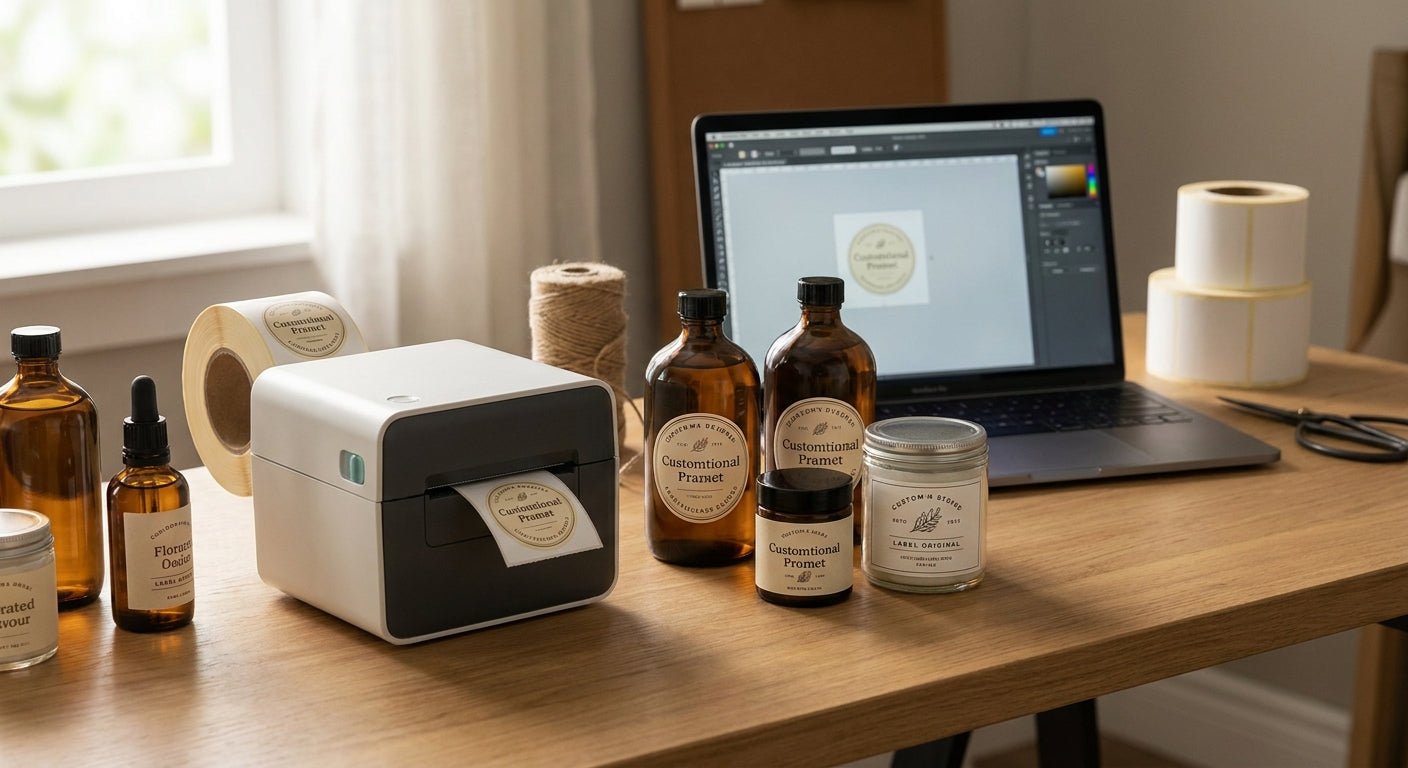
Small batch bottle labels — think 50 to 500 units of a candle, hot sauce, kombucha, or skincare serum — need a printer that switches jobs fast, handles curved glass and plastic, and doesn't force you into a 5,000-label minimum just to test a new SKU. This guide ranks the desktop and mid-range thermal printers that actually fit that workflow in 2026.
TL;DR
For label printer for small batch bottle labels searches in 2026, the GoDEX RT230i (300 DPI) is the best all-around pick for crisp text and barcodes on standard bottle runs, while the GoDEX GE330 thermal transfer printer wins when labels need to survive condensation, coolers, or freezer storage. Skip 600 DPI unless your bottles are under 2 inches with dense fine print. McAuley Labels carries both, plus the ribbon and label stock that make small batch bottle labels hold up past the first wash cycle.
Why this matters
Most small batch producers start with a home inkjet or a laser printer running adhesive sheet labels, and the labels smear, peel, or fog the first time a bottle sweats. A custom bottle label setup built for small batch products uses thermal technology instead — no ink cartridges, no drying time, and print quality that doesn't degrade with humidity.
The real decision isn't "which printer is fastest." It's resolution versus print method versus batch size. A 203 DPI direct thermal printer is fine for a 90-day shelf life kombucha label. A cosmetics serum with fine ingredient text at 8pt font needs 300 DPI minimum, and anything going in a fridge or cooler needs thermal transfer, not direct thermal, because direct thermal print darkens and fades with heat exposure over weeks.
How we ranked
Each printer below is scored on three things that matter for small batch bottle runs specifically: print resolution relative to typical bottle label text size, print method (direct thermal versus thermal transfer) relative to storage conditions, and desktop footprint versus throughput. Specs are drawn from published 2026 manufacturer data — DPI, print width, and print speed — not marketing copy. A printer that scores well on an industrial packaging line can still be the wrong pick for a 200-unit farmers market run, and that distinction drives every verdict here.
The ranked list
1. GoDEX RT230i — the sharp shooter
300 DPI puts this printer a full tier above basic direct thermal units, and it's the resolution where small serif fonts, ingredient panels, and dense barcodes stay legible at bottle-label sizes (2 to 4 inches wide). The desktop footprint keeps it usable on a kitchen counter or a garage workbench, and the 4-inch print width covers most standard bottle label dimensions without waste.
For 2026 batch runs under 1,000 units where label clarity matters more than raw speed — think cosmetics, supplements, or craft spirits with regulatory text — this is the printer that avoids the blurry-barcode complaint entirely. Buy if your labels carry small print or scannable codes; Consider if you're printing large single-color labels where 203 DPI would look identical.
GoDEX RT230i 300 DPI thermal printer
2. GoDEX GE300 — the everyday runner
203 DPI, 4-inch print width, and a price point built for shops running standard batch sizes of 50 to 500 bottles without fine-print requirements. It handles beverage labels, candle labels, and basic packaging stickers without the premium of a 300 DPI unit.
If your label design is a logo, product name, and a barcode in a readable size, 203 DPI resolves it just as well as 300 DPI — you're paying for resolution you won't use. Buy for straightforward batch labeling; Skip if your artwork includes ingredient lists smaller than 9pt.
3. GoDEX GE330 — the moisture-proof pick
This is a thermal transfer printer, which means it runs a ribbon instead of relying on heat-sensitive paper. That distinction matters the moment a bottle goes into a cooler, a fridge, or gets handled with wet hands — direct thermal labels fog and darken under sustained moisture and heat; thermal transfer labels printed with wax-resin ribbon do not.
Brewery bottling lines and cold-chain beverage brands lean on this printer specifically because condensation is a daily reality, not an edge case. Buy if your bottles ever touch a fridge, cooler, or ice bath; Skip if your product sits at room temperature on a dry shelf.
GoDEX GE330 thermal transfer printer, 203 DPI
4. GoDEX RT863i — the fine-detail specialist
600 DPI is overkill for most bottle labels, but it's the right call for 2oz and 4oz containers where the label itself is under 2 inches and still needs a full ingredient panel, lot code, and QR code to fit. At standard 203 or 300 DPI, that much text at that size turns to mud.
Mini serums, sample-size cosmetics, and pharmaceutical-adjacent bottle labels are where this printer earns its keep in 2026 production runs. Buy if your smallest label dimension is under 2 inches with dense text; Skip for anything larger — you're paying for resolution the human eye won't detect.
5. GoDEX RT200i — the tight-budget entry point
203 DPI in a smaller, lighter chassis than the GE300, built for producers testing a new product line before committing to volume. It's the printer to start with if you're printing your first 100 to 200 units and don't yet know if the SKU will stick.
Consider it for a first production run or a farmers-market test batch; Wait and upgrade to the RT230i or GE300 once monthly volume climbs past a few hundred bottles, since the smaller unit isn't built for sustained daily runs.
6. GoDEX G500 — the volume climber
Built for higher daily throughput than any desktop unit on this list, the G500 makes sense once a small batch operation stops being small — when monthly bottle counts move from the hundreds into the low thousands. It's not the right printer for a first order of 150 units.
Wait on this one until your batch sizes have already outgrown a desktop printer; buying ahead of that need just adds cost without adding speed you'll use yet.
Comparison table
| Printer | Resolution | Print Method | Best For | Verdict |
|---|---|---|---|---|
| GoDEX RT230i | 300 DPI | Direct thermal | Fine text, barcodes, sub-1,000 unit runs | Buy |
| GoDEX GE300 | 203 DPI | Direct thermal | Standard batch labels, 50-500 units | Buy |
| GoDEX GE330 | 203 DPI | Thermal transfer | Cold-chain, cooler, condensation exposure | Buy |
| GoDEX RT863i | 600 DPI | Direct thermal | Sub-2-inch labels with dense fine print | Buy (niche) |
| GoDEX RT200i | 203 DPI | Direct thermal | First test runs under 200 units | Consider |
| GoDEX G500 | Standard | Direct thermal | High-volume growth beyond desktop range | Wait |
Where to buy
- Buy the printer and its ribbon or label stock from the same supplier so DPI, ribbon chemistry, and label material are matched before the first run, not troubleshot after. McAuley Labels stocks compatible thermal transfer ribbon alongside the printers that need it.
- Confirm print resolution against your smallest label dimension before ordering — 203 DPI on a 4-inch beverage label looks fine; 203 DPI on a 1.5-inch serum label will not.
- Prioritize US-based manufacturing and support over marketplace listings with no service history — reorder speed on ribbon and printheads matters more once you're running production, not just a one-off test batch.
FAQ
What's the best label printer for small batch bottle labels in 2026? The GoDEX RT230i at 300 DPI is the strongest all-around pick for small batch bottle labels in 2026, balancing print clarity for barcodes and fine text with a desktop footprint suited to runs under 1,000 units.
Is direct thermal or thermal transfer better for bottle labels? Direct thermal works for room-temperature, dry-shelf products, but thermal transfer is the better call for anything exposed to condensation, coolers, or refrigeration, since direct thermal print fades and darkens under sustained moisture and heat.
Do I need 600 DPI for bottle labels? 600 DPI is only necessary when the label itself is under 2 inches and carries dense text like a full ingredient panel or lot code — for standard 3 to 4 inch bottle labels, 203 or 300 DPI is sufficient and less expensive.
Can I print waterproof labels for beverage bottles at home? Yes, with the right combination of thermal transfer printing and a compatible synthetic label stock, waterproof bottle labels can be printed on a desktop unit without sending the job to an outside printer.
How many bottles can a small batch label printer handle per month? Desktop units like the GoDEX GE300 or RT230i handle a few hundred to roughly 1,000 bottles per month comfortably; volume beyond that is where a higher-throughput printer like the G500 starts to make sense.
Is GoDEX better than Zebra for small batch printing? GoDEX printers generally cost less at comparable DPI and print speed, making them the more practical choice for small batch producers who don't need enterprise-tier throughput that Zebra's higher-end lines are built for.
What size labels work best for small bottles? Most small batch bottle labels run 2 to 4 inches wide depending on bottle diameter, and matching that size to printer resolution — 300 DPI for anything under 3 inches with text — avoids legibility problems.
How much does it cost to print bottle labels in-house versus outsourcing? Exact per-label cost depends on label material and ribbon usage, but in-house thermal printing removes per-order minimums and reprint delays that outside label printers typically require for small runs.
One last thing
The detail most small batch producers miss isn't the printer — it's the ribbon. A direct thermal printer needs no ribbon at all, but running thermal transfer without checking wax versus wax-resin compatibility against your label material is the single most common reason bottle labels smear off in a cooler within a week. Match the ribbon to the storage condition before the print job, not after the first customer complaint.