
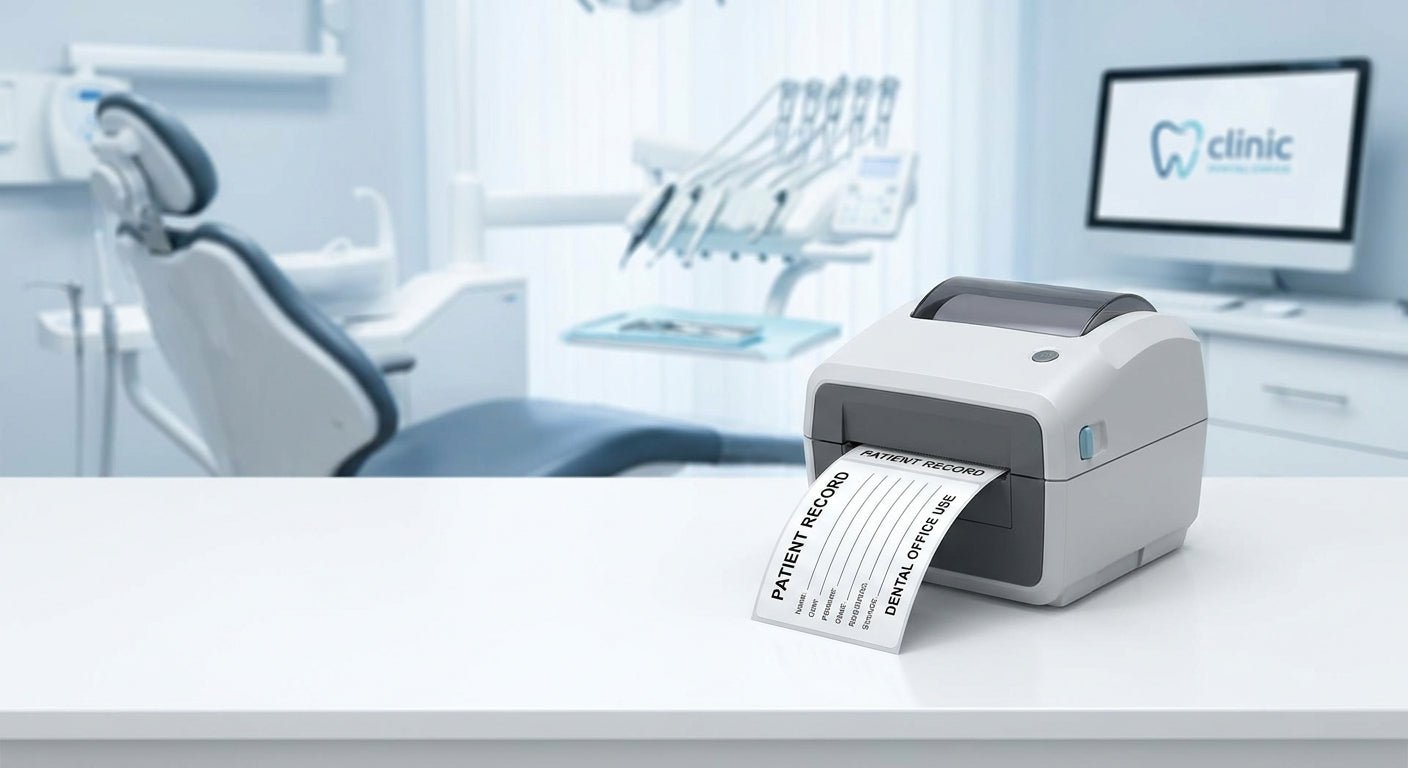
Dental offices need small, precise labels for patient charts, specimen bags, prescription bottles, and sterilization trays — and a consumer inkjet or laser printer can't handle that volume reliably. This guide ranks the thermal label printer options that fit dental workflows in 2026, based on print resolution, media handling, and durability under daily clinical use.
TL;DR
The GoDEX RT230i (300 DPI) is the best all-around thermal label printer for dental office use in 2026 — it handles patient ID labels, appointment stickers, and small barcode tags at a resolution sharp enough for text as small as 6-point. If your office skips ribbon consumables entirely, the GoDEX DT230 direct thermal printer is the simpler no-maintenance option. For practices printing fine barcodes on specimen tubes or instrument tags, the GoDEX RT863i (600 DPI) is the only pick with resolution to spare. Verdict: Buy the RT230i for general dental office labeling; step up to the RT863i only if barcode density demands it.
Why this matters
A dental office generates more label volume than people expect: patient folders, x-ray envelopes, specimen bags for biopsies, prescription labels, sterilization pouch dating, and appointment reminder stickers. Standard office printers choke on small-format adhesive stock and don't hold registration on narrow labels. A dedicated thermal label printer for dental office use solves the registration problem and cuts per-label cost because there's no ink or toner cartridge involved.
The deciding factor is almost never brand — it's resolution and media compatibility. A label printer for a medical office needs to render small text and barcodes cleanly at typical HIPAA-label sizes (roughly 1" x 2" to 2" x 4"), and that's a resolution question first, brand question second.
How we ranked
Rankings here weigh three factors: print resolution relative to the smallest label format a dental office realistically uses, whether the printer needs ribbon (thermal transfer) or works ribbon-free (direct thermal), and how the printer fits a front-desk or back-office footprint without needing an IT department to run it. Direct thermal is preferred for anything that doesn't need years of shelf life — patient stickers and appointment reminders fade over months, which is fine for their use window. Thermal transfer earns its place only where the label needs to survive sterilization heat or long-term archiving.
The ranked list
1. GoDEX RT230i (300 DPI) — the front-desk workhorse
This is a 300 DPI desktop thermal printer built for exactly the label sizes a dental office runs all day: patient wristbands, chart labels, small barcode tags. At 300 DPI it renders 6-point text cleanly, which matters when a label has a patient name, DOB, and provider code crammed into two square inches.
It handles both direct thermal and thermal transfer media, so the same GoDEX RT230i (300 DPI) can print short-life patient stickers today and switch to ribbon-backed labels for anything that needs to survive autoclave heat or long storage. Verdict: Buy.
2. GoDEX DT230 Direct Thermal (300 DPI) — the no-ribbon pick
Direct thermal means no ribbon to stock, load, or run out of mid-shift — the printer burns the image directly into heat-sensitive label stock. For a dental office printing patient stickers and appointment cards that don't need multi-year archival life, that's one less consumable to manage.
The GoDEX DT230 direct thermal printer matches the RT230i's 300 DPI resolution but skips the ribbon mechanism entirely, which simplifies training for front-desk staff who aren't printer technicians. The tradeoff: direct thermal labels fade with heat and sunlight exposure over months, so it's wrong for anything needing to stay legible for years. Verdict: Buy for high-turnover labels; Consider if you also need archival-grade output.
3. GoDEX RT863i (600 DPI) — the fine-barcode specialist
At 600 DPI, the RT863i is built for label formats where 300 DPI starts to look blocky — dense barcodes on small specimen tubes, tight serial numbers, or compliance labels with regulatory text at 4-point size. Most dental offices don't need this resolution for everyday patient stickers.
Where it earns a spot is specimen and lab-adjacent labeling: if the practice sends biopsies or cultures out with barcoded tracking, the extra resolution keeps scanners reading cleanly on the first pass instead of requiring a rescan. The GoDEX RT863i (600 DPI) is overkill for a general front desk. Verdict: Buy only if specimen barcode density demands it; otherwise Skip.
4. GoDEX DT4x Prescription Printer — the script-and-patient-label pick
Built around prescription and small-format patient labeling, the GoDEX DT4x fits offices that print scripts, dosage instructions, or compact patient-facing labels alongside standard chart stickers. It's a narrower-format printer than the RT230i, which matters if desk space is tight.
For a general dental office it's a nice-to-have rather than a must, since most practices route actual prescriptions through a pharmacy system rather than printing them in-house. Verdict: Consider if in-house prescription or dosage labeling is part of the workflow; Skip if it isn't.
5. GoDEX GE300 (203 DPI) — the budget backup
The GE300 runs at 203 DPI, which is fine for shipping labels and basic barcodes but noticeably softer than 300 DPI once text gets small. For a dental office it's a reasonable second unit for a back office that just needs basic labeling and doesn't handle patient-facing stickers. Verdict: Consider as a low-cost backup unit; Skip as your only printer.
6. GoDEX RT700i — the color-display option
The RT700i's 4-color display makes on-the-fly label edits easier without a connected computer, which helps a front desk that reprints one-off labels between patients. Resolution and label handling are comparable to the RT230i, so the display is the differentiator, not print quality. Verdict: Consider if standalone editing matters more than saving desk space.
Comparison table
| Printer | Resolution | Ribbon Required | Best fit in a dental office | Verdict |
|---|---|---|---|---|
| GoDEX RT230i | 300 DPI | Optional (direct thermal or transfer) | General patient labels, chart stickers | Buy |
| GoDEX DT230 | 300 DPI | No (direct thermal only) | High-turnover labels, simple workflow | Buy |
| GoDEX RT863i | 600 DPI | Yes (thermal transfer) | Specimen barcodes, dense compliance labels | Buy if barcode-heavy |
| GoDEX DT4x | Not specified (compact format) | Direct thermal | In-house script/dosage labels | Consider |
| GoDEX GE300 | 203 DPI | Optional | Backup / low-volume printing | Consider |
| GoDEX RT700i | 300 DPI | Optional | Standalone edits without a PC | Consider |
Where to buy
- Buy direct from a supplier that stocks compatible label stock and ribbon for the exact model — mismatched media is the most common cause of print quality complaints in 2026 support tickets.
- Confirm the printer ships with the driver and label-design software you'll actually use before ordering; GoLabel-compatible GoDEX models cover most dental practice-management label templates.
- If your office needs a custom label size or material spec that isn't a standard catalog item, request a custom quote rather than forcing a standard label into a non-standard use.
FAQ
What's the best thermal label printer for a dental office? The GoDEX RT230i (300 DPI) is the best general pick for 2026 — it covers patient labels, chart stickers, and small barcodes at a resolution sharp enough for compact clinical text.
Is direct thermal or thermal transfer better for dental labels? Direct thermal is better for short-life labels like patient stickers and appointment cards; thermal transfer is better for anything that needs to survive heat, sunlight, or long-term storage without fading.
Do dental offices need 600 DPI printers? 600 DPI is only necessary if you're printing dense barcodes on small specimen labels; for standard patient stickers, 300 DPI is sharp enough and costs less to run.
How much does a thermal label printer for a dental office cost? Pricing varies by model and resolution, so check current listings on the supplier's site rather than relying on outdated figures from 2024 or 2025 buying guides.
Can one printer handle both patient labels and specimen labels? Yes — a 300 DPI unit like the RT230i handles both, but if specimen barcodes are dense or small, a 600 DPI model like the RT863i reads more reliably on the first scan.
Do these printers need special software? Most GoDEX models run on GoLabel software, which covers standard label template design without needing a separate barcode application.
Is a direct thermal printer cheaper to run long-term? Direct thermal skips ribbon costs entirely, which lowers per-label cost for high-turnover labels, but the tradeoff is shorter label lifespan once exposed to heat or light.
What resolution do prescription labels need? Prescription and dosage labels are typically small-format text-heavy labels, which is why a dedicated compact printer like the GoDEX DT4x is built specifically for that format rather than general patient stickers.
One last thing
The detail most dental offices miss in 2026 isn't the printer — it's the label stock. A 300 DPI printer running the wrong adhesive or a non-medical-grade label will smear or peel under glove friction and hand sanitizer exposure long before the printer itself is the bottleneck. Match the label material to the use case first, then pick the printer resolution to match the smallest text on that label.