
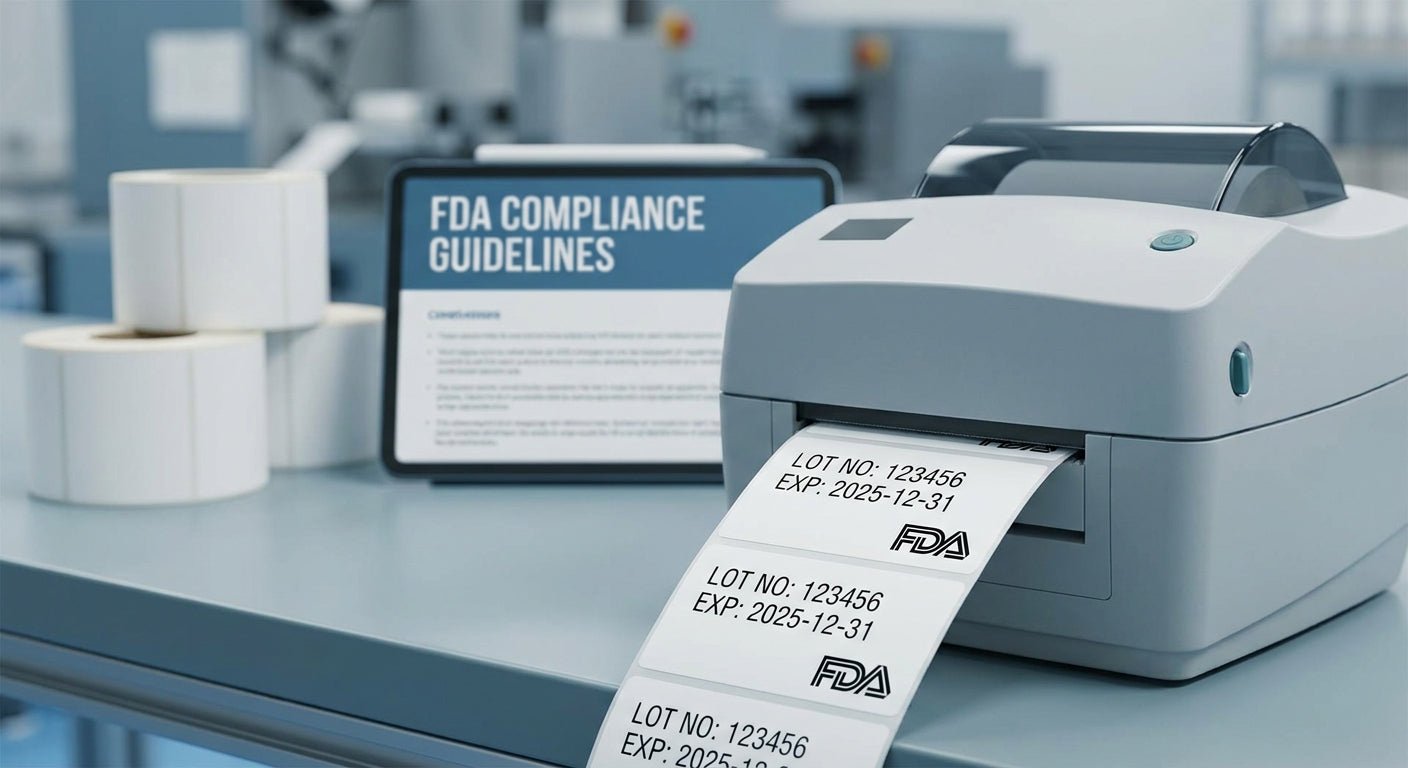
Printing lot number labels for FDA compliance in 2026 comes down to three variables: printer resolution, ribbon-to-stock match, and a lot code format that lines up exactly with your master batch record. Get those three right and the label survives a solvent wipe, a walk-in cooler, and an FDA field audit without a reprint.
TL;DR
Lot number labels for FDA compliance need a thermal transfer printer at 300 DPI minimum, resin or wax-resin ribbon matched to polyester or paper stock, and a barcode format (GS1-128 is the industry default) that scans clean at ANSI grade C or better. The GoDEX RT863i 600 DPI printer is the Buy pick for small-batch pharmaceutical, supplement, or medical device runs where lot codes drop below 6-point font or barcodes narrow under 15 mil. For most food, cosmetic, and nutraceutical batches, a 300 DPI thermal transfer setup on white polyester meets 21 CFR 211.137 and 21 CFR 117 traceability requirements without the extra printer cost.
Why this matters
FDA doesn't dictate a specific label layout for lot numbers, but 21 CFR 211.137 for drugs, 21 CFR 117 for food, and 21 CFR 820.60 for medical devices all require legible, permanent lot identification that ties back to your batch records. Field investigators don't usually flag the lot number itself — they flag a label that smeared after a solvent wipe, faded under fluorescent light, or used a barcode symbology the receiving dock's scanner can't read.
The compliance labels for regulated industries guide covers the broader regulatory landscape across FDA, USDA, and OSHA labeling rules. This walkthrough sticks to the print settings and hardware that keep a lot code readable for the full shelf life of the product, whether that's 18 months on a supplement bottle or 5 years on a device component.
What you'll need
- A thermal transfer printer rated for 300 DPI minimum — step up to the GoDEX RT863i 600 DPI printer if lot codes run under 6-point font or barcodes narrow under 15 mil
- Thermal transfer ribbon matched to your stock — resin ribbon for polyester or vinyl, wax-resin for coated paper
- Polyester or vinyl label stock rated for chemical exposure if the label will contact alcohol, ethanol, or cleaning solvents during production
- Your current master batch record or lot numbering SOP, since the label format has to match what's already documented
- A barcode verification scanner to confirm ANSI grade before the first production run ships
- 20-30 minutes for initial template setup, under 5 minutes per batch once the template is saved
The steps
1. Lock the lot number format before touching the printer
Decide sequential (0001, 0002) or date-based (YYMMDD-XXX) numbering and match it to what's already in your master batch record — auditors cross-check the label against the paper trail, and a mismatch is a documentation gap, not a labeling one. Common mistake: switching formats mid-year without a version note in the SOP, which breaks traceability for anyone reviewing 2026 batches against 2025 ones.
2. Pick 300 DPI or 600 DPI based on label size
300 DPI resolves standard GS1-128 barcodes and 8-point text cleanly on a 2" x 1" label. Drop below that — 6-point lot codes, sub-15-mil barcode modules, small vial labels — and 300 DPI starts producing barcodes that scan inconsistently. Common mistake: using a 203 DPI printer meant for shipping labels to print pharmaceutical lot codes, then wondering why the barcode fails verification.
3. Match ribbon to label stock
Resin ribbon on polyester or vinyl stock survives alcohol wipes, chemical splash, and years of storage. Wax-resin on coated paper works for lower-durability runs like retail cosmetics with a 12-18 month shelf life. Common mistake: running wax ribbon on polyester stock — it prints fine on day one and smears the first time someone wipes the container with isopropyl alcohol.
4. Build the template with fixed and variable fields
Set the product name, NDC or SKU, and regulatory statement as fixed fields; set lot number, manufacture date, and expiration date as variable fields pulled from a CSV or your ERP. Common mistake: hardcoding the lot number into the template design, which means editing the file for every batch instead of feeding a new value into one field.
5. Print a test batch and verify barcode grade
Run 10-20 labels and scan each with a verification tool, not just a handheld scanner that reads anything above garbage. Target ANSI grade C or better across the run. Common mistake: skipping verification because "the scanner beeped" — a beep confirms readability under ideal conditions, not the grade an FDA auditor's scanner will report.
6. Calibrate darkness and speed for the stock
Start around darkness setting 15-20 and print speed 4 inches per second for polyester; drop speed if edges look feathered, raise darkness if the barcode looks thin. Common mistake: printing at maximum speed to save time, which causes dropped pixels in fine barcode elements and produces false-pass reads on a cheap scanner.
7. Apply and inspect on the actual container
Test adhesion on the real surface — glass vial, HDPE bottle, cold-storage box — not a flat cardboard sample. Cold storage and curved surfaces both stress adhesive differently than a warehouse shelf. Common mistake: validating labels only at room temperature, then finding peel-back after the product spends six weeks at 38°F.
8. Archive the print job with the batch record
Save the exact template version, ribbon lot, and print settings alongside the batch record for that lot number. If FDA requests documentation during an audit, you need to reproduce what was printed, not just what the SOP says should have been printed. Common mistake: overwriting the label template for the next product line without version control, losing the ability to recreate a 2026 lot's exact label.
Troubleshooting
- Barcode scans inconsistently — darkness is too low or the ribbon doesn't match the stock; raise darkness 5-10 points and confirm resin ribbon on polyester.
- Lot code smears under an alcohol wipe — you're likely on wax-resin ribbon; switch to full resin ribbon rated for chemical resistance.
- Label peels after cold storage — the adhesive isn't rated for the temperature range; move to an acrylic adhesive rated for -20°F to 140°F rather than a general-purpose paper adhesive.
- Text unreadable below 8-point — you're printing at 203 DPI; move to 300 DPI, or 600 DPI for anything under 6-point.
- Sequential numbering skips a digit — check the database field increment or driver settings, not the printer hardware; this is almost always a template or software issue, not a print head fault.
- Placement varies operator to operator — lock the template with an applicator guide so the label lands in the same spot on every unit, which matters when an auditor is comparing labels across a shipment.
Tools and resources
- How to print GS1 barcodes on a thermal label printer for symbology and quiet-zone specifics
- A barcode verification scanner rated for ANSI grading, not a generic point-of-sale scanner
- Your master batch record template, kept current with every label format change
- Resin ribbon and polyester stock as the default combination for anything shipping under FDA jurisdiction in 2026
What to do next
Once the print settings and stock are locked, the printer itself becomes the bigger variable at scale — see thermal label printer options for pharmaceutical labeling for how McAuley Labels' lineup handles higher-volume batch runs without dropping barcode grade.
FAQ
What's the best DPI for lot number labels for FDA compliance? 300 DPI covers standard GS1-128 barcodes and 8-point lot codes on most labels. Step up to 600 DPI on a printer like the GoDEX RT863i when barcodes narrow under 15 mil or text drops below 6-point.
Is thermal transfer better than direct thermal for FDA labels? Yes, for anything with a shelf life over six months. Direct thermal print fades under heat and UV light, which becomes a compliance risk on a label that needs to stay legible for years.
Does FDA require a specific barcode symbology on lot labels? FDA doesn't mandate one symbology, but GS1-128 is the industry default across pharmaceutical, food, and medical device supply chains in 2026 because most receiving systems already read it.
Can I use a laser printer for lot number labels? No, not for regulated production runs. Laser toner doesn't bond the same way to polyester or vinyl stock, and toner labels fail chemical exposure and cold-storage tests that thermal transfer labels pass.
How long do thermal transfer lot labels last? Resin ribbon on polyester typically holds legibility for 3-5 years unlaminated, longer when stored away from direct UV, which covers most FDA-regulated shelf-life windows.
What's the difference between a lot number and a batch number? Most manufacturers use them interchangeably, but a batch number can cover a full production run while a lot number sometimes identifies a sub-portion packaged on a different date — your SOP should define which one applies.
Do lot number labels need to match the master batch record exactly? Yes. The format, sequencing, and any prefix or suffix on the printed label must correspond to what's documented in the batch record, since that's the first thing an auditor cross-checks.
One last thing
The most common reason a lot code fails during an FDA review isn't the number itself — it's a barcode that scans perfectly in the office and fails after the product sits in a 38°F cooler for six weeks. Test labels in the actual storage environment before the first production run ships, not in the shipping box they arrived in.