
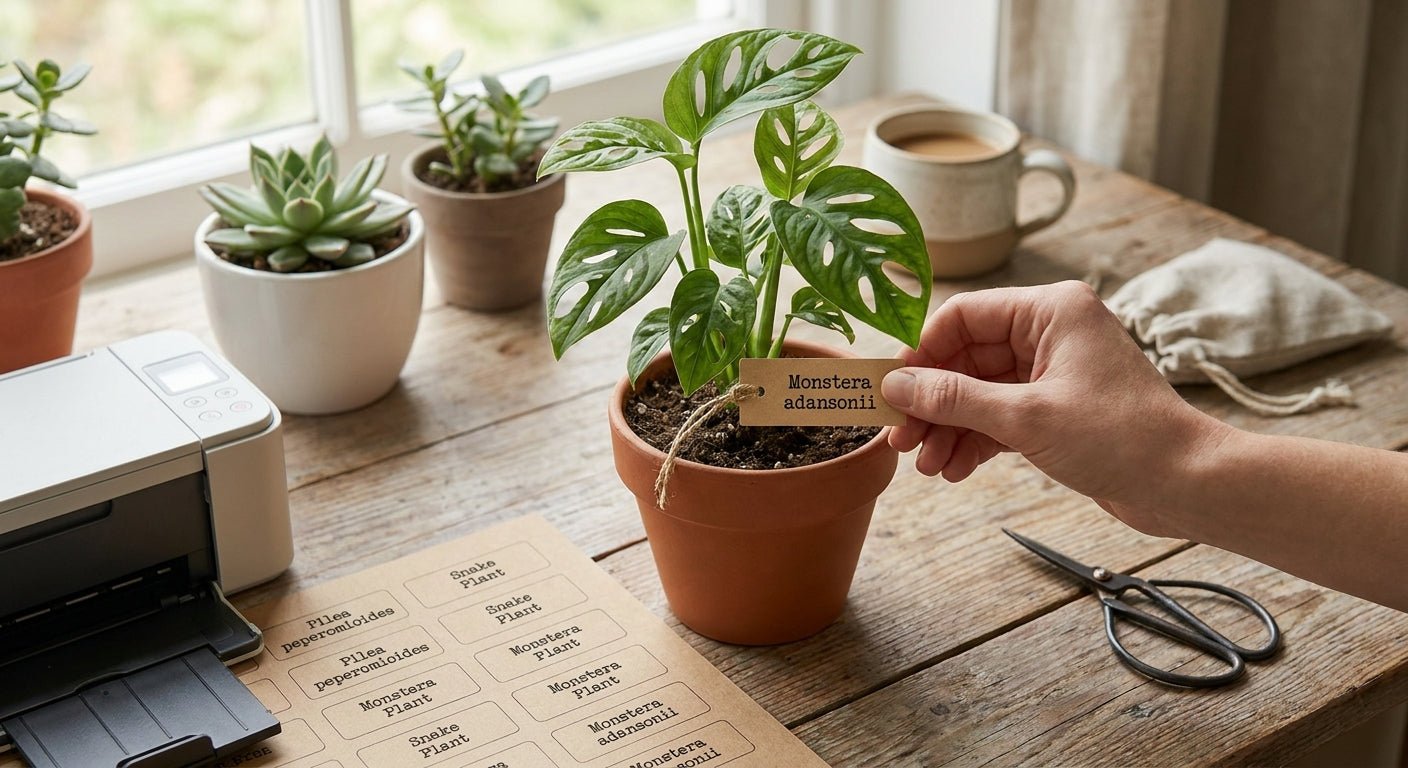
Printing plant pot labels for indoor houseplants takes a direct thermal printer, a roll of durable label stock, and a design that survives regular watering without smearing.
TL;DR
For plant pot labels indoor houseplants, print on white polyester or vinyl stock with a direct thermal printer set to 300 DPI — plain paper labels turn to mush the first time you mist a fern. A GoDEX RT230i 300 DPI printer handles the resolution needed for small plant-tag text, while thermal transfer polyester label stock resists the humidity that ruins paper tags within weeks. Verdict: Buy the printer-plus-polyester combo if you're labeling more than a dozen pots; hand-write popsicle sticks if you have three plants and no plans to scale.
Why this matters
Hand-lettered plastic stakes fade within a season under indoor grow lights and get illegible the first time water splashes the ink. A thermal-printed label holds its text because the print is either burned directly into heat-sensitive paper or bonded with a wax-resin ribbon onto polyester — neither depends on ink sitting on a porous surface.
Anyone running more than a handful of pots — plant shops, office greenery programs, or a serious home collection — hits the same wall: labels that survive watering, humidity, and repositioning without a reprint every 60 days. The fix is choosing the right printer resolution and label material before you print the first batch, not after the third one peels off.
What you'll need
- A direct thermal or thermal transfer label printer (203 DPI is fine for basic text, 300 DPI for smaller fonts or icons)
- White polyester or vinyl label rolls sized for pot tags, typically 1" to 2" wide
- Thermal transfer ribbon if you're using polyester stock rather than direct thermal paper
- Label design software (GoLabel works with GoDEX printers) or a simple spreadsheet with a mail-merge template
- A list of plant names, care notes, or QR codes if you're linking to watering instructions
- Scissors or a rewind unit if your printer doesn't auto-cut
The steps
1. Pick your printer resolution
Text under 8pt — common on small pot tags — looks fuzzy at 203 DPI and crisp at 300 DPI. If your labels only need a plant name and a date, 203 DPI is enough. If you're printing care icons, small QR codes, or Latin binomial names in a compact font, step up to 300 DPI. Common mistake: buying a 203 DPI printer because it's cheaper, then squinting at blurry text on every tag for the next two years.
2. Choose label material based on where the label lives
A label sitting on a dry office desk survives on direct thermal paper. A label on a pot that gets watered weekly, or one that sits in a humid bathroom with a fern, needs polyester or vinyl stock printed with thermal transfer ribbon. Paper direct thermal labels also fade under UV exposure near a sunny window within a few months in 2026 growing seasons — polyester with ribbon does not.
3. Design the label content
Keep it to three lines maximum: common name, one care note (light or water frequency), and a date if you rotate plants seasonally. Adding a small QR code linking to a care sheet works well for gift plants or retail displays — keep the code at least 0.5" square so phone cameras read it reliably. Common mistake: cramming a full care paragraph onto a 1-inch tag, which forces tiny font sizes that blur even at 300 DPI.
4. Set up your printer software
GoLabel and similar label design tools let you build a template once and swap plant names via a data field, so you're not redesigning the layout for every species. Load your label stock, calibrate the sensor so the printer recognizes each label's gap or black mark, and save your template with margins that match your stake or tag size exactly. Skipping calibration is the single most common reason first-print jobs come out shifted or cut mid-label.
5. Print a test batch of five
Print five labels before committing to a full roll — check the text sits centered, the QR code scans from six inches away, and the print density looks solid rather than gray. Adjust darkness settings up if text looks faint; thermal print heads vary slightly between rolls of stock even from the same supplier. Expected outcome: five clean, evenly printed labels with no smudging when you rub a wet finger across the text.
6. Apply labels to pots or stakes
Wipe the pot surface dry before applying — moisture or dust under the adhesive is the top cause of early peeling. For stakes going directly into soil, use a self-laminating or vinyl label rated for ground contact rather than a standard paper tag, since soil moisture wicks upward constantly. Press firmly along the full label edge, not just the center, to seat the adhesive.
7. Store and maintain your printer
Keep unused label rolls sealed in their original packaging or a sealed bag — humidity swelling the roll edges causes feed jams later. Clean the print head monthly with an isopropyl swab if you're running regular batches; a dirty head is the second-most common cause of streaky or faded text after low darkness settings.
Troubleshooting
- Text smears when wet: You printed on direct thermal paper instead of thermal transfer polyester — switch stock, not printers.
- Labels peel within a week: Adhesive backing wasn't rated for the humidity level or the pot surface was damp before application.
- QR code won't scan: Code printed too small or print density too low — bump the code to at least 0.5" and raise darkness by 2-3 levels in software.
- Faded text after a few months: Standard paper labels break down under grow-light UV — polyester with thermal transfer ribbon holds up far longer.
- Printer feeds blank labels: Sensor isn't calibrated to your stock's gap or black mark — rerun the calibration routine before each new roll type.
- Print looks gray instead of solid black: Darkness setting is too low for the label material — thicker polyester stock usually needs a higher setting than thin paper.
Tools and resources
- A 300 DPI thermal printer for small-text pot tags
- White polyester label rolls plus thermal transfer ribbon for anything near water
- Custom logo stickers if you're branding tags for a retail plant shop or gift program
- Label design software with data-merge for batch printing multiple species
- A buying guide on waterproof plant label printers if you're comparing models before you commit
What to do next
Once your indoor tags are printing cleanly, the same printer and stock combination extends to outdoor garden beds, which face rain and direct sun instead of just watering splash — read the full guide on nursery and garden plant label printers before scaling from a windowsill collection to a patio or greenhouse setup.
FAQ
What's the best printer for plant pot labels indoor houseplants? A 300 DPI direct thermal or thermal transfer printer handles small plant-tag text and icons clearly; 203 DPI works fine if your tags only carry a name and a date.
Is thermal transfer better than direct thermal for plant labels? Yes for anything near regular watering — thermal transfer with polyester stock resists moisture and UV fade, while direct thermal paper degrades within months of watering splash or sun exposure.
How much does it cost to print plant labels at home? Costs vary by printer model and label stock, so check current pricing directly rather than relying on a fixed number, but polyester rolls cost more per label than plain paper because they last significantly longer.
Can I use a regular inkjet printer for plant pot labels? Inkjet ink runs when it gets wet, which makes it a poor match for pot tags exposed to watering — thermal printing avoids that failure mode entirely because there's no liquid ink involved.
Do plant labels need to be waterproof? Any label touching soil, a watering can, or high humidity needs waterproof stock — dry-location tags on shelves or desks can use standard direct thermal paper.
What size should indoor plant pot labels be? Most home and retail tags run 1" to 2" wide, enough for a common name and one care line without shrinking the font past legible size.
Can I add a QR code to a plant pot label? Yes — keep the code at least 0.5" square and print at 300 DPI so phone cameras read it reliably from a few inches away.
How long do thermal-printed plant labels last? Polyester labels printed with thermal transfer ribbon typically outlast a full growing season indoors; plain paper direct thermal labels fade or smear within weeks near regular watering.
One last thing
The detail most people skip is print darkness calibration per roll — a setting dialed in for paper stock in 2026 will under-print polyester and leave you with gray, half-legible tags even on a good printer. Run five test labels every time you switch stock, not just when you switch printers.