
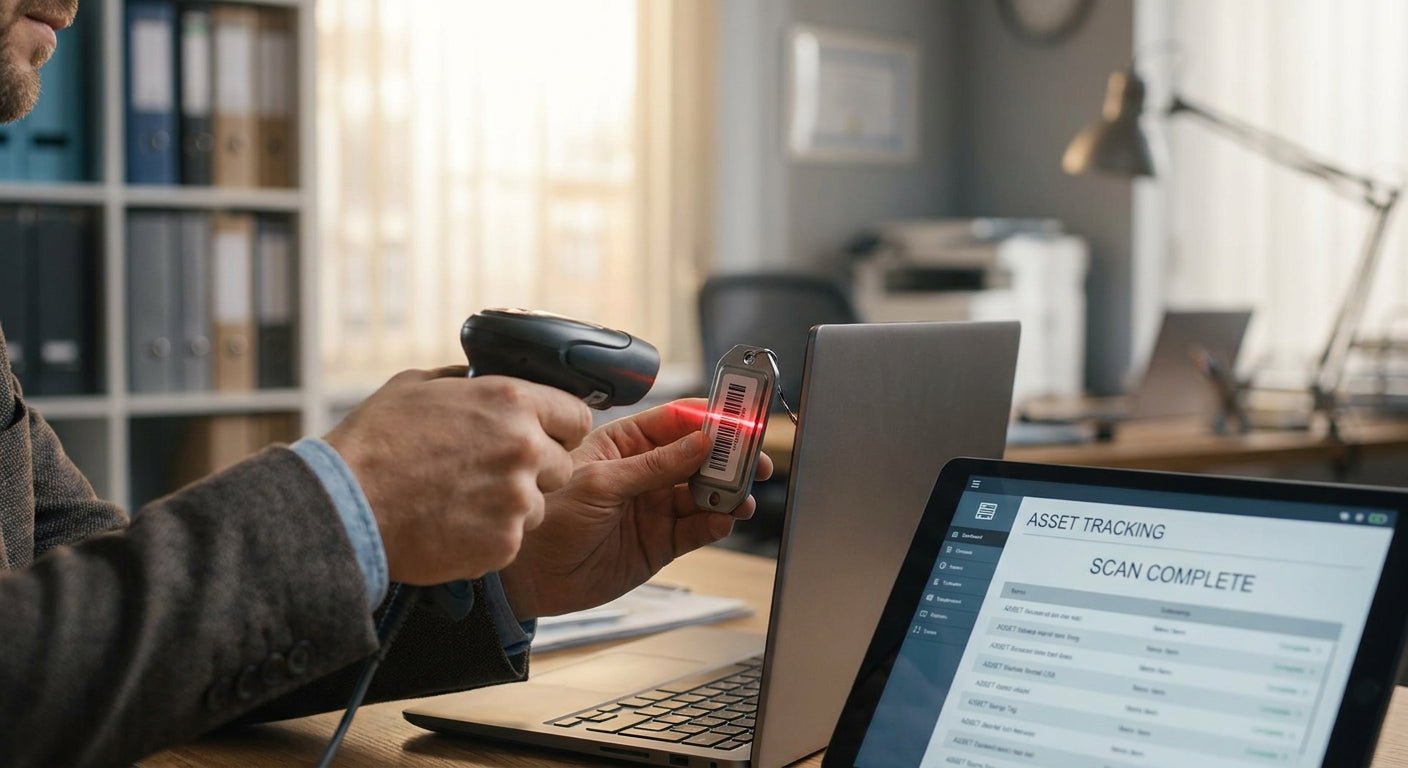
Fixed asset tracking with barcode labels turns a spreadsheet guessing game into a five-second scan — this guide walks through the equipment, the setup steps, and the mistakes that make labels fail early.
TL;DR
Tracking fixed assets with barcode labels means tagging each asset with a scannable ID, logging that ID against location and owner data, and re-scanning on a schedule. Metallized silver polyester asset tags hold up through 2026 outdoor and warehouse conditions where paper labels crack within months. A Godex thermal transfer printer at 203 DPI prints legible Code 128 barcodes down to 0.75 inches. Verdict: barcode asset tags are worth it for any business tracking more than 50 pieces of equipment — the setup takes under a week and the labels last 3-5 years outdoors.
Why this matters
Manual asset logs drift fast. A facilities team checking 200 pieces of equipment by hand typically misses 10-15% of items during an annual audit, according to industry inventory-shrinkage benchmarks cited across asset management literature. Barcode labels remove the guesswork: scan the tag, pull the record, done.
The real cost isn't the label — it's what happens without one. Lost laptops, untracked tools, and equipment that "disappears" between departments all trace back to the same root problem: no permanent, scannable ID attached to the asset. A barcode asset tag system fixes that in one pass, and 2026 pricing on thermal transfer ribbon and polyester stock makes in-house printing cheaper than ordering pre-printed batches from a supplier every quarter.
What you'll need
- Asset tag stock — metallized silver polyester for equipment that stays indoors, or heavy-duty silver for anything exposed to weather, chemicals, or abrasion
- A thermal transfer printer — direct thermal fades under UV and heat, so transfer ribbon is the standard for tags meant to last years
- Barcode symbology decision — Code 128 for alphanumeric asset IDs, or QR codes if you want a phone camera to double as a scanner
- A spreadsheet or asset management system — even a basic sheet with columns for Asset ID, Location, Owner, Purchase Date, and Last Scanned works to start
- A handheld or smartphone barcode scanner — most modern warehouse scanners read both 1D and 2D codes
- Roughly 2-4 hours to set up the printer and template, plus 5-10 minutes per 50 assets tagged
The metallized silver barcode asset tags cover most indoor equipment — computers, machinery, tools kept in a shop. For outdoor gear, generators, or anything that sits in direct sun, heavy-duty silver stock resists UV breakdown far longer than standard polyester.
The steps
1. Inventory what needs a tag
Walk the facility and list every asset above your value threshold — most organizations set that line at $500-$1,000 per item, though IT departments often tag anything with a serial number regardless of cost. Skip consumables and anything replaced within 12 months; tagging those wastes labels and clutters the database.
Common mistake: tagging too broadly in year one. Teams that try to tag every stapler alongside the forklifts end up with a database nobody maintains by month three.
2. Choose a barcode format and numbering scheme
Decide between Code 128 (compact, ideal for asset IDs under 20 characters) and QR codes (better if you want to link to a maintenance log or service history page). Build a numbering convention now — department prefix plus sequential number (e.g., IT-00147) — because renumbering after 500 assets are already tagged is a full afternoon of relabeling.
Common mistake: starting with sequential numbers only, no department or location prefix. Six months in, nobody can tell if asset #212 belongs to shipping or to the lab.
3. Select the right label material for each asset class
Indoor electronics, shelving units, and office equipment do fine on standard metallized silver polyester. Equipment that lives outside, gets pressure-washed, or handles chemicals needs heavy-duty metalized QR code asset tags rated for abrasion and solvent exposure. Matching material to environment is the single biggest factor in whether a tag survives 3 years or falls off in 3 months.
Common mistake: using semi-gloss white labels on outdoor machinery because they're cheaper — they yellow and peel within a season of sun exposure.
4. Print a test batch before running the full order
Set the printer to 203 DPI for standard barcode density, run 10 labels, and scan every one with your handheld scanner before printing the rest. This catches ribbon-feed issues, print-head pressure problems, or barcode width errors before you've wasted 500 labels. A Godex asset tag printer handles this print volume reliably at print speeds up to 5 inches per second.
Common mistake: skipping the test batch and discovering a scan failure rate after 300 tags are already applied to equipment.
5. Apply tags to a clean, dry surface
Wipe down the mounting surface with isopropyl alcohol and let it dry fully — oil, dust, or moisture under the adhesive cuts bond strength dramatically. Apply firm pressure across the full tag for 10-15 seconds, especially on curved or textured surfaces where edges lift first.
Common mistake: applying tags to cold metal in winter. Adhesive bonds weaken below 50°F; warm the surface or wait for a warmer window.
6. Log every asset ID into your tracking system immediately
Scan each tag as you apply it and enter location, owner, and purchase data in the same pass — batching this task for "later" is how half the tags end up unlogged. A simple rule: no tag leaves the roll without a corresponding row in the tracking sheet.
Common mistake: applying tags first and planning to log data in bulk afterward. That backlog rarely gets finished.
7. Set a recurring audit schedule
Quarterly for high-turnover equipment (laptops, tools, rental gear), annually for fixed installations. Re-scan every tag on the list and flag anything that doesn't turn up — that's your loss report. Businesses running quarterly audits in 2026 catch missing equipment faster than those on an annual cycle, simply because the gap between "last seen" and "reported missing" is 90 days instead of 365.
Troubleshooting
- Barcode won't scan — check print darkness settings first; a common fix is bumping density up 2-3 points on the printer driver.
- Tag lifted at the edges within weeks — surface wasn't clean or dry before application, or the wrong adhesive class was used for a curved surface.
- Faded or unreadable labels after outdoor exposure — direct thermal stock was used instead of thermal transfer; direct thermal has no UV resistance.
- Duplicate asset IDs in the system — numbering scheme wasn't locked before printing began; audit the full list and reprint conflicting tags.
- Printer produces streaky or incomplete prints — ribbon is loaded backward or print head needs cleaning; check ribbon orientation before assuming a hardware fault.
- Scanner reads inconsistently across different tags — barcode module or quiet zone is too small for the printed size; increase tag width or barcode module size in the print template.
Tools and resources
- Metallized silver barcode asset tags for standard indoor equipment
- Heavy-duty metalized QR code asset tags for outdoor or high-wear assets
- Godex GE330 asset tag printer for in-house thermal transfer printing
- A full walkthrough on building a numbering scheme and scan workflow is in the barcode asset tracking system guide
- For orders needing custom sizing, material, or bulk pricing, request a custom quote
FAQ
What's the best barcode label for tracking fixed assets? Metallized silver polyester with Code 128 barcodes is the standard for fixed asset tags in 2026 — it resists abrasion, chemicals, and UV fading far better than paper or semi-gloss stock.
Is QR code tracking better than barcode for asset management? QR codes let a phone camera double as the scanner and can link directly to a maintenance page, while Code 128 barcodes are more compact and print faster on dedicated scanners. Most warehouse and IT teams still default to barcode for speed; field service teams lean QR for phone-based scanning.
How much does asset tag labeling cost per unit? Costs vary by material, quantity, and printer setup — heavy-duty silver stock runs higher per tag than standard polyester due to the adhesive and laminate layer. Request a custom quote for exact per-unit pricing at your order volume.
Do barcode asset tags work outdoors? Yes, if you use heavy-duty silver polyester rated for UV and weather exposure — standard indoor stock cracks or fades within a season outside.
How often should fixed assets be re-scanned? Quarterly for high-turnover equipment like laptops and tools, annually for fixed installations like HVAC units or built-in machinery.
Can I print asset tags in-house instead of ordering pre-printed batches? Yes — a thermal transfer printer like the Godex GE330 handles in-house printing at a fraction of the per-unit cost of ordering pre-printed batches every quarter.
What size should a fixed asset barcode label be? Most fixed asset tags run 1 inch by 2 inches to 2 inches by 3 inches — big enough for a legible barcode and asset ID, small enough to fit on compact equipment.
Do I need a special printer for asset tags, or will any label printer work? Direct thermal printers work for short-term labels, but fixed asset tags need thermal transfer printing for the ribbon-based ink to survive years of handling and weather exposure.
One last thing
The tag material matters more than the printer resolution for asset tracking longevity — a 203 DPI barcode on heavy-duty metalized stock will outlast a 600 DPI barcode printed on paper by years, not months. Match the material to the environment first, then worry about print quality.