
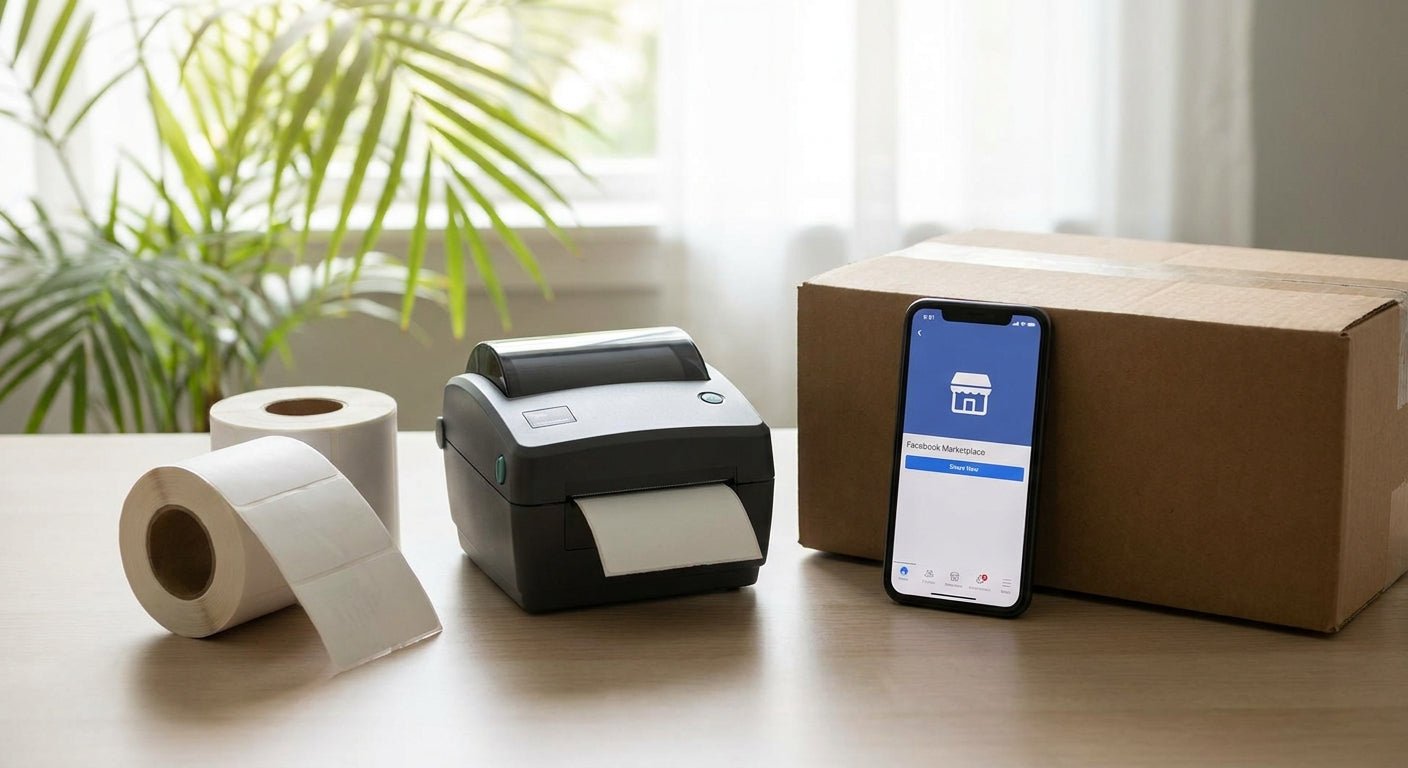
Facebook Marketplace shipping requires a printer built for one job: 4x6 direct thermal labels, printed fast, with zero ink cost per package. This guide breaks down what to buy, what to skip, and which GoDEX models actually fit a Marketplace seller's shipping volume in 2026.
- GoDEX RT700i+ is the best label printer for Facebook Marketplace shipping for most sellers at $581 with a 3-year warranty. Buy.
- GoDEX DT230 (300 dpi) wins when your listings lean on scannable barcodes or QR labels. Buy.
- Skip laser and inkjet printers for Marketplace shipping labels — toner and ink cost per label beats any savings on the printer itself.
- A direct thermal printer needs no ribbon for standard 4x6 shipping labels, which cuts a recurring cost most new sellers don't budget for.
Why This Matters
Facebook Marketplace generates a prepaid 4x6 PDF shipping label the moment a buyer checks out through Marketplace's shipping option. That label has to print at full size, scan cleanly at the carrier's sort facility, and survive a box that might sit in a truck for two days. A regular home printer on plain paper technically prints the PDF, but the label smears, curls off the box, or scans slow at the counter. A label printer for Facebook Marketplace shipping fixes all three problems for less than a laser printer's toner cartridge costs on its own.
Who This Guide Is For
This is for anyone shipping through Facebook Marketplace instead of doing local pickup only — casual sellers moving a few packages a week, and higher-volume resellers flipping clothing, electronics, or collectibles who ship daily. If you print more than five labels a week, the math on a dedicated thermal printer already favors you over ink or toner. If you ship less than that, the case is still strong once you count how often plain-paper labels get rejected or re-taped at the counter.
What to Look for in a Label Printer for Facebook Marketplace Shipping
Direct thermal, not ink or toner
Direct thermal printers use heat-sensitive label stock, so there's no ink cartridge, no toner, and no ribbon for standard shipping labels. That's the single biggest cost difference between a dedicated shipping printer and a home inkjet — you're not repurchasing consumables every few hundred labels.
Native 4x6 support
Marketplace, USPS, UPS, FedEx, and DHL all default to 4x6 as the standard label size. A printer that's built around that dimension avoids the scaling and cropping errors that cause a barcode to print too small to scan.
USB connectivity for browser-based printing
Most Marketplace sellers print straight from a browser tab, not a dedicated shipping app. A printer with a reliable USB connection and driver support avoids the pairing drop-outs that Bluetooth-only budget printers are known for.
Print speed on shipping days
If you batch-print ten or more labels at once — a common Saturday routine for active sellers — speed differences between models start to matter. A printer that chokes on a batch job wastes more time than it saves.
Build quality if you ship daily
Daily shippers put more wear on a printer than someone who ships twice a month. A metal frame and a 3-year warranty, which GoDEX includes across its printer line, matters more once you're printing labels every day of the year, including through 2026 and beyond.
Cost per label at your volume
Low-volume sellers can get away with a cheaper printer since it won't run enough to expose weak parts. High-volume sellers should weigh cost per label over 12 months, not just sticker price.
Top Picks for Facebook Marketplace Sellers
GoDEX RT700i+ — the workhorse pick. This is a 4-inch dual thermal printer at 203 dpi with a color display, priced at $581 and backed by GoDEX's standard 3-year warranty. It handles both direct thermal shipping labels and thermal-transfer jobs if you ever print product labels on the same machine. Verdict: Buy. See the GoDEX RT700i+ printer.
GoDEX DT230 — the sharp-barcode pick. Running at 300 dpi direct thermal, this model prints noticeably cleaner barcodes than a 203 dpi unit, which matters if your listings include QR codes for tracking or return instructions. Verdict: Buy if barcode legibility is a recurring issue for you. Check the GoDEX DT230 direct thermal printer.
GoDEX ZX430i+ — the high-volume pick. At $945 with a 4-inch, 300 dpi engine and a color display, this is the step-up model for sellers printing dozens of labels a week rather than a handful. Verdict: Consider once you're shipping more than 15-20 packages weekly — otherwise it's more machine than you need.
GoDEX RT200i — the budget entry point. It's a 203 dpi direct thermal unit for sellers who ship occasionally and want the lowest upfront cost without moving to ink-based printing. Verdict: Consider for casual sellers under five shipments a week.
A laser or inkjet home printer — the wrong tool for this job. It technically prints the PDF, but toner and ink cost per label, plus the tape-over-adhesive workaround most sellers resort to, erodes any savings fast. Verdict: Skip.


What to Avoid
- Ink-based printers marketed as "good enough" for shipping. They work until the cartridge runs dry mid-batch, and the per-label cost climbs fast once you're past a few dozen shipments a month.
- Ultra-narrow linerless printers built for receipts. A 2-inch printer is fine for point-of-sale tickets but can't produce a full 4x6 shipping label without cropping the barcode.
- Thermal transfer-only printers for a simple shipping workflow. If you're only printing shipping labels, a ribbon-dependent printer adds a consumable cost you don't need — save thermal transfer for product labels that need to survive heat or abrasion.
Verdict Comparison
| Printer | Resolution | Direct thermal | Price | Best for | Verdict |
|---|---|---|---|---|---|
| GoDEX RT700i+ | 203 dpi | Yes | $581 | Everyday Marketplace shipping | Buy |
| GoDEX DT230 | 300 dpi | Yes | Check site | Barcode-heavy listings | Buy |
| GoDEX ZX430i+ | 300 dpi | Yes | $945 | 15+ shipments/week | Consider |
| GoDEX RT200i | 203 dpi | Yes | Check site | Occasional sellers | Consider |
| Home laser/inkjet | N/A | No | Varies | Nothing here | Skip |
FAQ
What's the best label printer for Facebook Marketplace shipping in 2026?
The GoDEX RT700i+ is the best overall pick for 2026 at $581, printing 203 dpi direct thermal labels with a 3-year warranty. Sellers who need sharper barcodes should look at the 300 dpi GoDEX DT230 instead.
Do I need a special printer for Facebook Marketplace shipping labels?
You don't strictly need one, but a plain paper printer produces labels that smear, curl, and often fail to scan cleanly at the carrier counter. A direct thermal printer prints the standard 4x6 format Marketplace generates without those failure points.
Is a thermal printer better than an inkjet or laser printer for shipping labels?
Yes, for shipping labels specifically. Direct thermal printers use heat instead of ink or toner, so there's no cartridge to replace, and the label adhesive holds better on a box than taped-down plain paper.
What size are Facebook Marketplace shipping labels?
Marketplace shipping labels print at the standard 4x6 inch size used by USPS, UPS, FedEx, and DHL. Any printer marketed for shipping labels should default to this size.
How much does a label printer for Facebook Marketplace cost in 2026?
Direct thermal shipping printers run from roughly $370 to $950 in 2026 depending on resolution and print width, with the GoDEX RT700i+ at $581 covering most casual and mid-volume sellers.
Do direct thermal labels fade over time?
Direct thermal labels can darken or fade if exposed to prolonged heat or direct sunlight, since the print reacts to heat rather than sitting as ink on top of the label. This rarely affects shipping labels since they're used within days, but it matters for anything stored long-term.
What DPI do I need for shipping barcodes to scan correctly?
203 dpi scans fine for standard shipping barcodes and is what most carriers expect. Move up to 300 dpi only if you're printing dense QR codes or small text alongside the barcode.
Can I reuse a printer bought for Marketplace shipping for other label jobs?
Yes, a direct thermal printer like the GoDEX RT700i+ handles inventory tags, address labels, and other 4x6 or smaller jobs without any changes to the setup used for Marketplace shipping.
One Last Thing
Direct thermal labels react to heat, not just the printhead. Leave a stack of finished labels on a dashboard in July and they can darken on their own before the box even leaves your driveway — keep spare labels out of direct sun and away from a hot glovebox, especially through the warmer months of 2026.