
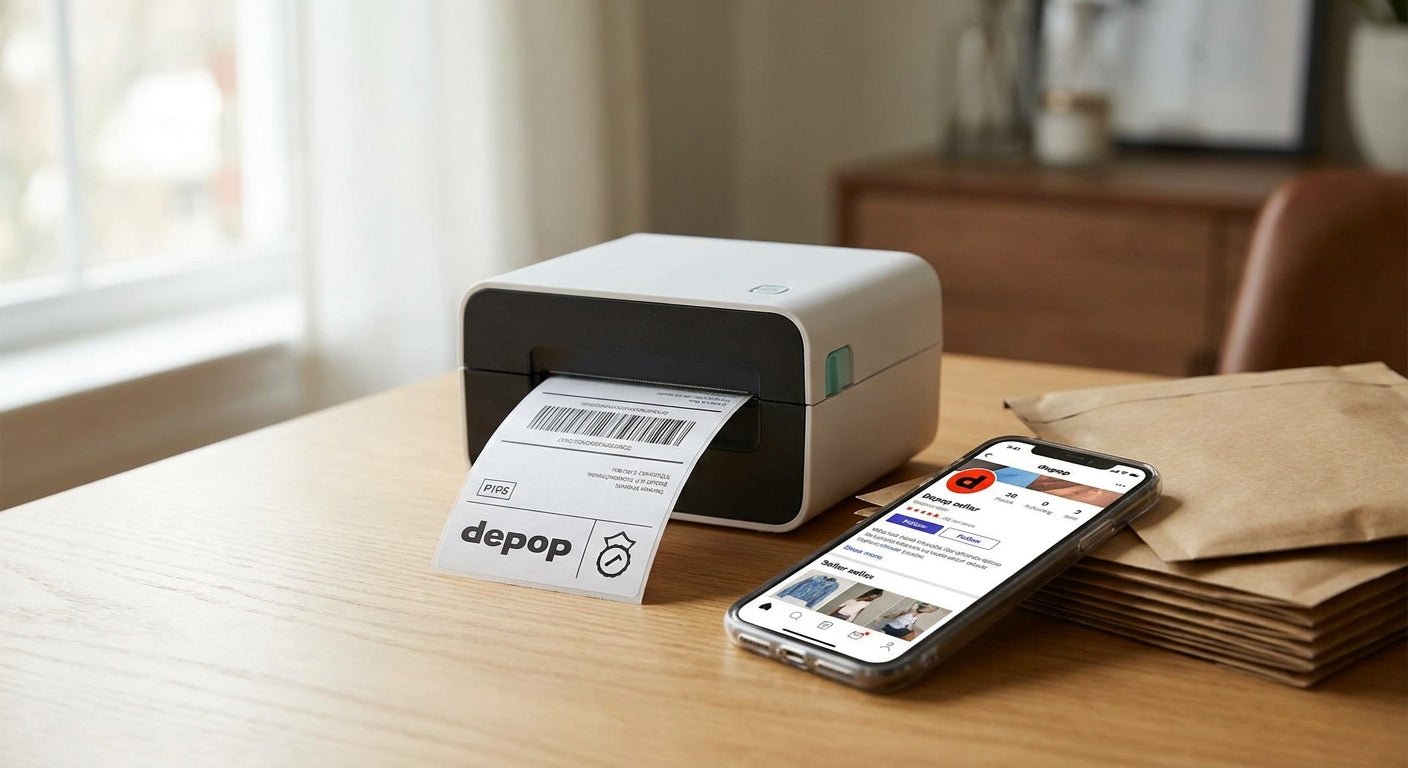
Depop sellers shipping 10, 50, or 200 orders a week all hit the same wall: an inkjet printer chews through cartridges on shipping labels, and a laser printer can't run thermal rolls at all. This guide names the thermal label printer for Depop that actually pays for itself in 2026, and which models are overkill for a closet-cleanout side hustle.
- GoDEX RT200i is the safe thermal label printer for Depop sellers shipping under 50 labels a week in 2026 — Buy.
- GoDEX DT230's 300 DPI resolution reads small QR and barcode labels cleaner than 203 DPI — Consider.
- Skip ribbon-based thermal transfer printers for basic 4x6 shipping labels; direct thermal cuts consumable cost.
- GoDEX G500 handles 200-plus labels a day for sellers running Depop as a full-time shop — Buy.
Why this matters
Depop takes a cut of every sale, and a smudged or misprinted shipping label costs you a re-print, a delayed drop-off, or a buyer message about a package that never scanned at the carrier. Ink adds up faster than sellers expect — a standard inkjet cartridge runs $30 to $40 and clogs well before 400 labels.
A thermal label printer skips ink entirely. Heat burns the image straight into the label stock, so there's no cartridge to replace and no smearing on a rainy drop-off day. McAuley Labels builds direct thermal and thermal transfer printers for exactly this kind of daily-volume label work, not general home-office printing, and that distinction matters once you're shipping 20-plus Depop orders a week in 2026.
Who this is for
This guide is for active Depop sellers whose order volume has turned hand-writing labels or babysitting an inkjet cartridge into a weekly chore — typically 15 orders a week or more, thrifted-inventory flippers, and closet-cleanout resellers who've turned Depop into steady side income in 2026.
What to look for in a thermal label printer for Depop
Label size flexibility
Most Depop shipping labels print at 4x6 from USPS or UPS integrations, but you'll also want smaller stock for product tags or return labels. A printer locked to one label width forces you to buy a second machine later — check the roll-width range before you buy, not after.
Direct thermal vs thermal transfer
Direct thermal printers burn the image directly into heat-sensitive paper — no ribbon, lower cost per label, and it's the right call for shipping labels that get scanned once and tossed. Thermal transfer needs a ribbon and produces labels that resist scuffing and fading for months, which matters for product tags but is wasted cost on a one-time shipping label.
Print resolution — 203 DPI vs 300 DPI
203 DPI is the industry floor for a scannable barcode, and it's fine for standard USPS and UPS labels. 300 DPI reads small QR codes and dense barcodes cleaner, which matters if you're printing tiny product tags alongside shipping labels rather than just shipping labels alone.
Connectivity for a phone-and-laptop workflow
Most Depop sellers generate labels on a phone or laptop, not a warehouse terminal. USB is the baseline; look for a printer that also plays well with a laptop-only setup since you likely don't have a dedicated PC connected to a network switch.
Cost per label
A roll of 4x6 direct thermal shipping labels runs around $54 with no ribbon required — that's your full consumable cost. Add a ribbon requirement and you're paying for two consumables per label instead of one, which adds up fast at 50-plus shipments a week.
Duty cycle and build for daily use
A printer rated for occasional home-office print jobs will overheat or jam under daily shipping volume. Match the printer's rated duty cycle to your actual weekly label count, not your current volume — Depop sellers scale fast once a shop starts moving.
Top picks for Depop sellers
GoDEX RT200i — the safe pick. 203 DPI resolution, desktop footprint, and USB connectivity make this the printer most occasional-to-mid-volume Depop sellers should start with. It handles standard 4x6 shipping labels at the resolution USPS and UPS scanners expect without paying for capability you won't use at 20-30 orders a week. Buy if you're shipping under 50 labels a week — see the GoDEX RT200i.
GoDEX DT230 — the resolution upgrade. This model prints at 300 DPI, which reads small QR codes and dense barcodes cleaner than 203 DPI when you're printing product tags alongside shipping labels. Sellers who batch-print inventory tags for a growing Depop closet get a real benefit here over the base-resolution option. Buy if you print anything beyond plain shipping labels — check the GoDEX DT230.
GoDEX G500 — the workhorse. Built for higher daily volume, this printer is the one to reach for once Depop stops being a side project and starts being 200-plus labels a week. The duty cycle handles sustained daily printing better than a desktop-class unit designed for occasional use. Buy if Depop is your primary income in 2026 — see the GoDEX G500.
GoDEX RT700i — the wildcard. It ships with a 4-color display and extra onboard controls aimed at multi-user shops where more than one person is printing labels off the same machine. For a solo Depop seller, that display is paying for a feature you'll rarely touch. Consider it only if multiple people in your household or team print labels; otherwise it's a Skip for a single-seller Depop shop.


What to avoid
- Ribbon-based thermal transfer printers for plain shipping labels. You'll pay for a ribbon on top of the label stock for a label that gets scanned once and thrown away — direct thermal is the cheaper, simpler call for pure shipping work.
- Tiny 2-inch mobile Bluetooth printers marketed for receipts. They can't handle a standard 4x6 shipping label width, and you'll end up buying a second machine within a month of scaling past casual selling.
- Off-brand thermal printers with spotty driver support. If you're printing from a Mac or a Chromebook, check driver compatibility before you buy — a printer that only plays nice with one operating system turns into a bottleneck the day your setup changes. The home-based shipping label printer guide covers this in more depth for sellers running everything off a laptop.
“If a printer needs a ribbon to print a plain shipping label, it's the wrong printer for a Depop shop.”
Verdict comparison
| Printer | Resolution | Best for | Verdict |
|---|---|---|---|
| GoDEX RT200i | 203 DPI | Under 50 labels/week | Buy |
| GoDEX DT230 | 300 DPI | Labels plus product tags | Buy |
| GoDEX G500 | Higher-DPI options | 200+ labels/week | Buy |
| GoDEX RT700i | 203 DPI, color display | Multi-user shops | Consider |
FAQ
What's the best thermal label printer for Depop sellers in 2026?
The GoDEX RT200i is the best all-around thermal label printer for Depop sellers shipping under 50 orders a week in 2026. Sellers moving past that volume should look at the GoDEX G500 for its higher duty cycle.
Is a direct thermal printer better than thermal transfer for Depop shipping labels?
Yes, direct thermal is better for plain shipping labels because it needs no ribbon and costs less per label. Thermal transfer only pays off when you need labels that resist scuffing or fading for months, which shipping labels don't.
Do I need a 300 DPI printer for Depop barcodes?
No, 203 DPI is enough to scan a standard USPS or UPS shipping barcode. Choose 300 DPI only if you're also printing small QR codes or dense product tags alongside your shipping labels.
How much does a thermal label printer for Depop cost in 2026?
Desktop thermal printers built for daily shipping volume run from a few hundred dollars into the low thousands depending on resolution and duty cycle. A roll of 4x6 direct thermal labels adds about $54 in consumable cost on top.
Can I use a regular inkjet printer instead of thermal for Depop shipping labels?
You can, but ink cartridges cost $30 to $40 and typically print fewer than 400 labels before clogging. A thermal printer eliminates that recurring ink cost entirely since it uses heat instead of ink.
What size labels do Depop sellers need?
Most Depop shipping labels print at 4x6 inches through USPS and UPS carrier integrations. Sellers who also tag inventory should pick a printer that supports smaller label widths too.
How many labels can a desktop thermal printer handle per day?
A desktop-class printer like the GoDEX RT200i comfortably handles a few dozen labels a day for casual sellers. Shops printing 200-plus labels a day need a higher duty-cycle printer like the GoDEX G500 to avoid overheating or jamming.
Does a thermal label printer work with Depop's shipping label PDF?
Yes, thermal printers print standard PDF shipping labels the same way any printer does, provided the driver is set up for 4x6 label stock. Check driver compatibility with your laptop or Chromebook before buying.
One last thing
The cost difference that actually matters isn't the printer price — it's the ribbon. A direct thermal setup with no ribbon can run half the per-label cost of a thermal transfer setup once you're past 50 shipments a week in 2026, and that gap only widens as Depop volume grows.