
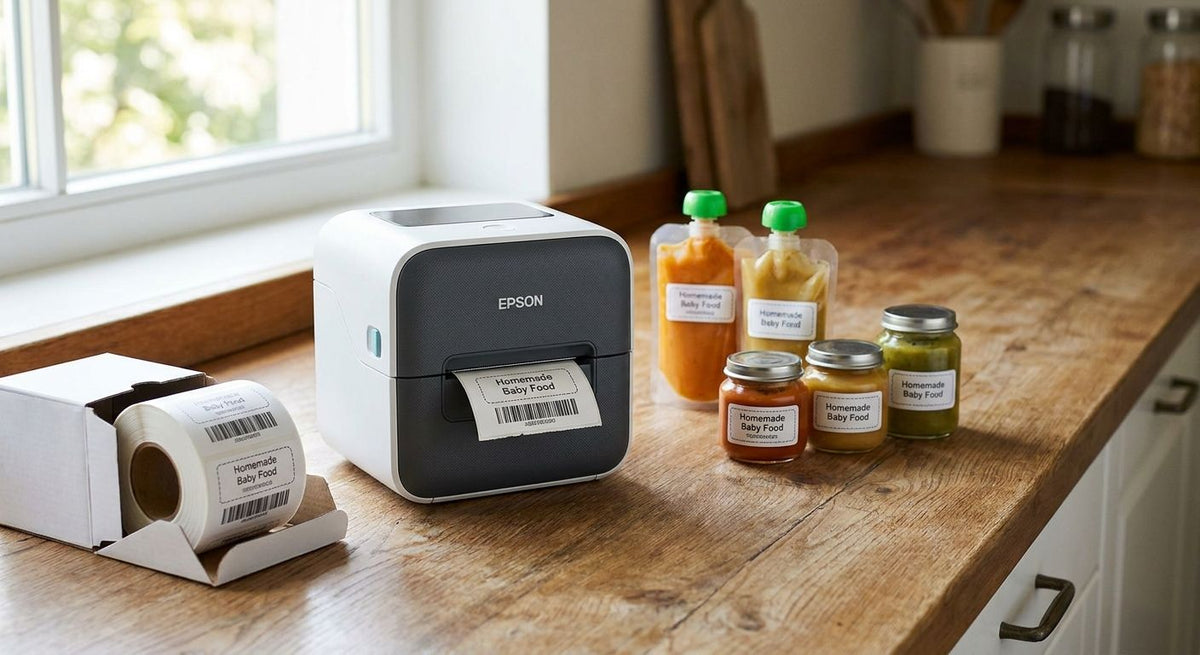
Baby food pouches and jars need labels that stay legible after a freezer stint, a delivery truck's heat, and months on a shelf. Best overall for baby food packaging in 2026: GoDEX RT700i+. Best for allergen and nutrition-fact text: GoDEX ZX430i+. Best budget option for small-batch producers: GoDEX RT200i.
- GoDEX RT700i+ is the best label printer for baby food packaging overall in 2026 at $581 — 203 DPI, 4-inch color display, direct thermal and thermal transfer.
- GoDEX ZX430i+ resolves small allergen and nutrition-fact text at 300 DPI for $945 — worth it once fonts drop below 6 point.
- Frozen or cold-chain pouches need thermal transfer resin ribbon, not direct thermal — direct thermal print fades under prolonged cold storage lighting.
- GoDEX RT200i is the entry point for small-batch producers who print lot codes and best-by dates without needing 300 DPI resolution.
Why this matters
Baby food packaging carries more mandatory text per square inch than almost any other food category: allergen statements, lot codes, best-by dates, and sometimes a QR code for traceability. A GoDEX RT700i+ prints that text at 203 DPI on a pouch label without the line stopping to swap ribbon every hour, which is why it sits at the top of this list for 2026.
Get the resolution or the media choice wrong and the failure shows up on the shelf, not on the production line. A blurry allergen warning is a recall risk; a direct thermal label that fades in a freezer is a traceability gap during an audit. Both are fixable before the first print run, not after.
What makes the best label printer for baby food packaging
- Print resolution — 300 DPI resolves small nutrition-facts and allergen text cleanly; 203 DPI is sufficient for lot codes and best-by dates.
- Direct thermal vs. thermal transfer — direct thermal print degrades with heat and light exposure over months; thermal transfer resin ribbon holds up in cold storage and long shelf runs.
- Media width and pouch curvature — the printer has to feed narrow 1-2 inch pouch labels without jamming on stand-up foil pouches.
- Connectivity — USB, serial, or Ethernet matters once the printer sits on a filling line instead of a desk.
- Duty cycle — desktop units are built for a few hundred pouches a day; industrial frames are built for continuous shifts.
- Stand-alone operation — a keyboard or touch interface lets a line worker punch in a new batch code without tying up a PC.
GoDEX label printers for baby food packaging, at a glance
| Printer | Best for | Standout feature | Starting price | Key limitation |
|---|---|---|---|---|
| GoDEX RT700i+ | Overall pouch and jar labeling | 4-inch color touch display, 203 DPI, direct thermal + thermal transfer | $581 | 203 DPI softens very small allergen fonts |
| GoDEX ZX430i+ | Allergen and nutrition-fact text | 300 DPI resolution | $945 | Costs more than a 203 DPI desktop model |
| GoDEX RT200i | Small-batch and startup budgets | 203 DPI desktop footprint | Check current pricing | Lower duty cycle than industrial RT-series units |
| GoDEX GE330 | Cold-chain and frozen pouch runs | 4-inch thermal transfer engine, 203 DPI | Check current pricing | Needs ribbon stock, no direct-thermal-only mode |
| GoDEX RT730i | High-volume co-packing lines | Industrial RT-series frame built for continuous shifts | Check current pricing | More printer than a single small-batch line needs |


1. GoDEX RT700i+: best label printer for baby food packaging overall
The RT700i+ is a 4-inch dual thermal printer running at 203 DPI with a color touch display, built to run direct thermal or thermal transfer without swapping the print engine. It handles the mix most baby food packagers need: lot codes on a daily basis and occasional pouch reprints without a PC tethered to the line.
GoDEX RT700i+ pros:
- 203 DPI is sharp enough for lot codes, best-by dates, and standard allergen text
- Runs direct thermal or thermal transfer on the same unit
- Color touch display simplifies changing batch data mid-shift
- USB, serial, and Ethernet connectivity for line integration
GoDEX RT700i+ cons:
- 203 DPI is the wrong choice once nutrition-fact fonts drop below 6 point
- Desktop footprint, not built for three-shift continuous production
GoDEX RT700i+ pricing: starts at $581.
Best for: baby food producers printing daily batch and date codes on pouches or jars.
Verdict: Buy.
2. GoDEX ZX430i+: best for allergen and nutrition-fact text
The ZX430i+ steps up to 300 DPI, which is the resolution that actually resolves small nutrition-facts panels and dense allergen statements without the letters bleeding together. It's the same 4-inch dual thermal format as the RT700i+, just built for a sharper print head.
GoDEX ZX430i+ pros:
- 300 DPI resolves fine text and small barcodes cleanly
- Color display for quick batch changes
- USB, serial, and Ethernet connectivity
GoDEX ZX430i+ cons:
- Costs more than a 203 DPI desktop unit
- Overkill if your labels only carry lot codes and dates
GoDEX ZX430i+ pricing: starts at $945.
Best for: brands printing dense allergen statements or nutrition-facts panels directly on the pouch label.
Verdict: Buy if your label copy is dense; Skip if you only print dates and codes.
3. GoDEX RT200i: best budget option for small-batch producers
The RT200i is a 203 DPI desktop printer for producers running short batches who don't need the color display or the throughput of the RT700i+. It covers lot codes, best-by dates, and standard allergen text at a lower entry point.
GoDEX RT200i pros:
- Lower cost of entry for small-batch and startup producers
- 203 DPI handles standard code and date printing
- Simple desktop setup
GoDEX RT200i cons:
- Lower duty cycle than the industrial RT-series units
- Not built for dense nutrition-facts or fine allergen fonts
Best for: startups and small-batch kitchens printing a few hundred labels a week.
Verdict: Buy for low-volume runs; Wait if volume is about to scale.
4. GoDEX GE330: best for cold-chain and frozen pouch runs
The GE330 is a 4-inch thermal transfer printer at 203 DPI, built around resin ribbon rather than direct thermal media. That distinction matters for frozen baby food pouches with multi-month shelf lives, since thermal transfer print holds up in cold storage where direct thermal print can fade.
GoDEX GE330 pros:
- Thermal transfer engine built for long shelf-life durability
- 4-inch format fits standard pouch label widths
- 203 DPI covers standard code and date requirements
GoDEX GE330 cons:
- Requires ribbon stock as an ongoing consumable
- No direct-thermal-only mode for producers who don't need ribbon
Best for: frozen or cold-chain baby food pouches stored for months before sale.
Verdict: Buy for frozen product lines; Skip for shelf-stable pouches sold within weeks.
5. GoDEX RT730i: best for high-volume co-packing lines
The RT730i shares the RT-series frame built for continuous-shift printing, aimed at co-packers and contract manufacturers running multiple SKUs across a shift rather than a single small-batch product.
GoDEX RT730i pros:
- Industrial frame built for continuous-shift printing
- Fits into a co-packing operation running several product lines
GoDEX RT730i cons:
- More printer than a single small-batch producer needs
- Higher up-front commitment than a desktop unit
Best for: co-packers and contract manufacturers printing across multiple baby food SKUs per shift.
Verdict: Buy for multi-SKU co-packing lines; Skip for a single small-batch product.
How we ranked these label printers
The ranking runs on the criteria above, in order: resolution against the density of required label text, direct thermal versus thermal transfer for shelf-life and storage conditions, media width against pouch label sizes, connectivity for line integration, and duty cycle against production volume. Every item above owns a distinct use case rather than competing head-to-head for the same slot.
Which label printer should you choose for baby food packaging?
If you're printing daily lot codes and best-by dates on pouches or jars and don't yet need dense allergen text, the GoDEX RT700i+ is the default pick for baby food packaging in 2026. Step up to the GoDEX ZX430i+ the moment your nutrition-facts panel or allergen statement gets small enough to blur at 203 DPI. Frozen product lines should default to the GoDEX GE330 for the thermal transfer durability, and co-packers running multiple SKUs a shift should look at the GoDEX RT730i instead of a desktop unit.
FAQ
What's the best label printer for baby food packaging in 2026?
The GoDEX RT700i+ is the best overall pick for baby food packaging in 2026, printing at 203 DPI with a 4-inch color display for $581. It handles daily lot codes, dates, and standard allergen text without needing a PC on the line.
Is direct thermal or thermal transfer better for baby food pouches?
Thermal transfer is better for frozen or cold-chain pouches with long shelf lives, since resin ribbon print resists fading better than direct thermal print under prolonged cold storage. Direct thermal works fine for shelf-stable products sold within weeks.
What DPI do I need to print allergen warnings on baby food labels?
300 DPI is the resolution that reliably resolves small allergen and nutrition-facts text without blurring. 203 DPI works for lot codes and best-by dates but starts to soften fonts under 6 point.
How much does a GoDEX label printer cost?
The GoDEX RT700i+ starts at $581 and the GoDEX ZX430i+ starts at $945. Pricing on other GoDEX models varies by DPI and format, so check current pricing on the product page.
Can I print nutrition facts on a 203 DPI printer?
Yes, if the font size stays above roughly 6 point, but dense panels print sharper at 300 DPI. If your label copy is getting smaller to fit more information, move up to a 300 DPI printer like the GoDEX ZX430i+.
What label material works for frozen baby food pouches?
Thermal transfer labels printed with resin ribbon hold up better in freezer storage over multi-month shelf lives than direct thermal labels. A thermal transfer printer like the GoDEX GE330 is built specifically for that combination.
Do I need a standalone keyboard for a baby food packaging line?
A keyboard or touch interface lets a line worker change batch or lot data without pulling up a PC, which speeds up changeovers on a packaging line. It's a convenience feature, not a requirement for smaller-volume operations.
Is thermal transfer ribbon required for cold storage labels?
Yes, for products stored frozen for months, thermal transfer ribbon resists fading better than direct thermal print exposed to cold storage lighting over time. Shelf-stable products sold within weeks can use direct thermal without ribbon.
One last thing
Direct thermal is cheaper per label because there's no ribbon to buy, but that math flips for frozen baby food pouches held in cold storage for months at a time — the print fades under prolonged cold-storage lighting before the product sells through. If your baby food line goes into the freezer for more than a few weeks, the ribbon cost on a thermal transfer printer like the GoDEX GE330 is cheaper than a relabeling run in 2026.