
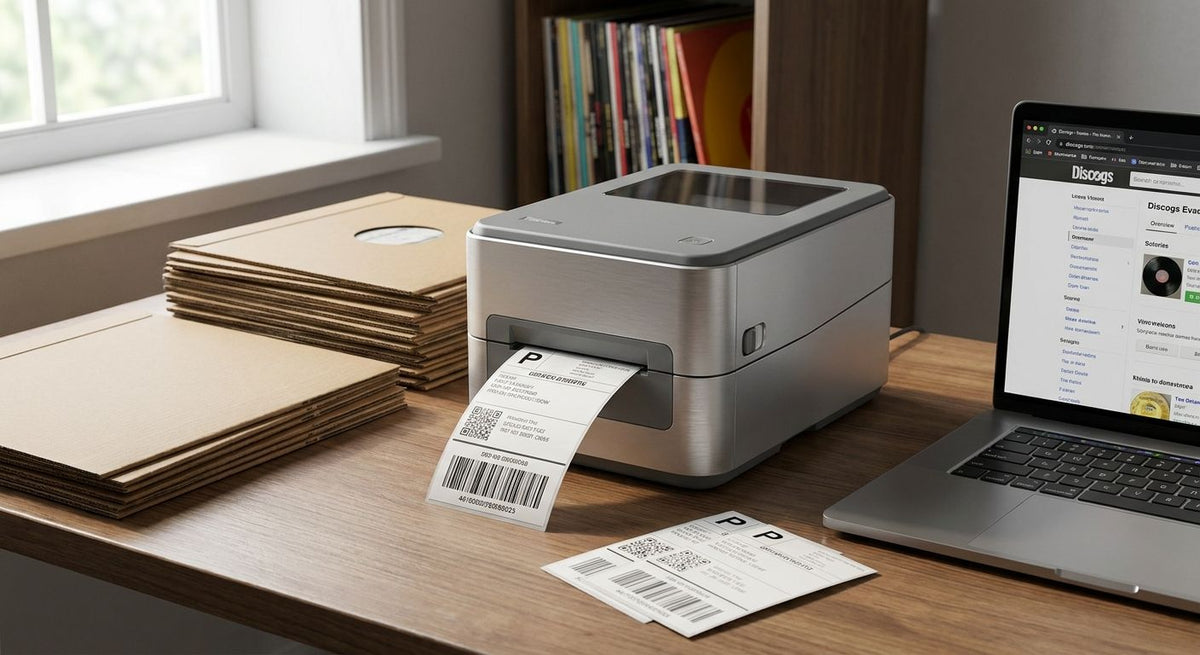
Discogs and vinyl resale runs on two kinds of labels every week: shipping labels for orders going out, and inventory or grading tags for the stacks sitting in crates at home. Pick the wrong printer and both jobs slow down.
- GoDEX RT700i+ is the best label printer for Discogs sellers shipping more than 20 orders a week in 2026.
- GoDEX ZX430i+ prints at 300 dpi, sharp enough for small matrix numbers and catalog codes on record labels.
- GoDEX RT200i is the budget pick for sellers moving fewer than 10 records a month.
- Direct thermal labels need no ribbon but fade in sun and heat faster than thermal transfer prints.
Why this matters
A Discogs storefront lives or dies on volume and accuracy. Sellers moving 50, 100, or 300 records a month need labels that scan clean at the post office and print catalog numbers small enough to fit inside a 7-inch sleeve without smearing. Inkjet and laser printers weren't built for that job — per-label costs run higher, ink smears in humid basements and garages, and a weekend batch of 30-plus shipping labels turns into a bottleneck instead of a quick task.
The GoDEX RT700i+ thermal printer solves both problems on one machine — 4-inch direct thermal labels for shipping, and thermal transfer labels (with ribbon) for inventory tags that need to survive years in a crate. In 2026, that dual capability is what separates a real label printer for Discogs sellers from a home-office inkjet pressed into service. Grading tags, catalog cross-references, and shipping labels all come out of the same slot instead of three different machines.
What makes the best label printer for Discogs sellers
- Print resolution matched to small text. 203 dpi covers standard shipping labels fine; 300 dpi earns its keep on catalog numbers, matrix codes, or barcodes printed under 1 inch tall.
- Native 4x6 shipping label support. Discogs order exports, USPS Click-N-Ship, and most marketplace label formats default to 4x6 — the printer needs to handle that size without resizing tricks.
- Desktop footprint. Most Discogs sellers pack from a spare bedroom, garage corner, or closet — not a warehouse. Footprint and noise matter as much as raw speed.
- Direct thermal vs. thermal transfer. No-ribbon direct thermal labels are cheaper and faster for shipping; ribbon-based thermal transfer holds up better on labels meant to last years in storage.
- Connectivity that matches your workflow. USB is fine solo; Ethernet or shared network printing starts to matter once a second person joins the packing station.
- Batch speed for weekend shipping runs. Sellers who list and ship in batches need a printer that doesn't choke past 20 or 30 labels run back to back.
Label printers for Discogs sellers at a glance
| Printer | Best for | Standout feature | Key limitation |
|---|---|---|---|
| GoDEX RT700i+ | Sellers shipping 20+ orders a week | 203 dpi, color display, runs direct thermal and thermal transfer | Ribbon needed for thermal transfer mode |
| GoDEX ZX430i+ | High-resolution catalog numbers and matrix codes | 300 dpi with color display and full connectivity | Overkill for plain 4x6 shipping labels |
| GoDEX RT200i | Casual sellers under 10 records a month | 203 dpi in a compact, lower-cost body | Throughput drops on large batch days |
| GoDEX GE330 | Long-term inventory tags for stored stock | 4-inch thermal transfer at 203 dpi | Requires ribbon, an added recurring cost |
| GoDEX G500 | Tight desktop or crate-side setups | Compact footprint for small work areas | Not built for high-volume daily runs |
1. GoDEX RT700i+: best label printer for Discogs sellers shipping in volume
The GoDEX RT700i+ prints 4-inch labels at 203 dpi and switches between direct thermal and thermal transfer modes on the same machine, so one printer covers USPS shipping labels and ribbon-based inventory tags without a hardware swap. It connects over USB, serial, or Ethernet, and the color display makes ribbon status and calibration checks fast mid-batch. GoDEX printers in the McAuley lineup carry a 3-year warranty, which matters for a machine running daily shipping runs.
GoDEX RT700i+ pros:
- Runs both direct thermal and thermal transfer labels without swapping hardware
- 3-year warranty on a printer built for daily shipping batches
- Color display simplifies calibration and ribbon checks
- Ethernet option supports a two-person packing station
GoDEX RT700i+ cons:
- 203 dpi is plenty for shipping labels but tight for very small matrix codes
- Thermal transfer mode needs ribbon stock on hand
- Not the cheapest option if you only ever print plain shipping labels
Best for: Discogs sellers shipping more than 20 orders a week who also print inventory tags. Verdict: Buy.
2. GoDEX ZX430i+: best label printer for high-resolution catalog codes
The GoDEX ZX430i+ steps up to 300 dpi, which puts fine catalog numbers, matrix codes, and small barcodes into sharp focus instead of the soft edges 203 dpi produces at that size. It's a 4-inch printer with a color display and USB/Serial/Ethernet connectivity, aimed at sellers who print detail-heavy labels daily, not just plain shipping addresses.
GoDEX ZX430i+ pros:
- 300 dpi resolution reads clean on labels under 1 inch
- Color display and full connectivity match the RT700i+
- Handles standard 4x6 shipping labels without a quality drop
GoDEX ZX430i+ cons:
- Higher resolution isn't needed for plain address labels
- Ribbon stock still required in thermal transfer mode
Best for: sellers printing detailed catalog numbers or small barcodes alongside shipping labels. Verdict: Buy if resolution matters to your listings; otherwise the RT700i+ covers shipping alone.
3. GoDEX RT200i: best label printer for occasional Discogs sellers
The GoDEX RT200i runs at 203 dpi in a smaller, lower-cost body built for sellers who aren't shipping every day. It covers standard 4x6 shipping labels and basic barcode printing without the batch-speed features built into the RT700i+ or ZX430i+.
GoDEX RT200i pros:
- Compact desktop footprint for a small packing space
- 203 dpi handles standard shipping and address labels cleanly
- Lower cost of entry for a side-hustle-level Discogs store
GoDEX RT200i cons:
- Throughput drops on batch days over 20-30 labels
- No color display for mid-print status checks
Best for: sellers moving fewer than 10 records a month who don't need batch speed yet. Verdict: Buy for low volume, upgrade once volume climbs.
4. GoDEX GE330: best label printer for Discogs sellers with long-term inventory
The GoDEX GE330 is a 4-inch thermal transfer printer at 203 dpi built for labels that need to survive years in storage, not just a week in transit. For sellers holding deep back-catalog stock in bins or crates, thermal transfer output resists fading better than direct thermal over that kind of timeline.
GoDEX GE330 pros:
- Thermal transfer output holds up on labels stored for years
- 203 dpi is sufficient for bin and crate ID tags
- 4-inch width matches standard label stock
GoDEX GE330 cons:
- Ribbon is a recurring cost direct thermal printers don't carry
- Not the fastest option for daily shipping label runs
Best for: sellers with large, long-term inventory who label bins or boxes rather than individual sleeves. Verdict: Hold — add this alongside a dedicated shipping printer, not instead of one.
5. GoDEX G500: best label printer for tight home-office setups
The GoDEX G500 trades throughput for footprint, fitting on a desk corner or next to a packing station without dominating the space. It's built for sellers who print in short runs rather than long batches.
GoDEX G500 pros:
- Small footprint suits home offices and spare-room operations
- Straightforward setup for single-user printing
GoDEX G500 cons:
- Not built for high-volume daily batches
- Fewer connectivity options than the RT700i+ or ZX430i+
Best for: sellers who print a handful of labels at a time in a space-constrained setup. Verdict: Wait unless desk space is the deciding factor — the RT200i covers similar volume with more room to grow.
How we ranked
Every printer above is scored against the six criteria listed earlier: resolution against small print, native 4x6 compatibility, footprint, ribbon versus no-ribbon economics, connectivity, and batch speed. The GoDEX RT700i+ tops the list because it's the only model here that covers both shipping labels and inventory tags without swapping printers mid-week. The ZX430i+ and RT200i sit on either side of it — one built for detail, one built for a lower starting cost. The GE330 and G500 fill narrower niches: long-term storage tagging and desk-space-limited setups, respectively, rather than competing head-on for the top spot.
Which label printer should you choose for Discogs selling in 2026?
Default to the GoDEX RT700i+ if you're shipping weekly and want one machine that handles both shipping and inventory labels without a second printer on the desk. Drop to the GoDEX RT200i if you're moving under 10 records a month and batch speed isn't a factor yet. Step up to the GoDEX ZX430i+ only if matrix codes or small barcodes are genuinely part of your listing workflow — otherwise you're paying for resolution you'll never use. Treat the GE330 and G500 as add-ons rather than starting points: one for long-term storage tagging, one for sellers boxed into a small desk.


FAQ
What's the best label printer for Discogs sellers in 2026?
The GoDEX RT700i+ is the best label printer for Discogs sellers shipping more than 20 orders a week in 2026 because it switches between direct thermal and thermal transfer labels on one machine. Casual sellers moving fewer than 10 records a month get more value from the lower-cost GoDEX RT200i.
Is 300 dpi better than 203 dpi for vinyl record labels?
300 dpi, like the GoDEX ZX430i+ produces, reads sharper on small catalog numbers and barcodes under 1 inch tall. For standard 4x6 shipping labels, 203 dpi is plenty and costs less to run.
Do I need thermal transfer or direct thermal for Discogs shipping labels?
Direct thermal is cheaper and faster for shipping labels since it needs no ribbon, but the print fades over months in sun or heat. Thermal transfer, which uses ribbon, holds up for inventory tags meant to last years in storage.
Can these printers handle 4x6 shipping labels from Discogs and USPS?
Yes, the GoDEX RT700i+, ZX430i+, and RT200i all print standard 4x6 labels natively, which covers Discogs order exports and USPS Click-N-Ship without resizing.
What's the difference between the GoDEX RT700i+ and the RT200i?
The RT700i+ runs both direct thermal and thermal transfer modes with Ethernet connectivity and a color display, while the RT200i is a smaller, 203 dpi-only model built for lower volume. Sellers shipping daily outgrow the RT200i faster than occasional sellers do.
Do I need a separate printer for inventory tags and shipping labels?
Not necessarily. The GoDEX RT700i+ covers both jobs on one machine by switching between direct thermal and thermal transfer modes. Sellers with large long-term storage collections sometimes add a dedicated thermal transfer printer like the GoDEX GE330 for bin labels that need to survive years.
How much desk space does a Discogs label printer setup need?
Desktop thermal printers like the GoDEX RT200i and G500 fit on a standard desk corner or packing table. None of the models covered here need a dedicated printer stand or floor space.
Will a laser or inkjet printer work for Discogs shipping labels?
Laser and inkjet printers can technically print 4x6 labels, but per-label costs run higher and print quality degrades faster in humid storage than thermal output. Thermal printers built for shipping, like the GoDEX RT700i+, print without ink or toner and hold up better over daily use.
One last thing
If you print through Discogs' built-in label generator or a marketplace export, check that your printer driver is set to 4x6 before the first batch of the day. A mismatched paper size setting is the single most common reason a first label prints at the wrong scale or cuts off the barcode — a 30-second driver check saves a wasted label and a re-print in 2026, same as it did last year.