
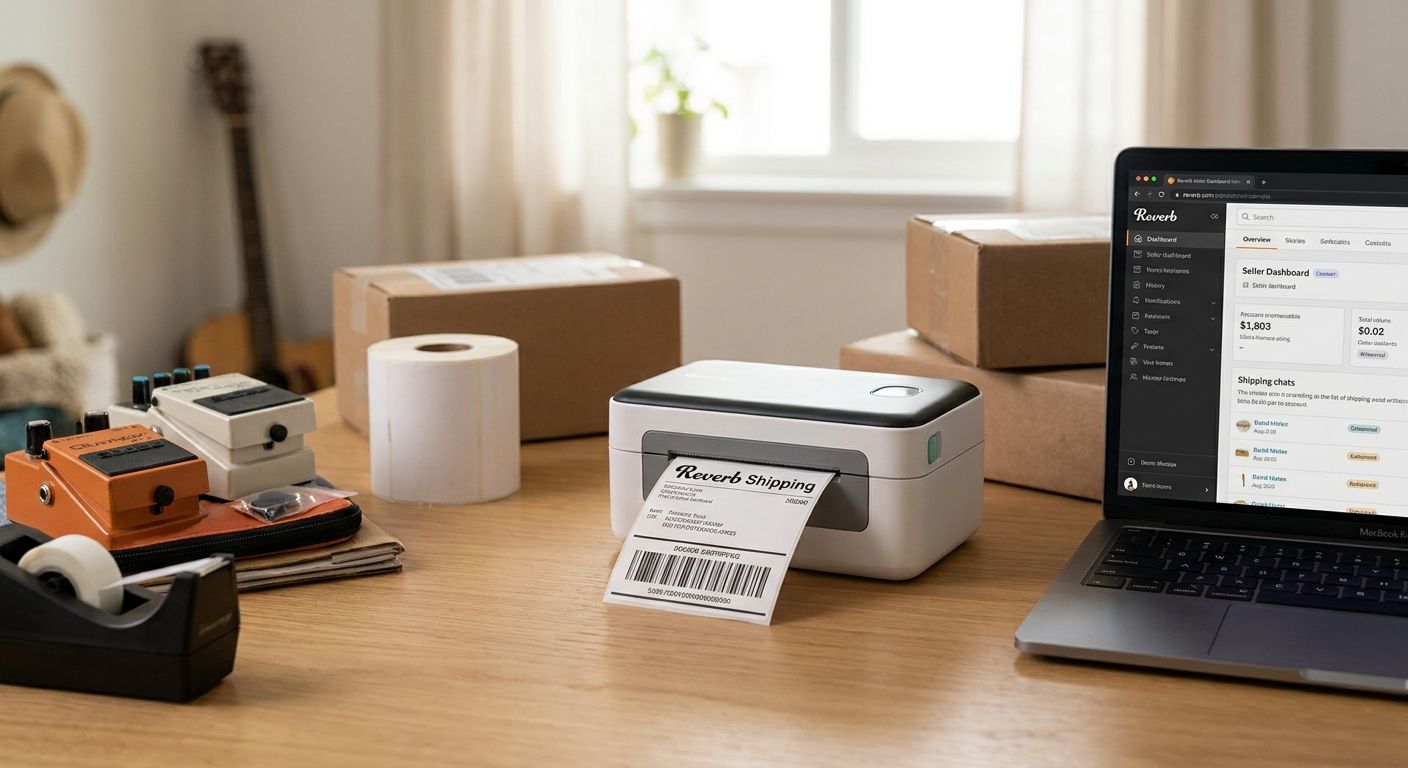
Musicians and gear flippers who sell guitars, pedals, and amps on Reverb print more shipping labels in a month than most small e-commerce shops print in a year, and the wrong printer turns that into a bottleneck. The right thermal label printer for Reverb sellers prints a clean 4x6 label in under two seconds, holds up next to a workbench covered in flux and cable clippings, and doesn't need a new ink cartridge every 300 labels.
- GoDEX ZX430i+ at $945 prints 300 DPI labels fast enough for daily Reverb shipping and QR gear tags — Buy.
- GoDEX RT200i covers standard 4x6 shipping labels at 203 DPI for sellers moving under 20 packages a week — Buy.
- Direct thermal shipping labels skip ribbon costs entirely for tracking labels that don't need to survive years — Buy for shipping only.
- Skip 2-inch linerless printers built for receipts; Reverb parcels need full 4x6 label width.
Why this matters
A Reverb seller shipping 15-30 packages a week burns through a laser printer's toner and a stack of adhesive sheet labels faster than the math works. Inkjet and laser labels also smear when a guitar case or pedalboard box picks up moisture in transit, which means a re-print, a delay, and sometimes a lost package. A dedicated thermal label printer for Reverb sellers removes ink and toner from the equation entirely and prints a 4x6 shipping label that survives handling from your bench to the buyer's door.
McAuley Labels builds and ships GoDEX thermal printers with a 3-year warranty, which matters for anyone running a printer daily instead of occasionally. That's the baseline this guide works from.
Who this is for
This guide is for individual Reverb sellers moving guitars, pedals, amps, and accessories at volume — not hobbyists shipping one item a month. If you're printing more than 10 shipping labels a week, reprinting barcode tags for consignment inventory, or running a small used-gear shop that lists on Reverb alongside eBay and Facebook Marketplace, a standalone thermal label printer for Reverb sellers pays for itself inside a few months of label costs alone.
What to look for in a thermal label printer for Reverb sellers
Full 4x6 label width
Most carriers — UPS, USPS, FedEx — default to a 4x6 shipping label format, and Reverb's own shipping label generator outputs that size. A printer limited to 2-inch or 3-inch stock forces you to either shrink the label or switch software settings for every order, which slows down a packing session that should take minutes.
Direct thermal vs. thermal transfer
Direct thermal printing uses heat-sensitive paper and no ribbon — ideal for shipping labels that only need to stay legible for a few weeks in transit. Thermal transfer uses a ribbon to bond ink onto the label and holds up for years, which matters if you're also printing barcode tags for consignment inventory that sits on a shelf under shop lighting for months.
Print resolution: 203 DPI vs. 300 DPI
203 DPI handles standard 4x6 shipping labels and basic barcodes without issue. 300 DPI becomes worth paying for once you're printing small QR codes on pedal or cable tags, where a lower resolution can blur the code enough that a scanner app rejects it.
Connectivity for a packing station
A printer with USB, serial, and Ethernet ports lets you run it from a dedicated packing laptop without fighting Bluetooth pairing every time the computer sleeps. If two people pack orders at once, Ethernet lets both stations hit the same printer.
Cost per label at your actual volume
Sheet labels from an office supply store run higher per-unit than thermal roll stock once you're past a couple hundred labels a month. Ribbon adds a small per-label cost on top of thermal transfer labels — worth checking against direct thermal, which has no ribbon cost at all.
Build quality for a workbench environment
Solder flux, cable dust, and the occasional dropped pedal are part of a gear-shipping workspace. A printer built for retail counters with exposed plastic gears wears out faster than one built for daily industrial use.
Top picks for Reverb sellers
GoDEX RT200i thermal printer — the safe pick. Runs at 203 DPI, which covers standard 4x6 shipping labels and basic barcode tags without paying for resolution you won't use on shipping labels alone. If your Reverb volume is under 20 packages a week and you're not printing small QR codes, this is the printer to buy. Verdict: Buy. GoDEX RT200i thermal printer
GoDEX ZX430i+ thermal printer — the upgrade pick. Prints at 300 DPI with a color display for faster label selection between jobs, and lists at $945 in 2026. The higher resolution is the difference between a QR code on a pedal tag that scans cleanly and one that a phone camera struggles with. Verdict: Buy if you're printing both shipping labels and small barcode or QR tags for gear inventory. GoDEX ZX430i+ thermal printer
GoDEX RT730i — the high-volume pick. Built for shops printing well past a few hundred labels a week rather than an individual seller's weekly Reverb shipments. Overkill for most solo sellers, but the right call for a consignment shop shipping under multiple accounts. Verdict: Consider only if your volume is already outgrowing a desktop printer.
Direct thermal shipping labels — the consumable pick. No ribbon, no ink, and no toner — the label roll goes straight into a direct thermal printer and comes out with a clean 4x6 shipping label. These are the right consumable for tracking labels that only need to survive the trip, not years on a shelf. Verdict: Buy for anyone printing carrier shipping labels day to day.


What to avoid
- 2-inch or 3-inch linerless printers. These are built for receipt and QSR printing, not 4x6 carrier labels, and you'll fight the label size every single shipment.
- Generic no-name thermal printers with no US-based support. When a printer jams mid-packing-session on a Saturday, a warranty and support line matter more than a few dollars saved upfront.
- 203 DPI printers for QR-heavy inventory tagging. Fine for shipping labels, but a low-resolution QR code on a small pedal tag can fail to scan reliably.
Verdict comparison
| Pick | Resolution | Best for | Verdict |
|---|---|---|---|
| GoDEX RT200i | 203 DPI | Standard 4x6 shipping, under 20 packages/week | Buy |
| GoDEX ZX430i+ | 300 DPI | Shipping + QR/barcode gear tags | Buy |
| GoDEX RT730i | Higher-volume | Consignment shops, multi-account shipping | Consider |
| Direct thermal labels | N/A (consumable) | Ribbon-free shipping label stock | Buy |
FAQ
What's the best thermal label printer for Reverb sellers in 2026?
The GoDEX ZX430i+ at $945 is the best all-around pick in 2026 for Reverb sellers who print both shipping labels and QR or barcode gear tags, thanks to its 300 DPI resolution. Sellers who only print standard 4x6 shipping labels can save money with the 203 DPI GoDEX RT200i instead.
Do I need 300 DPI or is 203 DPI enough for shipping labels?
203 DPI is enough for standard 4x6 shipping labels and basic barcodes. Move up to 300 DPI only if you're also printing small QR codes on gear tags, since low resolution can make a small code unreadable to a scanner.
Is direct thermal or thermal transfer better for Reverb shipping labels?
Direct thermal is better for shipping labels because it needs no ribbon and the label only has to stay legible for a few weeks in transit. Thermal transfer makes more sense for barcode tags on consignment inventory that has to stay readable for months.
How much does a thermal label printer cost in 2026?
Desktop thermal printers built for shipping labels range from roughly $370 to $950 in 2026 depending on resolution and features like a color display. Industrial models built for high-volume warehouse printing cost more but are overkill for most individual Reverb sellers.
Can one thermal printer handle both shipping labels and inventory barcode tags?
Yes, a 300 DPI printer like the GoDEX ZX430i+ can print both 4x6 shipping labels and small barcode or QR inventory tags without swapping equipment. A 203 DPI printer works fine for shipping but struggles with very small barcodes.
Why does my thermal label look faded after a few weeks?
Direct thermal labels fade over time from heat and sunlight exposure because there's no ink layer protecting the print. That's expected for shipping labels that only need to last through transit, but it's the wrong choice for long-term inventory tags — use thermal transfer with ribbon instead.
What size labels do Reverb sellers actually need?
Most Reverb sellers need 4x6 labels for carrier shipping since that's the default size UPS, USPS, and FedEx use for their shipping label formats. Smaller label sizes only come into play for barcode or QR tags on individual pieces of gear.
One last thing
The detail most Reverb sellers miss: a direct thermal shipping label fades faster under direct sunlight or heat than most people expect, which is fine for a package that's in transit for a few days but a bad choice if you're also using it as a long-term consignment tag on a shelf. Keep shipping labels on direct thermal stock and put barcode or QR gear tags on thermal transfer with ribbon — the two jobs need different consumables even on the same printer.