
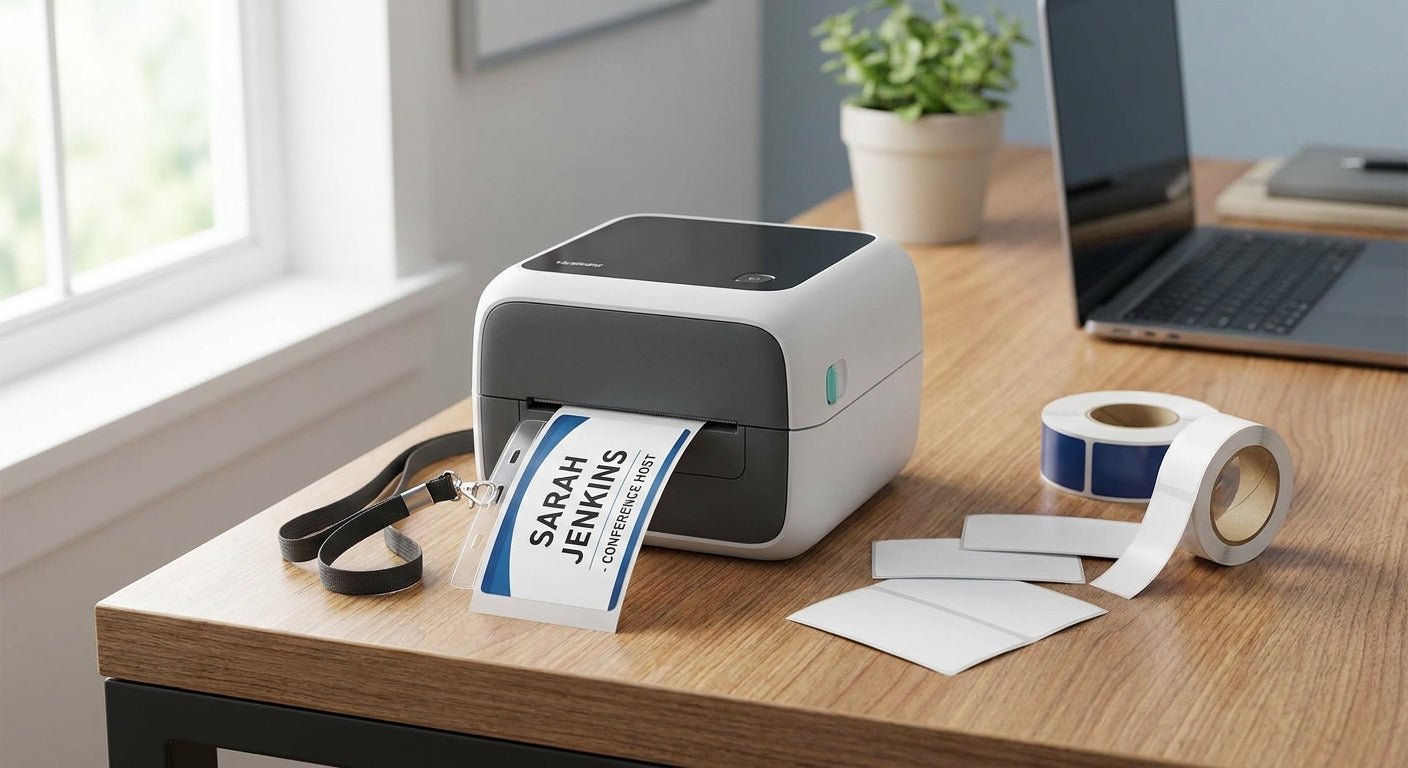
Picking the best label printer for name badges and ID tags comes down to one variable most buyers skip: whether you need color on the badge or just a barcode. That single choice eliminates half the market before you even look at price.
- The GoDEX RT700i+ is the best label printer for name badges in 2026 for shops that need color logos — Buy.
- The GoDEX RT200i covers black-and-white ID tags at 203 dpi for less money — Buy.
- Direct thermal models like the GoDEX DT230 fade over months of sun or heat exposure — Hold for badges you want to last.
- Six GoDEX printers are ranked below with real 2026 pricing and a verdict for each.
Why this matters
Most name badge and ID tag jobs fail for one of two reasons: the printer can't hold a sharp logo at small point sizes, or the label stock isn't rated for the environment the badge lives in — a warehouse lanyard versus a front-desk visitor sticker are two different jobs. Front-desk and visitor-management setups have their own printer logic worth checking against a ID badge printer for office visitor management before you commit to hardware.
Resolution matters more here than in most labeling categories. A 203 dpi printer handles barcodes and block text fine, but small logo text or fine QR codes on a 2-inch badge benefit from 300 dpi. Get the resolution wrong and you're reprinting badges every time someone squints at a blurry name.
How this list was built
Each printer below is evaluated on three factors that actually move the needle for badge and ID tag work in 2026: print resolution, display/interface for walk-up use, and whether the print method (direct thermal vs. thermal transfer) suits a badge that needs to survive handling for months rather than days. Pricing reflects current 2026 listings. No printer here requires proprietary cartridges — all run standard GoDEX consumables.
The ranked list
1. GoDEX RT700i+ — the color pick
The GoDEX RT700i+ is a 4-inch dual thermal printer with a color display and 203 dpi resolution, priced at $581 in 2026. That resolution is enough for crisp text and standard logos on a badge without stepping up to industrial pricing.
It's built for high-volume, professional printing rather than occasional runs, which matters if you're badging new hires every week instead of once a quarter. Verdict: Buy — the strongest all-around fit for name badge printing at this price point.
2. GoDEX RT200i — the budget desktop pick
The GoDEX RT200i runs the same 203 dpi resolution as the RT700i+ without the color display, which keeps the price down for shops printing plain-text ID tags rather than logo-heavy badges.
If your badges are mostly name and department text with a barcode underneath, the extra display doesn't buy you much. Verdict: Buy for text-and-barcode ID tags; skip it if logo clarity is the priority.
3. GoDEX GE330 — the ribbon-based durability play
The GoDEX GE330 is a 4-inch thermal transfer printer at 203 dpi, meaning it runs ribbon rather than heat-only printing. Thermal transfer holds up better under repeated handling and abrasion — the kind a badge clipped and unclipped daily takes on.
For ID tags that get worn on a belt clip or lanyard for a full year, ribbon-based printing resists fading better than direct thermal. Verdict: Consider if badge longevity matters more than upfront simplicity.
4. GoDEX DT230 — the direct-thermal shortcut
The GoDEX DT230 is a 300 dpi direct thermal printer — higher resolution than the RT700i+, no ribbon required, simpler to run. That resolution jump helps with tighter QR codes on smaller badge formats.
The tradeoff: direct thermal prints darken and fade with sustained heat or UV exposure over months. A badge that sits in a car dashboard tray or near a sunny front window will visibly fade faster than a ribbon-printed one. Verdict: Hold — great for short-lived visitor badges, risky for anything meant to last a year.
5. GoDEX RT200 — the basic single-color option
The GoDEX RT200 prints at 200 dpi and represents the entry tier in this lineup. It covers the basics — name, barcode, department code — without any of the display or color extras found further up the list.
For a badge program that never changes format and just needs to keep running, this is adequate. Verdict: Skip unless budget is the only factor, since the RT200i above it offers a meaningful upgrade for a comparable footprint.
6. GoDEX G530 — the unlisted-spec wildcard
The GoDEX G530 shows up in the lineup as a desktop thermal printer, but current published specs don't break out a fixed dpi figure the way the models above do. Confirm the resolution and interface on the current product listing before buying if a specific dpi number is a hard requirement for your badge design.
Verdict: Wait — check the spec sheet directly rather than assuming parity with the RT-series above it.
Comparison table
| Printer | Resolution | Print method | Best for | Verdict |
|---|---|---|---|---|
| GoDEX RT700i+ | 203 dpi | Dual thermal, color display | Logo-heavy badges | Buy |
| GoDEX RT200i | 203 dpi | Direct thermal / transfer | Text + barcode ID tags | Buy |
| GoDEX GE330 | 203 dpi | Thermal transfer (ribbon) | Long-wear badges | Consider |
| GoDEX DT230 | 300 dpi | Direct thermal | Short-term visitor badges | Hold |
| GoDEX RT200 | 200 dpi | Direct thermal / transfer | Basic single-color tags | Skip |
| GoDEX G530 | Unconfirmed | Desktop thermal | Confirm before buying | Wait |


Where to buy
- Buy direct when you need warranty backing. GoDEX printers sold through McAuley Labels carry a 3-year warranty, which matters for hardware running daily badge print jobs.
- Match ribbon and label stock to the printer before ordering. A thermal transfer model like the GE330 needs ribbon; a direct thermal model like the DT230 or RT200 does not — mixing these up is the most common first-order mistake.
- Order a test badge run before committing to volume. Print 20-30 badges on your actual stock before ordering thousands — resolution issues show up immediately at small text sizes.
FAQ
What's the best label printer for name badges in 2026?
The GoDEX RT700i+ is the best label printer for name badges in 2026 for shops printing color logos, at $581. For plain text and barcode ID tags, the GoDEX RT200i covers the same 203 dpi resolution at a lower cost.
Is 203 dpi enough for name badges?
Yes, 203 dpi handles standard name badge text, barcodes, and most logos cleanly. Step up to 300 dpi, like the GoDEX DT230, only when badges carry small QR codes or fine detail graphics.
How much does a badge and ID tag printer cost in 2026?
Desktop models like the GoDEX RT700i+ and GoDEX RT200i run $581 in 2026, while industrial touchscreen models like the GoDEX GX4200i run around $2,246. Most badge programs don't need the industrial tier.
Is direct thermal or thermal transfer better for ID badges?
Thermal transfer, like the GoDEX GE330, holds up better against fading and abrasion for badges worn daily over months. Direct thermal, like the GoDEX DT230, is simpler and cheaper but fades faster under heat or sunlight.
Do I need a color display on a badge printer?
Only if you're printing logo color directly on the badge. The GoDEX RT700i+ includes a color display for this; the GoDEX RT200i skips it and costs less for text-only badges.
Can one printer handle both name badges and equipment ID tags?
Yes, a 203 dpi thermal transfer printer like the GoDEX GE330 can run both badge stock and heavier-duty ID tag material, since ribbon printing works across paper and polyester label types.
What's the difference between the GoDEX RT200 and RT200i?
The RT200i is the updated version at 203 dpi with expanded interface options, while the RT200 runs 200 dpi as the older, more basic model. The RT200i is the better buy for most badge programs in 2026.
One last thing
The detail that trips up most first-time buyers isn't resolution — it's print method. A shop that orders a direct thermal printer expecting badges to look the same after a year in a sunny lobby ends up reprinting the entire batch by month six. If badges leave the building or sit anywhere near a window, thermal transfer earns its ribbon cost back in avoided reprints.