
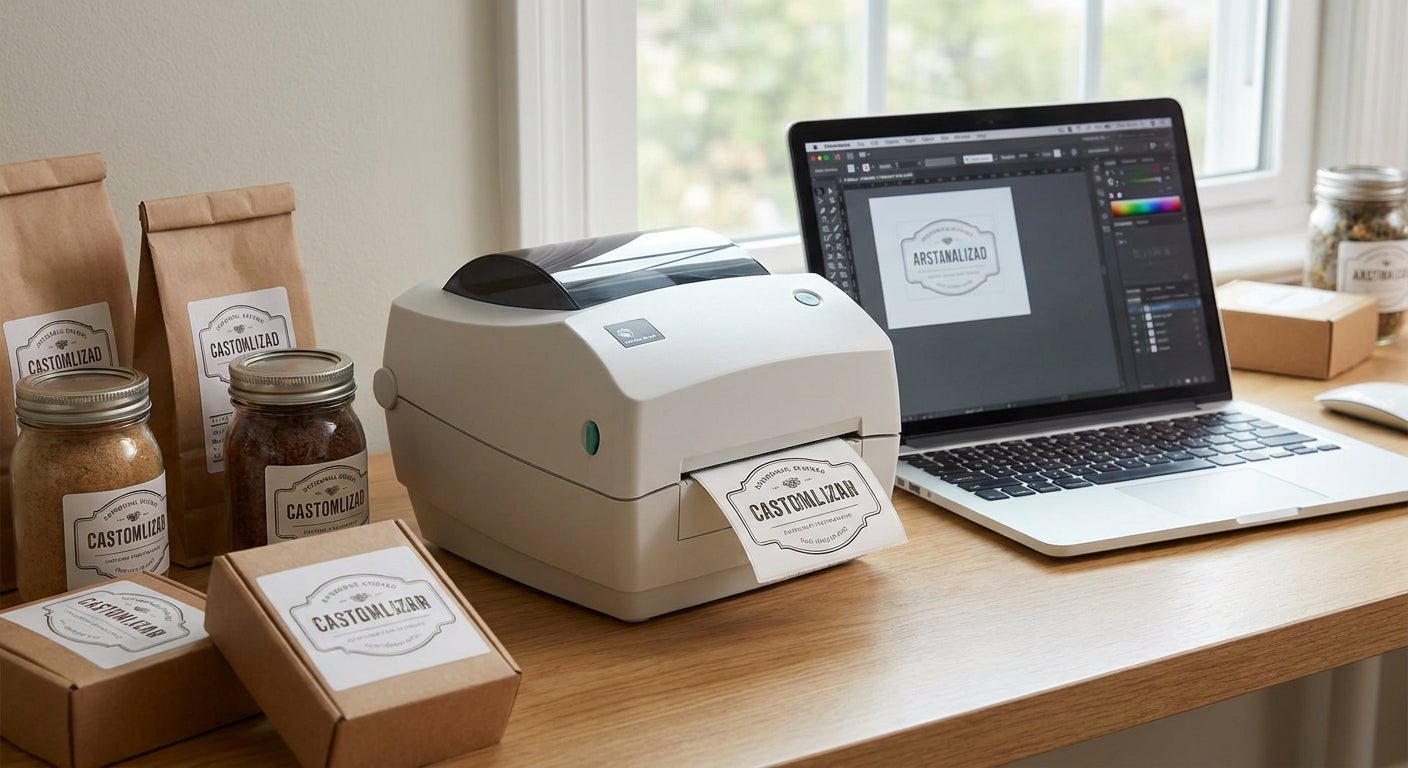
Private label brands live or die on shelf presentation, and the label printer sitting in the back room decides whether that barcode scans on the first pass or gets kicked back by a retailer in 2026. This guide ranks the best label printer for private label brands running short SKU runs, retail compliance labels, and fast reorder cycles without outsourcing every print job to a converter.
- GoDEX RT700i+ with 4-color display wins for mixed-SKU private label runs at $581 — Buy.
- GoDEX RT730i is the higher-volume pick for two-shift production floors — Buy.
- Skip 203 DPI direct thermal printers for cosmetics and supplement branding; fine ingredient text blurs below 300 DPI.
- Custom stickers for business logo cover overflow runs before you own hardware — Consider.
- Thermal transfer beats direct thermal for anything stored near heat, humidity, or a bathroom mirror.
Why this matters
Retail buyers in 2026 reject shipments over barcode scan failures more often than over label design. A blurry UPC on a supplement bottle or a candle jar costs a private label brand a chargeback, not just a bad look. McAuley Labels' catalog of label printer for product packaging options exists because DIY brands keep discovering this the hard way — usually after the third rejected pallet.
The resolution and print method you pick decide two things: whether fine text on a 1x2-inch label stays legible, and whether the label survives the environment your product actually lives in. A skincare jar in a bathroom needs different label durability than a dry-goods pouch on a pantry shelf. Get this wrong once and you're reprinting an entire batch.
How we ranked
Each printer below is scored on four factors that matter specifically to private label consumer goods: print resolution (203, 300, or 600 DPI), thermal method (direct thermal vs. thermal transfer), media width for jars/bottles/pouches, and total cost including consumables. Pricing reflects McAuley Labels' 2026 catalog. Direct thermal printers lose points automatically for any product with a shelf life over 90 days, because heat-sensitive coating fades — that's a physical limitation, not a brand preference.
The ranked list
1. GoDEX RT700i+ Thermal Printer, 4" Color Display, 203 DPI
The everyday pick for brands juggling five or more SKUs. The 4-color touchscreen makes switching label templates between a lip balm run and a supplement run a non-issue — no re-flashing settings between batches. At $581, it's priced for a brand that's past the Etsy-scale sticker sheet but not yet running a dedicated production line.
203 DPI is plenty for barcodes, bold brand marks, and lot codes. It struggles with 6-point ingredient panels on a 1x1 label — if your packaging leans dense on legal text, budget for the step up.
Verdict: Buy for brands under 5,000 labels a month running mixed SKUs. The GoDEX RT700i+ with color display covers that range comfortably.
2. GoDEX RT730i Thermal Printer
The higher-volume shop-floor pick. This is the unit private label brands add as a second printer once one machine can't keep up with two production shifts. It runs on GoDEX's GoLabel software, the same design environment as the RT700i+, so staff don't relearn a new interface when volume forces an upgrade.
Think of it as insurance against a production bottleneck rather than a starter printer — most brands don't need this on day one.
Verdict: Consider if you're running double shifts or supplying more than one fulfillment center. The GoDEX RT730i thermal printer is the natural second unit, not the first purchase.
3. GoDEX DT230 Direct Thermal Printer, 300 DPI
The no-ribbon shortcut. 300 DPI direct thermal prints crisp barcodes and text without a consumable ribbon, which lowers the per-label cost on paper. That's the appeal for a brand testing a new SKU before committing to inventory.
The catch: direct thermal coating fades under heat and UV within months. A candle label baking on a warm shelf or a cosmetics jar near a sunny window will go from crisp to unreadable by summer.
Verdict: Skip for anything with a shelf life over 90 days. Consider for pop-up drops, farmers market runs, or short-lived limited editions where the label doesn't need to outlast the product.
4. GoDEX GE330 Thermal Transfer Printer, 4", 203 DPI
The compact desktop option. Thermal transfer locks ink into the label with a wax or resin ribbon instead of relying on a heat-sensitive coating, so the print survives fridge condensation, bathroom humidity, and warehouse temperature swings — all common environments for private label skincare, food, and supplement lines.
At 203 DPI it's not the sharpest option on this list, but it's the most durable per dollar for single-SKU operations.
Verdict: Buy for single-SKU brands printing under 2,000 labels a month who need the label to survive real-world storage, not just the photo shoot.
5. Custom Stickers for Business Logo
The overflow-run pick. Not every private label brand needs a printer sitting on a desk from launch day. If you're pre-revenue or testing three SKUs before committing to hardware, ordering pre-printed custom stickers covers the gap while you validate demand.
This only works as a stopgap — turnaround from a converter runs days, not minutes, so it breaks down the moment you need same-day relabeling for a retailer correction.
Verdict: Consider for pre-launch validation. Buy an in-house printer the moment your reorder cycle drops under a week — custom stickers for business logo stop scaling at that point.
6. GoDEX RT200i Thermal Printer, 203 DPI
The price-floor entry. It's the cheapest way onto the GoDEX platform, but 203 DPI without a color display makes SKU switching slower and dense QR codes paired with ingredient panels start to lose crispness.
Verdict: Skip for private label branding. This unit is built for asset tags and inventory labels, not consumer-facing packaging — the resolution ceiling shows up fast on anything with fine print.
Comparison table
| Printer | Resolution | Method | Best for | Verdict |
|---|---|---|---|---|
| GoDEX RT700i+ | 203 DPI | Thermal transfer | Mixed-SKU brands, under 5,000/mo | Buy |
| GoDEX RT730i | Standard | Thermal transfer | Two-shift production floors | Consider |
| GoDEX DT230 | 300 DPI | Direct thermal | Short shelf-life drops | Skip / Consider |
| GoDEX GE330 | 203 DPI | Thermal transfer | Single-SKU, humid storage | Buy |
| Custom stickers | N/A | Pre-printed | Pre-launch validation | Consider |
| GoDEX RT200i | 203 DPI | Thermal transfer | Asset tags, not packaging | Skip |
GoDEX printers are the backbone of this list, but they're not the only route — the debate between GoDEX vs. Zebra comes up constantly for brands comparing platforms before they buy.
Where to buy
- Buy the printer from the manufacturer or an authorized reseller, not a marketplace third party — warranty claims on thermal printheads get denied fast when the serial number doesn't match an authorized sale.
- Stock thermal transfer ribbon in bulk once you settle on a printer. A $9 roll of 2.25" x 243' ribbon runs out faster than most brands expect once production ramps past a few hundred units a week.
- Match label stock to the printer's thermal method before ordering a pallet of blank labels — direct thermal stock in a thermal transfer printer wastes ribbon and prints inconsistently.
FAQ
What's the best label printer for private label brands in 2026?
The GoDEX RT700i+ with a 4-color display is the best label printer for private label brands running mixed SKUs under 5,000 labels a month, priced at $581 in 2026. Higher-volume brands running two shifts should add a GoDEX RT730i as a second unit.
Is direct thermal or thermal transfer better for private label packaging?
Thermal transfer is better for most private label packaging because the ribbon-locked print survives heat, humidity, and UV exposure. Direct thermal fades within months and only makes sense for products with a shelf life under 90 days.
How much does a label printer for private label brands cost?
Entry-level GoDEX thermal printers for private label brands start around $581 in 2026, with higher-volume shop-floor units running higher. Consumables like ribbon add roughly $9 per 243-foot roll.
Do I need 300 DPI for private label labels?
You need 300 DPI or higher if your packaging carries dense ingredient panels, small QR codes, or fine typography under 8 points. 203 DPI handles bold logos and standard barcodes fine but blurs small text.
Can I use pre-printed stickers instead of buying a printer?
Pre-printed custom stickers work as a stopgap for pre-launch brands testing SKUs, but turnaround from a converter runs days instead of minutes. Once reorder cycles drop under a week, an in-house printer pays for itself.
What software do GoDEX label printers use?
GoDEX thermal printers run on GoLabel design software, which handles barcode generation, logo placement, and template switching across SKUs. The same software runs across the RT700i+ and RT730i lines.
How often do private label brands need to reorder ribbon?
Brands printing a few hundred labels a week typically go through a 243-foot ribbon roll every one to two weeks. Higher-volume production lines burn through ribbon faster and should stock several rolls at once.
One last thing
The detail most private label brands miss: 300 DPI isn't a marketing spec, it's the exact line where an 8-point ingredient panel stops blurring on a 1x2-inch label. If your packaging design doesn't cram in fine legal text, 203 DPI thermal transfer is genuinely enough — save the money and put it toward ribbon and label stock instead.


Brands labeling round bottles or jars by hand eventually hit a wall on speed — that's the gap the applicator above closes once volume outgrows manual application.