
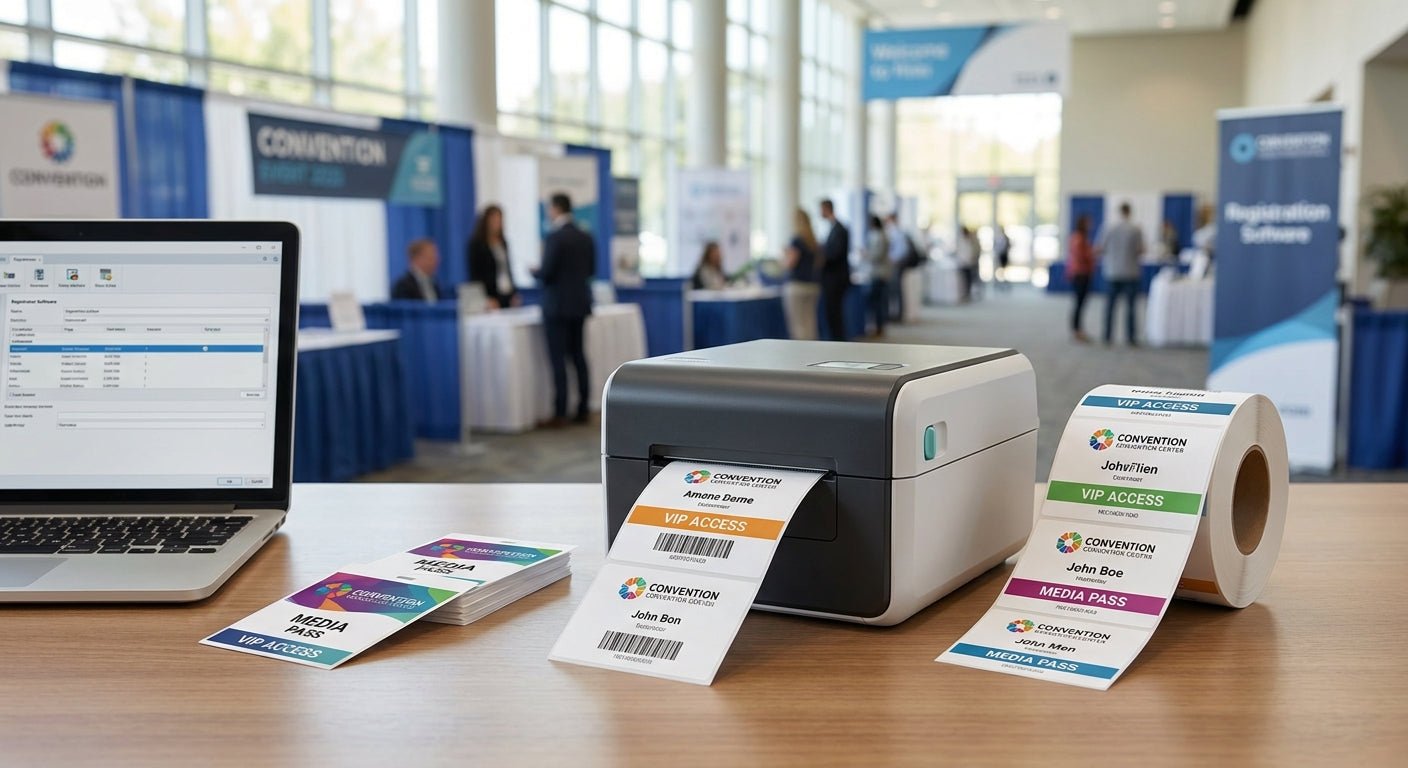
Badge lines back up for one reason at most trade shows: the printer at the registration desk can't keep pace with the doors opening. This guide ranks the best label printer for event badge printing in 2026, covering GoDEX dual-thermal desktop models built for daily reuse and direct thermal units built for one-day registration.
- GoDEX RT700i+ is the best label printer for event badges needing a color display, priced at $581 - Buy.
- GoDEX DT230 is the ribbon-free pick for one-day shows at 300 DPI - Buy.
- GoDEX RT200i is the budget entry point at 203 DPI for smaller booths - Consider.
- GoDEX RT730i handles multi-day, multi-shift badge runs - Consider for bigger events.
- Skip anything under 203 DPI in 2026 if QR-code check-in codes are part of the badge.
Why this matters
A badge printer isn't a scanner or a check-in app - it's the physical bottleneck at the door. If the resolution is too low, QR codes on the badge won't scan on the first pass and staff end up re-printing. If the printer needs a ribbon change mid-rush, the line stops cold.
McAuley Labels' label printer lineup runs on GoDEX hardware built for continuous desktop use, not occasional home-office printing. That distinction matters more at a three-day expo in 2026 than it does for a shipping label once a week.
Most badge-printing failures trace back to one of three things: wrong resolution for the barcode or QR code on the badge, a ribbon-based printer set up for a one-day event where direct thermal would be faster to load, or a printer without enough interface options (USB, serial, Ethernet) to plug into badge-scanning software on-site.
How we ranked
Each printer on this list is scored on four criteria specific to event badge printing: resolution match for barcodes and QR codes at typical badge size, ribbon versus direct thermal media (setup speed matters more than ink cost for a one-day show), interface options for connecting to registration software, and price relative to how many events the unit will see per year in 2026.
Specs and pricing below come from the GoDEX printer catalog listed on McAuley Labels as of 2026. No printer here is included based on marketing copy alone - resolution and interface details are pulled from the product specification, not assumed.
The ranked list
1. GoDEX RT700i+ - the reliable floor printer
The GoDEX RT700i+ color display printer runs 203 DPI dual thermal printing with a built-in color display for on-site status checks, priced at $581 in 2026.
That color screen matters more than it sounds - a badge printer that dies mid-show with no readable error screen means guessing at cable connections while a line forms. 203 DPI is sharp enough for standard alphanumeric badges and most barcode formats used at registration desks.
For a company running the same badge printer at every event through the year, this is the unit that survives repeated setup and teardown without needing a replacement mid-cycle. Verdict: Buy for teams running more than two events a year.
2. GoDEX DT230 - the ribbon-free one-day pick
The GoDEX DT230 direct thermal printer runs at 300 DPI with no ribbon required - the printer burns the image directly into heat-sensitive label stock. That cuts setup time at a one-day registration desk where a ribbon jam is the last thing staff want to troubleshoot before doors open.
300 DPI resolution puts fine QR codes and small barcodes in sharper focus than a standard 203 DPI unit, which matters if the badge doubles as an access-control scan point. The tradeoff: direct thermal labels fade faster under heat and sun than ribbon-printed ones, so this isn't the pick for badges that need to survive a week.
For a single-day conference or a regional meetup, ribbon-free setup outweighs that tradeoff. Verdict: Buy for one-day and two-day events.
3. GoDEX RT200i - the budget entry point
The GoDEX RT200i 203 DPI printer covers the same resolution as the RT700i+ without the color display, which keeps the unit priced lower for teams running a single small booth rather than a full registration desk.
It's a fine choice for a company running one badge printer for internal events or small local meetups where volume stays under a few hundred badges per day. It's not the pick for a main-stage registration line handling continuous foot traffic. Verdict: Consider for low-volume, single-booth use.
4. GoDEX RT730i - the multi-day workhorse
The GoDEX RT730i is built for dual thermal printing across longer runs, which suits a multi-day trade show where the same printer handles morning check-in, afternoon walk-up registration, and reprints for lost badges over three or four days straight.
Where the RT700i+ suits a single registration table, the RT730i is the step up for events running two or three check-in stations off the same printing plan. Verdict: Consider for events with sustained, multi-station badge demand.
5. GoDEX G500 / G530 - the desk backup unit
The GoDEX G500 and G530 models are compact desktop units better suited to a backup badge station or a small side-booth than a main registration line. They lack the color display and higher interface flexibility of the RT700i+ and RT730i.
Keep one of these behind the main desk for overflow reprints, not as the primary badge printer for a full show floor. Verdict: Skip as a primary unit, Consider as backup.
For teams that want a color-display option at a sharper 300 DPI, or a faster desktop unit for high-volume badge runs, the store also carries the GoDEX ZX430i+ and GoDEX GX4200i models shown below - both run outside the standard 203 DPI range and the GX4200i prints up to 16 IPS through a 5-inch touchscreen.


“If a badge takes longer than four seconds to print, the registration line backs up before doors even open.”
Comparison table
| Printer | Resolution | Media type | Price | Verdict |
|---|---|---|---|---|
| GoDEX RT700i+ | 203 DPI | Thermal transfer (ribbon) | $581 | Buy |
| GoDEX DT230 | 300 DPI | Direct thermal (no ribbon) | See product page | Buy for 1-day shows |
| GoDEX RT200i | 203 DPI | Thermal transfer (ribbon) | See product page | Consider |
| GoDEX RT730i | Standard dual thermal | Ribbon or direct thermal | See product page | Consider |
| GoDEX G500 / G530 | Standard resolution | Direct thermal | See product page | Skip as primary |
Where to buy
- Buy the printer and its matching ribbon or direct thermal stock together - a mismatched ribbon width is the most common reason a badge printer jams mid-show.
- Confirm the printer's interface (USB, serial, or Ethernet) matches what your registration software expects before the event, not the morning of.
- Order badge stock with buffer - print 10-15% more labels than your registered headcount to cover walk-ins, misprints, and reprints for lost badges.
FAQ
What is the best label printer for event badges in 2026?
The GoDEX RT700i+ is the best label printer for event badges for teams running more than two events a year, thanks to its 203 DPI resolution and built-in color display at $581. For one-day shows, the ribbon-free GoDEX DT230 at 300 DPI is faster to set up.
Is 203 DPI or 300 DPI better for badge printing?
300 DPI prints sharper QR codes and small barcodes, which matters if the badge doubles as an access-control scan. 203 DPI is sufficient for standard alphanumeric badges and larger barcodes and keeps printer cost lower.
Should I use a ribbon printer or a direct thermal printer for a trade show?
Direct thermal printers like the GoDEX DT230 skip the ribbon entirely, which speeds up setup for a one-day or two-day event. Ribbon-based dual thermal printers like the RT700i+ hold up better across multi-day shows where the label needs to resist fading.
How much does a label printer for event badges cost?
Entry-level GoDEX units in the McAuley Labels lineup start around $581 for the RT700i+ color-display model, with higher-speed touchscreen units running higher for continuous, high-volume badge runs.
Can one printer handle a multi-day trade show?
Yes - a unit built for sustained dual thermal printing, like the GoDEX RT730i, is designed for repeated setup and teardown across a multi-day event rather than a single afternoon.
Do I need a color display on a badge printer?
A color display isn't required to print a badge, but it makes on-site troubleshooting faster - staff can read the actual error instead of guessing at a blinking light during a rush.
What resolution do I need for a QR code on an event badge?
300 DPI gives more margin for small QR codes to scan on the first try, especially on smaller badge formats. 203 DPI works for larger codes and standard barcode formats.
Is a wristband printer a substitute for a badge printer?
No - wristband printers are built for continuous-feed access control at gyms and single-entry events, while badge printers handle individual name badges with barcodes or QR codes tied to registration data.
One last thing
The detail most event organizers miss in 2026 isn't the printer - it's the media. A 300 DPI printer loaded with the wrong label stock still prints a blurry QR code. Match the resolution to the stock, test-scan five badges before doors open, and the printer stops being the thing that goes wrong on show day.