
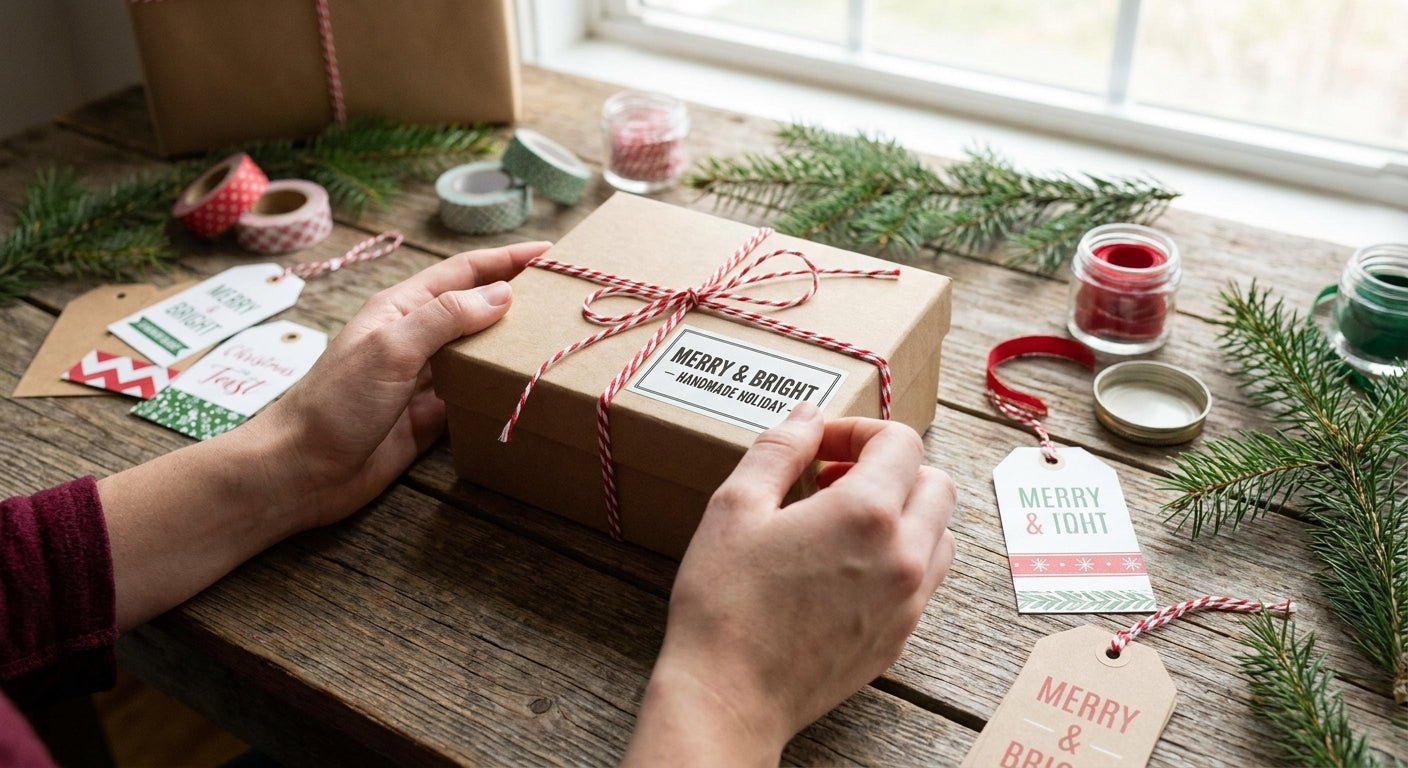
Printing labels for holiday gift packaging in 2026 means matching label stock, printer resolution, and adhesive type to gift boxes, jars, and shipping cartons that get handled a lot more roughly than everyday retail packaging.
- Labels for holiday gift packaging need thermal transfer stock for foil accents; direct thermal fades under heat and store lighting.
- McAuley Labels prints at 203, 300, or 600 DPI; 300 DPI is the floor for small gift script fonts and logos.
- Custom Stickers for Business Logo at $24 covers small seasonal runs without a minimum print order in 2026.
- Direct thermal 4x6 shipping labels at $54 handle bulk gift shipping without ribbon replacement costs.
Why this matters
Holiday packaging gets touched, stacked, and shipped more than any other SKU run of the year. A label that peels off a candle jar in July is annoying; one that peels off a gift under a tree, or falls off a shipping box mid-transit in December, costs you a return and a refund.
The difference between a label that survives the season and one that doesn't usually comes down to three decisions made before you ever hit print: material, print method, and resolution. Get those wrong and no amount of design work saves the label.
What you'll need
- A thermal label printer capable of at least 300 DPI for small text and fine logo detail
- Label stock matched to the packaging surface: glossy paper for boxes, polyester for cold or humid storage
- Ribbon on hand if you're running thermal transfer for foil, metallic, or long-shelf-life labels
- Design software or a template with a 1/16-inch bleed and safe margin
- 30 to 60 minutes for setup and a calibration run before the full batch
- A flat, dry surface for label application and a quality-check station
For small-batch seasonal branding, Custom Stickers for Business Logo prints waterproof logo labels at $24 without committing to a large print run, useful when you're testing a new holiday design before scaling it.
The steps
1. Pick your label finish and size first
Matte finishes hide fingerprints on gift boxes; gloss makes color pop on jars and bottles. Decide the finish before you design anything, because color calibration looks different on each stock. Common mistake: designing on a glossy proof, then printing the final run on matte and getting muddy colors.
2. Decide direct thermal vs. thermal transfer
Direct thermal labels burn the image directly into heat-sensitive paper: no ribbon, lower cost, but they fade under heat lamps, car dashboards, and direct sun within weeks. Thermal transfer uses a ribbon to bond ink onto the label and holds color and barcode scannability for over a year. Holiday labels that sit in a warehouse or a store window through December need thermal transfer; labels used same-week for local gift shipping can run direct thermal. Common mistake: shipping direct thermal labels cross-country in a hot delivery truck and finding blank labels on arrival.
3. Set the printer to the correct DPI
203 DPI is fine for shipping barcodes and basic text. 300 DPI is the minimum for holiday script fonts, small ingredient lists, or a logo with fine lines. 600 DPI matters only for jewelry-scale tags or dense QR codes. Set resolution in the printer driver before your test print, not after. Common mistake: printing a 300 DPI design file through a printer set to 203 DPI, which blurs curved fonts into a smear.
4. Design with bleed and a safe margin
Build your file with a 1/16-inch bleed on every edge and keep text 1/8 inch from the die-cut line. Holiday labels often use round or scalloped die-cuts, and text that sits too close to the edge gets clipped during application. Common mistake: centering text using the file's bounding box instead of the actual die-cut shape.
5. Run a calibration test print
Print five labels before committing to the full run. Check for banding, color drift, and correct alignment against the die-cut. A five-label test costs a few cents and catches problems a 500-label run won't forgive. Common mistake: skipping calibration on a printer that hasn't run in months; sensors drift and label gap detection needs a fresh check every season.
6. Load ribbon and stock correctly for the run
Match your ribbon width to your label stock width; a ribbon narrower than the label leaves unprinted edges. Wax ribbon works for paper stock destined for a few weeks of shelf life; resin or wax-resin ribbon holds up on polyester stock through a full holiday shipping season. Thermal Transfer Printer Labels White Polyester pairs with wax-resin ribbon for labels that need to survive cold storage and repeated handling. Common mistake: loading a wax ribbon against polyester stock; the ink doesn't bond and scratches off during transit.
7. Apply and quality-check before boxing
Apply labels to a clean, dry, room-temperature surface. Cold surfaces reduce adhesive tack by as much as half, which matters if your warehouse runs cold in December. Spot-check every 50th label for placement and print quality before sealing boxes. Common mistake: applying labels straight from a cold storage room without letting the packaging come to room temperature first.


Troubleshooting
- Labels fade within days on a store shelf — you're on direct thermal stock under heat or sunlight. Switch to thermal transfer with wax-resin ribbon.
- Text looks blurry on curved script fonts — the printer is set below 300 DPI. Bump resolution in the driver, not just the design file.
- Color shifts between the proof and the final print — the proof was viewed on a different finish. Reprint the proof on the actual final stock.
- Labels won't stick in a cold warehouse — adhesive tack drops in cold temperatures. Let packaging reach room temperature before applying labels.
- Ribbon wrinkles mid-run — ribbon width doesn't match label width, or tension settings are off. Match ribbon width exactly and recalibrate tension.
- Barcode won't scan after printing — resolution is too low for the barcode density, or ribbon-to-label bonding failed. Reprint at 300 DPI minimum on matched stock.
Tools and resources
- A thermal label printer set to 300 DPI or higher for holiday text and logo detail
- Matched ribbon and stock: wax for paper, wax-resin or resin for polyester
- A design file with proper bleed and a safe text margin
- The guide on custom business stickers for product packaging for sizing and finish decisions specific to retail boxes
- A calibration test run before committing to full batch printing
What to do next
Once your holiday run is dialed in, the bigger decision is which print method to standardize on year-round. The direct thermal vs. thermal transfer comparison breaks down when each method pays for itself based on shelf life and volume.
“If the label smears under the gift wrap tape, the resolution was wrong before the adhesive ever was.”
FAQ
What's the best label material for holiday gift packaging?
Polyester with a gloss or matte laminate handles cold storage, handling, and shipping better than paper stock. Paper works fine for short-shelf-life labels used within a few weeks, like local gift shop tags in 2026.
Is thermal transfer better than direct thermal for holiday labels?
Thermal transfer wins for anything sitting on a shelf or in transit longer than a few weeks because the ribbon-bonded ink resists fading and scuffing. Direct thermal is cheaper and fine for same-week local shipping only.
How much does it cost to print custom holiday labels?
Custom logo stickers start at $24 for small runs as of 2026, while bulk 4x6 direct thermal shipping labels run $54 per roll. Larger custom orders typically need a quote based on quantity and finish.
What DPI do I need for holiday label printing?
300 DPI is the minimum for small script fonts, fine logo lines, or detailed graphics common on gift labels. 203 DPI works for basic shipping barcodes but blurs decorative text.
Can I print holiday labels at home with a regular printer?
A standard inkjet or laser printer works for very small batches but lacks the durability of thermal-printed labels for anything shipped or stored. A dedicated thermal label printer is worth it once you're running more than a few dozen labels.
Do holiday labels need to be waterproof?
Yes if they're going on anything that touches snow, condensation, or refrigerated storage; polyester stock handles moisture where paper stock will bubble and peel. Waterproof stock costs slightly more but avoids returns from damaged labels.
How far in advance should I print holiday labels?
Run a calibration test at least two weeks before your packaging deadline to catch resolution or ribbon issues before a full batch. Full production runs should finish at least a week before shipping cutoffs to leave room for reprints.
What's the biggest mistake businesses make with seasonal label runs?
Skipping the calibration test print and finding out mid-run that the ribbon doesn't match the stock or the DPI is set wrong. A five-label test catches both problems before they cost you an entire batch.
One last thing
The gap between a good holiday label and a returned package usually isn't the design; it's the ribbon-to-stock match nobody double-checked before the run started. Test five labels before you commit to five hundred, every single season, even if last year's settings worked fine.