
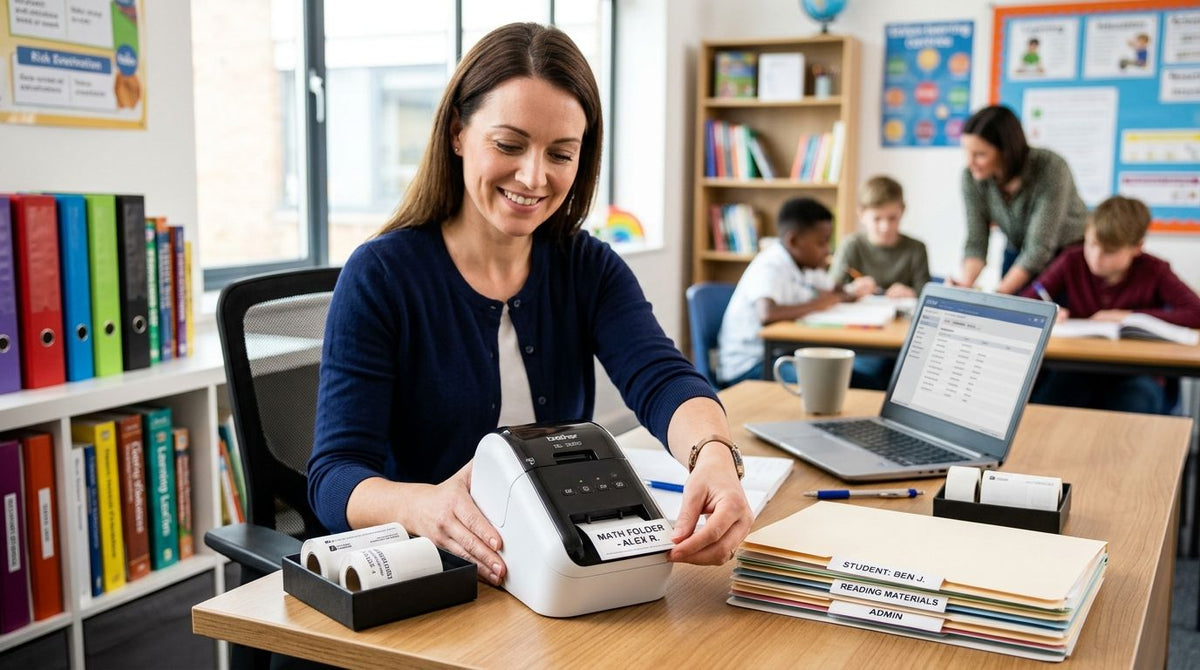
Tutoring and education centers need a label printer that handles asset tags for shared Chromebooks and tablets, barcode labels for lending libraries, and front-desk badges — without turning into an IT project. Best overall: GoDEX RT700i+ Thermal Printer. Best for barcode-heavy library and inventory labels: GoDEX ZX430i+. Best budget pick for a single location: GoDEX RT200i. Best for multi-location tutoring franchises: GoDEX GE330.
- GoDEX RT700i+ is the best label printer for tutoring center use in 2026 — one 4-inch machine covers asset tags, book labels, and badges.
- GoDEX ZX430i+ adds 300 DPI resolution for centers running their own book lending or leveled-reader inventory.
- GoDEX RT200i is the lowest-friction entry point for a single-site center on a tight setup timeline.
- GoDEX GE330 standardizes labeling across multiple tutoring franchise locations running the same templates.
Why this matters
A tutoring center that issues Chromebooks, tablets, or a shared set of workbooks has an equipment tracking problem the moment more than one student touches the same device. Devices go home overnight, get swapped between rooms, and pass through multiple hands during a single afternoon — without a scannable asset tag on the chromebooks and tablets, there's no fast way to confirm what belongs to which roster.
This is a bigger deal in 2026 than it was five years ago, as more tutoring franchises run 1:1 device programs and lending libraries instead of paper-only curricula. A center that can't print a durable barcode label in-house ends up either ordering pre-printed tags in batches (slow, expensive at small volume) or skipping tagging altogether (expensive when devices walk off).
What makes the best label printer for a tutoring center
- Resolution matched to the job — 203 DPI is fine for asset tags and badges; 300 DPI matters only for small barcodes on book spines or lending cards.
- Label stock durability — metalized silver or 3M heavy-duty barcode stock survives daily handling; standard paper labels don't.
- Desktop footprint — most tutoring centers print from a shared front desk, not a back office, so size and noise matter.
- Non-technical operation — front-desk staff turn over; a printer with a status display and simple software beats one that needs a technician to reload.
- Connectivity for shared use — USB alone is fine for one desk; Ethernet matters once a second terminal gets added.
- Consumable simplicity — direct thermal cuts out ribbon entirely for short-life labels; thermal transfer ribbon is worth the extra step for tags meant to last years.
At a glance
| Printer | Best for | Standout feature | Key limitation |
|---|---|---|---|
| GoDEX RT700i+ | General asset tagging and supply labeling | 4" width, color status display | 203 DPI is tight for very small serial numbers |
| GoDEX ZX430i+ | Library and lending inventory barcodes | 300 DPI resolution | Overkill for equipment-only tagging |
| GoDEX RT200i | Single-site centers on a tight budget | Simple, compact 203 DPI setup | No color display, manual status checks |
| GoDEX GE330 | Multi-location franchise standardization | Thermal transfer output across sites | No speed edge for a single location |
1. GoDEX RT700i+: best label printer for tutoring center asset tagging
The GoDEX RT700i+ is a 4-inch dual thermal printer with a color display, built to run asset tags, name badges, and material labels off one desktop machine. For a tutoring center juggling shared Chromebooks, workbook sets, and a rotating front-desk staff, that single-machine setup is the whole appeal.
GoDEX RT700i+ pros:
- 203 DPI resolution renders barcodes and text cleanly on standard asset tags
- Color display lets non-technical staff check ribbon and label status at a glance
- 4" print width covers asset tags, folder labels, and badges without swapping printers
GoDEX RT700i+ cons:
- 203 DPI struggles with very small serial numbers under 6pt type
- Thermal transfer ribbon is required for tags meant to survive years of handling — one more consumable to stock
Best for: single-location tutoring centers that need one printer for everything from device tags to front-desk badges.
Verdict: Buy.
2. GoDEX ZX430i+: best label printer for library and inventory barcodes
The GoDEX ZX430i+ shares the same 4-inch footprint as the RT700i+ but steps up to 300 DPI. That extra resolution matters when a tutoring center runs its own lending library or tracks leveled readers and workbook sets by barcode — small text and dense codes print sharper.
GoDEX ZX430i+ pros:
- 300 DPI resolution keeps small barcodes scannable for lending sign-out systems
- Color display plus USB/Serial/Ethernet covers single-desk and networked setups
- Uses the same ribbon and label family as the RT700i+, simplifying supply orders
GoDEX ZX430i+ cons:
- Unnecessary for centers that only tag equipment and skip a lending system
- Higher-resolution print heads cost more to replace over the printer's service life
Best for: tutoring centers with their own book or material lending inventory.
Verdict: Buy if you run a lending library; Skip if you don't.
3. GoDEX RT200i: best budget label printer for a single tutoring center
The GoDEX RT200i is a 203 DPI entry point for a center that needs reliable daily labeling — asset tags, name tags, maintenance stickers — without the extra features built into the RT700i+.
GoDEX RT200i pros:
- Lower entry cost within the GoDEX 203 DPI line makes it the easiest first printer
- Runs direct thermal stock with no ribbon required, cutting the consumable list
- Compact enough for a shared front-desk counter
GoDEX RT200i cons:
- No color display, so ribbon and label status need a manual check
- Single connectivity path limits it once a center adds a second terminal
Best for: a single tutoring location standing up its first labeling setup in 2026.
Verdict: Buy for one site; Wait if a second location is already on the calendar this year.
4. GoDEX GE330: best label printer for multi-location tutoring franchises
The GoDEX GE330 is a 4-inch, 203 DPI thermal transfer printer built for repeatable output across several front desks running the same label templates. It doesn't out-perform the RT700i+ at a single site — the value shows up when a franchise standardizes on one machine and one label stock across locations.
GoDEX GE330 pros:
- Thermal transfer engine produces asset tags that hold up across multiple school years
- Matches the 4" label stock used by the RT700i+ and ZX430i+, simplifying multi-site ordering
- Consistent output makes training new front-desk staff faster across a franchise
GoDEX GE330 cons:
- No resolution or speed edge over the RT700i+ for a standalone location
- Best value only appears once you're buying for multiple sites
Best for: tutoring franchises standardizing labeling across three or more locations.
Verdict: Buy for franchises; Skip for a single small center.


How we ranked these
Each printer was weighed against the six criteria above: resolution fit, label stock durability, desktop footprint, ease of daily operation, connectivity, and consumable simplicity. The GoDEX RT700i+ took the overall spot because it's the only pick that covers asset tags, book labels, and badges from one machine without over-buying resolution. The ZX430i+, RT200i, and GE330 each win a distinct scenario — lending libraries, single-site budgets, and multi-site franchises — rather than competing head-to-head with the RT700i+.
Which label printer should you choose?
For most tutoring and education centers opening or re-tagging equipment in 2026, the GoDEX RT700i+ Thermal Printer is the default pick — one 4-inch machine handles device asset tags, book labels, and front-desk badges without a second printer on the counter. Move up to the GoDEX ZX430i+ only if a lending library or leveled-reader system is already part of the operation. Centers opening a single site on a tight budget should start with the GoDEX RT200i, and franchises adding a third or fourth location should standardize on the GoDEX GE330 to keep label stock and staff training consistent across sites.
FAQ
What's the best label printer for a tutoring center in 2026?
The GoDEX RT700i+ Thermal Printer is the best all-around label printer for tutoring center use in 2026. Its 203 DPI engine and 4-inch width cover asset tags, book labels, and front-desk badges from a single machine.
Is 300 DPI or 203 DPI better for tutoring center labels?
203 DPI is enough for standard asset tags, badges, and text labels. 300 DPI matters only if you're printing small, dense barcodes for a book lending or inventory scan system.
How do tutoring centers track Chromebooks and tablets?
Most centers use a barcode or QR asset tag on metalized silver or 3M heavy-duty stock, scanned at check-out and check-in. The tag ties the device to a student roster and holds up to daily handling.
Can one printer handle both asset tags and library book labels?
Yes, a 4-inch printer like the GoDEX RT700i+ handles both jobs on the same label stock family. A dedicated lending library with small barcodes benefits from the higher-resolution GoDEX ZX430i+ instead.
Direct thermal or thermal transfer for tutoring center labels?
Direct thermal works for short-life labels like day passes since no ribbon is needed. Thermal transfer ribbon holds up better on asset tags that stay on equipment for multiple school years.
Do multi-location tutoring franchises need the same printer at every site?
Standardizing on one printer model and one label stock, like the GoDEX GE330, makes staff training and supply ordering consistent across locations.
What label material holds up best on daily-handled devices?
Metalized silver or 3M heavy-duty barcode stock resists wear from repeated handling and wipe-downs better than standard paper labels.
Does a tutoring center need a color-display printer?
A color display isn't required, but it helps non-technical front-desk staff catch a low ribbon or misaligned label before it interrupts printing.
One last thing
If tablets and Chromebooks get wiped down with disinfectant between sessions, keep the device asset tags on thermal transfer ribbon, not direct thermal stock. Direct thermal print fades under repeated alcohol wipes over a school year; ribbon-printed text and barcodes don't, which is the difference between a tag that still scans in December and one that doesn't.