
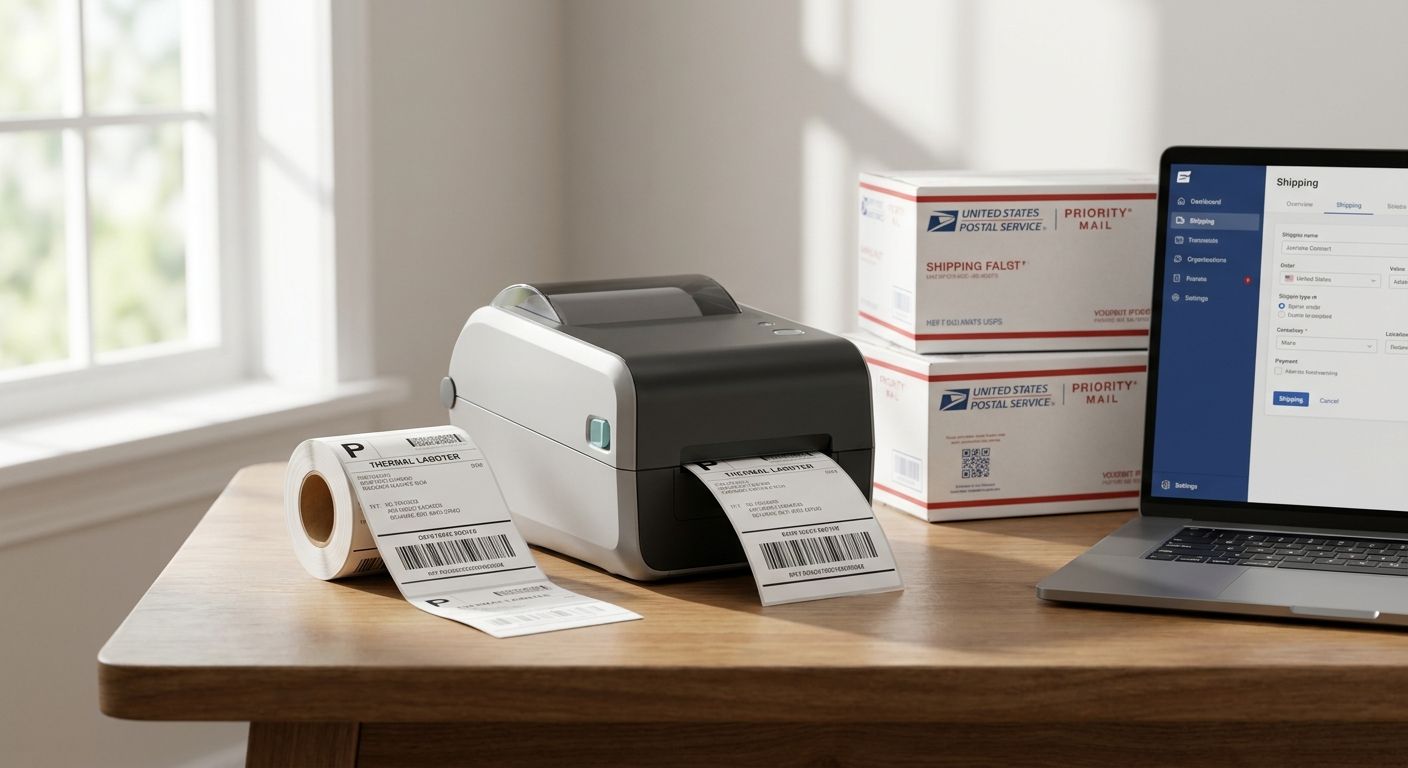
USPS shipping labels only work if the barcode scans clean the first time, and that comes down to the printer, not the carrier account. This guide ranks five thermal printers for USPS labels in 2026, with real specs and pricing from McAuley Labels, so you can pick the right one for your shipping volume instead of guessing.
- GoDEX RT700i is the best printer for USPS labels for most small shippers at $581 in 2026 — Buy.
- GoDEX RT200i fits occasional shippers who print a few dozen labels a week — Consider.
- GoDEX ZX430i+ adds 300 DPI at $945 for dense barcodes and QR-coded labels — Consider.
- GoDEX RT730i is built for continuous multi-shift printing, not home offices — Consider for high volume only.
- GoDEX GX4200i costs $2,246 and is built for warehouse throughput, not standard USPS labels — Skip unless volume justifies it.
Why This Matters
A blurry or misaligned barcode gets a package pulled out of USPS automation for manual handling, which slows delivery and can cost you the scan that proves a shipment moved. The printer you use for USPS labels in 2026 determines whether that barcode reads clean at 15 packages a day or 1,500.
Most small shippers overbuy or underbuy resolution. Standard USPS 4x6 shipping labels don't need 600 DPI — that resolution solves a print-quality problem USPS barcodes don't have. What actually matters is consistent 203 DPI output, a reliable interface (USB, serial, or Ethernet), and a printhead that doesn't choke after a few hundred labels. For a broader breakdown of what separates carrier-grade thermal printers from consumer inkjets, see McAuley Labels' guide to the best thermal printer for shipping labels.
How We Ranked
Each printer below is evaluated against what a USPS shipping label actually requires: a 4x6 direct thermal or dual thermal output, a resolution that reads cleanly at standard barcode density, and an interface that plugs into the shipping software you already run — Pirate Ship, ShipStation, or USPS Click-N-Ship. Specs and pricing come from McAuley Labels' published GoDEX printer listings, not third-party estimates.
Price weighs heavily here because USPS labels don't need industrial features. A $2,246 touchscreen printer built for a distribution center is a poor fit for a home-based seller printing 20 labels a day, even if the spec sheet looks impressive.
The Ranked List: Best Printer for USPS Shipping Labels in 2026
1. GoDEX RT700i — the everyday pick
The printer for USPS labels most small shippers should start with. It's a 4-inch dual thermal printer at 203 DPI with a color display, priced at $581 in 2026. Dual thermal means it handles direct thermal media for one-time shipping labels without needing ribbon, which keeps your per-label cost down.
The 203 DPI resolution matches what USPS barcode readers expect, and the color display makes it easier to catch a jam or a low-media warning before it stalls a print run. Verdict: Buy — this is the default for anyone shipping under a few hundred packages a week.
2. GoDEX RT200i — the budget entry point
The budget printer for USPS labels in the GoDEX lineup, also built at 203 DPI. It's the right call if you're shipping a handful of USPS packages a week and don't need a touchscreen or the interface flexibility of the higher-tier models.
What you give up moving down from the RT700i is convenience features, not print quality — the resolution that actually reads the barcode is the same. Verdict: Consider for low-volume shippers who want to keep costs down without sacrificing scan reliability.
3. GoDEX RT730i — the high-volume upgrade
GoDEX RT730i sits above the RT700i for shops that print shipping labels all day rather than in short bursts. If your shipping volume means the printer runs for hours at a stretch, a model built for continuous duty holds up better than a desktop unit designed for intermittent use.
This isn't the printer for someone shipping a dozen USPS packages a week — it's for operations where the printer never really stops. Verdict: Consider only if your shipping volume is high enough to justify stepping up from the RT700i.
4. GoDEX ZX430i+ — the barcode-precision pick
At $945, the GoDEX ZX430i+ moves up to 300 DPI with a color display and USB, serial, and Ethernet connectivity. That extra resolution matters if your USPS labels also carry a dense QR code, a small secondary barcode, or fine print that needs to stay legible at a reduced size.
For a standard 4x6 USPS shipping label with a single barcode, 300 DPI is more precision than the scan actually requires. Verdict: Consider if your labels combine tracking barcodes with QR codes or small text; otherwise the RT700i does the job for less.
5. GoDEX GX4200i — the warehouse-grade skip
The GoDEX GX4200i is a 203 DPI printer rated up to 16 IPS with a 5-inch touchscreen and full USB/serial/Ethernet connectivity, priced at $2,246. That speed and touchscreen make sense on a fulfillment floor printing thousands of labels a day.
For a business printing standard USPS shipping labels at normal volume, that price buys speed you won't use. Verdict: Skip unless your daily label count is in the thousands, not the dozens.


Comparison Table
| Printer | Resolution | Price (2026) | Best For | Verdict |
|---|---|---|---|---|
| GoDEX RT700i | 203 DPI | $581 | Most small shippers | Buy |
| GoDEX RT200i | 203 DPI | Check current price | Low-volume shipping | Consider |
| GoDEX RT730i | Dual thermal | Check current price | Continuous multi-shift printing | Consider |
| GoDEX ZX430i+ | 300 DPI | $945 | Dense barcodes, QR labels | Consider |
| GoDEX GX4200i | 203 DPI | $2,246 | Warehouse-scale volume | Skip |
Where to Buy
- Buy the printer and compatible labels from the same source. Mismatched thermal media is the most common cause of light, streaky, or unscannable USPS labels.
- Confirm your shipping software — Pirate Ship, ShipStation, USPS Click-N-Ship — supports 4x6 output at your printer's native resolution before you order.
- GoDEX printers sold through McAuley Labels carry a 3-year warranty. Check that coverage before buying a discounted refurbished unit elsewhere, since third-party sellers don't always honor it.
FAQ
What is the best printer for USPS shipping labels in 2026?
The GoDEX RT700i is the best printer for USPS shipping labels in 2026 for most small shippers, at $581 with 203 DPI dual thermal output. Higher-volume operations should look at the GoDEX RT730i or GX4200i instead.
Do USPS labels need a direct thermal printer or a laser printer?
USPS shipping labels print best on a direct thermal or dual thermal printer, not a laser printer. Direct thermal media needs no ink or ribbon, which keeps per-label cost low for labels that are used once.
Is 300 DPI necessary for USPS shipping labels?
No, 300 DPI is not necessary for a standard USPS label with a single tracking barcode. It becomes useful when a label also carries a dense QR code or small secondary text, which is where a printer like the GoDEX ZX430i+ earns its price.
How much does a printer for USPS labels cost?
A dedicated printer for USPS labels runs from around $581 for the GoDEX RT700i up to $2,246 for a warehouse-grade model like the GoDEX GX4200i. Most small shippers don't need to spend past the low end of that range.
Can I use a thermal transfer printer for USPS labels?
Yes, a thermal transfer printer can print USPS labels, but it requires ribbon and adds a cost most one-time shipping labels don't need. Dual thermal printers like the GoDEX RT700i handle both thermal transfer and direct thermal, so you're not locked into one method.
What size are USPS shipping labels?
USPS shipping labels are printed at the standard 4x6-inch size across nearly all carrier accounts and shipping software. Every printer ranked in this guide is built to output that size cleanly.
Does a shipping label have to be 4x6?
4x6 is the standard USPS shipping label size, though some services accept smaller formats depending on the carrier and packaging. Sticking with 4x6 avoids compatibility issues with automated sorting.
How fast should a shipping label printer print for daily USPS volume?
For most small businesses, a printer in the 203 DPI class handles daily USPS volume without a speed bottleneck. Only operations printing in the thousands per day need the higher IPS rating of a model like the GoDEX GX4200i, rated up to 16 IPS.
One Last Thing
The GoDEX RT700i at $581 and the GoDEX GX4200i at $2,246 carry the same 3-year warranty from McAuley Labels. The price gap buys speed and touchscreen convenience, not print quality or coverage — which is exactly why most USPS shippers in 2026 don't need to spend past the RT700i.