
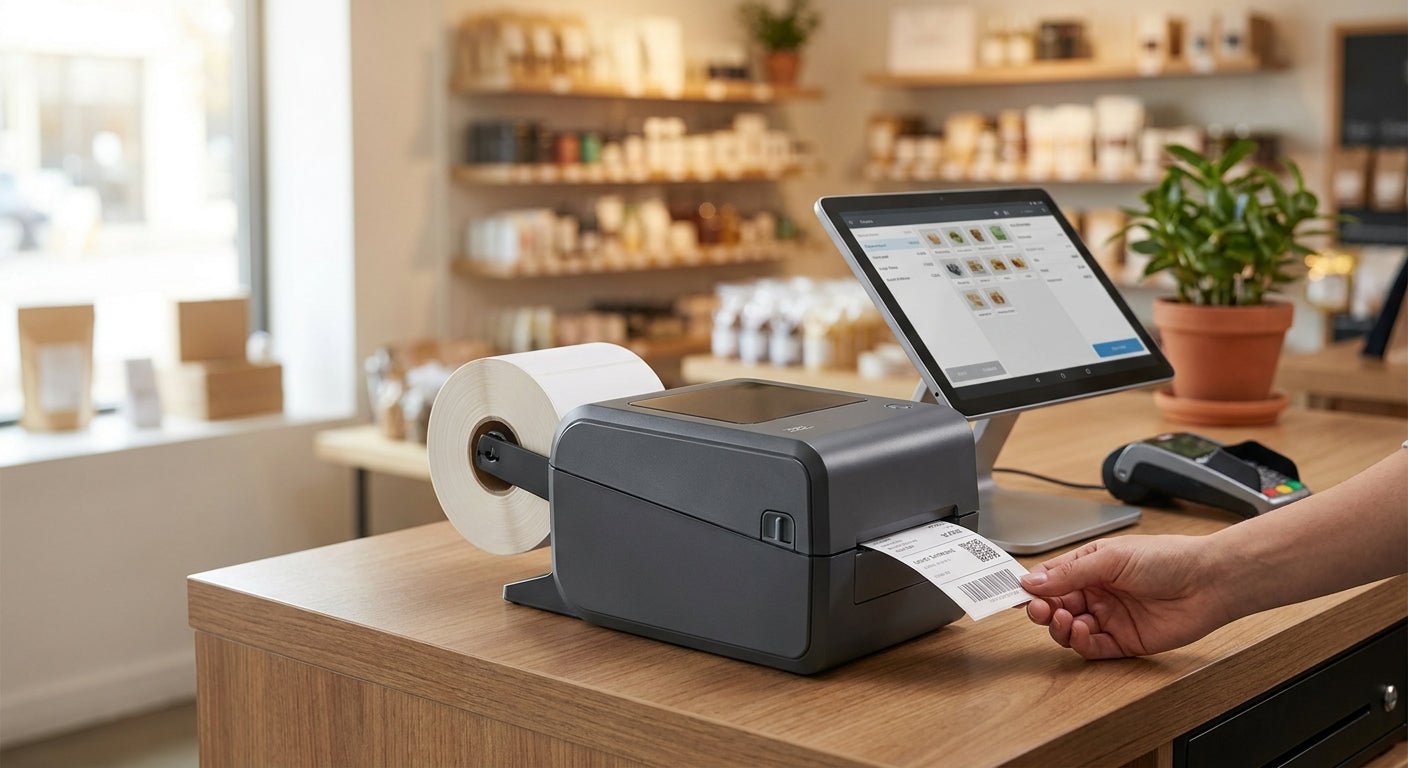
Retail counters need barcode and price-tag printers that don't jam on a ribbon spool and don't need a service call to run — direct thermal handles both jobs, and the GoDEX lineup McAuley Labels stocks in 2026 covers everything from single-register boutiques to multi-location chains.
- GoDEX DT230 is the balanced direct thermal printer for pos systems at 300 DPI — Buy for daily price-tag and barcode work.
- GoDEX RT200i covers 203 DPI barcode printing at a lower cost — Consider for single-register shops.
- Skip 600 DPI industrial printers for basic POS tags in 2026 — that resolution is wasted on price labels.
- Direct thermal labels fade in 6 to 12 months under heat or direct sun, so budget for reprints on long-life tags.
Why this matters
A direct thermal printer skips the ribbon entirely — heat on treated paper creates the image, so there's no consumable to reorder mid-shift and no ribbon jam during a Saturday rush. For a checkout counter printing price tags, shelf labels, and barcode stickers all day, that's fewer failure points than a thermal transfer setup.
The tradeoff is label lifespan. Direct thermal media fades under heat and UV exposure, typically within 6 to 12 months, which is fine for a price tag that changes seasonally but wrong for a permanent asset tag. Retail counters replace tags often enough that this isn't usually a problem — McAuley Labels built its GoDEX catalog around that distinction.
Who this is for
This guide is for retail operators — single-location boutiques, multi-register grocery counters, and small chains — printing price tags, shelf barcodes, and receipt-adjacent labels at the point of sale. If you're tagging fixed assets or outdoor equipment instead, direct thermal isn't the right call; look at thermal transfer with a durable label stock instead.
What to look for in a direct thermal printer for pos systems
Direct thermal vs. thermal transfer
Direct thermal needs no ribbon, which cuts your consumable count to one — the label roll. That matters at a register where staff turnover means someone will eventually load media wrong; fewer parts means fewer mistakes. If you also print asset tags or shipping labels that need to survive years, you'll want a thermal transfer option alongside it, and the retail chains and franchise buying guide covers running both side by side.
Print resolution matched to barcode density
203 DPI reads fine on standard UPC and Code 128 barcodes at typical label sizes. Push to 300 DPI when labels run small — jewelry tags, spice jars, or dense QR codes — because scanner misreads at checkout cost more time than the printer upgrade does.
Print speed for peak checkout hours
A printer that keeps up during a Saturday afternoon rush matters more than one that's fast on a quiet Tuesday. Check inches-per-second specs against your actual peak volume, not your average day.
Connectivity for POS software integration
USB covers a single register. Ethernet lets a shared printer serve multiple stations without a dedicated PC nearby. Confirm your POS software's driver support before buying — a printer that isn't on the compatibility list becomes a return.
Footprint and durability for counter space
Counter space at checkout is tight. A compact desktop unit beats an industrial floor-standing printer built for warehouse throughput you'll never use.
Media width flexibility
Price tags, shelf labels, and receipt-adjacent stickers rarely share one width. Pick a printer that handles your narrowest and widest label without swapping hardware.
Top picks for POS retail counters
GoDEX DT230 — the balanced pick. Direct thermal, 300 DPI, built for daily barcode and price-tag runs without a ribbon to manage. This is the printer to buy when you need barcode sharpness for smaller labels and don't want thermal transfer's extra consumable. Verdict: Buy — see the GoDEX DT230 direct thermal printer.
GoDEX RT200i — the budget entry point. 203 DPI direct thermal covers standard barcode and price-tag work for a single register at a lower cost than the 300 DPI models. Fine for shops that don't print small text or dense codes. Verdict: Consider for single-location counters running standard barcodes.
GoDEX RT700i — the multi-user pick. A color display makes status and error messages readable without a manual, which matters when different staff members load media across shifts. Verdict: Consider for stores with rotating counter staff.


What to avoid
- 600 DPI industrial thermal transfer printers. They handle micro-detail labeling that price tags and shelf barcodes don't need — you're paying for resolution the register will never use.
- Six-inch wide-format printers. Built for shipping and pallet labels, not narrow price tags — the extra width just wastes counter space.
- Ribbon-only setups for a single register. Managing a ribbon spool on top of label media adds a failure point that a direct thermal printer for pos systems avoids entirely.
Verdict comparison
| Pick | Resolution | Ribbon Needed | Best For | Verdict |
|---|---|---|---|---|
| GoDEX DT230 | 300 DPI | No | Small barcodes, dense price tags | Buy |
| GoDEX RT200i | 203 DPI | No | Standard barcodes, single register | Consider |
| GoDEX RT700i | 203 DPI | No | Multi-staff counters | Consider |
FAQ
What's the best direct thermal printer for pos systems in 2026?
The GoDEX DT230 is the best direct thermal printer for pos systems in 2026 for most retail counters — 300 DPI handles both standard and small barcodes without a ribbon to manage. Single-register shops on standard barcodes can drop to the 203 DPI GoDEX RT200i and save on the unit cost.
Is direct thermal better than thermal transfer for retail price tags?
Direct thermal is better for price tags because it needs no ribbon and costs less per label to run day to day. Thermal transfer wins only when a label needs to survive years of heat or sunlight, which most price tags don't.
How much does a direct thermal label printer cost in 2026?
Desktop direct thermal printers for retail counters run from roughly the low hundreds for entry models up to over a thousand dollars for 2-in-1 industrial units. Check current pricing on the GoDEX product pages since specs and availability shift through the year.
Do direct thermal labels fade over time?
Yes — direct thermal labels typically fade within 6 to 12 months when exposed to heat or direct sunlight. That's acceptable for price tags that get replaced on a seasonal cycle but wrong for permanent equipment tags.
What DPI do I need for barcode labels at checkout?
203 DPI is enough for standard UPC and Code 128 barcodes at typical retail label sizes. Move to 300 DPI for small labels, dense QR codes, or jewelry tags where scanner misreads become a problem at checkout.
Can a direct thermal printer connect directly to POS software?
Most GoDEX direct thermal printers support USB, serial, or Ethernet connections that work with common POS software once the correct driver is installed. Confirm driver compatibility with your specific POS platform before buying.
How long do GoDEX direct thermal printers last?
GoDEX printers carry a 3-year warranty as of 2026, which covers most of a retail counter's realistic hardware lifespan. Print head wear depends on daily volume more than calendar age.
What size labels work best for retail price tags?
Most retail price tags run in the 1 to 2 inch range, while shelf barcode labels typically run wider. Pick a printer that handles your narrowest and widest label without a hardware swap.
One last thing
The real advantage of a direct thermal printer for pos systems isn't the unit price — it's that there's no ribbon to run out mid-shift. The only consumable failure mode is running out of label stock, which is a lot easier for counter staff to notice and fix than a jammed ribbon during a rush.