
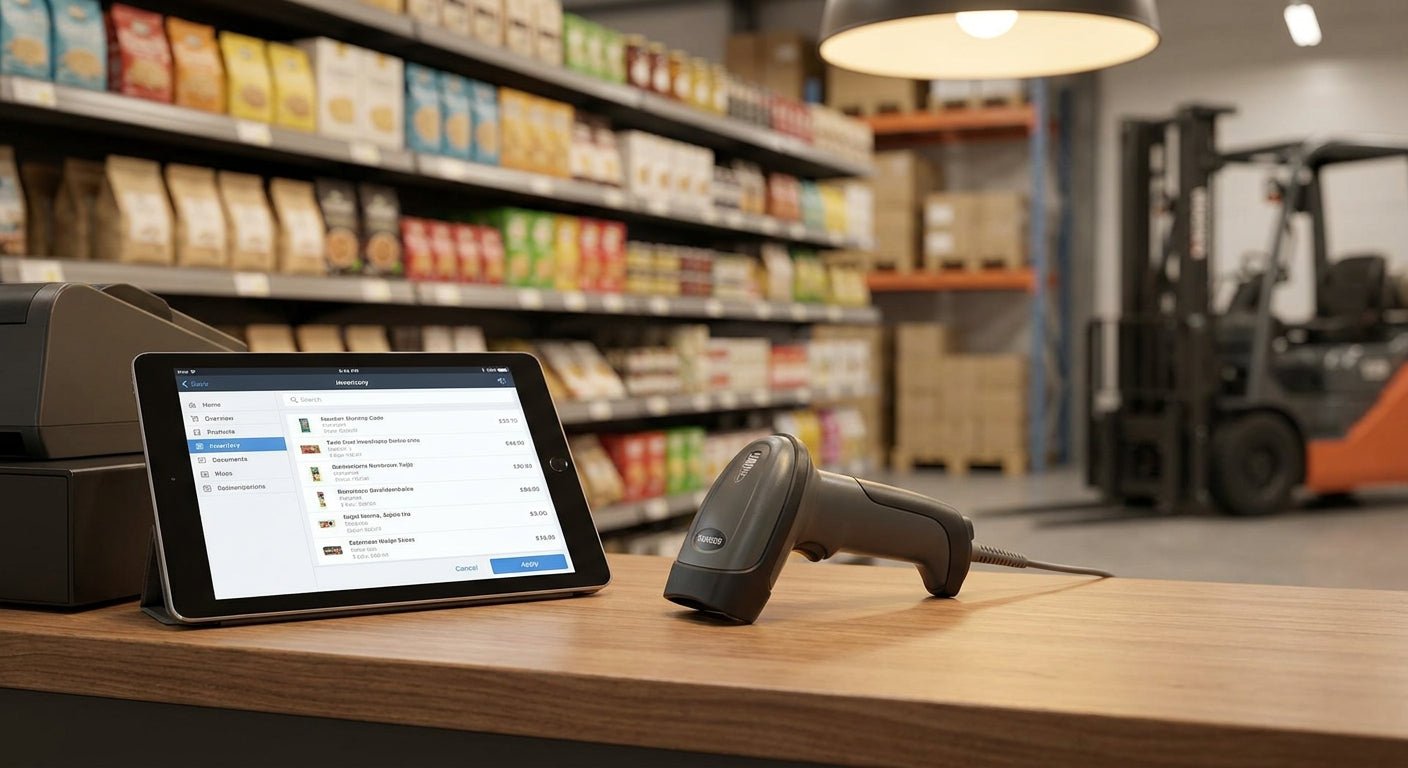
A 1D barcode scanner is the cheapest way to turn printed labels into real-time inventory or checkout data, and picking the wrong one costs you re-scans, not dollars. This guide breaks down scanner types, setup steps, and the label pairing that actually makes a 1D barcode scanner read clean on the first pass in 2026.
- The GoDEX GS220 is a plug-and-play 1D barcode scanner at $86 - buy it for retail counters in 2026.
- Laser scanners read from 6-12 inches; CCD imagers need 2-4 inches - match distance to your counter or aisle.
- 203 DPI is the floor for clean 1D scans; labels printed below that resolution cause repeat scans.
- Wireless 1D scanners cost more upfront but cut cable snags in warehouse picking once you're past 2 aisles.
Why this matters
A scanner that misreads one barcode in twenty sounds minor until you're running a register line or a receiving dock in 2026. Every failed read gets keyed in manually, and manual entry is where SKU errors and shrink numbers actually come from.
The scanner itself is only half the equation. Barcode quality, print resolution, and label material decide whether a $86 scanner performs like a $300 one or gets returned in a week.
What you'll need
- A 1D barcode scanner (USB corded or Bluetooth wireless)
- Labels printed at 203 DPI or higher — 3M heavy-duty barcode inventory labels hold contrast better than standard paper stock
- A free USB port or paired Bluetooth device on the POS or WMS terminal
- 5-10 test barcodes at different sizes for calibration
- 15-20 minutes for setup and a control-batch test
The steps
1. Match scanner type to your barcode symbology
Most retail and warehouse operations run Code 128, UPC-A, or Code 39 — all standard 1D symbologies any modern scanner reads out of the box. Confirm your POS or WMS software's expected symbology before buying so you're not troubleshooting a mismatch after install. Common mistake: assuming every scanner reads 2D QR codes — most 1D scanners don't, and that's a separate spec line.
2. Confirm working distance for your setup
Laser 1D scanners read barcodes from roughly 6 to 12 inches away, which suits a checkout counter where the cashier holds items up. CCD or imager-style scanners read best at 2 to 4 inches, which fits handheld scanning of shelf tags or bins. Buying a laser scanner for close-range bin scanning means constant refocusing — that's the single most common return reason.
3. Pick USB corded or Bluetooth wireless
A corded USB 1D scanner like the GoDEX GS220 plugs in and works immediately with zero pairing steps, which is the right call for a fixed register. Wireless models add $40-$100 to the price but free up movement across a warehouse floor wider than two aisles. Expected outcome: corded units almost never disconnect mid-shift; wireless units occasionally need a re-pair after 8+ hours of continuous use.
4. Test read rate on your actual labels, not sample cards
Every scanner ships with a demo card that scans perfectly regardless of hardware quality — it tells you nothing about your real labels. Print 10 of your actual SKU or asset barcodes and scan each one 3 times before committing to a purchase. Common mistake: testing only on glossy demo stock, then discovering matte or metallized labels scan inconsistently once live.
5. Set up decoding software and prefixes
Most 1D scanners emulate a keyboard, dumping scanned data directly into whatever field has cursor focus — no driver install required on most POS systems. Configure any prefix or suffix characters (like a tab or enter keystroke after each scan) inside the scanner's own configuration barcode sheet, not the POS software. This step takes under 5 minutes and prevents scanned data from landing in the wrong form field.
6. Mount or position the scanner for the actual workflow
A counter-mounted scanner should sit where an item barcode naturally faces the sensor without the cashier twisting product — measure the angle before drilling any mounting bracket. In a warehouse, a handheld or wireless 1D scanner should live on a lanyard or holster, not a shelf, or it walks off within a week. Expected outcome: proper positioning cuts average scan time from roughly 2 seconds to under 1 second per item.
7. Calibrate and log a control batch
Run 20-30 barcodes through the scanner and log the read rate before putting it into daily use — anything under a 98% first-pass read rate signals a label or resolution problem, not a scanner problem. Re-check this number quarterly through 2026, since ribbon wear and label stock changes both degrade scan quality over time.
Troubleshooting
- Scanner won't read the barcode at all — check label contrast first. Labels printed below 203 DPI often blur bar edges enough that the scanner can't decode them.
- Reads are slow or intermittent at the register — you likely have a laser scanner on close-range items or a CCD scanner too far from the counter surface. Match distance per step 2.
- Bluetooth scanner keeps dropping connection — multiple wireless scanners within 30 feet of each other can interfere. Re-pair one at a time and stagger physical placement.
- Scanner reads the wrong digit or truncates a code — the barcode's quiet zone (the blank margin around the bars) is too narrow. Add at least 0.1 inch of white space on either side when designing labels.
- New label batch won't scan but the old batch did — a print resolution mismatch is the usual cause. Confirm the printer is still set to 203 DPI or higher and the ribbon hasn't thinned out.
Tools and resources
The scanner is only one half of a working 1D barcode system — the labels it reads matter just as much. A dedicated asset tag printer running at 300 DPI produces sharper bars than a shared office printer and cuts misreads before they start.


What to do next
Once the scanner and label pairing are working, the next decision is which floor layout and picking workflow gets the most out of it — a deeper breakdown of scanner choice for full warehouse operations lives in the warehouse barcode scanner guide.
FAQ
What is the best 1D barcode scanner for a small retail counter in 2026?
A corded USB 1D barcode scanner like the GoDEX GS220 at $86 covers a single-register retail counter without pairing hassle. It reads standard Code 128 and UPC-A barcodes at counter distance out of the box.
Is a laser scanner or CCD scanner better for warehouse use?
CCD imager scanners work better for close-range bin and shelf scanning at 2-4 inches, while laser scanners suit longer-range counter reads at 6-12 inches. Warehouses with tight shelving generally do better with CCD models.
How much does a 1D barcode scanner cost in 2026?
A corded USB 1D barcode scanner starts around $86 for a plug-and-play model, with wireless Bluetooth versions running $40-$100 higher. Price scales with working distance, wireless range, and drop durability.
Can a 1D barcode scanner read QR codes?
No, most 1D barcode scanners only decode linear symbologies like Code 128, Code 39, and UPC-A, not 2D QR codes. Reading QR codes requires a 2D imager scanner instead.
What print resolution do labels need for reliable 1D barcode scans?
Labels need at least 203 DPI to keep bar edges sharp enough for consistent first-pass reads. Barcodes printed below that resolution blur at small sizes and force repeat scans.
Does Bluetooth or USB matter for a 1D barcode scanner?
USB corded scanners connect instantly with zero setup and rarely disconnect, making them the right choice for a fixed register. Bluetooth wireless scanners cost more but let staff move freely across a warehouse floor.
Why does a barcode scanner fail to read some labels but not others?
The most common cause is a print resolution or quiet zone problem on the label itself, not the scanner. Labels need at least 0.1 inch of blank margin around the barcode and 203 DPI print quality or higher.
One last thing
The quiet zone — the blank margin on either side of a barcode — causes more failed scans in 2026 than any hardware defect. Add 0.1 inch of white space around every barcode before you blame the scanner.