
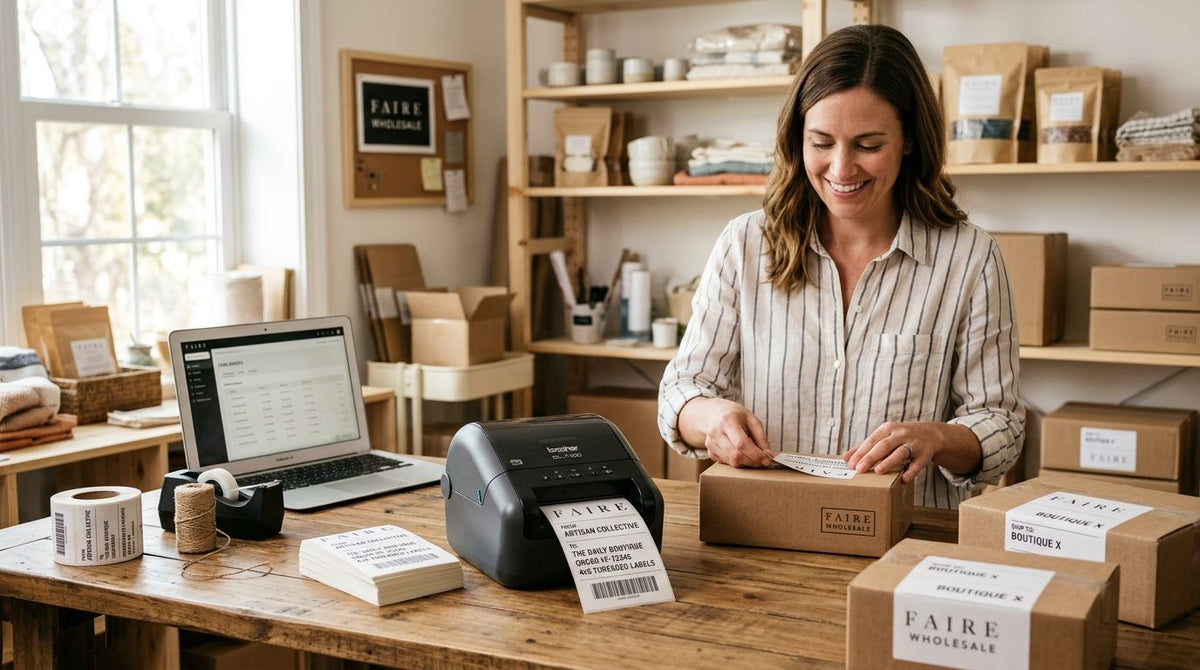
Faire wholesale sellers who print their own product labels ship faster, pass retailer barcode checks on the first scan, and stop paying per-label converter fees on every reorder batch in 2026.
- A label printer for Faire wholesale sellers needs GS1-ready barcodes, not a home craft printer.
- GoDEX RT700i+ handles frequent Faire reorders at 203 DPI; GoDEX ZX430i+ prints sharper 300 DPI ingredient text.
- Skip inkjet and laser sheets — thermal transfer labels survive shipping handling and warehouse humidity.
- McAuley Labels sells the printer, ribbon, and label stock as one system for wholesale sellers in 2026.
Why a label printer matters for Faire wholesale sellers
Faire buyers are retail stores, not consumers ordering off your own site. Every case you ship needs a barcode a retailer's point-of-sale system can scan without a manual override, a legible ingredient or material line if your product touches food, cosmetics, or textiles, and consistent branding across a batch that might run 50 units one month and 500 the next.
A missed scan at receiving isn't a minor annoyance. It's a case sent back to you, or a flag on your account that slows the next purchase order. Faire wholesale sellers who route every label run through a converter also eat 1 to 3 weeks of turnaround on every reorder, and that doesn't match how fast a Faire buyer reorders once a product sells through on the floor.
Most private label consumer brands selling wholesale settle on the same short list of label specs before they ever touch a printer — the breakdown is in best label printer for private label consumer product brands. McAuley Labels builds its label printer lineup around this exact scenario: barcode, ingredient text, and brand mark on one label, printed in-house instead of outsourced.
Running labels on a dedicated thermal printer removes both failure points. Barcodes print identically every run, and a reorder goes out the day a buyer approves the PO instead of two weeks later.
1. Confirm what your Faire buyers actually require on the label
- GTIN/UPC barcode that scans cleanly at full size on a handheld scanner
- Country of origin, especially when you're shipping across state lines to a distributor
- Lot or batch code, non-negotiable for food, beauty, and supplement categories
- Net weight or count printed large enough for a retail associate to read without a loupe
- Your brand mark, since wholesale buyers expect it on the outer case, not just the retail unit
2. Pick label stock that survives the trip to the shelf
- Semi-gloss white paper for standard product labels under normal handling
- Thermal transfer with a wax/resin ribbon for labels exposed to friction, grease, or short-term moisture
- Direct thermal stock when you want to skip ribbon costs on labels with a shorter shelf life
- 3M heavy-duty stock for outer cartons or pallet tags that get scanned repeatedly through a distribution warehouse
3. Print GS1-compliant barcodes without sending files to a converter
- Use barcode design software that exports UPC-A or GS1-128 symbology directly, not a hand-drawn approximation
- Confirm your GTIN prefix is registered before you print a single production label
- Test-scan every new SKU's label at actual print size, never on a screen
- Full walkthrough: how to print GS1 barcodes on a thermal label printer
4. Add your logo without a per-run design fee
The manual route: cut and apply a printed custom sticker with your business logo over a blank label, or order pre-printed rolls with your logo already baked in. That works fine for outer cartons and thank-you inserts. Once you're running more than a handful of SKUs, a thermal printer that reprints your logo alongside barcode and text data on demand is faster than managing pre-printed stock for every product line.
- Design the layout once in label software, then reuse the template across every SKU
- Keep logo elements simple — fine detail doesn't hold up cleanly at 203 DPI
- Reserve full-color print runs for cartons, not the primary product label
5. Handle reorders without the printer becoming the bottleneck
Once a Faire buyer reorders, the seller who turns a case around same-day wins the next PO too. McAuley Labels' GoDEX RT700i+ thermal printer runs at 203 DPI with a color display for fast job switching between SKUs, which covers most wholesale sellers printing standard barcode and text labels. Sellers who need sharper small-font ingredient lists or dense 2D codes move up to a GoDEX ZX430i+ at 300 DPI.
- Match label width to your smallest SKU so you're not burning stock on oversized labels
- Keep a spare ribbon roll on hand — a stalled reorder from a ribbon shortage reads the same to a buyer as any other delay
- Batch-print by PO number, not by SKU, so cartons match the pick list without cross-checking twice
6. Print your own 4x6 wholesale shipping labels
- Print carrier-compliant 4x6 labels in-house instead of paying a fulfillment partner per label
- Match stock to shipment type — direct thermal for standard ground shipments, thermal transfer for anything sitting in a warehouse before it ships
- Batch-print an entire PO's shipping labels in one job instead of one at a time
7. Set up the workflow so one person can run it
- Keep a printed reference sheet of every SKU's barcode file next to the printer
- Standardize label sizes across SKUs so nobody reloads stock mid-run
- Assign one person to own the reorder queue so barcodes and lot codes stay consistent batch to batch
Which label printer fits your Faire wholesale volume
| Option | Best for | Key limitation |
|---|---|---|
| Outsourced label converter | Sellers shipping fewer than 5 POs a month | Turnaround runs 1-3 weeks per reorder — Skip if you're growing |
| GoDEX RT200i (203 DPI) | New Faire sellers testing their first wholesale line | Basic barcode/text clarity, no color display — Hold until volume grows |
| GoDEX RT700i+ (203 DPI, color display) | Sellers filling frequent Faire reorders across multiple SKUs | Needs ribbon; no linerless option — Buy for steady wholesale volume |
| GoDEX ZX430i+ (300 DPI) | Sellers needing sharp ingredient lists or dense 2D barcodes | Higher per-unit cost than a 203 DPI model — Buy if label detail matters |
Common mistakes Faire wholesale sellers make
- Printing barcodes at a size that doesn't scan. A GTIN shrunk to fit a tiny label often violates the quiet-zone margin scanners need and gets rejected at receiving.
- Using inkjet or laser label sheets. These smear or peel during freight handling; thermal transfer and direct thermal stock don't.
- Skipping lot codes to save a step. One recall or quality complaint without a batch code turns into a full-line pull instead of a narrow one.
- Underestimating reorder volume. A seller who plans for 50 units at launch and gets a 500-unit PO from a Faire buyer needs a printer built for volume, not a home craft printer maxed out at low run counts.
- Changing label vendors between POs. Inconsistent stock or print quality across shipments reads as inconsistent quality control to a retail buyer.
“If a barcode doesn't scan on the first try at a buyer's receiving dock, the label already cost you the reorder.”


FAQ
What's the best label printer for Faire wholesale sellers in 2026?
A GoDEX RT700i+ at 203 DPI covers most Faire wholesale sellers printing standard barcode and text labels; sellers needing sharper small-font ingredient lists or dense 2D codes should move up to a 300 DPI model like the GoDEX ZX430i+. The right choice depends on how fine your label detail needs to be, not just order volume.
Do Faire wholesale sellers need GS1 barcodes?
Most retail buyers expect a scannable UPC or GTIN barcode on wholesale product labels, and GS1 symbology is the standard retail point-of-sale systems are built to read. Printing a barcode that isn't GS1-compliant risks a rejected scan at receiving.
Is thermal transfer or direct thermal better for wholesale product labels?
Thermal transfer with a wax/resin ribbon holds up better against friction, grease, and short-term moisture during shipping. Direct thermal skips the ribbon cost but fades faster, so it fits labels with a shorter shelf life.
Can I print my own 4x6 shipping labels for Faire wholesale orders?
Yes — a thermal label printer that handles 4x6 stock can batch-print an entire purchase order's shipping labels in one job, which is faster than paying a fulfillment partner per label.
What DPI do I need for small ingredient text on product labels?
203 DPI handles standard barcode and text labels fine. If your label carries small ingredient lists or dense 2D barcodes, 300 DPI prints noticeably sharper detail at the same label size.
Do I need a barcode scanner in addition to a label printer?
Not to print labels, but keeping a scanner on hand to test-scan new SKU labels before they ship catches barcode errors before a buyer's receiving dock does.
How do I add my logo to wholesale product labels?
Design the layout once in your label software with logo, barcode, and text in one template, then reuse it across every SKU. Keep logo detail simple since fine lines don't hold up cleanly at 203 DPI.
What's the biggest label mistake Faire wholesale sellers make?
Shrinking a barcode to fit a small label until it violates the quiet-zone margin scanners need to lock on. That single mistake causes more receiving rejections than any artwork issue.
One last thing: most Faire wholesale sellers don't lose a label approval over artwork — they lose it over the quiet zone, the blank margin a scanner needs around a barcode to lock on. Leave at least a quarter inch of clear white space on every side of your barcode before you submit artwork to a buyer, and test-scan the printed label at full size before the first case ships in 2026.