
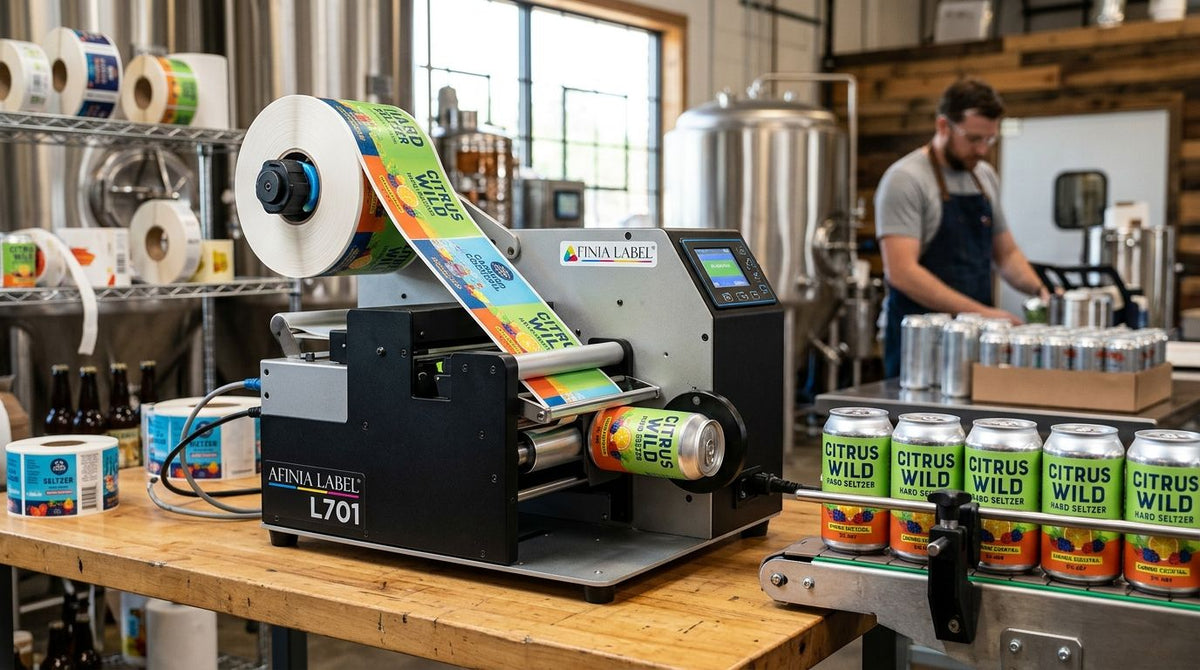
Hard seltzer and canned cocktail brands need label printer setups built for cold, wet, and short-run production, not the general warehouse labeling gear most guides default to. A can that spends its life in an ice bath or a cooler case behaves nothing like a dry-stacked carton, and the printer, ribbon, and label stock choices for this segment reflect that from the first spec sheet.
- A label printer for hard seltzer and canned cocktails needs a resin or wax/resin ribbon rated for condensation, not a bare direct thermal setup.
- The GoDEX ZX430i+ prints 300 DPI, sharp enough for small-batch can label text and thin barcodes on cans under 12 oz.
- Direct thermal labels fade in cold, wet storage over months — thermal transfer with the right ribbon holds up in 2026 cooler conditions.
- Full-color can graphics still come from a converter or co-packer; in-house printers handle batch codes, QR codes, and compliance text.
Why label printing matters for hard seltzer and canned cocktail brands
Canned beverage labeling carries two jobs most other product categories don't: cold-chain durability and regulatory text that changes by state. A seltzer label that looks fine on a dry test print can smear or lift within a week once it's been through condensation cycles in a retail cooler. Add TTB-mandated government warning text, ABV disclosure, and batch/lot codes for recall traceability, and the label printer becomes a compliance tool as much as a branding one.
Most small-batch canners aren't printing full four-color artwork in-house — that still comes from a can manufacturer or label converter running the primary graphic. What an in-house or co-packer-side craft brewery label printer setup actually handles is the variable data: date codes, batch numbers, QR codes linking to lot info, and secondary compliance stickers applied at packaging.
Choose label stock rated for cold and wet conditions
A can straight out of a chiller sweats. Standard paper labels absorb that moisture and curl or peel within days.
- Semi-gloss white polypropylene or polyester film resists moisture better than uncoated paper stock
- Metalized silver film holds up on cans that get iced directly for events or taproom pickup
- Confirm the adhesive is rated for cold-temperature application, not just cold-temperature storage
- Test a label through a full 48-hour refrigeration and condensation cycle before committing to a full run
Match printer resolution to your artwork detail
Batch codes and small legal text need sharper resolution than a shipping label does. 203 DPI is fine for basic date codes; anything with fine barcodes, small QR codes, or condensed compliance text needs more.
- 203 DPI covers large date/batch codes and basic barcodes
- 300 DPI is the practical floor for small QR codes and condensed government warning text
- 600 DPI only matters if you're printing detailed graphics directly, which most canners outsource
- The GoDEX ZX430i+ prints at 300 DPI with a color touchscreen control panel, built for exactly this level of detail on small labels
Print batch and lot codes for recall traceability
Every canned cocktail or seltzer run needs a batch identifier that survives storage and scanning. This is the single most common reason craft producers add an in-house printer at all.
- Print lot numbers directly onto the label or a small applied sticker at the packaging line
- Use a consistent date + batch format so recalls can trace back to a specific canning run
- Keep a printed sample from every batch on file, not just a digital record
- Set the printer to auto-increment batch numbers so operators can't skip or duplicate a code
Add QR codes for compliance and consumer information
More hard seltzer and canned cocktail brands are using QR codes to carry ingredient lists, allergen info, or ABV verification that doesn't fit on a small can label.
- Link the QR code to a hosted page with full ingredient and nutritional data
- Keep the printed QR code at least 0.5 inches square for reliable phone scanning
- Test scan every new QR batch before it goes on packaging — a failed scan defeats the purpose
- Pair the QR code with the required government warning text, never as a replacement for it
Set up barcodes for retail and distributor scanning
A seltzer that's going into grocery or liquor store distribution needs a scannable UPC, not just an internal code.
- Use GS1-assigned UPC-A barcodes for retail point-of-sale scanning
- Print at a size and contrast level that scans reliably under store lighting, not just under a desk lamp
- Keep barcode placement consistent across SKUs so distributors don't re-scan or reject cases
- Verify barcode grade with a scanner before a full production run ships
Choose the right ribbon for condensation resistance
The ribbon matters as much as the printer. A resin or wax/resin ribbon holds up against moisture and abrasion far better than wax alone, which is the difference between a label that survives a cooler and one that smears at the first touch.
- Wax/resin ribbons resist smudging when labels get handled wet
- Full resin ribbons hold up best against repeated condensation cycles over weeks of cold storage
- Match ribbon width to label width — oversized ribbon wastes material on every print
- A thermal transfer ribbon built for wax/resin printing keeps batch codes legible through the kind of cold, wet handling canned beverages go through
Decide between in-house printing and a co-packer's label line
Volume decides this one more than anything else. Under a few thousand units a month, an in-house printer usually makes sense; above that, many canners let the co-packer's label line handle variable data.
- Under roughly 5,000 units/month, in-house printing keeps you in control of last-minute batch or seasonal label changes
- Above that volume, a co-packer's integrated line is usually faster per unit
- Keep an in-house printer even at higher volume for small test batches or taproom-only releases
- Factor in operator time, not just equipment, when comparing the two paths


The GoDEX ZX430i+ is the pick for hard seltzer and canned cocktail brands printing batch codes and QR codes at 300 DPI — the GoDEX RT700i+ works if you only need basic date coding at 203 DPI.
Comparison: label printing options for hard seltzer and canned cocktails
| Option | Best for | Key limitation |
|---|---|---|
| Desktop direct thermal (no ribbon) | Basic date-coding on dry cases | Fades within weeks in cold, wet storage — not suited to cans |
| GoDEX RT700i+ (203 DPI, thermal transfer) | Standard batch codes and barcodes | Single-color print only; not built for fine QR detail |
| GoDEX ZX430i+ (300 DPI, thermal transfer) | QR codes, compliance text, small-batch runs | Still monochrome — full-color art still comes from a converter |
| Co-packer/converter pre-printed labels | Full four-color can branding at volume | Longer lead times and minimum order quantities |
“If your seltzer label peels before the case leaves the cooler, the ribbon is the problem, not the printer.”
Common mistakes hard seltzer and canned cocktail brands make
- Using direct thermal labels on cans that get iced or refrigerated. Direct thermal print fades and the adhesive lifts under repeated condensation — thermal transfer with a resin ribbon holds up far longer.
- Skipping the cold/wet test before a full production run. A label that looks fine dry can fail completely after 48 hours in a cooler; test that cycle before printing a full batch.
- Printing QR codes too small to scan reliably. Anything under half an inch square becomes a support headache when a customer's phone won't read it.
- Forgetting mandated government warning text on secondary labels. Custom QR or promo stickers don't replace the required ABV and health warning copy.
- Choosing ribbon by price instead of by condition. A cheap wax ribbon smudges the moment a case gets handled wet, which is most of this segment's shelf life.
FAQ
What's the best label printer for hard seltzer and canned cocktails in 2026?
The GoDEX ZX430i+ is the best fit for most hard seltzer and canned cocktail brands in 2026 because its 300 DPI resolution handles small QR codes and compliance text that 203 DPI printers blur. Brands only printing basic date codes can use a 203 DPI model like the GoDEX RT700i+ instead.
Can thermal printers print full-color can labels?
No, thermal transfer and direct thermal printers print in a single color per ribbon pass, not full four-color artwork. Full-color can graphics still come from a can manufacturer or label converter; in-house printers handle variable data like batch codes and QR codes.
Do hard seltzer labels need to be waterproof?
Yes, any label applied to a can that will be refrigerated or iced needs moisture-resistant stock and adhesive rated for condensation. Standard paper labels curl and peel within days of repeated cold, wet handling.
What DPI is needed for small-batch can label text?
300 DPI is the practical minimum for small QR codes and condensed compliance text on a can label. 203 DPI works fine for larger date and batch codes but blurs at small text sizes.
Direct thermal vs thermal transfer — which is better for canned beverages?
Thermal transfer with a resin or wax/resin ribbon is better for canned beverages because direct thermal print fades under cold, wet, or prolonged light exposure. See the full [direct thermal vs thermal transfer comparison](https://mcauleylabels.com/blogs/articles/direct-thermal-vs-thermal-transfer-which-should-you-use) for the tradeoffs on other label types.
How do you add QR codes to hard seltzer cans?
QR codes are printed on a secondary label or applied sticker alongside the required compliance text, then linked to a hosted page with ingredient or allergen information. Test every new QR batch with a phone scanner before it ships on packaging.
What's the difference between primary can printing and secondary labeling?
Primary printing is the full-color graphic applied by the can manufacturer or converter before the can reaches your line. Secondary labeling covers batch codes, QR codes, and compliance stickers applied in-house or at the co-packer during packaging.
One last thing
The detail most canners miss until their first cooler complaint: wax ribbons and paper labels are built for dry warehouse conditions, and a can spends most of its shelf life wet. Spec the ribbon and label stock for condensation first, then pick the printer DPI around whatever detail your QR codes and compliance text actually need.