
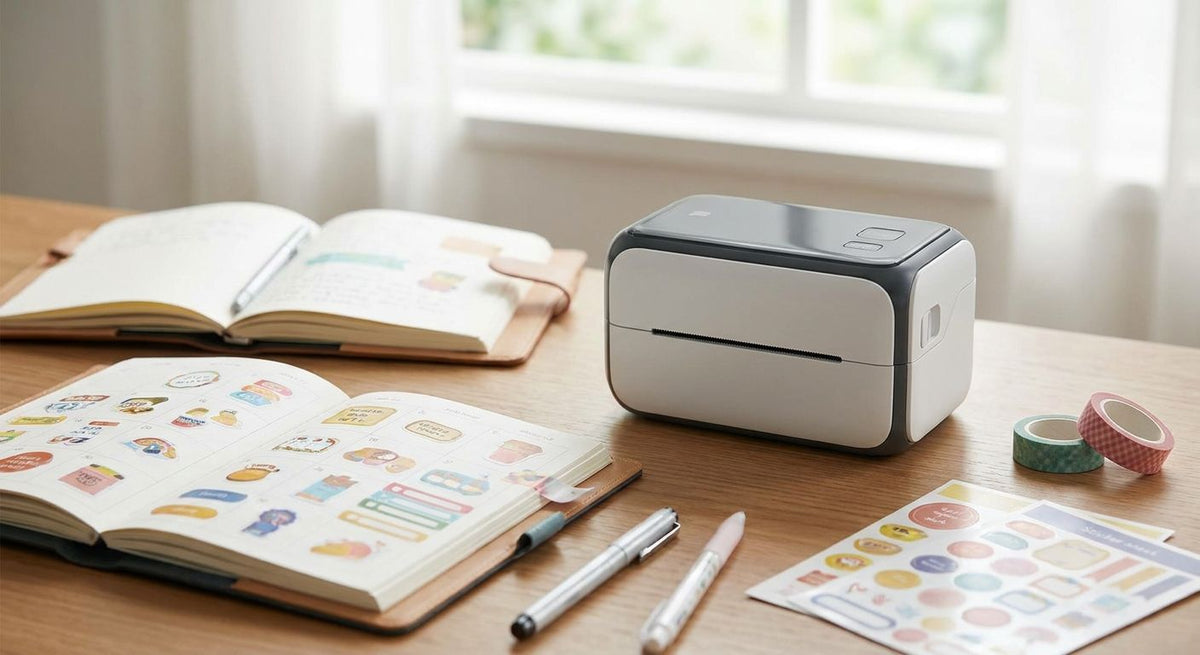
Planner sticker makers and bullet-journal decorators need a label printer that spits out repeatable, sharp text fast — habit trackers, date strips, quote tags — without waiting on ink to dry or running a die-cut blade for every sheet. Most of what's marketed as a "planner sticker printer" is actually a color inkjet or a craft cutter; a thermal label printer solves a narrower, faster problem, and this guide shows exactly which one fits your 2026 sticker workflow.
- A label printer for planner stickers works best on text and QR strips, not full-color art, in 2026.
- The GoDEX ZX430i+ prints at 300 DPI for $945 — sharp enough for tiny date-strip text.
- Direct thermal stock fades in sunlight; thermal transfer ribbon holds up on stickers that leave the desk drawer.
- Skip a monochrome thermal printer if you need full-color washi-style art — that's an inkjet or craft-cutter job.
Why a thermal label printer matters for planner sticker makers
Most planner decorating content assumes color: illustrated die-cuts, washi strips, printable sticker paper run through an inkjet. That's a real workflow, and a thermal label printer from McAuley Labels doesn't replace it.
What a thermal printer replaces is the repetitive half of planner decorating — the dates, the habit-tracker checkboxes, the "call mom" reminder strip you print 52 times a year. Thermal printers run without ink cartridges, print in seconds instead of minutes, and hold text sharp at small point sizes because the printhead is burning dots directly onto the stock or through a ribbon, not spraying droplets that can bleed on cheap paper.
The trade-off is color. A 300 DPI thermal printer prints one ribbon color per pass. If your planner spread needs five colors of hand-lettered art, that's not this machine's job in 2026 or any other year.
1. Decide whether you need color or text-only stickers first
Separate your planner workflow into two buckets before you buy anything. Mixing them on one machine is the single most common reason crafters return a thermal printer.
- List every recurring sticker type you use weekly (dates, habit boxes, task strips)
- List every one-off decorative sticker (illustrated art, seasonal washi-style stamps)
- Keep the recurring, text-based bucket on a thermal printer
- Keep the decorative bucket on an inkjet or a craft cutter
- Note which stickers need QR codes linking to a digital journal or tracker
2. Choose direct thermal or thermal transfer stock
Direct thermal stock has no ribbon — the printhead heats the paper's coating directly, and it's the cheaper, simpler option for stickers that live inside a closed planner. Thermal transfer uses a wax or resin ribbon melted onto the label, and it survives sunlight, handling, and moisture far better.
- Use direct thermal for stickers that stay inside a closed planner or journal
- Use thermal transfer plus ribbon for anything taped to a car dash, backpack, or sunny window
- Check a direct thermal vs. thermal transfer comparison before ordering stock in bulk
- Buy a small ribbon sample before committing to a full roll — ribbon width has to match your label width exactly
- Store any direct thermal rolls away from heat and direct sun even before printing; the coating reacts to both
3. Pick your print resolution for small text
Thermal printers ship at 203, 300, or 600 DPI. Planner sticker text is usually small — 6 to 10 point — so resolution matters more here than it does for a shipping label.
- 203 DPI is fine for larger date blocks and bold headers
- 300 DPI is the sweet spot for habit-tracker text and small QR codes
- 600 DPI only pays off if you're printing fine-line barcodes or dense micro-text
- Read the full 300 DPI vs. 600 DPI breakdown before paying for resolution you won't use
- Print a test strip at your target size before ordering a full batch of labels
4. Pick label stock sized for planner and journal formats
Warehouse-grade label rolls come in barcode sizes that don't match a standard planner page. Match your stock dimensions to your actual layout before you print, not after.
- Measure your planner's grid — most trackers run in half-inch to one-inch increments
- Choose matte finish for stickers you'll write on; semi-gloss for stickers meant to stay clean
- Decide between permanent and removable adhesive based on whether you reposition stickers often
- Order continuous roll stock if your layouts vary in length; die-cut sheet stock if they're uniform
5. Set up your printer and design software
GoDEX printers run on GoLabel, a free Windows label-design tool that handles text, barcodes, and QR codes without a subscription.
- Import your planner grid dimensions as a custom label size in GoLabel
- Set the gap sensor calibration before your first print of a new stock size
- Build one template per recurring sticker type (dates, habits, tasks) and save it
- Read the GoLabel software setup guide if this is your first thermal printer
- Run one full test row before queuing a month's worth of labels
6. Batch print your sticker runs
This is where a thermal printer earns its keep over an inkjet — no cartridge to run dry mid-batch, no ink to smear on a warm afternoon.
- Print by month, not by week, to cut down on printer setup time
- Run a five-label proof before committing to the full batch
- Track labels-per-roll so you're not swapping stock mid-run
- Keep one spare ribbon on hand if you're running thermal transfer
- Log which template printed which batch — habit-tracker text errors are cheap to fix if caught early


7. Add QR codes for digital journal links
Hybrid bullet-journalers link paper stickers to a digital tracker, playlist, or template. A thermal printer at 300 DPI or higher prints a scannable QR code without extra software.
- Keep QR modules at least a quarter-inch square so phone cameras read them reliably
- Test-scan every QR template before printing the full batch
- Follow the guide to printing QR codes on labels for module sizing and placement
- Print QR stickers in thermal transfer if they'll sit in a sunny spot on a desk or windowsill
8. Store and protect finished stickers
- Keep direct thermal rolls and printed sheets out of direct sunlight and away from car dashboards
- Switch anything glued into a sunny window to thermal transfer stock instead
- Laminate quote or reminder stickers that get handled daily
- Label each finished roll with its print date so batches don't get mixed up on the shelf
“If every sticker on the page needs a different color, a thermal printer is the wrong machine for the job.”
Comparison: printer options for planner sticker makers
| Option | Best for | Starting price | Key limitation |
|---|---|---|---|
| GoDEX ZX430i+ (300 DPI thermal transfer) | Sharp small text, QR codes, ribbon-durable stickers | $945 | One ribbon color per run, no full-color art. Best for anyone printing text-heavy batches weekly — Buy. |
| GoDEX GX4200i (203 DPI, 5" touchscreen) | High-volume wider-format label runs | $2,246 | Sized and priced for warehouse-scale output, not planner batches. Best for shops printing far past hobby volume — Skip for planner-scale use. |
| Color inkjet sticker printer (non-McAuley) | Full-color illustrated, die-cut-style art | varies by brand | Ink dries slowly, ongoing cartridge cost, no thermal durability. Best for decorative art batches — Hold if you also need fast text strips. |
| Craft cutting machine (non-McAuley) | Die-cut shapes and layered decorative stickers | varies by brand | Cuts shapes but doesn't print text — needs a separate printer. Best for shaped stickers — Skip as your only machine. |
McAuley Labels' 300 DPI thermal printer wins for planner sticker makers who print the same text-based strips weekly and want them sharp, fast, and ribbon-durable — not for anyone chasing full-color illustrated art.
Common mistakes planner sticker makers make
- Buying a monochrome thermal printer expecting full-color washi-style art. It prints one ribbon color per run, period.
- Using direct thermal stock on anything headed for a sunny car dash or backpack pocket. The coating fades within weeks of heat exposure.
- Sizing labels for barcode dimensions instead of the actual planner grid, which wastes stock on every run.
- Skipping a proof print before a full month's batch, then reprinting the whole run over one mistyped date.
- Swapping ribbon spools mid-batch without checking color match, which drops text from black to a mismatched blue halfway through the stack.
FAQ
What's the best label printer for planner stickers in 2026?
For text-based planner stickers — dates, habit trackers, QR strips — a 300 DPI thermal transfer printer like the GoDEX ZX430i+ is the sharpest, fastest option at $945. For full-color illustrated stickers, use a color inkjet instead; thermal printers only print in one ribbon color.
Can a thermal printer print full-color planner stickers?
No. A thermal printer prints one ribbon color per pass, so it handles black or single-color text and QR codes well but can't produce multi-color illustrated art. Full-color washi-style stickers need an inkjet printer or printable sticker paper.
Is direct thermal or thermal transfer better for planner stickers?
Direct thermal is cheaper and fine for stickers that stay inside a closed planner. Thermal transfer, which uses a ribbon, holds up far better on stickers exposed to sunlight, heat, or frequent handling.
What DPI do I need for small planner sticker text?
300 DPI handles small habit-tracker text and QR codes cleanly. 203 DPI works for larger date blocks and headers. 600 DPI is overkill unless you're printing very fine barcodes or micro-text.
How much does a label printer for planner stickers cost?
A 300 DPI thermal transfer printer like the GoDEX ZX430i+ runs $945. Larger industrial models built for warehouse volume, like the GoDEX GX4200i, run over $2,200 and are oversized for planner-scale batches.
Can I print QR code stickers for a digital bullet journal?
Yes. A thermal printer at 300 DPI or higher prints scannable QR codes directly onto label stock. Keep QR modules at least a quarter-inch square and test-scan before printing a full batch.
Do planner stickers fade over time?
Direct thermal stickers fade with heat and sunlight exposure because the print is a heat reaction on the paper coating itself. Thermal transfer stickers, printed with a wax or resin ribbon, hold color far longer under the same conditions.
What's the difference between a label printer and a craft cutter for planner decorating?
A label printer prints text, barcodes, and QR codes onto label stock. A craft cutter like a Cricut cuts shapes out of pre-printed or plain material but doesn't print anything itself — the two tools solve different halves of the same hobby.
One last thing
Direct thermal printing has no ink — it's a heat reaction on treated paper, the same chemistry that fades a gas-station receipt in your glovebox over a summer. Tape one inside a sunny car window for a season and watch the text gray out. If a planner sticker is ever leaving the desk drawer, print it thermal transfer with ribbon instead of direct thermal — it's the one spec swap that actually determines whether your sticker survives past 2026.