
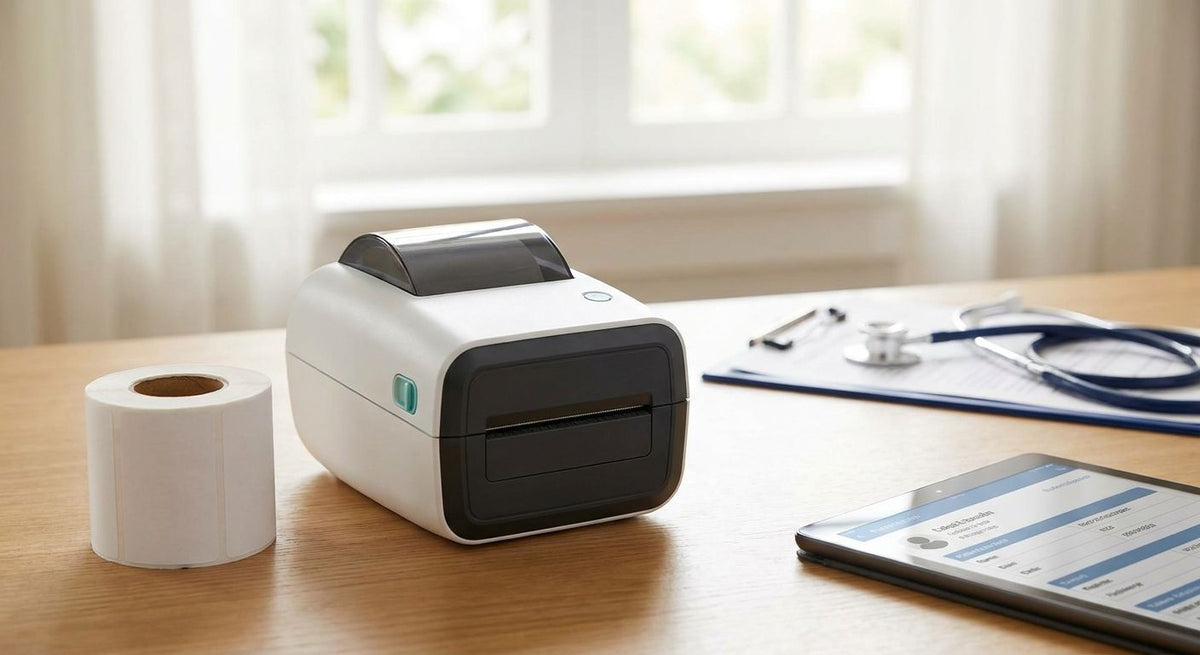
Home healthcare and hospice agencies need a medical label printer for home healthcare that travels with field staff, prints patient ID and specimen labels on demand, and keeps medication labeling legible without an IT department behind it. What separates this segment from a hospital lab or a retail pharmacy is the printing location itself: labels get produced at a kitchen table, in a car between visits, or at bedside, not from a networked station down the hall.
- A medical label printer for home healthcare needs portability, 203 or 300 DPI barcodes, and durable stock for chart-length records.
- Direct thermal labels skip ribbon costs but fade within months; thermal transfer holds up for specimen and chart records kept on file.
- One printer standard across field staff beats five brands — ribbons, drivers, and barcode formats stay interchangeable.
- McAuley Labels ships 203 DPI and 300 DPI GoDEX printers built for medical office and mobile labeling use in 2026.
Why a medical label printer matters for home healthcare and hospice agencies
A hospice nurse or home health aide doesn't print from a fixed workstation with an IT tech nearby. They print a specimen label at the point of a blood draw, a wristband before a bath aide visit, or an asset tag on a rented hospital bed picked up from a garage. If choosing a label printer for a medical office already feels complicated for a fixed clinic, add mobility, inconsistent WiFi, and multiple staff carrying different gear, and the printer choice gets harder, not easier.
Get the barcode symbology and label stock wrong once and it shows up as a scan failure at the lab, a peeling wristband during a bath, or an unreadable DME tag six months into a rental. None of that is a printer problem you notice until it's a compliance problem.
1. Audit every label type your agency actually prints
Before buying anything, list what actually goes through a printer in a given month. Most agencies underestimate the variety.
- Patient ID wristbands or bedside labels
- Specimen and lab draw labels
- Medication administration record (MAR) labels
- Durable medical equipment (DME) asset tags for wheelchairs, beds, and concentrators
- Chart and binder spine labels for paper records
- Route or mileage labels for visiting staff logs
2. Decide between direct thermal and thermal transfer stock
This decision happens before any printer purchase and it's free to make correctly. Direct thermal needs no ribbon and costs less per label, but the print fades under heat, sunlight, or friction inside a few months. Thermal transfer uses a ribbon and holds a barcode or text legible for years.
- Specimen labels stored only until lab pickup: direct thermal is fine
- Chart labels kept on file for years: thermal transfer only
- Wristbands that sit against skin or near a sunny window: thermal transfer
- DME barcodes read repeatedly over a multi-year rental: thermal transfer
- Route labels tossed after the shift: direct thermal
3. Match printer resolution to your smallest barcode
This is where the printer choice actually enters. Most patient ID and specimen barcodes print fine at 203 DPI. Small MAR labels with dense text or 2D codes on narrow vials need 300 DPI to stay scannable.
The GoDEX RT700i+ (203 DPI, color display) handles standard patient ID and specimen labeling for most agencies — Buy for routine mixed printing across a home health or hospice team. The GoDEX ZX430i+ (300 DPI) is the better call when a lab keeps rejecting specimen barcodes printed at 203 DPI on small vial labels — Buy if you're printing dense 2D codes; Skip if your labels are standard 2x1 wristband or spine format, where 300 DPI adds cost with no gain.
- Print a test label with your smallest actual barcode before committing to a resolution
- Scan the test with the same scanner the lab or pharmacy uses, not a phone camera
- Confirm the printer accepts your label roll width without cutting corners
- Check that the printer connects the way your staff actually work — USB at a fixed office desk, Ethernet if it sits on a shared network
4. Set up printing for field visits, not just the office
A printer that works in the office doesn't automatically work in a nurse's bag. Standardizing hardware across the team matters more here than in a fixed clinic.
- Keep one printer model across all field staff so ribbons, drivers, and label stock stay interchangeable
- Reserve office-based printers for pre-printed batch runs (wristbands, specimen labels) staged before a route starts
- Avoid shipping live print jobs to a printer sitting in a moving vehicle — stage and carry instead
- Tag the printer itself with an asset label so it doesn't disappear between field bags
5. Standardize patient ID and specimen labeling before you print
Once hardware is settled, the workflow around it decides whether labels actually scan correctly downstream.
- Match your wristband barcode format to whatever your EHR system ingests, not whatever the printer defaults to
- Print specimen labels with a date/time stamp at the moment of the draw, not batched after the visit
- Standardize on one barcode symbology agency-wide — Code 128 or a 2D code — so scanners never need reprogramming per patient
- Keep chain-of-custody labeling consistent for controlled substance returns
6. Track durable medical equipment across the field
Rented wheelchairs, hospital beds, and oxygen concentrators move between patients constantly, and paper stickers don't survive alcohol wipe-downs.
- Barcode or serial-numbered asset tags for every piece of rotating DME
- Metalized or 3M heavy-duty stock for equipment cleaned with disinfectant regularly
- Re-tag returned equipment before it re-enters rotation, don't reuse a scratched tag
- Log tag numbers against patient records for insurance and equipment audits
7. Train staff on compliant, repeatable label printing
The printer and the labels only matter if the process around them is consistent across every staff member using them.
- Write a one-page label SOP per label type — wristband, specimen, MAR, DME
- Check ribbon and label stock weekly, not when a printer runs dry mid-visit
- Audit a sample of printed wristbands and specimen labels monthly for scan failures
- Keep one spare printer configured identically for coverage during repairs
Label printer options for home healthcare and hospice agencies
| Option | Best for | Resolution | Key limitation |
|---|---|---|---|
| Direct thermal desktop printer | Short-turn specimen and route labels that don't need to last | Usually 203 DPI | Print fades under heat and sunlight within months |
| Thermal transfer desktop printer (GoDEX RT700i+) | Standard patient ID and specimen labels kept in a chart | 203 DPI | Needs ribbon stock as an added consumable |
| High-resolution thermal transfer (GoDEX ZX430i+) | Small MAR labels and dense 2D barcodes on narrow vials | 300 DPI | Higher per-unit cost than a standard 203 DPI printer |
| Portable/mobile battery printer | Field staff printing at bedside instead of from a bag | Varies by model | Battery life limits volume across a full shift |


Common mistakes home healthcare and hospice agencies make
- Printing patient ID labels on generic address stock that peels off during a bath or shower.
- Storing specimen labels on direct thermal stock for records kept on file for years — the print fades to unreadable long before the chart closes.
- Running five different printer models across field staff, so ribbons and drivers never match between teams.
- Skipping asset tags on rented DME, then losing track of which wheelchair or concentrator belongs to which patient.
- Batch-printing specimen labels back at the office instead of at the time of the draw, which breaks chain-of-custody timestamps.
FAQ
What's the best medical label printer for home healthcare in 2026?
The GoDEX RT700i+ covers most home healthcare and hospice agencies for daily patient ID and specimen labeling in 2026. Agencies printing dense 2D codes on small vial labels should step up to the 300 DPI GoDEX ZX430i+.
Is direct thermal or thermal transfer better for patient specimen labels?
Thermal transfer holds up better for specimen labels kept on file long-term because the print doesn't fade. Direct thermal works fine for labels discarded after same-day lab pickup.
What DPI do I need for medication administration record labels?
203 DPI handles most MAR label text and standard barcodes. Move to 300 DPI only if the label includes small text or a dense 2D barcode on a narrow vial.
Can one printer handle both wristbands and asset tags?
Yes, a single thermal transfer printer like the GoDEX RT700i+ can print wristbands, specimen labels, and DME asset tags if the label stock matches each use case. The printer doesn't need to change — the label material does.
How much does a medical label printer cost for a small hospice agency?
Cost varies by DPI, ribbon capability, and whether the printer includes a display. Check current listings for exact pricing on individual models.
How do I track durable medical equipment across home visits?
Tag each piece of DME with a barcode or serial-numbered asset tag on heavy-duty or metalized stock that survives alcohol wipe-downs. Re-tag equipment before it re-enters rotation between patients.
What barcode symbology works best for patient ID in home healthcare?
Code 128 or a 2D barcode standardized agency-wide avoids scanner reprogramming between patients. The specific symbology matters less than using the same one across every printer and scanner.
Do hospice agencies need a portable label printer for field visits?
Only if staff print live at bedside rather than carrying pre-printed batches from the office. Most agencies get more reliable results staging wristband and specimen labels before the route starts.
One last thing
Most home healthcare agencies buy 300 DPI printers they never need. If your smallest barcode isn't a dense 2D code on a narrow vial label, a 203 DPI printer like the GoDEX RT700i+ resolves standard patient ID and specimen barcodes without paying for resolution nobody scans for. Save the 300 DPI jump for agencies whose lab or pharmacy is specifically rejecting scans at 203 DPI — that's a documented failure, not a guess.