
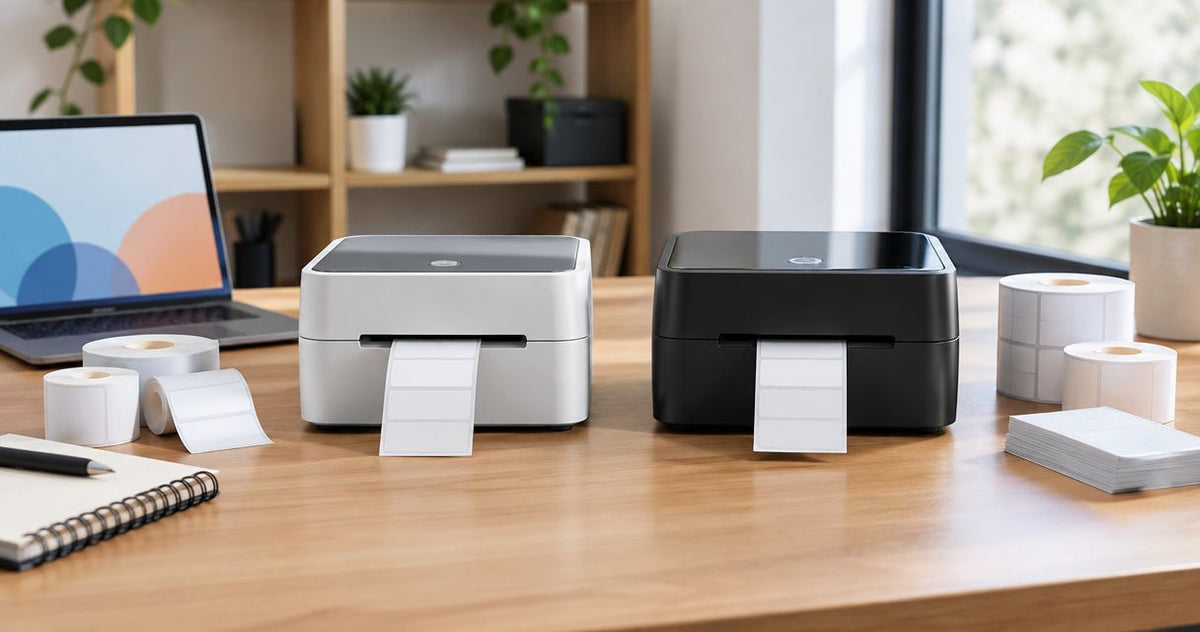
Choose McAuley Labels if you need specialized label printers for oil change reminders, asset tags, or laboratory tubes; choose Munbyn if your job is shipping labels and the selected model supports your existing shipping workflow. This 2026 comparison separates application-specific labeling from shipping-focused printing, then shows what to check before buying either.
- McAuley Labels vs Munbyn is a specialized-labeling versus shipping-workflow decision, not a brand-wide print-quality contest.
- McAuley Labels label printers fit businesses producing oil change stickers, asset tags, and laboratory labels.
- Choose Munbyn for shipping when the selected printer supports your label format, device, and software.
- Match the print method, label material, and actual barcode layout before choosing either supplier.
Why this matters
A readable shipping label and a durable equipment tag solve different problems. Shipping needs a correctly sized, scannable output; equipment identification also needs a label construction suited to its surface and exposure.
McAuley Labels is best for businesses buying label printers around specialized identification and service-reminder tasks. Munbyn is the shipping-focused choice when you have confirmed the exact model against the way you already generate labels.
For a 2026 purchase, start with the finished label rather than the printer's feature list. Write down where it goes, what it contains, how you create it, and what conditions it must survive. Those answers narrow the comparison faster than a brand name.
At a glance
| Dimension | McAuley Labels | Munbyn |
|---|---|---|
| Best for | Specialized business labeling across service reminders, assets, and laboratory tubes | Shipping-focused buyers with a confirmed model-to-workflow match |
| Oil change workflow | A named system with custom labels, ribbon, and standalone keyboard | Assess a selected printer against the complete service-reminder task |
| Asset identification | Custom barcode, QR code, and ID labels in several named materials | Assess the selected printer and compatible stock against the asset application |
| Shipping labels | A GoDEX DT4x product specifically described for shipping | A direct choice when shipping is the primary task and compatibility is confirmed |
| Existing shipping setup | A replacement needs its own workflow validation | Keep a working setup when it already meets the shipping requirement |
| Resolution | Catalog includes printers identified as 203 DPI and 300 DPI | Compare the selected model's specification and a real output sample |
| Pricing model | Hardware and consumables; the oil change system includes several components | Hardware and compatible consumables; check the selected package |
| Standout feature | Application-specific printer and label choices | Shipping-focused printer selection |
The table describes buying fit, not a measured performance ranking. Use it to identify your shortlist, then compare the exact printer, media, and software combination you intend to use.
Specialized labeling wins on application fit
For an automotive service desk, an equipment register, or a laboratory labeling station, the label's purpose is the starting point. A shipping printer comparison does not answer whether a label fits a test tube, accepts the required data, or adheres to an equipment surface.
The specialist catalog covers oil change sticker printers, asset tag printers, direct thermal printers, and laboratory test tube labelers. That application coverage gives specialized buyers a more relevant place to start. It does not make every printer interchangeable.
The tradeoff is selection work. You still need to match the printer to the label dimensions, printing method, and operating conditions. A catalog containing both shipping and specialized products is not proof that a single machine handles every task.
Munbyn is the better starting point for a buyer whose requirement ends at shipping. If you do not need asset identification, service reminders, or tube labels, those additional categories should not drive your equipment decision.
The oil change system wins for a service-counter shortlist
The Oil Change Sticker Printer System is explicitly supplied with 1,000 custom labels, ribbon, and a standalone keyboard. Those components make it a relevant shortlist entry for a shop buying a service-reminder system rather than a printer alone.
Best for: automotive businesses that need a defined oil change sticker workflow. The named package gives you specific components to evaluate together. Check how staff enter the next-service information and how the finished sticker fits your reminder layout.
The limitation is equally clear: an oil change package is not automatically the right purchase for parcel shipping or equipment identification. Evaluate it against the service desk's task, not against unrelated printer features.
For a Munbyn alternative, ask for a demonstration of your actual sticker format and data-entry process. Printing a shipping label successfully does not establish that the same printer, stock, and software combination suits windshield reminders. Confirm the whole task before treating the systems as substitutes.
Asset-label choices favor the specialist catalog
Asset identification involves more than reproducing a barcode. You need an identifier that matches your asset register, a readable code, and a label construction suited to the equipment.
The supplied catalog names metalized silver polyester, semi-gloss white, and 3M heavy-duty inventory and asset-label options. It also includes custom barcode, QR code, and ID formats. These are concrete choices for buyers deciding how to identify equipment or stock.
Best for: facilities, IT, and warehouse buyers selecting identification labels by material and format. Start with the surface and exposure, then choose the code and printing process. Do not treat a material name as a substitute for application testing.
The drawback is that a broad material selection still requires a careful match. A printer capable of making a readable label is not enough if the adhesive, face stock, or printed image fails in use.
Assess any Munbyn proposal the same way. Ask for the exact compatible stock, its application specifications, and a sample on your surface. A shipping-focused machine should enter an asset-label shortlist only after those requirements are satisfied.
Munbyn wins when shipping is the whole requirement
Munbyn is the more direct choice for a shipping-only buyer who has confirmed a suitable printer model. The decision stays focused on generating carrier labels, feeding the intended stock, and printing from the device used at the packing station.
Best for: online sellers and packing desks with a defined shipping workflow. Make the output test specific: open the shipping label you actually generate, print it at its intended size, and scan its barcode. A demonstration using an unrelated template does not validate your process.
The specialist supplier also lists the GoDEX DT4x as a 4×6 shipping-label printer. Shipping capability therefore is not exclusive to Munbyn. A buyer comparing these options should request the same file-and-device test from each.
Munbyn's limitation in this comparison is scope: selecting a shipping printer does not settle requirements for durable asset tags, laboratory tubes, or oil change stickers. Buy for the shipping task, and keep other applications separate until you verify them.
A working Munbyn shipping setup beats an unnecessary switch
If a Munbyn printer already produces correctly sized, readable shipping labels from your existing software, keeping it wins over changing suppliers without a new requirement. Familiarity is a practical advantage when it reflects a functioning process, not just a familiar logo.
A replacement makes sense when you can name the unmet requirement. Examples include a different label construction, a specialized service-reminder process, or a format the current setup does not handle. Define that requirement before comparing another machine.
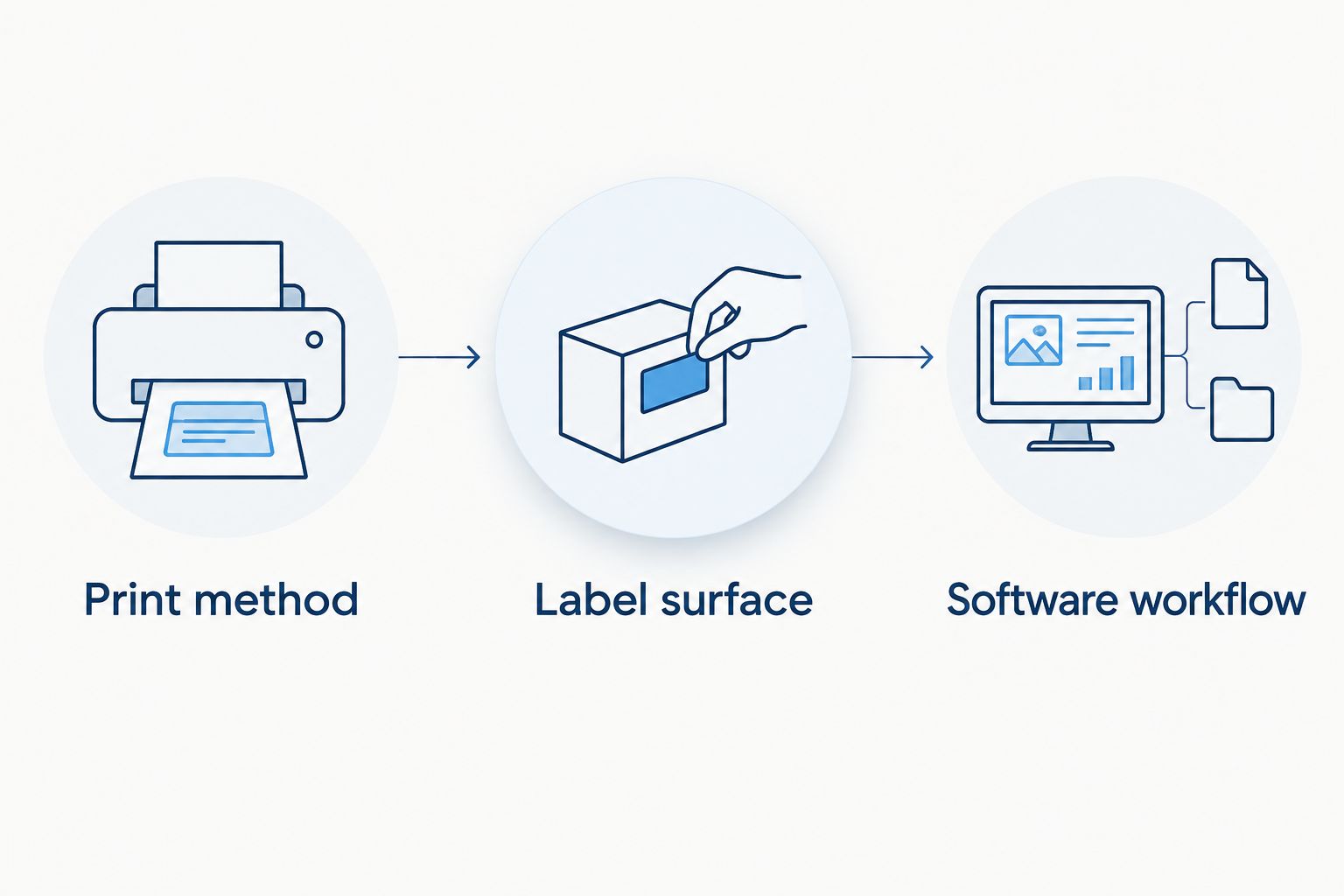
For your 2026 shortlist, separate necessary capabilities from optional conveniences:
- Print method: identify whether the job calls for direct thermal or thermal transfer printing.
- Label surface: specify where the label will be applied and what it will encounter.
- Software workflow: confirm the actual device, application, file, and connection used to print.
These checks apply to both suppliers. They also stop you from replacing a working shipping station with a more complicated setup that solves no additional problem.
Neither brand wins print quality without a sample
Resolution is a printer specification, not a supplier-wide verdict. The catalog includes models identified as 203 DPI and 300 DPI; 600 DPI is another established resolution category used in label printing. DPI means dots per inch.
More dots per inch allow finer detail, but resolution alone does not establish whether your barcode will scan. Label size, code dimensions, print settings, media, and the source artwork all affect the finished result.
Best for either brand: buyers who validate their smallest real label before ordering. Print the actual barcode or QR code alongside the smallest required text. Check the result with the scanner and viewing conditions used in the business.
For a 2026 evaluation, do not enlarge a tiny label to make a demonstration look better. Keep the intended dimensions and content. A readable sample at the correct size is more useful than a resolution comparison detached from the job.
Pricing models tie: compare hardware and consumables together
Both purchases need a hardware-and-consumables comparison. A printer package, a printer alone, and custom finished labels are different purchases; treating them as equivalent obscures what your business still needs to supply.
For the specialist option, separate the printer from label stock, ribbon where required, and any included data-entry equipment. For Munbyn, check the selected package and the consumables compatible with that exact model. Confirm what you receive rather than assuming every package contains the same items.
Direct thermal printing uses heat-sensitive media without a ribbon. Thermal transfer printing uses a ribbon to transfer the image onto compatible stock. The tradeoff is a simpler consumable path versus an additional ribbon-and-media combination to specify and manage.
Neither supplier wins running costs without a like-for-like calculation. Compare the labels you need, expected waste, required consumables, and operator work. Use current package details for your 2026 decision, and exclude components that do not serve your application.
The standout difference is specialization versus shipping focus
The specialist advantage is the connection between named business applications and corresponding printer or label choices. The Munbyn advantage is a shipping-focused buying path when shipping is your only requirement.
Neither advantage proves faster printing, better support, longer life, or easier setup across every model. Those decisions require the relevant specifications and your own workflow check. Keep the comparison at the level you can verify.
The following products illustrate two distinct tasks: a packaged oil change workflow and a shipping-label printer. Choose the task first, then evaluate the product against it.


Final verdict: choose by the label's job
Choose McAuley Labels if you run specialized labeling
Winner for the service manager, asset administrator, or laboratory buyer. Choose the specialist route when your requirement includes oil change stickers, equipment identification, or tube labeling. Match the selected product to the application; do not assume catalog coverage means universal compatibility.
Choose Munbyn if you run a shipping-only packing desk
Winner for the seller with a confirmed shipping workflow. Choose Munbyn when the selected model prints your shipping files correctly from your working device and software. Keep an existing setup if it already meets that requirement.
| Dimension | Winner |
|---|---|
| Best for specialized business labeling | Specialist catalog |
| Oil change workflow shortlist | Named oil change system |
| Asset material and identification choices | Specialist catalog |
| Shipping-only buying fit | Munbyn, after model validation |
| Existing compatible shipping setup | Keep the working Munbyn setup |
| Resolution and finished print quality | Tie: validate the actual output |
| Pricing model | Tie: compare hardware and consumables |
| Standout feature | Specialization for mixed tasks; Munbyn for shipping focus |
FAQ
Is McAuley Labels better than Munbyn?
McAuley Labels is the better fit for specialized business labeling; Munbyn is the shipping-focused choice when the selected model matches your workflow. Compare exact products rather than treating either brand as a universal winner.
Which option should an online seller choose?
Choose a confirmed Munbyn shipping model when parcel labels are your only requirement. Test your actual shipping file, device, and label stock before buying.
Which option should an auto repair shop shortlist?
Shortlist the named oil change sticker system for a service-reminder workflow. Its supplied components include custom labels, ribbon, and a standalone keyboard; confirm the required sticker layout and data-entry process.
Can I use a shipping printer for asset tags?
Only use a shipping printer for asset tags after confirming its print method and compatible media meet the asset application. Printing a barcode does not establish adhesive suitability or resistance to the conditions around the equipment.
Do I need 203 DPI, 300 DPI, or 600 DPI?
Choose resolution by testing your actual label at its intended size. Finer text and denser codes require closer examination, but resolution alone does not guarantee readability or successful scanning.
Does a thermal printer need a ribbon?
A direct thermal printer uses heat-sensitive labels without a ribbon; thermal transfer printing requires a ribbon and compatible stock. Confirm the print method of the exact model before ordering consumables.
How should I compare printer running costs?
Compare the complete hardware-and-consumables setup for the same labeling task. Include required label stock, ribbon where applicable, waste, and operator work rather than comparing printer packages alone.
One last thing
Ask for a sample of your hardest label, not the supplier's easiest demonstration. Use the smallest required text, the real code content, the intended stock, and the surface where the label belongs.
That sample makes the 2026 decision concrete. A printer that passes your actual task is a better purchase than one that wins an unrelated specification contest.