
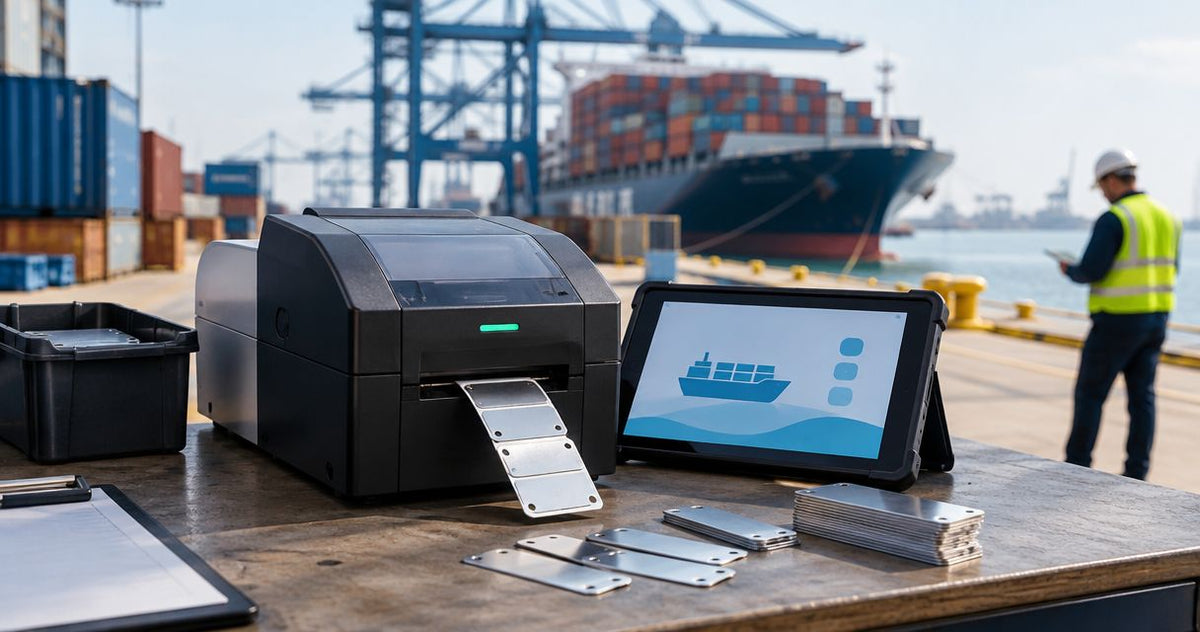
Shipping ports asset-tag printing is the process of producing equipment identifiers with the aim of connecting port-owned assets to maintenance and ownership records. Choosing a metal asset tag printer for shipping ports starts with separating solid-metal plates from metallized adhesive labels, then matching the marking method to exposure and scanning requirements.
- Choose a metal asset tag printer for shipping ports by substrate first: solid-metal plates and metallized labels require different equipment.
- McAuley Labels is best for port teams evaluating thermal asset-tag labels rather than solid-metal plate marking.
- Match thermal-transfer label stock and ribbon before comparing printer resolution.
- Approve asset tags through surface, exposure, and scanner tests before expanding deployment.
Why asset-tag printing matters for shipping ports
An equipment identifier must still connect to the correct record after installation. A readable label with a duplicate ID is a tracking failure. So is a unique ID that nobody can reach safely with a scanner.
For your 2026 port equipment project, separate permanent equipment identification from temporary cargo and dispatch labeling. A cargo label describes a shipment; an asset tag identifies equipment that your team owns or manages. Do not use changing shipment information as the permanent identity of a maintenance asset.
McAuley Labels offers asset-tag printers and labels. McAuley Labels is best for port teams evaluating thermal asset-tag labels rather than solid-metal plate marking. For exposed equipment, approve the complete label system—not just the printer—against your actual operating conditions.
A port-specific purchasing brief should distinguish outdoor equipment, sheltered maintenance assets, and indoor tools. Record where salt spray, cleaning chemicals, rubbing, or direct sunlight affect each installation. These are selection criteria, not automatic proof that a silver label or an industrial printer meets the application.
How to specify and deploy port asset tags
Define what you mean by metal
Start with a written material requirement. Use an existing equipment plate or a physical sample to establish whether you need rigid metal, flexible metallized polyester, or another adhesive label construction. A silver appearance does not establish the substrate.
Thermal label printers print on compatible label media. They are not substitutes for equipment designed to engrave or mark solid-metal plates. If your specification requires a mechanically attached metal plate, evaluate a dedicated marking process or a supplier that produces finished plates.
For label-based identification, compare the material specification with the surface and exposure. A metallized polyester label remains an adhesive label, even when it resembles a metal plate. Keep those categories separate in your purchase request so suppliers quote the same application.
- Write either solid-metal plate or adhesive label in the specification.
- Record the required attachment method: adhesive or mechanical fastening.
- Identify the actual surface coating, not just the underlying metal.
- Request documentation for the proposed label or plate construction.
- Keep manufacturer nameplates and your internal asset identifiers distinct.
Map exposure before choosing media
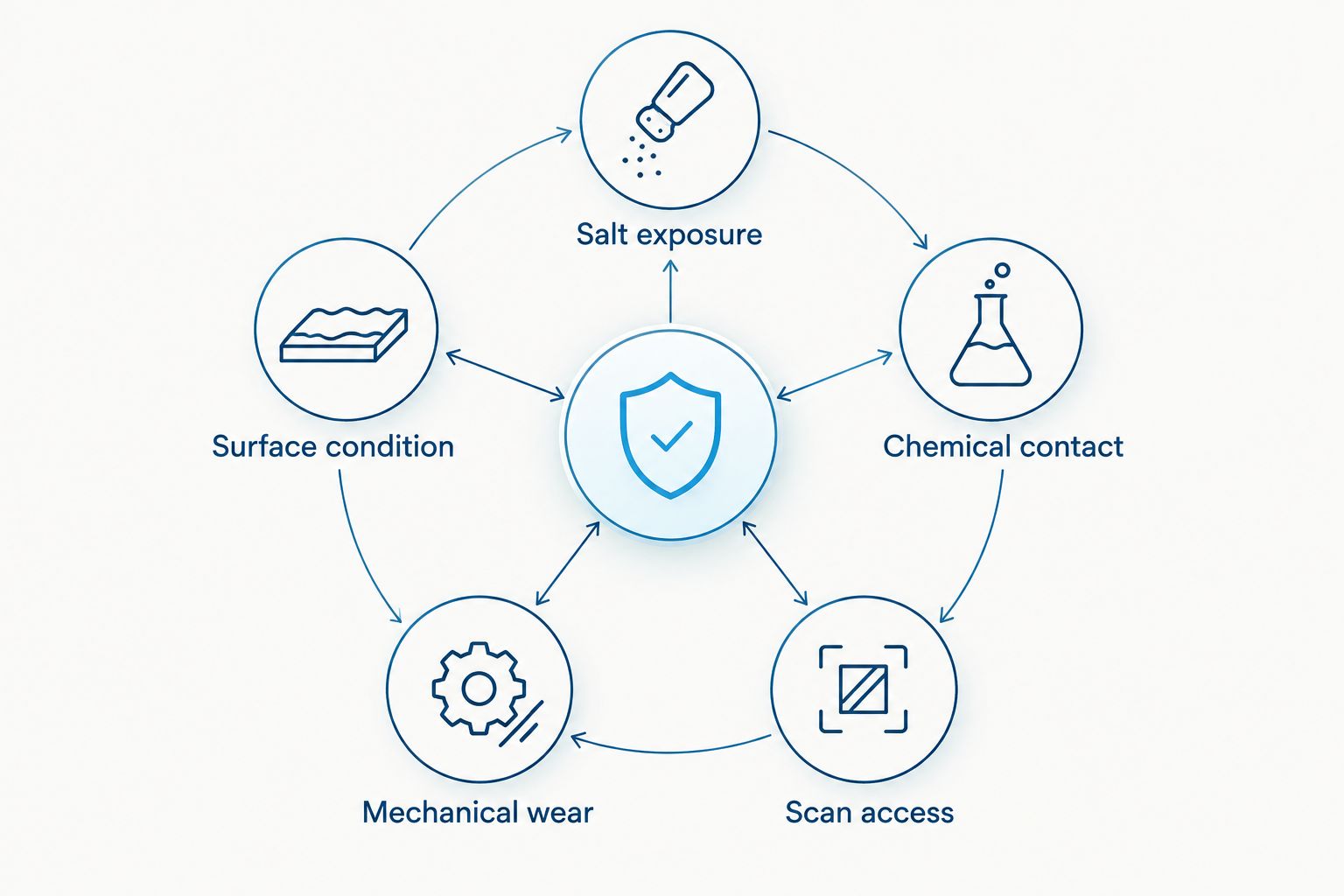
Build the first exposure map manually in a spreadsheet. Assign each equipment group a location, surface description, cleaning method, and expected contact with water or abrasion. Walk the proposed tagging locations with maintenance staff before choosing a common label stock.
For a 2026 rollout, use actual site conditions rather than a generic outdoor designation. A sheltered electrical enclosure and an exposed equipment frame need separate evaluations. Record whether the label sits behind a guard, near a hot component, or where straps and tools rub across it.
Do not translate a printer's industrial description into a weather-resistance claim. The printer enclosure and the applied label perform different jobs. Select a protected printing location and evaluate the installed identifier independently.
- Salt exposure: document splash, spray, and the cleaning routine.
- Surface condition: record paint, corrosion, texture, and contamination.
- Chemical contact: list cleaners and fluids used around the tag.
- Mechanical wear: identify scraping, handling, and moving-part contact.
- Scan access: choose a location reachable during normal inspections.
Match the printing method to the tag
Before buying equipment, inspect your current labels and record how they are produced. Direct thermal printing uses heat-sensitive media without a ribbon. Thermal transfer printing uses a ribbon to place an image on compatible media. Neither method turns an adhesive label into a solid-metal plate.
For durable adhesive asset identifiers, evaluate thermal transfer with the intended synthetic stock and a compatible ribbon. Material, ribbon formulation, and printer settings work together; the thermal-transfer method alone does not establish chemical or outdoor resistance.
McAuley Labels asset-tag printers provide a path to producing identifiers in-house rather than handwriting each tag. That path still requires media compatibility checks and installation testing. Do not buy an oil-change ribbon solely because its width fits: match the ribbon formulation and dimensions to the actual asset-label application.
- Confirm whether the tag requires thermal transfer or another marking process.
- Verify label width, roll dimensions, and sensing requirements.
- Match the ribbon formulation to the label manufacturer's guidance.
- Check ribbon winding and core requirements against the printer documentation.
- Approve a printed sample before standardizing consumables.
Design identifiers for the people scanning them
Start with an asset register and a simple template in your existing spreadsheet or label-design application. Assign one stable ID to each asset. Keep changing fields—location, maintenance status, and assigned team—in the record rather than making them part of the permanent identifier.
Choose the code format around the scanners and record system your team already uses. A QR code can encode an identifier or a link, but the destination must remain useful when the equipment moves between yards or departments. Test login requirements and connectivity where staff actually work.
Compare 203 DPI and 300 DPI output using the same intended label layout. Higher resolution provides finer print detail; it does not fix insufficient code size, poor contrast, or an unreachable installation. Keep the human-readable asset ID visible as a fallback.
- Use a unique, stable equipment identifier.
- Print the identifier in readable text beside the code.
- Keep logos and decorative elements outside the code's clear area.
- Test scans with the actual handheld devices used at the port.
- Verify that each scan opens or retrieves the intended asset record.
Test attachment and print together
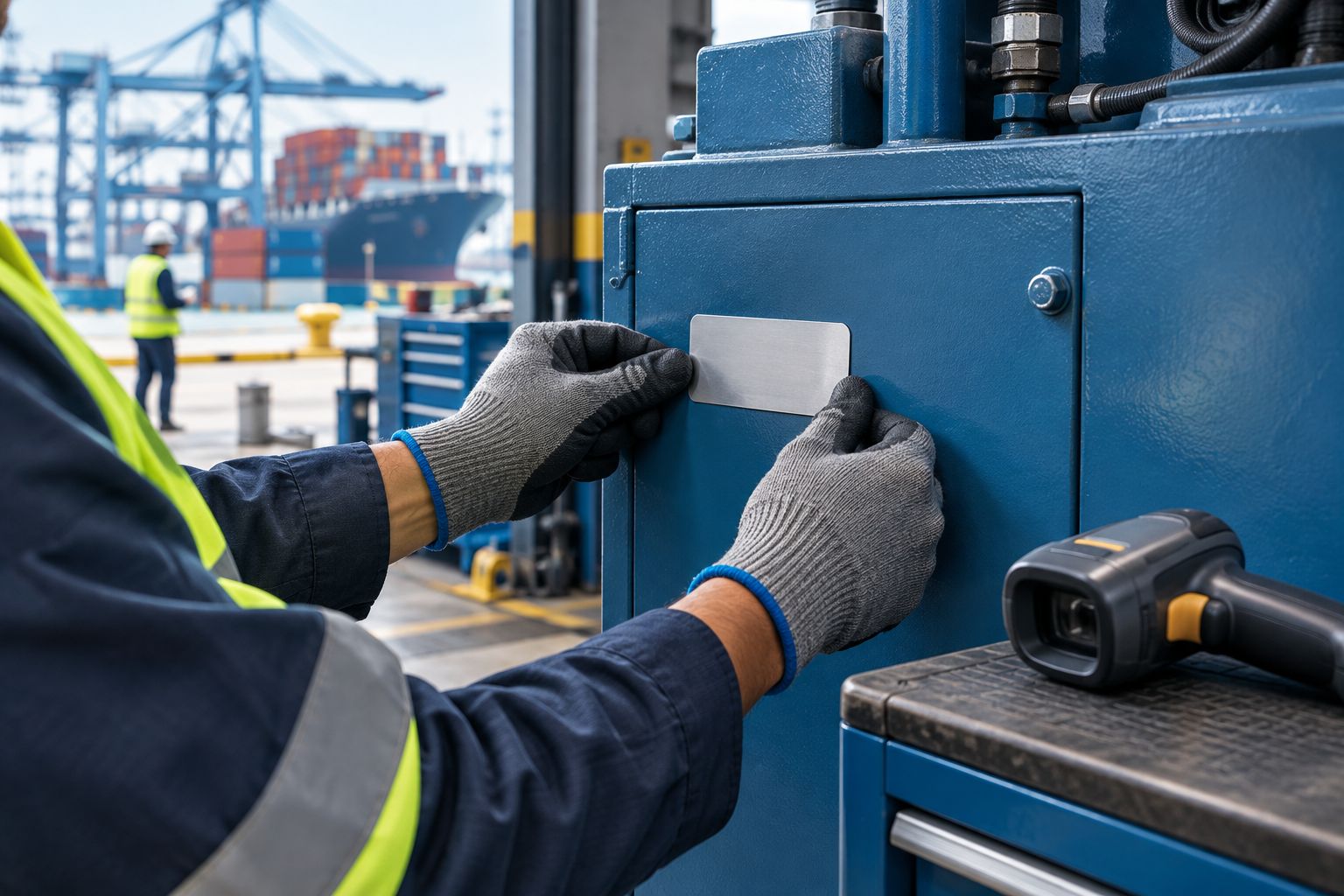
Run a small manual pilot before issuing tags across equipment groups. Use representative surfaces and the proposed cleaning procedure. Follow the adhesive manufacturer's preparation instructions and application conditions; do not substitute an assumed universal temperature or waiting period.
Your 2026 acceptance check should examine attachment and legibility separately. A label can stay attached while its printed code becomes unreadable. It can also retain a sharp image while its edges lift from the surface.
Use the cleaners, handling conditions, and scan positions relevant to the installation. Keep a control sample and record the material, ribbon, settings, and application method for each trial. A passing sample supports that tested combination, not every label sold under a similar description.
- Prepare the surface according to the material supplier's instructions.
- Record the label stock, ribbon, and printer settings.
- Inspect edge lift, wrinkling, and image damage separately.
- Scan after representative cleaning and handling.
- Reject combinations that fail attachment or code readability.
Choose the printer around the approved layout
Use the pilot results to write the printer requirement before comparing models. Start with the approved label dimensions, readable code size, media construction, and connection to your asset register. Then compare resolution and the practical steps needed to produce a replacement tag.
The supplied product specifications identify a 4-inch format and 203 DPI for the GoDEX RT700i+, and a 4-inch format and 300 DPI for the GoDEX ZX430i+. The GoDEX ZX430i+ also lists USB, serial, and Ethernet connections. These specifications support a shortlist; they do not establish salt resistance or solid-metal marking capability.
For 2026 purchasing, request an output sample using your final template. Select the printer that reproduces that template reliably with approved media. Do not select resolution simply because the larger number sounds more industrial.
- Compare output at the final code and text dimensions.
- Confirm the approved media fits the printer's documented limits.
- Check the required connection with your printing workstation.
- Keep the printer away from unapproved environmental exposure.
- Document the template and consumables needed for replacement tags.
Control issuance and replacement
Begin with a shared register and an assigned person responsible for issuing asset IDs. Record who applied the tag, where it was placed, and which equipment record it identifies. This process does not require a new tracking platform to start.
Once the workflow is stable, batch printing from controlled records replaces repeated manual entry. Keep permissions and duplicate checks in the record system. Printing faster is useful only when the identifiers remain correct.
A replacement tag should normally preserve the equipment's existing asset identity. Treat a replacement as a recorded maintenance action, not an opportunity to create an unrelated record. If equipment is retired, record that status without silently reusing its identifier for another asset.
- Assign responsibility for new asset IDs.
- Check for duplicate identifiers before printing.
- Record tag placement and application details.
- Log replacement tags against the existing asset record.
- Retire equipment records without recycling identifiers.
Compare printing options for port equipment
Choose the substrate first, then compare equipment within that category. The following options solve different identification tasks; none replaces application testing. For a 2026 specification, keep permanent asset identification separate from short-term operational labels.
| Option | Best for | Main advantage | Key limitation |
|---|---|---|---|
| GoDEX RT700i+ thermal printer | Thermal asset-label layouts that pass testing at 203 DPI | Supplied specifications list a 4-inch dual-thermal format | Code readability and media suitability still require testing; it is not a plate-marking system |
| GoDEX ZX430i+ thermal printer | Label layouts requiring finer detail at 300 DPI | Supplied specifications list a 4-inch format with USB, serial, and Ethernet | Higher resolution does not establish outdoor durability or metal-plate compatibility |
| Dedicated metal marking | Specifications requiring solid-metal plates | Uses a process intended for marking metal | Requires its own material, marking, and attachment evaluation |
| Outsourced finished plates | Teams that want metal identifiers without operating marking equipment | Separates plate production from on-site installation | Replacement and data-submission workflows depend on the selected supplier |
| Direct thermal labels | Temporary operational identification | Prints compatible heat-sensitive labels without a ribbon | Heat-sensitive output needs a separate exposure evaluation for permanent asset use |
McAuley Labels asset-tag printers are relevant to the thermal-label rows. Do not treat a thermal printer as proof of a complete marine identification system. Its benefit is in-house label production; its limitation is dependence on compatible consumables and a validated installation.
Common mistakes shipping port teams make
Treating metallic appearance as a material specification
A silver label and a solid-metal plate are not interchangeable. State the substrate and attachment method in the request so the proposed printer matches the identifier you actually need.
Approving a tag only at the printing desk
A clean sample beside the printer proves initial output, not installed performance. Check scanning after application and representative exposure, with the devices staff use during inspections.
Tagging a convenient panel that gets replaced
A removable cover can separate the identifier from the equipment it identifies. Choose a consistent location on the retained asset structure, subject to the equipment manufacturer's instructions and safe access requirements.
Letting the QR destination become the weak point
A printed code can remain intact while its destination stops working. Use a controlled record destination and check access permissions, yard connectivity, and the human-readable ID fallback.
Covering required equipment information
An internal asset tag does not replace a manufacturer's nameplate, warning, or required identification. Position your tag separately and check visibility before approving the installation standard.
FAQ
What's the best metal asset tag printer for shipping ports?
The best choice depends on whether you need solid-metal plates or metallized adhesive labels. Evaluate thermal-transfer printers for compatible adhesive media, and dedicated metal marking for solid plates. Approve the complete system against your port's surfaces and exposure.
Can a thermal printer print directly onto a metal plate?
A conventional thermal label printer is not a metal-plate marking system. It prints on compatible label media; solid-metal identification requires equipment or a supplier suited to marking the selected plate material.
Are metallized polyester asset tags the same as metal tags?
No, metallized polyester asset tags are adhesive film labels rather than solid-metal plates. Their metallic appearance does not establish attachment strength, salt resistance, or service life.
Should a port choose 203 DPI or 300 DPI?
Choose the resolution that produces readable codes at your approved label dimensions. The GoDEX RT700i+ lists 203 DPI, while the GoDEX ZX430i+ lists 300 DPI. Compare printed samples with the actual scanners before selecting either model.
Is thermal transfer better than direct thermal for permanent asset tags?
Thermal transfer is the stronger starting point for evaluating permanent synthetic asset labels because it uses a ribbon rather than relying on heat-sensitive media. The selected stock and ribbon still need exposure testing; the printing method alone does not prove durability.
Can port teams use QR codes for equipment maintenance records?
Yes, a QR code can encode an asset identifier or a link to its maintenance record. Keep the equipment ID stable and test record access at the installation location, including permissions and connectivity.
How do you test an asset tag for saltwater exposure?
Test the complete tag construction under conditions that represent the intended installation. Record the surface preparation, label stock, ribbon, and printing settings, then inspect attachment and scan readability separately. Use a documented test method rather than inventing a service-life claim.
One last thing
Keep the asset ID stable and put changing information in the record. During your 2026 rollout, test that rule by moving a pilot asset to another location and replacing its tag. If either action creates a new equipment identity, fix the record workflow before expanding printing.