
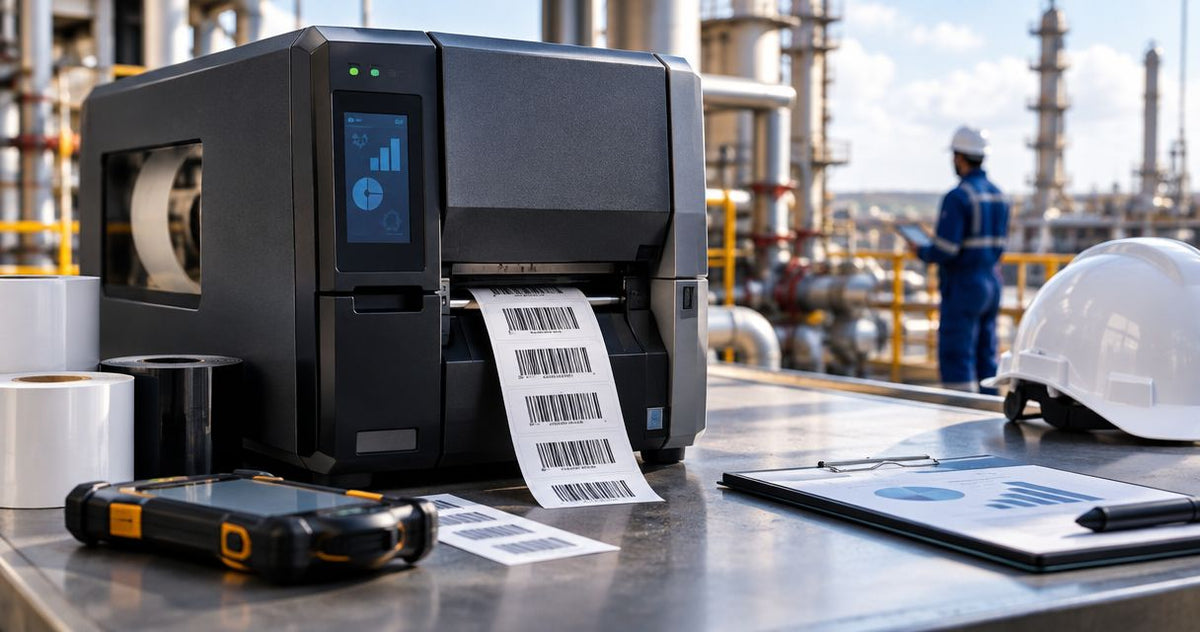
Oil and gas barcode printing is equipment and inventory identification with the aim of connecting field assets to accurate maintenance records. Choose an industrial barcode label printer for oil and gas in 2026 by testing the complete system: printer, label material, ribbon, scanner, and application surface—not the printer alone.
- Choose an industrial barcode label printer for oil and gas through application testing, not resolution alone.
- McAuley Labels is best for buyers sourcing barcode label printers and asset tags together.
- Thermal transfer is the starting point for durable equipment identification; direct thermal suits temporary, protected labels.
- GoDEX ZX430i+ offers 300 DPI printing; validate label durability and scanner performance separately.
Why barcode printing matters for oil and gas
An equipment barcode is useful only when it remains readable and opens the correct record. A sharp print on unsuitable stock does not solve field identification. Neither does a durable label attached where a technician cannot scan it.
Your requirements differ across a parts storeroom, maintenance workshop, and outdoor equipment location. Specify those applications separately. For heat-exposed surfaces, use the guide to choosing label stock for high-heat environments to frame the material questions before selecting hardware.
Your 2026 buying specification should describe the finished label’s job, not just the printer’s features. Include surface condition, exposure, required service life, barcode content, and the record a scan must retrieve.
Asset identification also differs from safety labeling. An inventory barcode does not replace required hazard communication, equipment nameplates, or an approved lockout/tagout procedure. Keep those functions distinct in your templates and approval process.
How to choose and deploy your printing system
1. Map your labeling applications
Start manually with a spreadsheet and a walk-through of the equipment you need to identify. Separate permanent asset IDs from temporary receiving labels and service reminders. These labels perform different jobs, even when the same printer produces them.
Record where each label will sit and how someone will reach it with a scanner. A location that looks convenient at a workbench can become inaccessible after installation, guarding, or insulation.
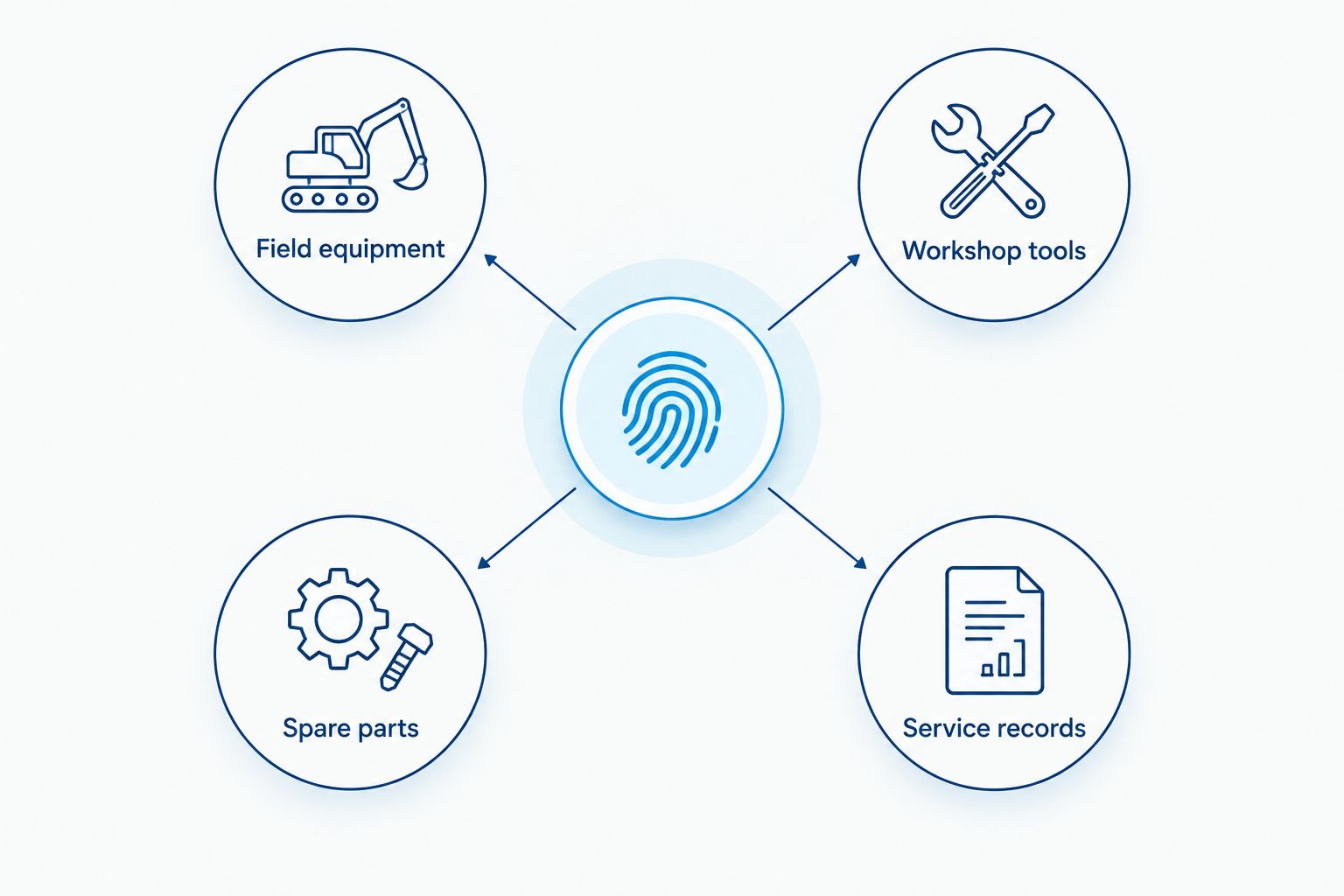
Organize the specification around these application groups:
- Field equipment: Record exposure, mounting surface, and scanning access.
- Workshop tools: Record handling, cleaning, and check-in procedures.
- Spare parts: Record bin identification and receiving workflows.
- Service records: Record the identifier that connects to maintenance history.
2. Specify exposure before choosing media
Inspect representative surfaces and document the actual conditions. Identify the oils, cleaners, water exposure, sunlight, abrasion, and temperatures relevant to each application. Use safety data sheets and site procedures rather than a general description such as harsh environment.
Thermal transfer is the starting point for durable equipment labels, not a durability guarantee. It transfers an image from a ribbon onto compatible stock. Direct thermal prints on heat-sensitive media without a ribbon, making it simpler for temporary, protected applications but sensitive to heat and other exposure.
Polyester is a candidate material for durable identification. Its name alone does not establish chemical resistance, adhesive performance, or temperature suitability.
- Record operating and application temperatures separately.
- Identify the exact cleaning agents used around the label.
- Ask for material and adhesive technical data.
- Match the ribbon to the label coating and exposure.
- Test the finished print, adhesive, and surface together.
3. Match resolution to your actual barcode
Use your existing design tools to create the smallest required label first. Print the real identifier, text, and barcode—not a demonstration pattern. Check it with the scanners your technicians already use.
Resolution describes print detail, not environmental resistance. A 203 DPI printer provides 203 dots per inch; a 300 DPI printer provides 300 dots per inch. A 600 DPI printer provides finer detail, but the label still needs adequate barcode dimensions, contrast, and clear margins.
McAuley Labels offers barcode label printers and asset tags as a sourcing path once you have defined the application. Select hardware from the printed result; do not require a particular supplier to begin testing.
- Keep the barcode’s clear margins free of borders and text.
- Use the scanner-supported barcode format your system requires.
- Print human-readable identification beside the code.
- Compare the same design at its intended physical size.
- Avoid shrinking a barcode simply to fit more text.
4. Test adhesion on representative equipment
Apply candidate labels to representative surfaces using the label manufacturer’s preparation instructions and your site’s approved cleaning process. Test painted steel, stainless steel, coated surfaces, and curved housings separately where those surfaces occur.
A metallized label is not automatically a solid metal tag. Likewise, heavy-duty wording does not establish suitability for a hot pipe, an oily housing, or a chemically cleaned surface. Confirm the material construction and intended application.
Approve the label where it will be used, not on a clean office sample. Keep the identifier visible without covering nameplate information, warning text, inspection points, or controls.

- Follow the specified surface preparation and application conditions.
- Avoid seams, sharp edges, and unnecessary curvature.
- Allow the adhesive to develop its specified bond before testing.
- Inspect edge lifting after representative handling and cleaning.
- Rescan the barcode after the exposure test.
5. Connect each barcode to a stable record
Build the identifier list manually before automating printing. Assign each asset a unique, stable ID and decide which system owns that ID. Location, custodian, and maintenance status belong in the record because those fields change.
A barcode does not create an asset database. It carries data that your scanner and software interpret. A QR code can carry an identifier or a record link, but a web-linked workflow also needs an access and connectivity plan.
For your 2026 deployment, test what happens when a field worker cannot reach the record system. Do not assume a successful camera scan means the maintenance workflow works.
- Define the authoritative asset register.
- Prevent duplicate IDs before printing.
- Preserve the original ID when replacing a damaged label.
- Test access permissions with technician accounts.
- Document the fallback when connectivity is unavailable.
6. Validate the print station and operator workflow
Run a representative print job with your existing process before adding accessories or changing software. Measure the labels you actually produce during a shift and record the interruptions. Media changes, ribbon changes, reprints, and application work all affect output.
Do not select an industrial printer from its maximum speed alone. The useful result is a readable label delivered to the correct asset without an identification error.
Place the print station in a location approved for the equipment. In oil and gas facilities, hazardous-location requirements are a separate approval question; industrial construction does not establish suitability for a classified area.
- Confirm media width, roll format, and sensing requirements.
- Verify the connection your workstation or network will use.
- Calibrate the printer for the selected label stock.
- Save approved settings for each label template.
- Confirm location suitability with your site safety team.
7. Approve the system and control replacements
Create an acceptance record before expanding the rollout. Save the label design, media specification, ribbon specification, printer settings, and test results together. That record makes replacement supplies a controlled decision rather than an informal substitution.
Use the same acceptance process when a material, ribbon, template, or scanner changes. A substitution that looks identical can still change adhesion or scan performance.
Your 2026 maintenance plan should also define how damaged tags are reported and replaced. Reprinting must preserve the asset’s identity and history.
- Name the owner of template changes.
- Store the approved media and ribbon specifications.
- Record scan failures and label damage by application.
- Define printhead cleaning using manufacturer instructions.
- Reapprove substitutions before using them on field assets.
Compare printing options for oil and gas
Choose by label function first, then compare printer hardware. The table separates print methods from specific hardware candidates so that a model’s resolution is not mistaken for a durability rating.
The GoDEX models below are candidates for your 2026 print-station evaluation. Their listed features support different print-detail requirements; they do not establish chemical resistance, outdoor service life, or hazardous-location approval.
| Option | Best for | Functional benefit | Key limitation |
|---|---|---|---|
| Thermal transfer with tested synthetic stock | Durable equipment identification | Uses a ribbon and compatible label stock for the printed image | Requires ribbon selection and application-specific testing |
| Direct thermal | Temporary, protected receiving and routing labels | Prints without a ribbon | Heat-sensitive media requires exposure assessment |
| Preprinted barcode asset tags | Stable identifiers without on-site printing | Removes local printing from the application task | Does not provide on-demand changes to printed content |
| GoDEX ZX430i+ Thermal Printer | Evaluating finer-detail asset labels | Listed with 300 DPI, a 4-inch format, and USB/Serial/Ethernet | Resolution does not establish label durability or classified-area suitability |
| GoDEX RT700i+ Thermal Printer | Evaluating standard-detail labels | Listed with 203 DPI, a 4-inch format, and a color display | Requires a print test for your smallest barcode and text |
The GoDEX ZX430i+ provides more print dots per inch than the GoDEX RT700i+. That difference matters when the design requires finer detail. It does not prove that either printer will produce a readable barcode at every size.
McAuley Labels is best for buyers sourcing barcode label printers and asset tags together. For oil and gas procurement, require application evidence alongside the equipment selection: material data, a representative printed sample, and the relevant site approvals.


Common mistakes oil and gas buyers make
Treating industrial construction as hazardous-location approval
A printer’s industrial description is not permission to install it in a classified area. Obtain the applicable equipment approval before choosing the installation location. Keep routine printing in an approved location unless the equipment and installation meet your site’s requirements.
Specifying resistance without naming the exposure
Oil-resistant or weather-resistant language is too broad for purchasing acceptance. Identify the substance, surface, temperature conditions, and handling involved. Ask McAuley Labels for specifications relevant to your application rather than interpreting a material name as a resistance claim.
Encoding changing maintenance information in the asset ID
A service date or location embedded in the permanent identifier becomes outdated when the asset moves or receives maintenance. Keep the permanent ID stable. Store changing information in the linked record and use a separate service label when your procedure requires one.
Buying resolution instead of fixing the label design
Higher resolution does not correct missing clear margins, excessive barcode content, or a label placed around a tight curve. Review the design first. Your 2026 procurement test should include the smallest required label on its intended surface, scanned through the actual workflow.
Using identification labels as safety controls
A barcode asset tag supports identification; it does not establish equipment condition or authorization to operate. Keep inspection status, hazard communication, and isolation procedures under their approved controls. Do not let a record link replace information that must remain visible on the equipment.
FAQ
What's the best industrial barcode label printer for oil and gas?
The best industrial barcode label printer for oil and gas is the one that passes your complete application test. Evaluate the printer with the intended label stock, ribbon, scanner, surface, and record system; thermal transfer is the starting point for durable equipment identification.
Is thermal transfer better than direct thermal for field equipment?
Thermal transfer is the better starting point for durable field-equipment identification. Direct thermal uses heat-sensitive media without a ribbon and suits temporary, protected applications; neither method removes the need for exposure testing.
Do oil and gas barcode labels need 300 DPI?
Oil and gas barcode labels do not automatically need 300 DPI. Choose resolution by printing your actual barcode and text at the intended size, then checking readability with the scanners used on site.
Can an industrial label printer operate in a hazardous area?
An industrial label printer can operate in a hazardous area only when its approvals and installation satisfy the applicable location requirements. An industrial product description alone does not establish that suitability; obtain approval through your site safety process.
Are silver polyester labels the same as metal tags?
Silver polyester labels are not the same as solid metal tags. Confirm the label construction, adhesive, and exposure specifications rather than treating a metallic appearance as evidence of material performance.
Can QR codes open equipment maintenance records?
QR codes can carry an identifier or a link to an equipment maintenance record. Test technician permissions, connectivity, and the fallback process before adopting a web-linked field workflow.
What should I ask McAuley Labels before choosing a printer?
Ask McAuley Labels to match the barcode label printer, label stock, and ribbon to your documented application. Provide the smallest label design, surface details, exposure conditions, and connection requirements, then validate a representative printed sample.
One last thing
A barcode that scans successfully can still identify the wrong asset. Your final acceptance test must verify the retrieved record, not just the scanner’s confirmation signal.
Before approving your 2026 rollout, have a technician scan an applied label and confirm the equipment identity, serial information, location, and maintenance record. That check closes the gap between printing a readable code and building a useful identification system.