
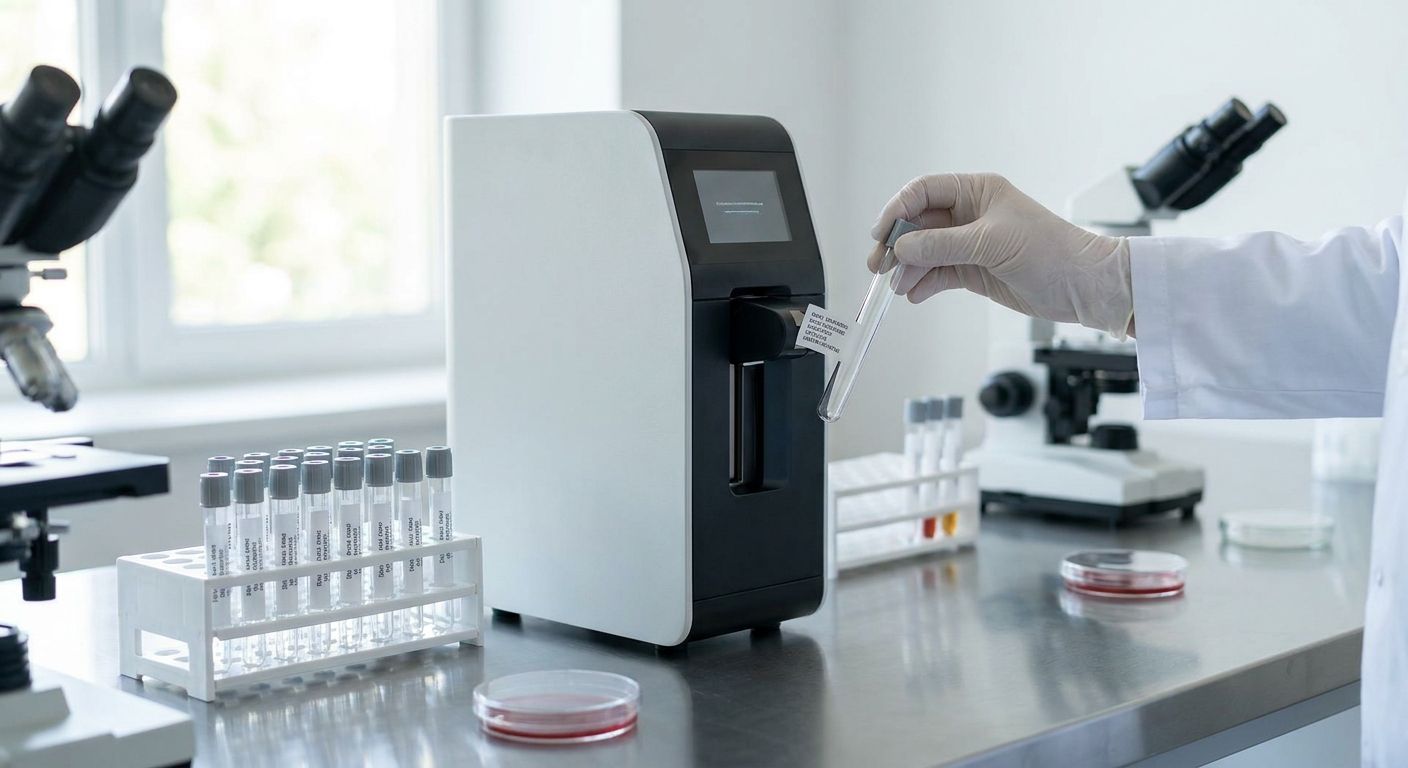
Fertility and IVF labs label more critical specimens per day than almost any other clinical setting — oocytes, embryos, sperm samples, and cryovials that can't be reprinted if a label smears. This guide covers what a test tube labeler for fertility clinics needs to do that a generic lab printer doesn't, plus which specs actually matter when tubes go into liquid nitrogen at -196°C.
- A test tube labeler for fertility clinics needs 300 DPI minimum — 203 DPI blurs on tubes under 13mm.
- Thermal transfer ribbon, not direct thermal, survives cryogenic storage and freeze-thaw cycles without fading.
- The GoDEX ZX430i at 300 DPI is the safe buy for embryology labs printing patient and batch IDs daily in 2026.
- Skip 203 DPI printers for micro-tube and cryovial labeling — the barcode won't scan after storage.
Why this matters
A mislabeled tube in a fertility lab isn't a shipping delay — it's a chain-of-custody failure involving a patient's embryo or gamete sample. Regulatory bodies overseeing IVF labs expect specimen labels to stay legible through cryostorage, thaw, and transport, and that puts different demands on a printer than a general clinic label maker.
Most labs default to whatever label printer they already own for specimen tubes, then find out during an audit that the print has faded or the barcode won't scan after six months in a -80°C freezer. The fix is picking hardware and consumables built for the resolution and adhesion IVF work actually requires, not retrofitting a general-purpose printer.
Who this is for
This guide is for embryology lab managers, andrology techs, and clinic administrators buying or replacing a test tube labeler for fertility clinics running IVF, IUI, or cryopreservation programs. If your lab handles fewer than a dozen tubes a week, a simpler desktop printer might cover you — but any clinic doing regular embryo transfer or sperm banking needs the durability specs below, not the cheapest option on the shelf.
What to look for in a test tube labeler for fertility clinics
Print resolution of 300 DPI or higher
Cryovials and micro-centrifuge tubes are narrow — often 12mm to 16mm in diameter — which leaves little room for a barcode or 2D code. At 203 DPI, small alphanumeric strings and QR codes blur enough to fail a scanner after storage. 300 DPI is the floor for fertility and IVF labeling in 2026, and 600 DPI is worth the premium if you're printing dense 2D codes tying a tube to a patient record.
Thermal transfer, not direct thermal
Direct thermal labels fade under heat, light, and condensation — all three show up in a lab that cycles tubes between room temperature, -80°C freezers, and -196°C liquid nitrogen dewars. Thermal transfer printing bonds pigment into the label stock using a ribbon, which holds up through repeated freeze-thaw cycles where direct thermal print simply disappears.
Cryogenic-rated adhesive and label stock
A label that won't stay adhered at -196°C is a compliance risk, not a cosmetic one. Look for polyester or polypropylene label stock rated for cryogenic storage, not standard paper stock that curls and detaches in liquid nitrogen.
Barcode and 2D code readability after storage
Chain-of-custody tracking for embryos, oocytes, and sperm samples depends on a barcode scanning cleanly months after printing, not just on day one. A 300 DPI printer paired with cryo-rated stock keeps 1D and QR codes readable through the full storage cycle, which matters more in IVF than almost any other lab category.
Batch printing speed for daily patient volume
A busy embryology lab can be printing IDs for a dozen patients' worth of tubes in a single retrieval day. A desktop printer that chokes on batch jobs slows down a process where techs are already working against a clock.
Software that supports sequential and patient-specific numbering
Golabel and similar label design software let you set up sequential batch numbers or patient ID templates once, then reuse them for every cycle instead of manually re-entering data on every tube.
Top picks for fertility and IVF labeling
The safe pick — GoDEX ZX430i 300 DPI printer. 300 DPI resolution handles small barcodes on 12-16mm cryovials without the blur you get at 203 DPI, and it runs thermal transfer for cryogenic durability. Buy for any lab doing regular embryo or sperm cryopreservation.
The workhorse — GoDEX RT730i. Built for higher-volume printing with a 4-color display for on-the-fly template checks, this model suits labs running multiple retrieval cycles per week. Consider if your daily tube volume regularly exceeds what a single desktop unit can keep up with.
The budget option — GoDEX RT200i 203 DPI. Fine for general lab labeling where barcodes sit on larger containers, but 203 DPI is too coarse for micro-tube specimen IDs that need to scan reliably after cryostorage. Skip for IVF-specific tube labeling in 2026.
The consumable that makes it work — thermal transfer ribbon. No printer delivers cryo-stable print without matching ribbon — direct thermal alone won't survive a -196°C dewar. Buy alongside any thermal transfer printer you select; it's not optional.
The desktop alternative — GoDEX G500. A compact option for labs with lower daily tube counts that still need 300 DPI-class resolution without a large-format footprint. Consider for satellite clinics or smaller andrology labs.
What to avoid
- 203 DPI printers on tubes under 13mm diameter — the print resolution simply can't render a scannable code in that small a footprint.
- Direct thermal labels for cryostorage — they fade under freeze-thaw cycling and won't hold up in a -196°C dewar the way thermal transfer print does.
- Static cling labels on cryovials — the adhesive bond fails at cryogenic temperatures, which is exactly where a fertility lab can least afford a label falling off.
Verdict comparison
| Printer | Resolution | Best for | Verdict |
|---|---|---|---|
| GoDEX ZX430i | 300 DPI | Embryo/sperm cryovials, daily IVF labeling | Buy |
| GoDEX RT730i | 300 DPI | Higher-volume retrieval days | Consider |
| GoDEX RT200i | 203 DPI | General lab labeling, not micro-tubes | Skip |
| GoDEX G500 | 300 DPI-class | Lower-volume satellite labs | Consider |
FAQ
What's the best test tube labeler for fertility clinics in 2026?
A 300 DPI thermal transfer printer like the GoDEX ZX430i is the best test tube labeler for fertility clinics in 2026 because it renders small barcodes clearly on 12-16mm cryovials and holds up through cryogenic storage. 203 DPI models are too coarse for micro-tube specimen IDs.
Is thermal transfer better than direct thermal for IVF specimen labels?
Yes, thermal transfer print holds up through freeze-thaw cycles and cryogenic storage where direct thermal print fades within months. Any lab storing tubes below -80°C should default to thermal transfer with matching ribbon.
How much does a lab test tube labeler cost?
Desktop thermal transfer printers built for lab tube labeling generally run in the low thousands of dollars depending on resolution and speed, with 300 DPI models priced above 203 DPI equivalents. Ribbon and cryo-rated label stock are ongoing consumable costs separate from the printer itself.
Can labels survive storage in liquid nitrogen?
Yes, when the label stock is rated for cryogenic use and printed with thermal transfer ribbon on adhesive designed to bond at -196°C. Standard paper labels and direct thermal print typically fail under those conditions.
What resolution do I need for barcode labels on cryovials?
300 DPI is the practical minimum for cryovials and micro-tubes in the 12-16mm range; 203 DPI blurs small barcodes and 2D codes at that scale. Labs printing dense QR codes tying a tube to a patient record should consider 600 DPI.
Do IVF labs need sequential numbering software?
Most embryology and andrology labs benefit from label design software that supports sequential batch or patient ID numbering, since it removes manual re-entry across a full retrieval cycle. Golabel and comparable software handle this on GoDEX-class printers.
What's the difference between 203 DPI and 300 DPI for lab labels?
203 DPI prints roughly 203 dots per inch, which is fine for larger labels but blurs small text and barcodes on narrow tubes. 300 DPI packs more resolution into the same space, which is why it's the standard recommendation for cryovials and micro-tube labeling.
One last thing
The detail most labs miss isn't the printer — it's the ribbon-to-label match. A 300 DPI printer running the wrong ribbon-to-stock pairing still fades in a -80°C freezer just as fast as a direct thermal label, so match ribbon chemistry to label material before assuming resolution alone solves the durability problem.