
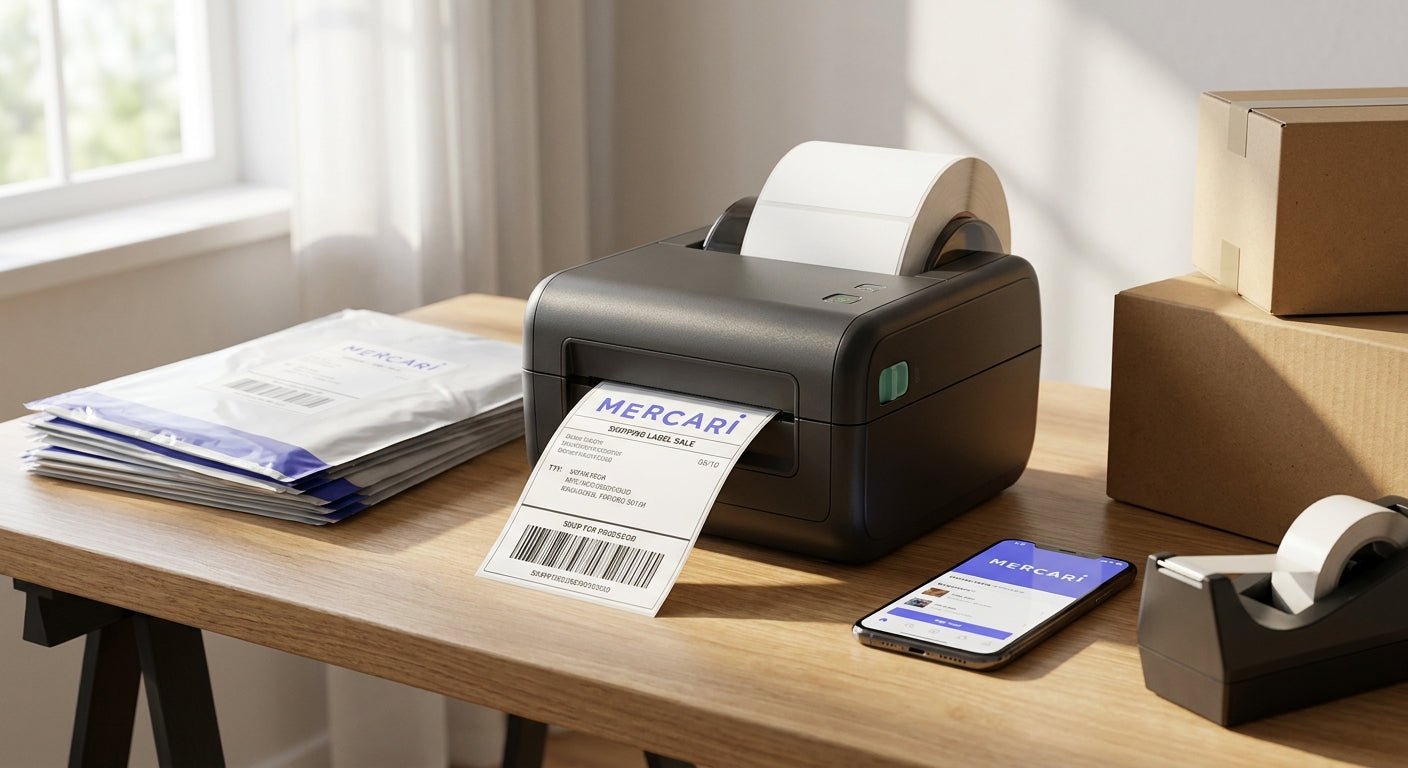
Mercari sellers who ship more than a handful of packages a week burn real money on inkjet labels, jammed printers, and mislabeled barcodes that get rejected at the USPS counter. This guide breaks down what actually matters in a thermal label printer for Mercari sellers in 2026 and names the printers worth buying.
- GoDEX DT230 (300 DPI, direct thermal) is the safe buy for daily Mercari shipping — no ribbon, no ink cost.
- GoDEX RT200i (203 DPI) covers occasional sellers shipping under 15 packages a week — Consider.
- GoDEX RT700i with color display suits power sellers running 30+ labels a day standalone from a PC — Buy.
- Skip inkjet and laser printers for 4x6 labels in 2026 — jam rates and per-label ink cost erase your margin.
Why this matters
Mercari takes a cut of every sale, and shipping is the next-biggest line item eating your margin. A thermal label printer for small business that prints direct thermal 4x6 labels costs pennies per label versus $0.08-$0.15 for inkjet ink and paper, and it prints a scannable barcode in under two seconds instead of the 15-20 seconds a home printer takes to warm up.
Sellers moving 20+ packages a week feel this fastest. A jammed label at 11pm before a pickup deadline is a lost sale, and a smudged barcode that fails to scan at the drop-off counter means a reprint and a wasted label. In 2026, the printers that solve both problems are direct thermal models built for daily shipping volume, not general-office multifunction printers repurposed for labels.
Who this is for
This guide is for Mercari resellers shipping anywhere from 5 packages a week as a side hustle to 50+ a day as a full-time operation, plus crossover sellers running the same inventory through Poshmark or eBay. If you're printing one or two labels a month, a home inkjet still works. Past that volume, a dedicated thermal label printer pays for itself inside a few months on ink savings alone.
What to look for in a thermal label printer for Mercari
Direct thermal vs. thermal transfer
Direct thermal printers use heat-sensitive paper and need zero ink or ribbon — the label darkens where the print head touches it. Thermal transfer printers need a ribbon and cost more per label but produce labels that don't fade in sunlight or friction over months. For shipping labels that travel for a few days, direct thermal is the cheaper, simpler call for almost every Mercari seller.
Print resolution (DPI)
A 203 DPI printer handles standard 4x6 shipping barcodes fine. A 300 DPI printer prints sharper small text and denser barcodes, which matters if you're also printing product labels or QR codes alongside shipping labels. Most Mercari sellers don't need 300 DPI for shipping alone, but it doesn't hurt scan reliability.
Label width and size flexibility
Mercari's prepaid shipping labels are standard 4x6. Confirm the printer accepts 4x6 direct thermal rolls without a separate cartridge or adapter — some budget printers marketed for "labels" only handle 2x1 or 1x1 formats out of the box.
Standalone vs. PC-tethered printing
If you ship from a laptop at a desk, a USB-tethered printer is fine. If you print from a phone in a garage or storage unit, a printer with its own display and keyboard lets you queue labels without a computer nearby — a real time-saver for sellers packing 30+ orders a day.
Speed and daily volume
A printer rated for casual use will overheat or slow down past 40-50 labels in a session. Power sellers running full-time inventory need a printer built for continuous daily runs, not one designed for occasional home office print jobs.
Total cost per label
Factor in the printer price plus the ongoing cost of rolls. A $945 printer with $54 label rolls beats a $200 printer that needs $12 ink cartridges every week once you're shipping daily in 2026.
Top picks for Mercari sellers
GoDEX DT230 Direct Thermal Printer (300 DPI) — the safe pick. It's direct thermal, so there's no ribbon to buy or replace, and 300 DPI resolution keeps barcodes crisp enough to scan clean at USPS and FedEx drop-off every time. For a seller shipping 10-40 packages a week who wants one printer that just works, this is the default choice. Verdict: Buy.
GoDEX RT200i Thermal Printer (203 DPI) — the budget pick. Lower resolution than the DT230, but 203 DPI is the industry standard for 4x6 shipping barcodes and it's the lighter investment if you're testing whether a dedicated label printer is worth it before scaling up. Good fit for a Mercari side hustle shipping under 15 labels a week. Verdict: Consider.
GoDEX RT700i Thermal Printer with color display — the power-seller pick. The color display and onboard controls let you manage print jobs without a laptop tethered to the desk, which matters once you're running a packing station instead of a kitchen table. If Mercari is a full-time job and you're printing 30+ labels a day, this is the printer that keeps up. Verdict: Buy (for daily high-volume shippers).


What to avoid
- Inkjet or laser printers for 4x6 labels. They work in a pinch, but ink cost and jam rates climb fast once you're shipping daily, and the labels smear if they get wet before drop-off.
- Thermal transfer printers for basic shipping. Buying ribbon for labels that only need to survive a few days in transit is an unnecessary recurring cost — save thermal transfer for permanent asset or product labels.
- No-name printers with no listed DPI. If the listing doesn't state a resolution, assume it's low and expect barcode scan failures at the counter.
Verdict comparison
| Printer | Type | Resolution | Best for | Verdict |
|---|---|---|---|---|
| GoDEX DT230 | Direct thermal | 300 DPI | Everyday Mercari shipping, 10-40/week | Buy |
| GoDEX RT200i | Direct thermal | 203 DPI | Occasional sellers, under 15/week | Consider |
| GoDEX RT700i | Direct thermal, color display | Standalone | Power sellers, 30+/day | Buy |
“If your printer needs ink cartridges to make a shipping label, you're paying for the wrong technology in 2026.”
FAQ
What's the best thermal label printer for Mercari sellers in 2026?
The GoDEX DT230 direct thermal printer at 300 DPI is the best all-around pick for Mercari sellers shipping 10-40 packages a week in 2026. It needs no ribbon and prints crisp barcodes that scan clean at USPS and FedEx counters.
Do I need a thermal transfer printer or direct thermal for Mercari shipping labels?
Direct thermal is the right call for Mercari shipping labels since they only need to survive a few days in transit. Thermal transfer with ribbon is better suited for permanent labels like asset tags, not shipping labels.
How much does a thermal label printer cost for shipping labels?
Direct thermal printers built for shipping range from under $1,000 for entry models like the GoDEX RT200i to over $2,000 for industrial units like the GoDEX GX4200i. Budget printers work but slow down past daily high-volume use.
Is a 4x6 label required for Mercari shipping?
Mercari's prepaid shipping labels print in the standard 4x6 format, and most carriers expect that size for scanning. Confirm your printer accepts 4x6 direct thermal rolls without needing an adapter.
What DPI do I need for a shipping label barcode to scan correctly?
203 DPI is the industry standard and scans reliably for shipping barcodes. 300 DPI adds sharper resolution for small text or QR codes if you're also printing product labels.
How much do direct thermal shipping labels cost per roll?
A roll of 4x6 direct thermal shipping labels compatible with UPS, USPS, and FedEx runs around $54 in 2026. No ribbon or ink is needed to print them.
Can I print Mercari labels from a Mac or Chromebook?
Most GoDEX thermal printers connect over USB and work with standard driver software on Mac and Chromebook setups. Check the specific model's connectivity options before buying if you're not on Windows.
Is a standalone label printer worth it for a part-time Mercari seller?
If you're shipping under 15 packages a week, a budget direct thermal printer like the GoDEX RT200i pays for itself in ink savings within a few months. Full standalone keyboards make more sense once volume climbs past daily shipping.
One last thing
The printer isn't where most Mercari sellers lose money — it's buying the wrong label stock for the printer they already own. A 300 DPI printer loaded with cheap, uncoated rolls still produces a barcode that fails to scan, so match label stock to resolution before blaming the machine.